Press for navigation
Swipe for navigation

Link In Video

Turn any video into an interactive, shoppable experience with LinkInVideo—CTAs, forms, hotspots, and real-time analytics.
Video Editing Updated 23 minutes ago
Visit Website
Link In Video

Link In Video's Top Features

Video annotation and clickable linking (text, images, buttons)
Interactive video hotspots with external linking
No-code editor for adding interactivity
Works with any video host (YouTube, Vimeo, Wistia, and more)
No re-upload required—connect existing videos
Live URL updating for hotspots and annotations
Brand customization (colors, fonts, styles)
Real-time analytics dashboard for clicks and engagement
Shoppable video capabilities
Lead capture forms and in-video CTAs

Frequently asked questions about Link In Video

LinkInVideo lets creators, brands, and businesses add interactive elements—like clickable links, lead forms, and CTA buttons—directly within videos to turn viewers into engaged customers.

It works with any video hosting platform, including YouTube, Vimeo, Wistia, and more.

Sign up on the LinkInVideo website, connect your existing videos, and start adding interactive elements without re-uploading.

No. You can connect your existing videos on your preferred hosting platform and add interactivity without re-uploading.

Yes. LinkInVideo supports both pre-recorded and live videos, so you can add interactive elements in real time.

Clickable links, lead capture forms, CTA buttons, shoppable video hotspots, and more—plus analytics to track engagement.

Yes. You get real-time analytics to track engagement, clicks, and conversion rates for your interactive video campaigns.

Absolutely. Shoppable videos and direct CTAs help drive sales, capture leads, and increase engagement.

LinkInVideo provides support for onboarding, troubleshooting, and optimizing interactive video campaigns. See the website for support details.

Yes. LinkInVideo offers tutorials, guides, and resources on its website to help you make the most of the platform.

Link In Video's pricing

Free

$0/

  • Basic interactive video creation
  • Basic analytics
  • Limited number of videos per month

Pro

$0/

  • Advanced analytics
  • Removal of LinkInVideo branding
  • Priority customer support

Enterprise

$0/custom

  • All Pro features
  • Custom integrations
  • Dedicated account manager

Customer Reviews

Login to leave a review

No reviews yet. Be the first to review!

Top Link In Video Alternatives

Wondershare Presentory

Filmora is a comprehensive video editing tool perfect for creating stunning videos effortlessly.

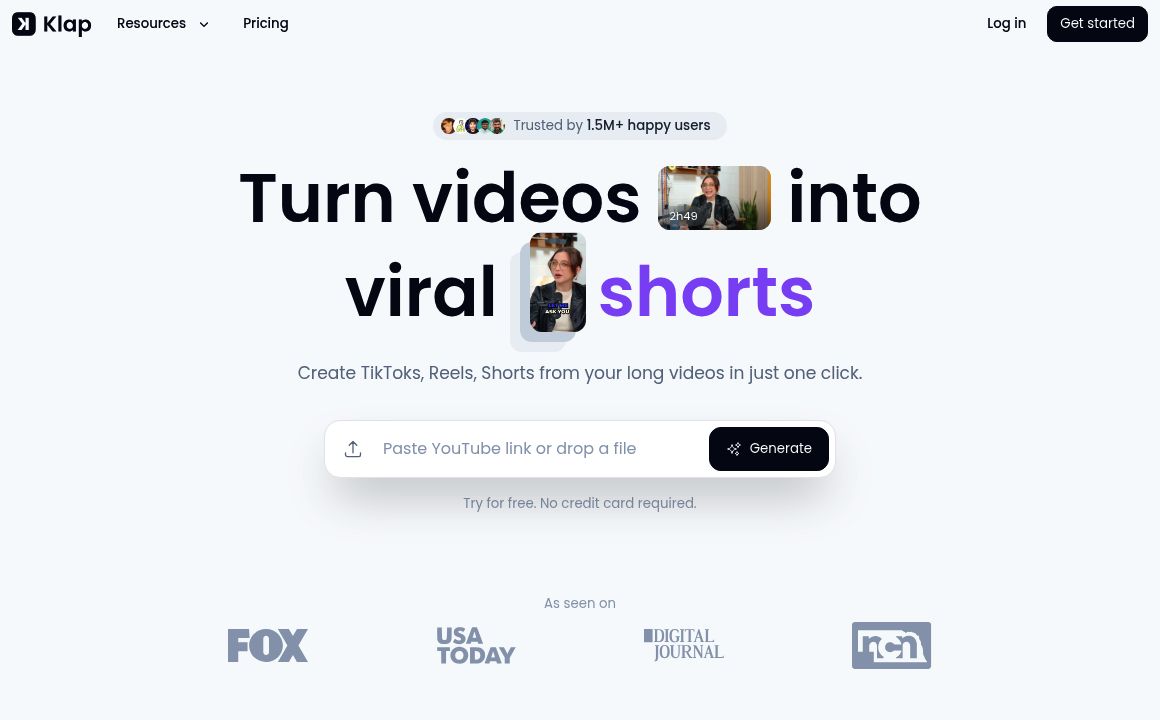
Klap

Transform long-form videos into engaging clips with Klap’s AI-powered video maker. Try for free!
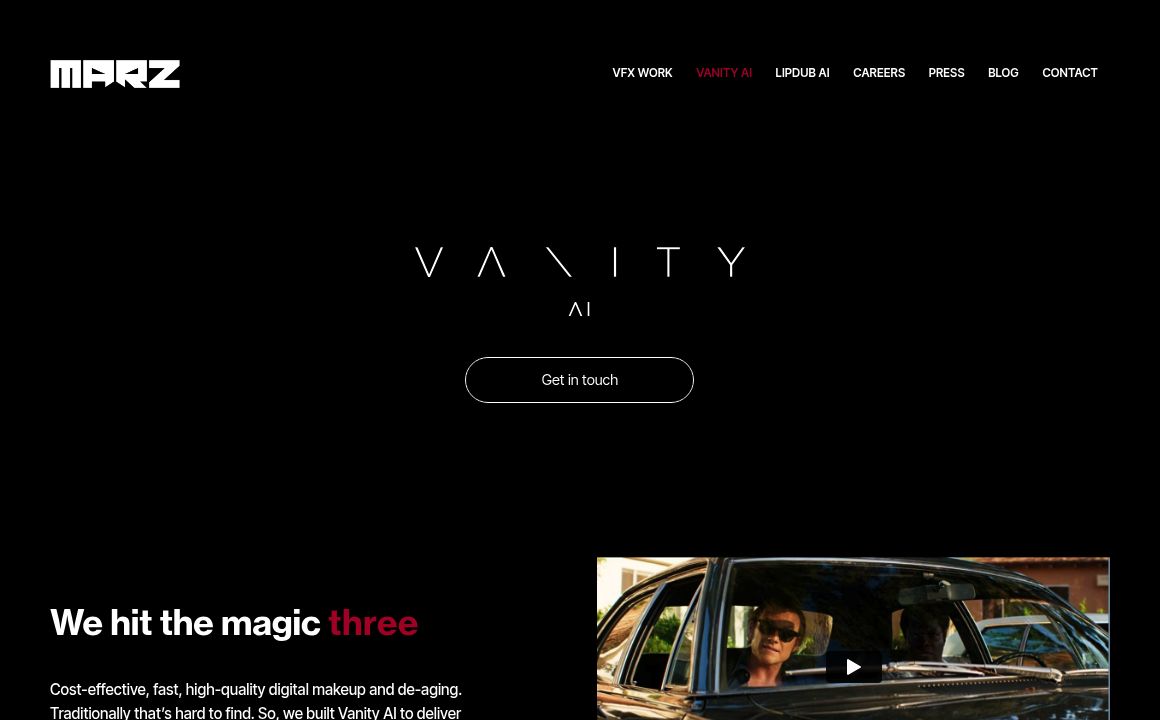
Vanityai

Vanity AI provides Hollywood with a fast, cost-effective, and trusted solution for high-quality 2D V...
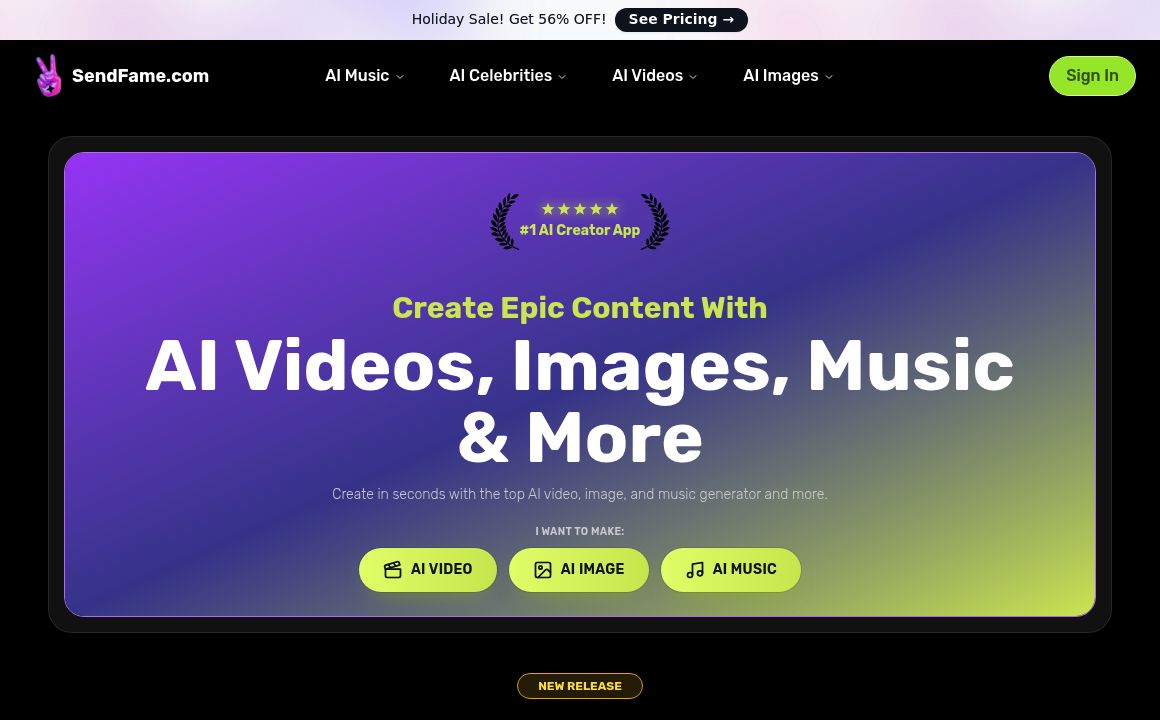
SendFrame

SendFame.com offers AI-generated celebrity videos and music, featuring voices of Elon Musk, Donald T...

VidGenius

Innovative AI tool for creating, editing, and optimizing videos effortlessly. Perfect for beginners...
Qwai AI

Customize subtitles and captions on Qualped Life with various colors, sizes, and fonts for the best...
Prev Project
Next Project