Press for navigation
Swipe for navigation

Airtime

Airtime elevates video at work with Camera, Creator, and Screen Recorder. Branded calls, AI edits, and seamless Zoom/Meet/Teams support.
Video Editing Updated 13 hours ago
Visit Website
Airtime

Airtime's Top Features

Airtime Camera virtual webcam with customizable backgrounds, layouts, logos, and brand colors
Shareable, team-wide branded looks to keep video presence consistent
Name tags, status overlays, BRB notices, and reactions via icons or GIFs (GIPHY)
Airtime Creator desktop suite for building and recording presentations
Present yourself inside your slides and pin visuals behind or around you
Import slides from PowerPoint, Keynote, and PDF
Record modules or segments and edit to fix mistakes or rearrange content
AI-assisted tools to organize thoughts and improve final video results
Send video briefings ahead of meetings to align teams asynchronously
Works with Zoom, Google Meet, Microsoft Teams, Cisco Webex, and more

Frequently asked questions about Airtime

Airtime is a toolkit for video at work that helps teams record, present, and share over video using specialized tools for meetings, recordings, and demos.

Airtime includes Airtime Camera for enhanced video calls, Airtime Creator for building and recording presentations, and a browser-based Airtime Screen Recorder.

Yes. Airtime works with Zoom, Google Meet, Microsoft Teams, Cisco Webex, and virtually any video conferencing app.

Airtime offers a 14-day free trial with full access. After the trial, it’s $10/month when billed annually or $12 month-to-month. Airtime Camera is also available as a standalone app for a one-time charge.

Control your appearance, layout, and background; add logos and brand colors; share looks with teammates; show name tags and status; and use icons or GIFs as reactions.

Build presentations with custom layouts, present yourself within your slides, import PowerPoint/Keynote/PDF, record and edit, and use AI to help organize and improve your content.

Founders, educators, sales teams, creators, and anyone who uses video for work—from demos and pitches to training and briefings.

mmhmm is now Airtime. The company rebranded to reflect a toolkit approach. Existing mmhmm subscribers keep unlimited access to Airtime tools at the same subscription price.

No. Airtime Screen Recorder runs in your browser so you can record and share dynamic videos without downloading anything.

Yes. Airtime supports sharing the stage with up to 10 people for collaborative presentations and recordings.

Airtime's pricing

Individual

$10/monthly

  • Access to Camera, Screen Recorder, and Creator
  • Unlimited meetings, recordings, storage, and time usage
  • Custom looks for video calls

Individual

$10/annual

  • Access to Camera, Screen Recorder, and Creator
  • Unlimited meetings, recordings, storage, and time usage
  • Custom looks for video calls

Team

$10/monthly

  • Everything in Individual
  • Admin dashboard
  • Centralized billing

Customer Reviews

Login to leave a review

No reviews yet. Be the first to review!

Top Airtime Alternatives

Wondershare Presentory

Filmora is a comprehensive video editing tool perfect for creating stunning videos effortlessly.

Klap

Transform long-form videos into engaging clips with Klap’s AI-powered video maker. Try for free!
Vanityai

Vanity AI provides Hollywood with a fast, cost-effective, and trusted solution for high-quality 2D V...
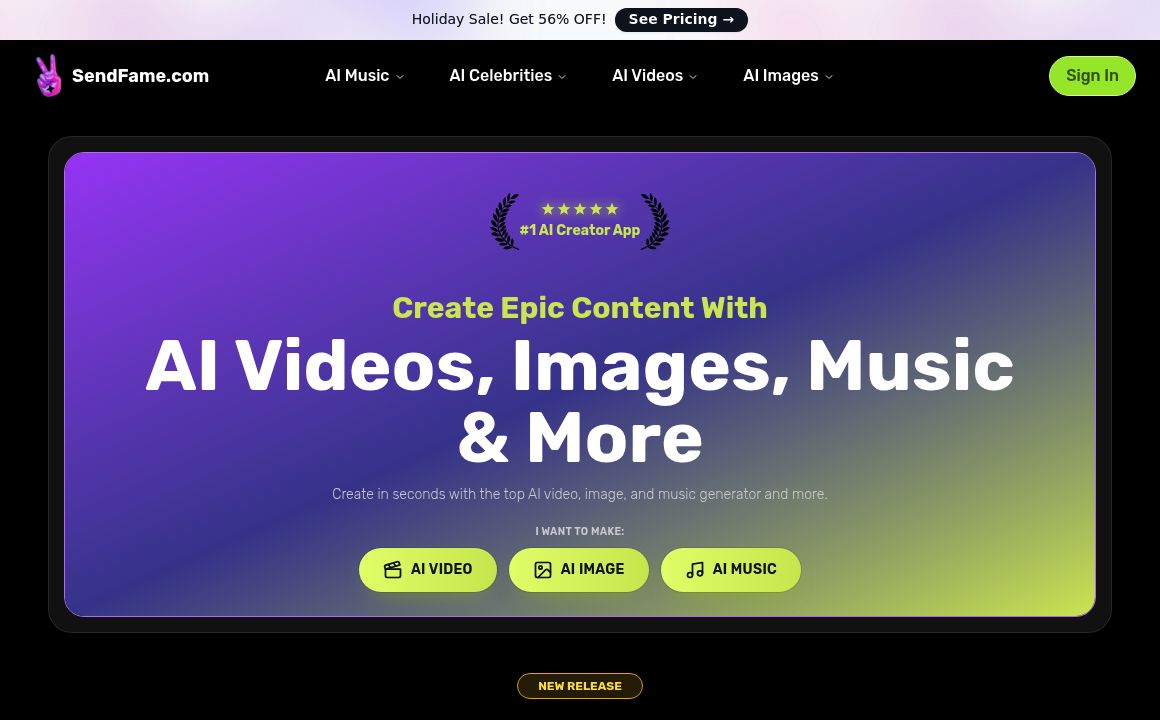
SendFrame

SendFame.com offers AI-generated celebrity videos and music, featuring voices of Elon Musk, Donald T...

VidGenius

Innovative AI tool for creating, editing, and optimizing videos effortlessly. Perfect for beginners...
Qwai AI

Customize subtitles and captions on Qualped Life with various colors, sizes, and fonts for the best...
Prev Project
Next Project