Press for navigation
Swipe for navigation

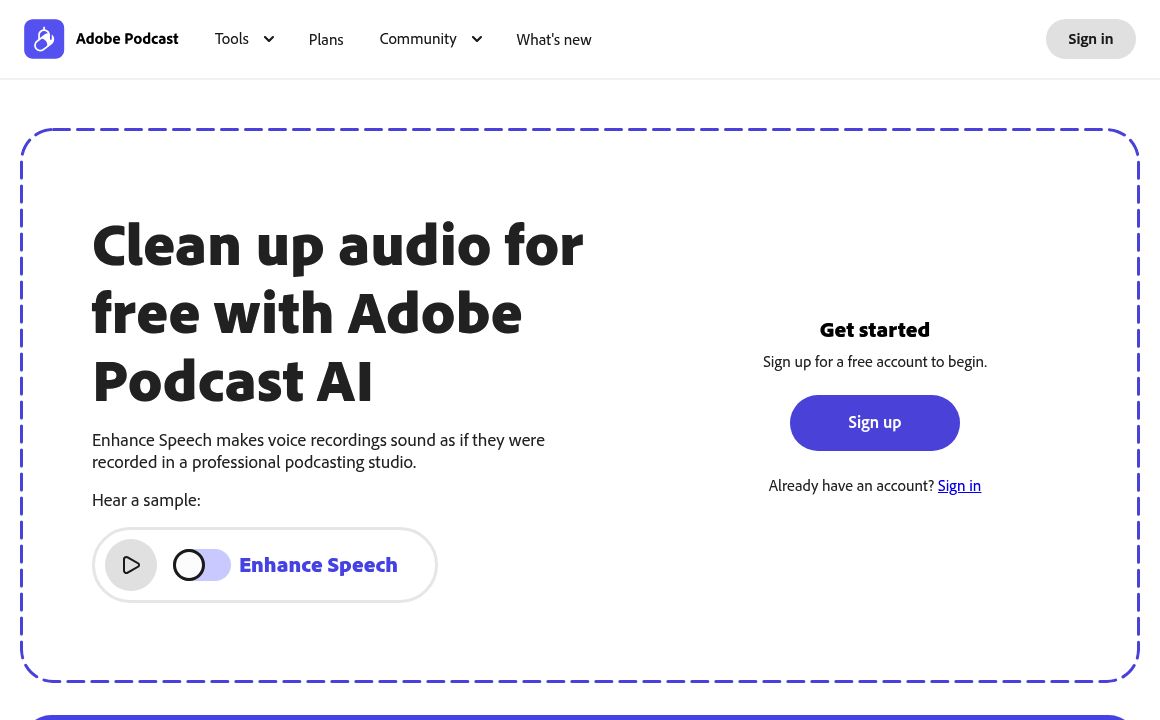
Adobe Audio Enhancer

Enhance your audio with Adobe Audio Enhancer - AI-driven clarity and noise reduction.
Audio Editing Updated 52 seconds ago
Visit Website
Adobe Audio Enhancer

Adobe Audio Enhancer's Top Features

AI-powered audio cleanup and enhancement
Intelligent noise reduction without affecting main audio
Enhanced clarity for improved intelligibility
Precise control of volume and pitch
Support for multiple audio formats
"Mic Check" tool for testing microphone setups
Enhance Speech feature for cleaning up spoken audio
Bulk upload capabilities (in paid plans)
Strength adjustments for enhanced control over enhancement process (in paid plans)
"Studio" tool for simulating professional studio environment

Frequently asked questions about Adobe Audio Enhancer

Adobe Audio Enhancer is an AI-powered tool that improves audio quality by reducing noise, reverberation, and echoes, enhancing recordings to sound professionally made.

It works best with audio recorded using low-quality microphones, like those in phones or used in online meetings, but may struggle with very poor-quality audio or multiple overlapping speakers.

No, the Premiere Pro version processes audio locally on your device after the initial setup, without needing a continuous internet connection.

The Mix Amount slider lets you blend enhanced audio with the original, controlling the balance between processed and unprocessed sound.

It supports mono and stereo files; using a stereo file results in a mono downmix output.

Yes, after enhancing audio, additional effects can be added as the enhanced clip behaves like a standard audio clip in the timeline.

The effect is clip-based, affecting only the portion of the clip within the timeline, not the entire source file.

Yes, there is a free version available that allows processing of files up to 500MB and 30 minutes in length.

The paid version includes increased file limits, bulk upload capabilities, and advanced strength adjustments for more control over enhancements.

There are potential indications of integration with Adobe Premiere Pro, enhancing its utility within the Adobe product ecosystem.

Adobe Audio Enhancer's pricing

Free

$0/monthly

  • Daily limit: 30 minutes of processing
  • File size limit: 500MB
  • Basic speech enhancement

Premium

$9.99/monthly

  • Daily limit: 4 hours of processing
  • File size limit: 1GB
  • Bulk uploads

Premium

$99.99/annual

  • Daily limit: 4 hours of processing
  • File size limit: 1GB
  • Bulk uploads

Customer Reviews

Login to leave a review

No reviews yet. Be the first to review!

Top Adobe Audio Enhancer Alternatives

Audo Studio

Audo.ai: Transform your audio with AI-driven noise cancellation and enhancement for creators and dev...

Express Scribe

Download Express Scribe Transcription Software for efficient audio transcription. Supports over 45 f...
Aflorithmic

AudioStack: The enterprise solution for AI-powered audio production, enabling cost and time-efficien...
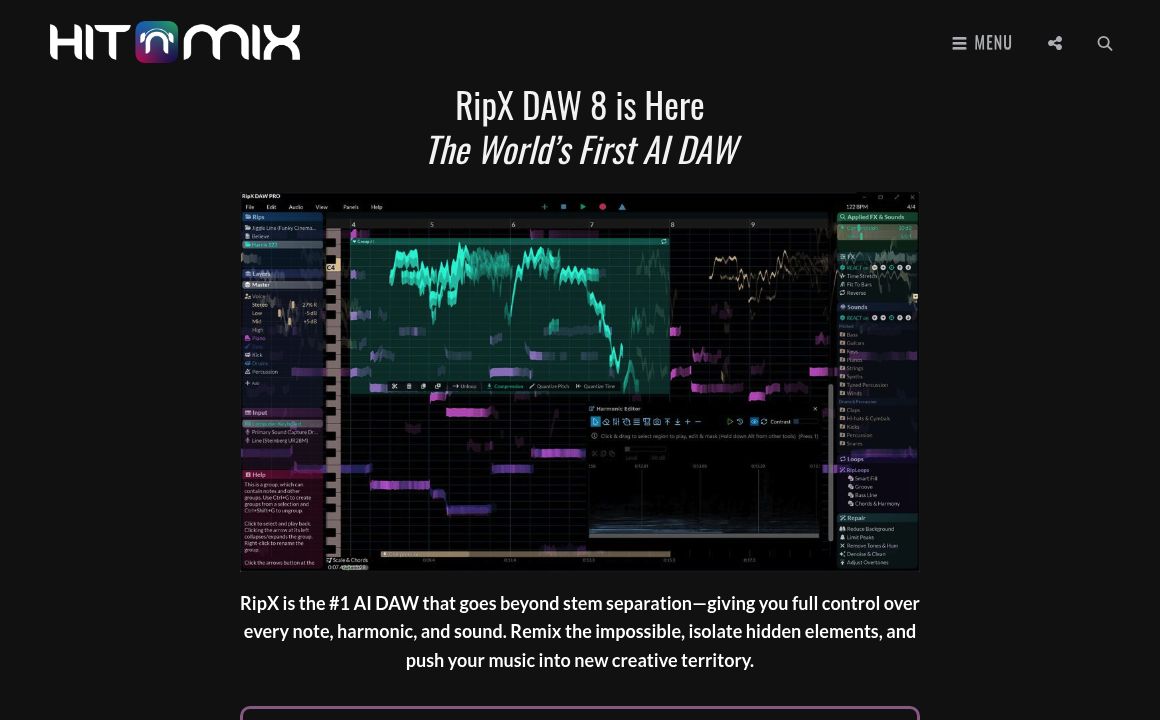
RipX

Experience unparalleled audio editing with RipX DAW. Split stems, edit notes, and customize sounds u...
AudioStrip

Discover AudioStrip: The ultimate tool for musicians to separate, denoise, batch process, master, an...
Bocca

Bocca powers real-time AI voice agents and storytelling with a simple API, natural voices, and world...
Prev Project
Next Project