Press for navigation
Swipe for navigation

VideoProc

VideoProc Converter AI: All-in-one video processing with AI enhancements, hardware acceleration, and extensive format support.

Video Editing Updated 1 hour ago
Visit Website
VideoProc

VideoProc's Top Features

AI-powered enhancements including AI Super Resolution, Frame Interpolation, and Noise Removal to upscale and stabilize video and audio.
Level-3 Hardware Acceleration for high-speed conversion without quality loss, supporting Intel, NVIDIA, AMD, and Apple processors.
Extensive format support with over 370 input and 420+ output formats, covering wide-ranging video, audio, and DVD codecs.
User-friendly editing tools for cutting, cropping, merging, and applying effects, suitable for both beginners and advanced users.
Built-in media downloader compatible with over 1000 websites, featuring batch downloads and playlist saving options.
DVD processing capabilities for converting and backing up content with options for high-quality preservation or compression.
Screen recording functionality to capture screen, webcam, and audio with features like picture-in-picture and chroma key effects.
Additional features include batch processing, high-quality compression, and support for 3D and 360-degree video formats.

Frequently asked questions about VideoProc

VideoProc utilizes AI for Super Resolution to upscale video quality, Frame Interpolation to create smoother motion, and Noise Removal to improve audio and video clarity.

Yes, VideoProc uses Level-3 hardware acceleration to speed up processing without sacrificing quality. It supports Intel, NVIDIA, AMD, and Apple processors.

VideoProc boasts support for over 370 input and 420+ output formats, encompassing a wide array of video, audio, and DVD codecs.

VideoProc's editing tools are designed for ease of use, making it suitable for both beginners and experienced users. It offers basic features like cutting, cropping, and merging, along with more advanced effects.

Yes, VideoProc includes a built-in media downloader compatible with over 1000 websites. It supports batch downloads and saving playlists.

VideoProc allows you to convert and back up DVD content. You can choose to preserve high quality or compress the files for smaller sizes.

VideoProc can record your screen, webcam, and audio simultaneously. It offers features such as picture-in-picture and chroma key effects for creating unique recordings.

Yes, VideoProc offers batch processing for efficiency and supports 3D and 360-degree video formats. It also provides high-quality compression options.

VideoProc is developed by Digiarty Software, a reputable company with a long history. The software is considered safe and has received positive reviews. However, always download software from trusted sources.

VideoProc provides comprehensive user guides and video tutorials to help users learn how to use the software. They also offer email support for technical issues.

VideoProc's pricing

Premium

$25.95/annual

  • Access to all features
  • Available on up to three PCs or Macs

Lifetime

$45.95/

  • Lifetime access
  • For one PC or Mac

Lifetime

$78.9/

  • Lifetime access
  • For one PC or Mac

Customer Reviews

Login to leave a review

No reviews yet. Be the first to review!

Top VideoProc Alternatives

Wondershare Presentory

Filmora is a comprehensive video editing tool perfect for creating stunning videos effortlessly.

Klap

Transform long-form videos into engaging clips with Klap’s AI-powered video maker. Try for free!

Vanityai

Vanity AI provides Hollywood with a fast, cost-effective, and trusted solution for high-quality 2D V...
SendFrame

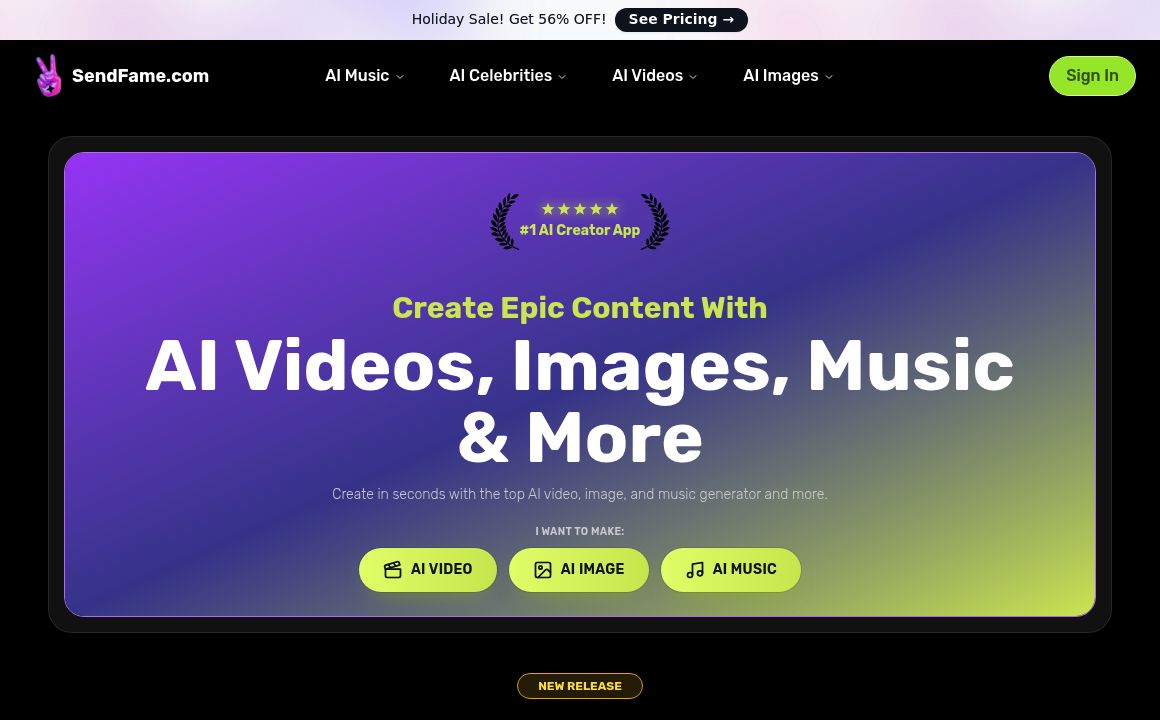
SendFame.com offers AI-generated celebrity videos and music, featuring voices of Elon Musk, Donald T...

VidGenius

Innovative AI tool for creating, editing, and optimizing videos effortlessly. Perfect for beginners...
Qwai AI

Customize subtitles and captions on Qualped Life with various colors, sizes, and fonts for the best...
Prev Project
Next Project