Press for navigation
Swipe for navigation

TechSmith

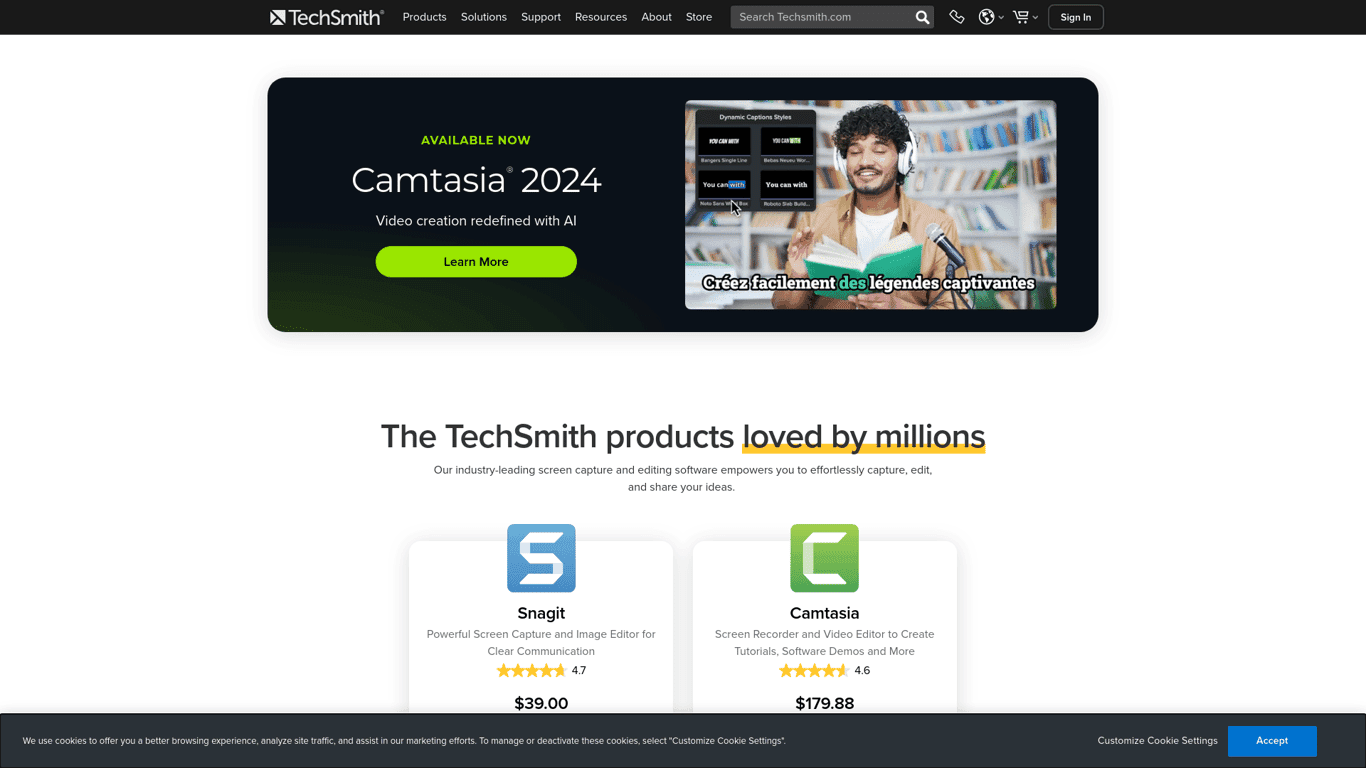
Discover TechSmith's Snagit and Camtasia for advanced screen recording and video editing.
Video Editing Updated 3 hours ago
Visit Website
TechSmith

TechSmith's Top Features

Screen capture with Snagit covering various areas including scrolling regions.
Camtasia's video editing with annotations, text, effects, and transitions.
Audio recording and editing with Audiate.
AI-powered tools like text recognition and automatic UI simplification.
Royalty-free asset libraries for Snagit and Camtasia users.
Easy sharing and collaboration options, including custom links and uploads.
Screencast for video hosting and content management.
Supportive services including tutorials, webinars, and help centers.

Frequently asked questions about TechSmith

Each user can install the software on up to two computers for their personal use, as long as only one computer is in use at a time.

A single-user license provides a unique key for each purchased copy, while a multi-user license offers one key for all users within a specified number of licenses, starting typically at five users.

TechSmith has specific licensing for shared workstations, requiring a signed addendum and possibly different terms than standard licensing.

Licenses are not transferable on a short-term basis, but if a user leaves the company, you can uninstall the software and reassign it within the same organization.

Various payment methods are available, including credit cards, and specifics depend on location and purchase type.

The return policy varies with the purchase type and may include time limits. Details are available on their support site.

Use TechSmith’s key lookup tool, and check order confirmations as they typically include the key.

Requirements differ based on the operating system (Windows or macOS) and version, listed on product pages.

Change hotkeys via Tools > Program Preferences > Hotkeys, and check for potential conflicts with other applications.

Access online resources like video tutorials and a help center with troubleshooting articles. Webinars are also offered.

TechSmith's pricing

Essentials

$179.88/annual

  • Unlimited screen and camera recording
  • Video editing
  • Speech-to-text transcription

Create

$249/annual

  • Text-based video editing
  • AI-generated scripts
  • Audio cleanup

Pro

$499/annual

  • Video reviews
  • Collaboration tools
  • AI-translated scripts and captions

Customer Reviews

Login to leave a review

No reviews yet. Be the first to review!

Top TechSmith Alternatives

Klap

Transform long-form videos into engaging clips with Klap’s AI-powered video maker. Try for free!

Vanityai

Vanity AI provides Hollywood with a fast, cost-effective, and trusted solution for high-quality 2D V...

SendFrame

SendFame.com offers AI-generated celebrity videos and music, featuring voices of Elon Musk, Donald T...

VidGenius

Innovative AI tool for creating, editing, and optimizing videos effortlessly. Perfect for beginners...
Qwai AI

Customize subtitles and captions on Qualped Life with various colors, sizes, and fonts for the best...
Valossa AI

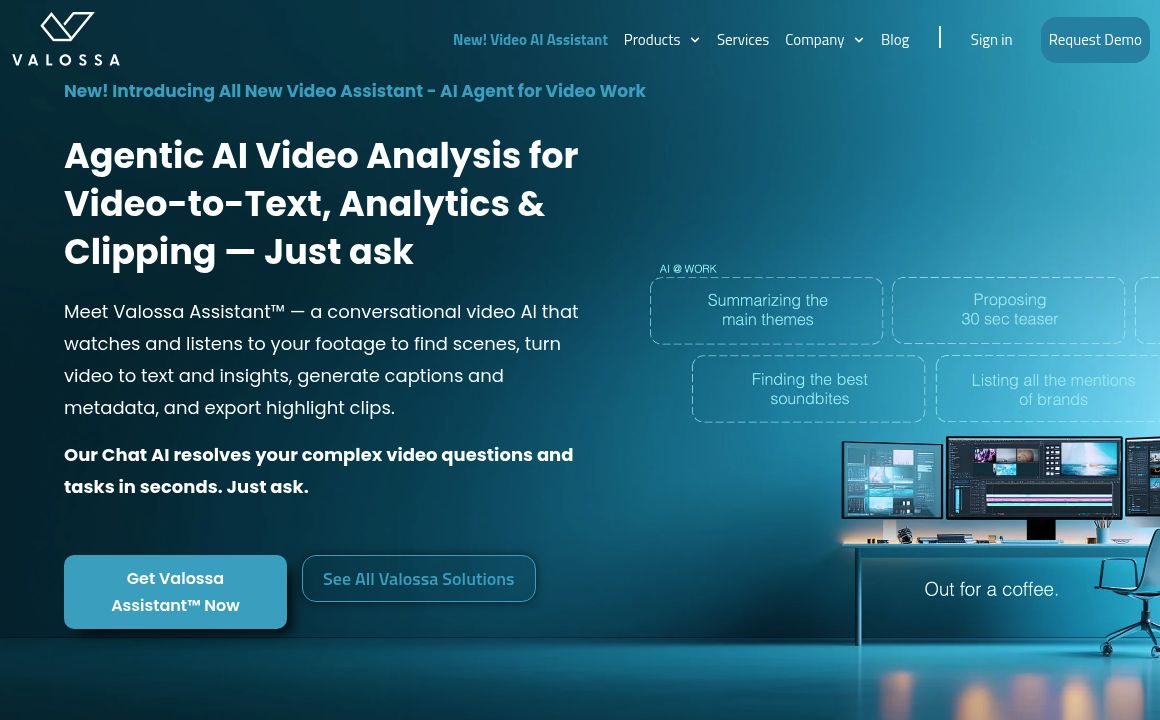
Discover Valossa's AI products: Transcribe Pro Vision, Ad Scout, Auto Preview, Moderator, and Moods...

Prev Project
Next Project