Press for navigation
Swipe for navigation

PicWonderful

Discover PicWonderful's online tools: Generate Image from Text, Remove Image Background, Unblur Image, and Colorize Image. Make photo editing easy!
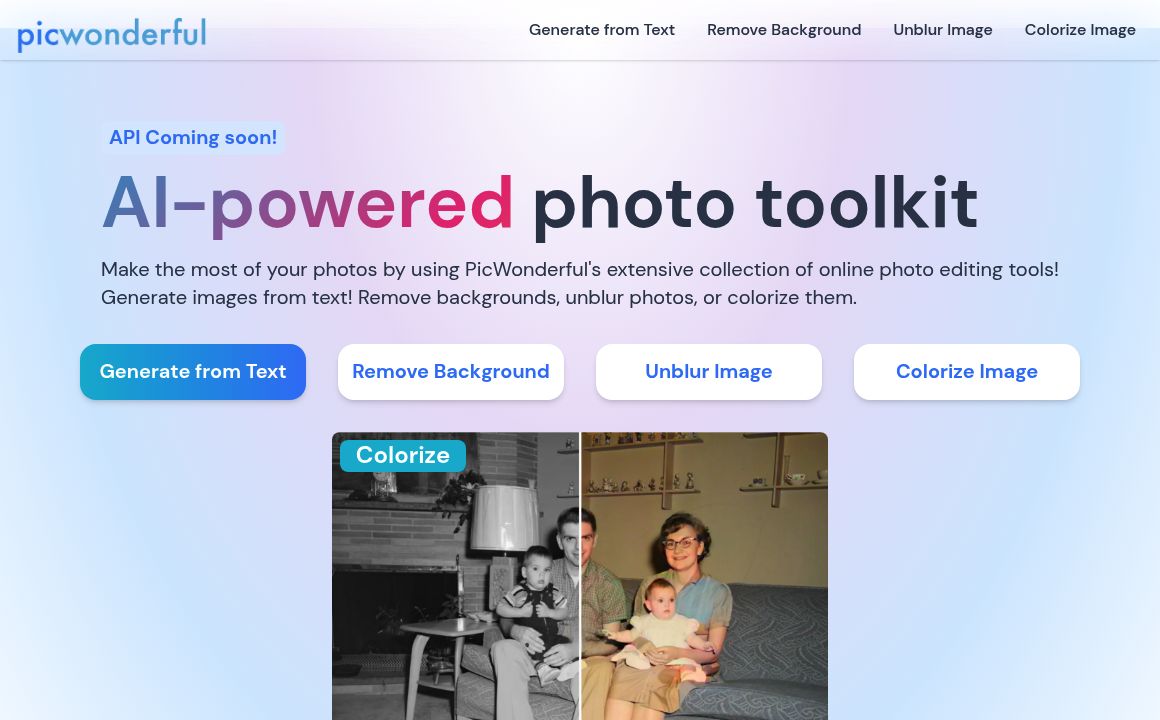
Image Editing Updated 15 minutes ago
Visit Website
PicWonderful

PicWonderful's Top Features

Generate Image from Text
Remove Image Background
Unblur Image
Colorize Image
Simple and intuitive interface
AI-powered tools
Free online photo editor
Suitable for all skill levels
Quick and easy editing
Supports multiple image formats

Frequently asked questions about PicWonderful

With PicWonderful's online photo editor, you can enhance your photos by selecting from a variety of features like basic adjustments, portrait beauty, and photo effects. Simply apply the desired feature, download your edited masterpiece, and share it with the world.

Photo editing involves adjusting and enhancing your photos to turn them into works of art. With PicWonderful, you can lighten dull colors, add stunning effects, blur or remove backgrounds, and so much more in just a few clicks.

PicWonderful offers a range of powerful editing features similar to Photoshop but with a more user-friendly interface. It's designed to be easy for anyone to use, whether you're a professional photographer or a complete novice.

PicWonderful provides various image editing tools, including Generating Image from Text, Removing Image Background, Unblurring Images, and Colorizing Images.

To remove the background of an image using PicWonderful, simply upload your photo and use the 'Remove Image Background' tool. The background will be erased in just a few clicks.

Yes, PicWonderful offers a 'Colorize Image' feature that allows you to add vibrant colors to black and white photos, transforming them into dynamic and lively images.

Absolutely. PicWonderful's 'Unblur Image' tool can enhance the resolution and clarity of blurry photos, making them crisp and clear.

Yes, PicWonderful offers powerful editing tools that are suitable for both professional photographers and beginners, allowing everyone to create stunning visuals easily.

To generate an image from text, use PicWonderful's 'Generate Image from Text' tool. Set the image dimensions, enter your text prompt with the desired style, and let the tool create the image for you.

While the tools are designed to be intuitive and easy to use, PicWonderful also provides tips and guidelines on its user interface to help you make the most out of each editing feature.

Customer Reviews

Login to leave a review

No reviews yet. Be the first to review!

Top PicWonderful Alternatives

AIGIFs

Discover Glam Graph: Effortlessly create 25 unique looks from a single image in minutes. Perfect for...

Spyne

Discover Spyne's AI-powered solutions for creating and enhancing visual content. Streamline your pro...
IMGN

Experience cutting-edge image editing with IMGN app - no AI knowledge required. Available on Google...

Pixian.AI

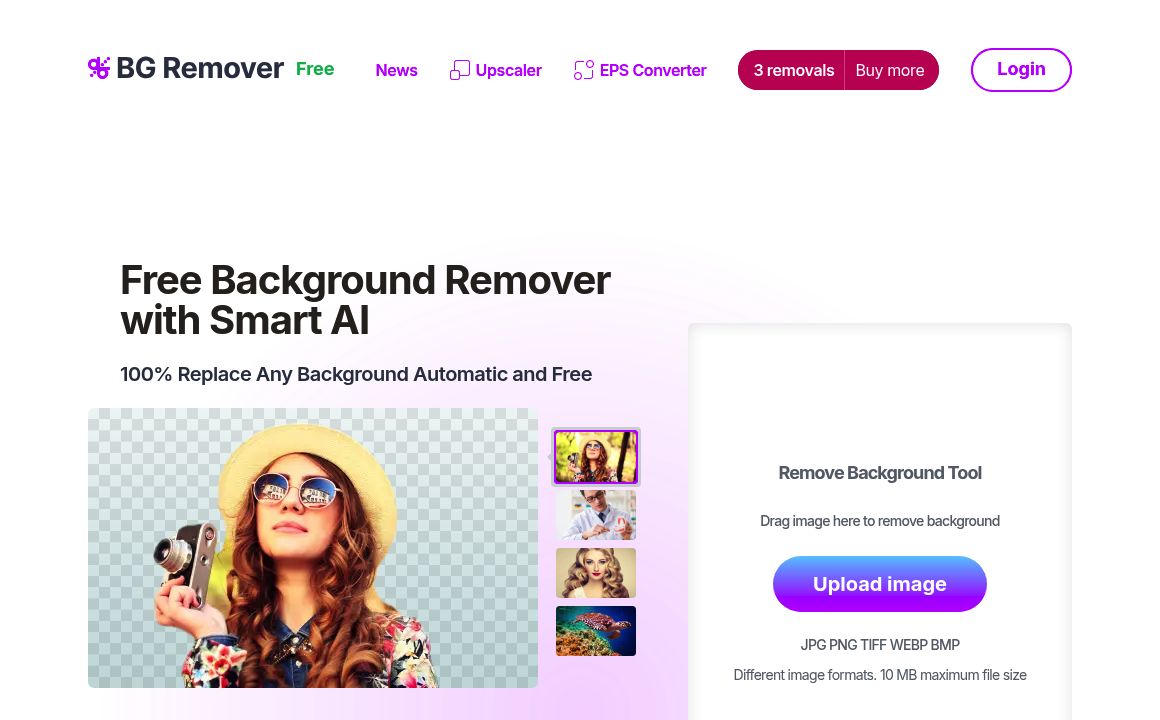
Discover Pixian.AI for automated image background removal with best-in-class fidelity. Free and paid...
Imageeditor.ai

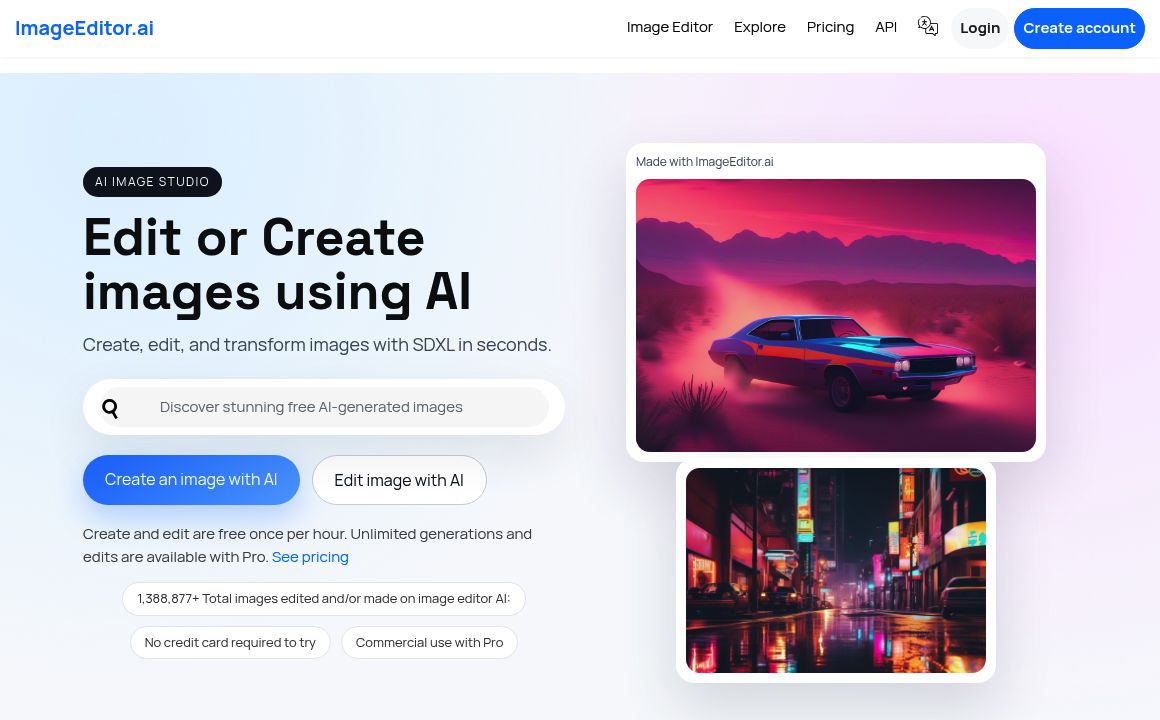
Discover ImageEditor.ai's suite of AI tools for image and video editing, background removal, interio...
Variart

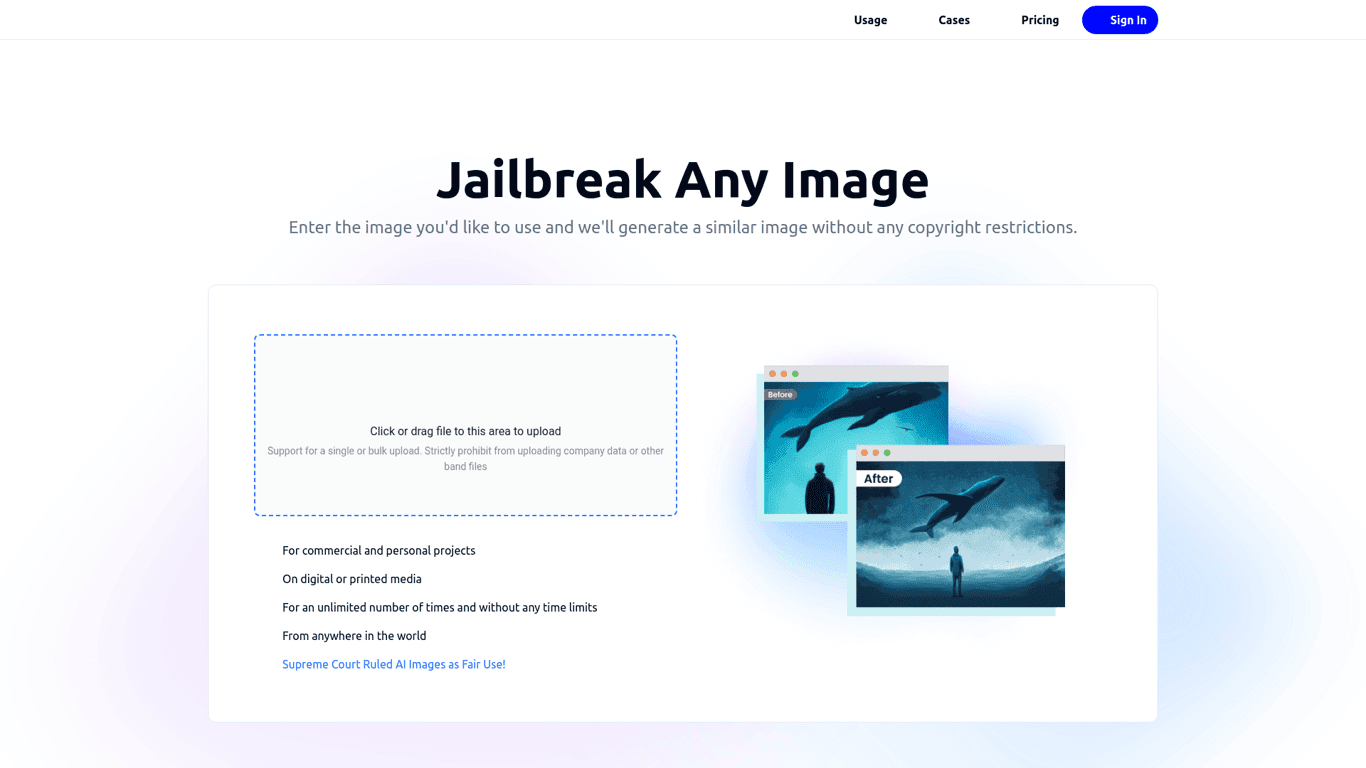
Convert copyrighted images into copyright-free versions effortlessly with Variart's AI-powered tool....

Prev Project
Next Project