Press for navigation
Swipe for navigation

Cleanup Pictures

Remove objects, text, and watermarks with Cleanup.pictures’ AI inpainting—fast, high quality, web-based, and API-ready.
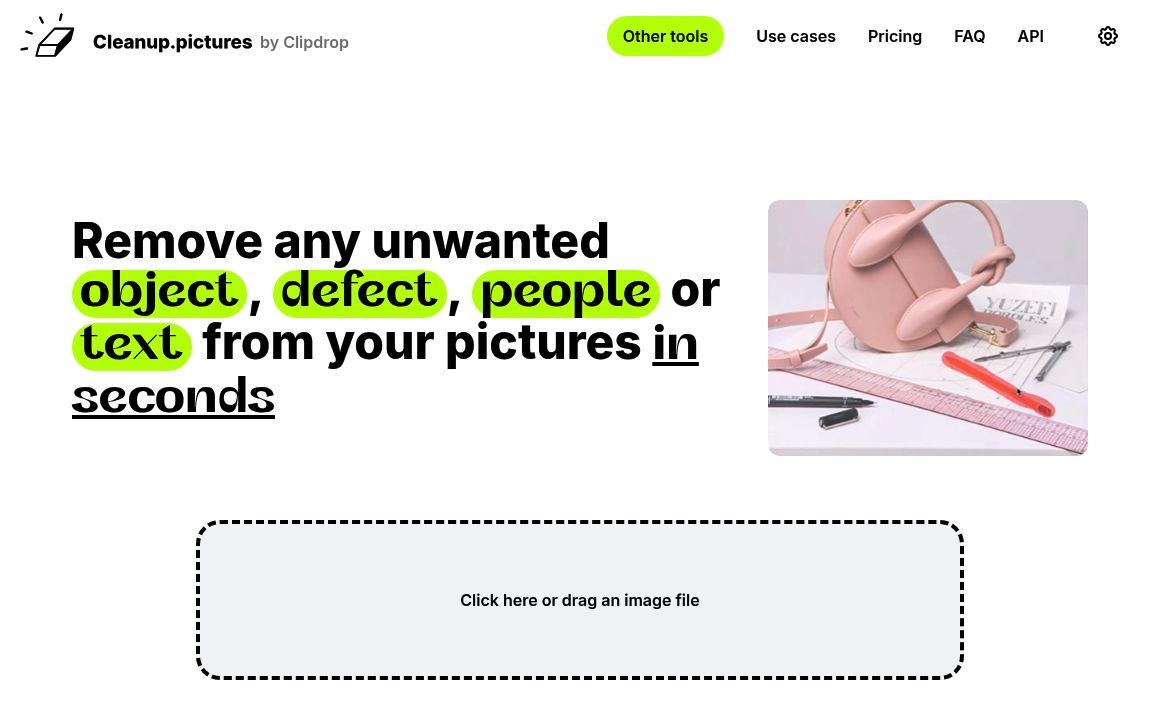
Image Editing Updated 32 seconds ago
Visit Website
Cleanup Pictures

Cleanup Pictures's Top Features

AI object removal: Remove unwanted objects, people, text, logos, watermarks, date stamps, cracks, and defects from photos using an advanced AI inpainting algorithm.
Automatic reconstruction: The AI reconstructs the background or what was behind the removed object in just one click, without requiring a reference background.
High-quality inpainting: Delivers photo retouch results superior to traditional clone stamp tools.
Multiple export options: Supports unlimited images with resolution capped at 720p for free users; Pro users can export images at unlimited/high resolutions.
Professional use-cases: Designed for photographers, creative agencies, real estate professionals, and e-commerce businesses to quickly clean, depersonalize, and enhance product or property photos.
Developer API: Offers a high-quality, high-availability inpainting API for integration into other products or workflows, with usage-based pricing.
ClipDrop Pro integration: Access to advanced features such as background removal, background replacement, uncrop, generative fill, and other image editing tools (via a bundled ClipDrop Pro subscription).
Easy-to-use interface: The tool allows users to simply brush over the area to be removed, with pro tips for optimal results.
Mobile and desktop access: Works on both platforms, with subscriptions available on either.
No complex software required: Achieves professional photo cleanup results quickly, without requiring specialized skills or software like Photoshop.

Frequently asked questions about Cleanup Pictures

Cleanup.pictures is an online tool that allows users to quickly remove unwanted objects, people, or text from images using advanced AI technology.

To use Cleanup.pictures, upload your image to the website, select the area you wish to erase, and the tool will automatically remove the selected object from the photo.

Yes, Cleanup.pictures offers a free version for users. However, unlimited, high-resolution export and additional features are available through subscription.

You can upload and edit photos, images, and graphics to remove objects, people, text, or defects from them.

No installation is required. Cleanup.pictures is a web-based tool and works directly from your browser.

All images are processed via encrypted HTTPS connection, and uploaded pictures are deleted automatically from servers after a short period.

Yes, the tool is accessible and works on both desktop and mobile browsers.

Cleanup.pictures supports standard image formats such as JPG and PNG for uploads.

The tool is designed to remove various unwanted elements from images, including people, text, and other objects.

Yes, Cleanup.pictures offers an API so developers can integrate the technology into their own applications or workflows.

Cleanup Pictures's pricing

Free

$0/

  • Unlimited images
  • Resolution limited to 720p

Pro

$5/monthly

  • Unlimited images
  • Unlimited resolution
  • High-quality refiner

Pro

$36/annual

  • Unlimited images
  • Unlimited resolution
  • High-quality refiner

Customer Reviews

Login to leave a review

No reviews yet. Be the first to review!

Top Cleanup Pictures Alternatives

AIGIFs

Discover Glam Graph: Effortlessly create 25 unique looks from a single image in minutes. Perfect for...

Spyne

Discover Spyne's AI-powered solutions for creating and enhancing visual content. Streamline your pro...

IMGN

Experience cutting-edge image editing with IMGN app - no AI knowledge required. Available on Google...
Pixian.AI

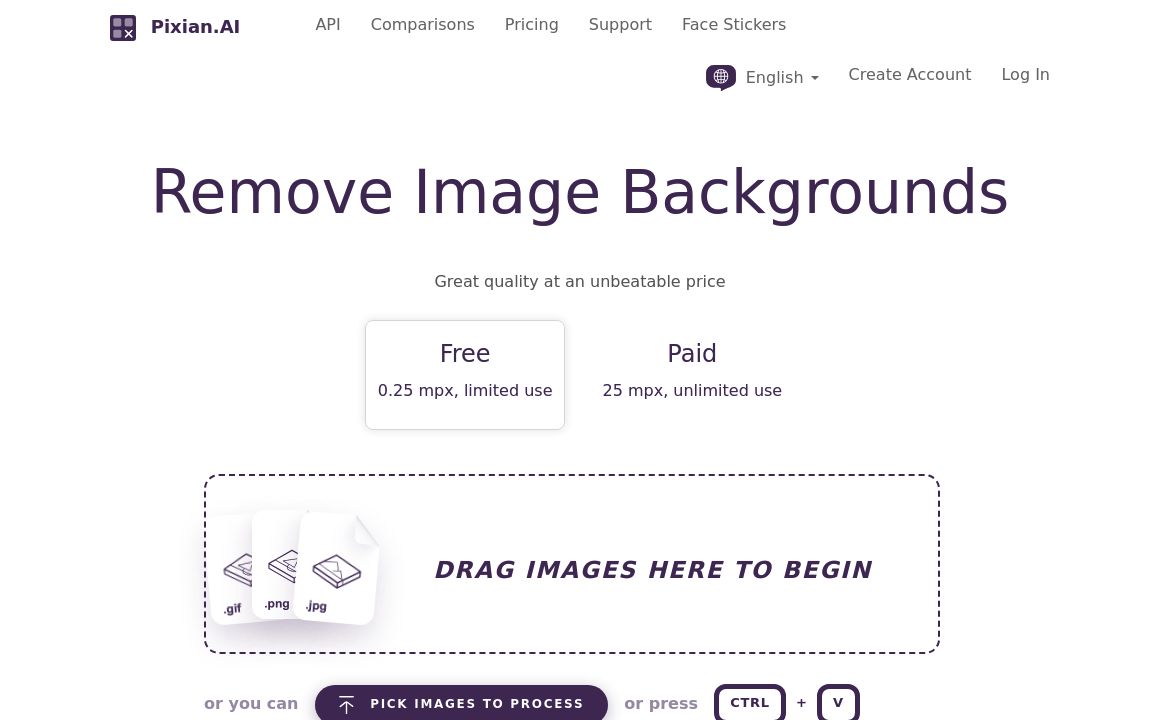
Discover Pixian.AI for automated image background removal with best-in-class fidelity. Free and paid...
Imageeditor.ai

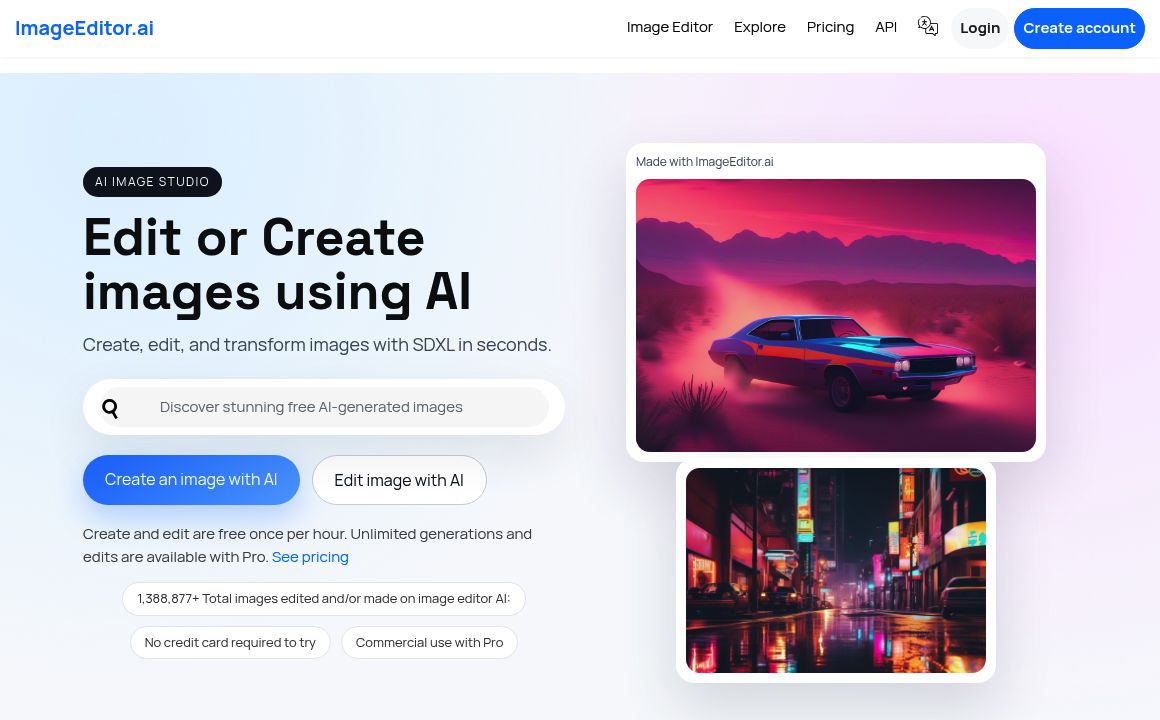
Discover ImageEditor.ai's suite of AI tools for image and video editing, background removal, interio...
Variart

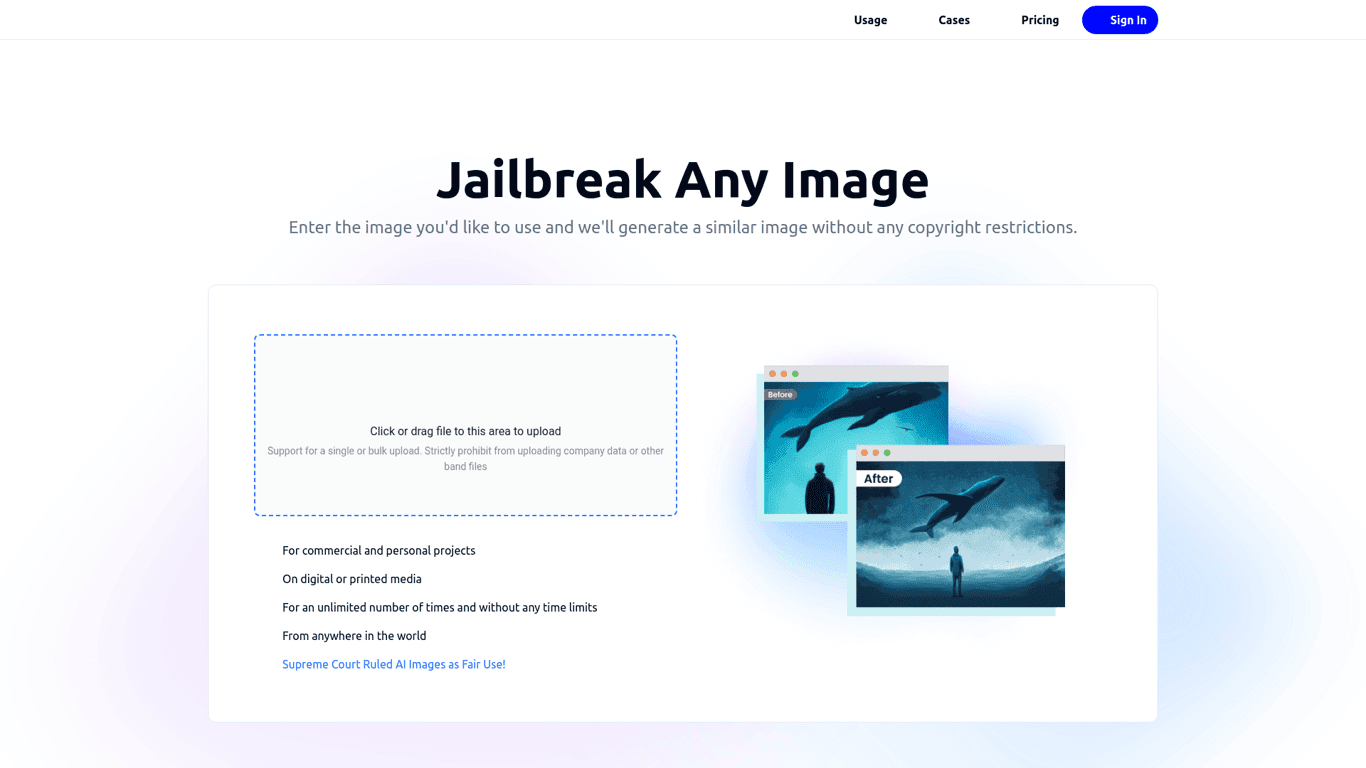
Convert copyrighted images into copyright-free versions effortlessly with Variart's AI-powered tool....
Prev Project
Next Project