Press for navigation
Swipe for navigation

VDraw

VDraw is an AI visual suite for image generation, editing, watermark removal, and social posts—free for creators.
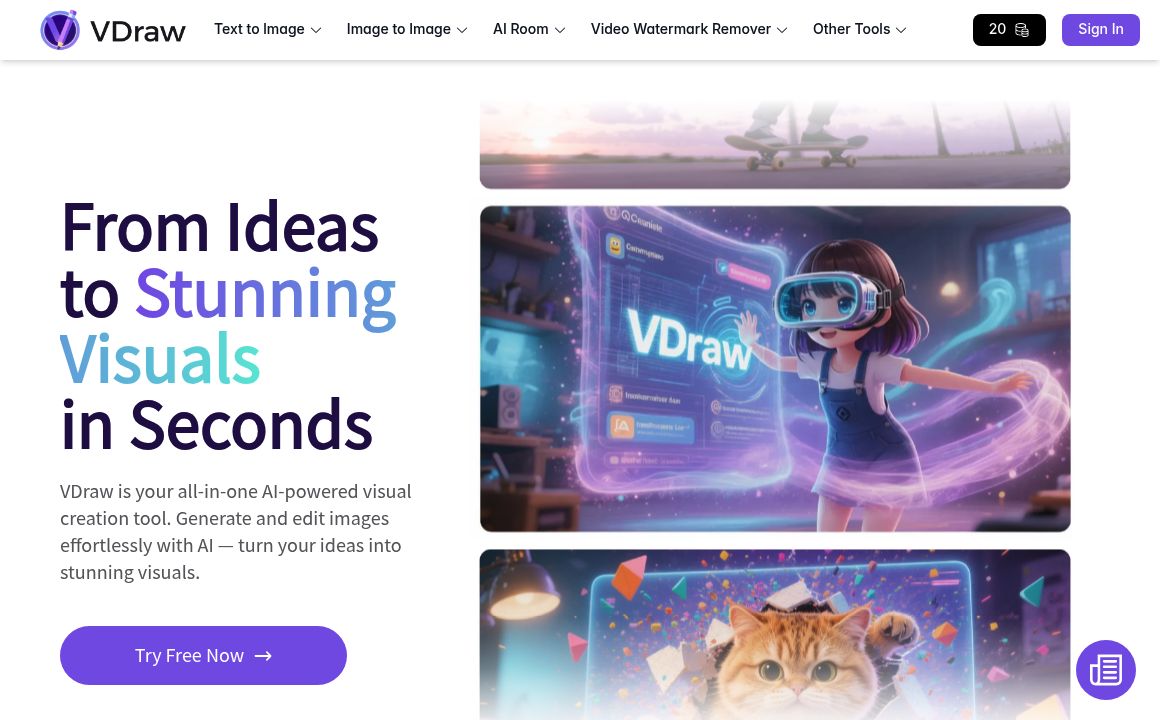
Image Editing Updated 1 hour ago
Visit Website
VDraw

VDraw's Top Features

Text-to-image generator with style and size controls
AI Image Editor for background swaps, lighting adjustments, retouching, and effects
Image-to-Image blending using up to three source images
One-click Video Watermark Remover
Image-to-Text (OCR) with multilingual support
AI Room Design for interior and exterior visualizations
AI Carousel Generator from text, topics, or YouTube links
AI Thumbnail Maker for YouTube, social, and presentations
AI Infographic Generator for slides and data visuals
Social Media Toolkit: content downloader, username checker, grid splitter, and more

Frequently asked questions about VDraw

VDraw is an all-in-one AI visual creation platform that lets you generate and edit images, design social content, remove video watermarks, and use creator-focused tools—without needing design skills.

Yes. VDraw offers free access to core tools with limited AI credits upon signup. Premium plans add more credits, advanced features, and watermark-free exports.

You can upload JPG, PNG, and WebP files to the AI Image Editor for best results with clear, high-resolution images.

Yes. The Image to Image Generator lets you upload up to three images and blend them intelligently. You can also guide results with text prompts to replace backgrounds or modify objects.

Upload a JPG, PNG, or WebP, describe your edits in a prompt, choose an AI model and output size, then generate, preview, and download your result.

VDraw includes an AI Carousel Generator, AI Thumbnail Maker, AI Infographic Generator, Video Watermark Remover, Image to Text (OCR), AI Room Design, and a Social Media Toolkit with creator utilities.

Yes. VDraw processes images securely, keeps uploads private, and avoids permanent storage of your content.

VDraw is trusted by over 2 million creators worldwide and holds an Excellent rating based on community reviews.

Premium includes access to all editing tools, watermark-free downloads, more AI credits, unlimited templates, custom editor settings, PNG and PowerPoint exports, and early access to new features.

Yes, VDraw is web-based and works in modern browsers—no install required. Free plans may include watermarks on some outputs; premium plans remove them.

VDraw's pricing

Starter

$0/monthly

  • Access to all editing tools
  • Infographics, carousels, flowcharts, charts, summarizer
  • Limited AI credits upon signup

Pro

$0/monthly

  • Everything in Starter
  • Download with no watermark
  • More AI credits

Enterprise

$0/custom

  • Unlimited AI credits
  • API access
  • Custom integrations

Customer Reviews

Login to leave a review

No reviews yet. Be the first to review!

Top VDraw Alternatives

AIGIFs

Discover Glam Graph: Effortlessly create 25 unique looks from a single image in minutes. Perfect for...
Spyne

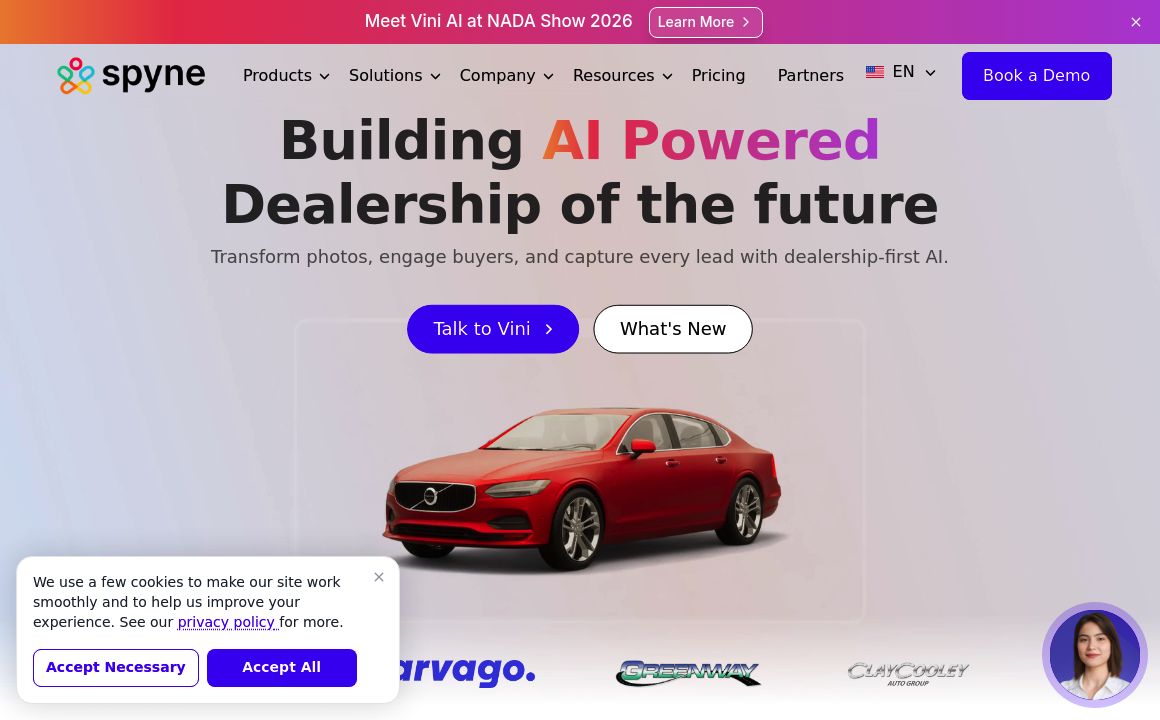
Discover Spyne's AI-powered solutions for creating and enhancing visual content. Streamline your pro...
IMGN

Experience cutting-edge image editing with IMGN app - no AI knowledge required. Available on Google...
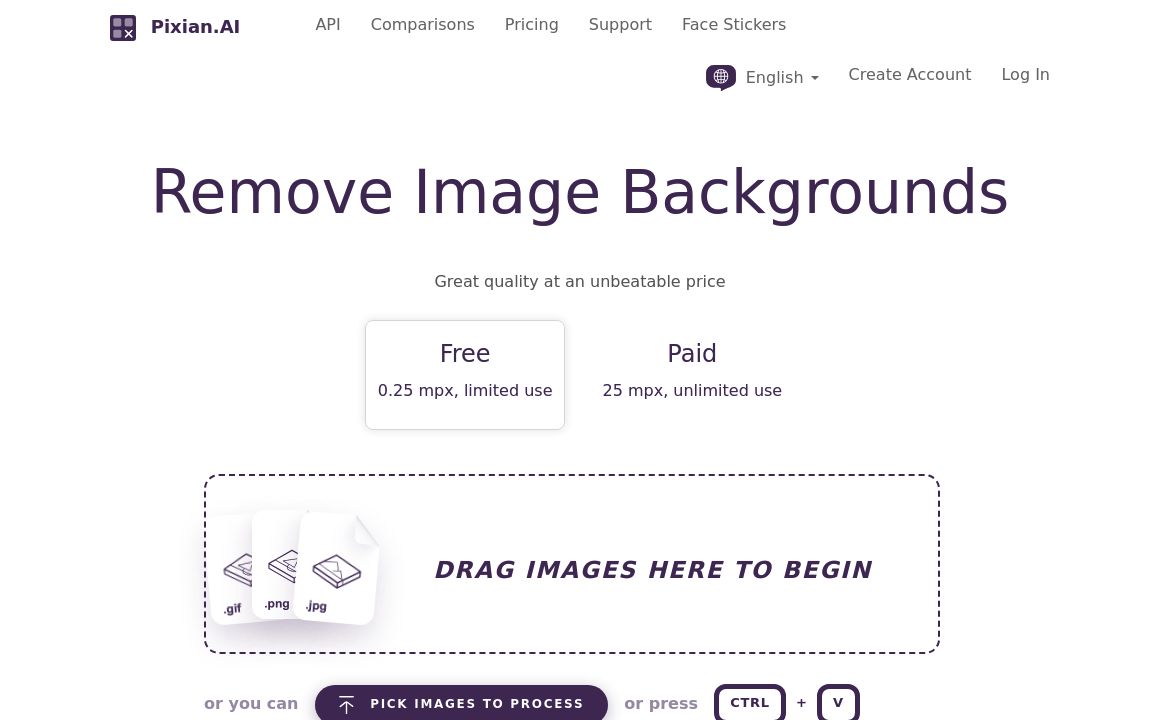
Pixian.AI

Discover Pixian.AI for automated image background removal with best-in-class fidelity. Free and paid...
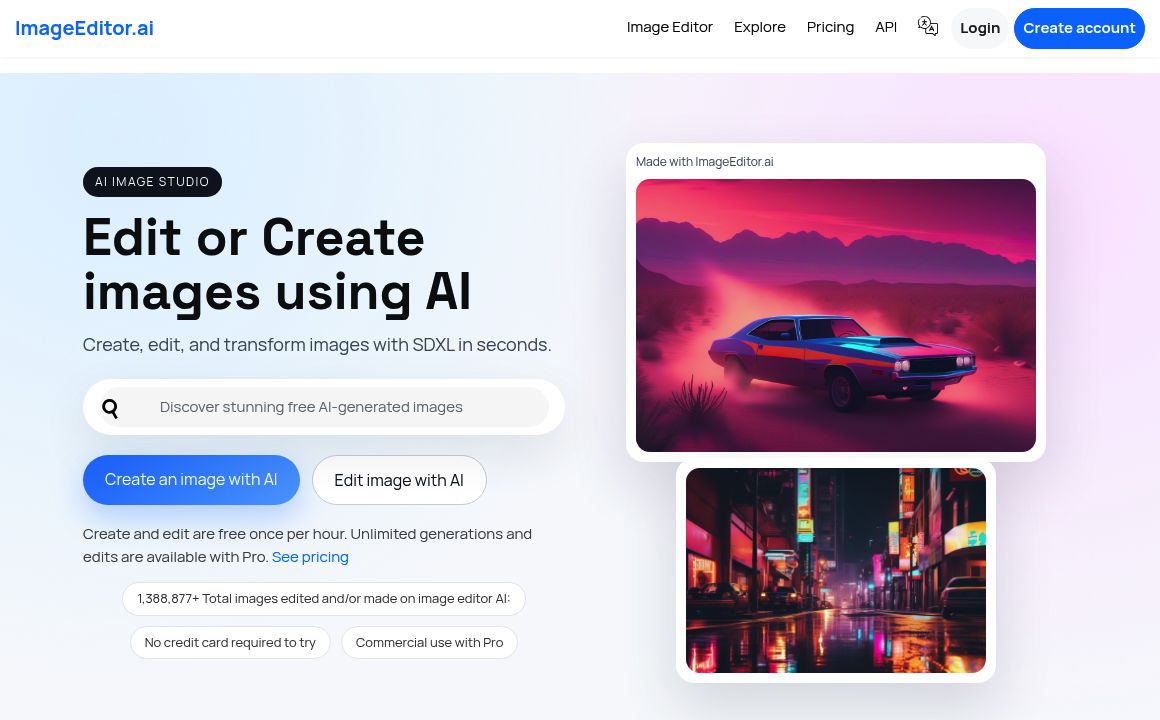
Imageeditor.ai

Discover ImageEditor.ai's suite of AI tools for image and video editing, background removal, interio...
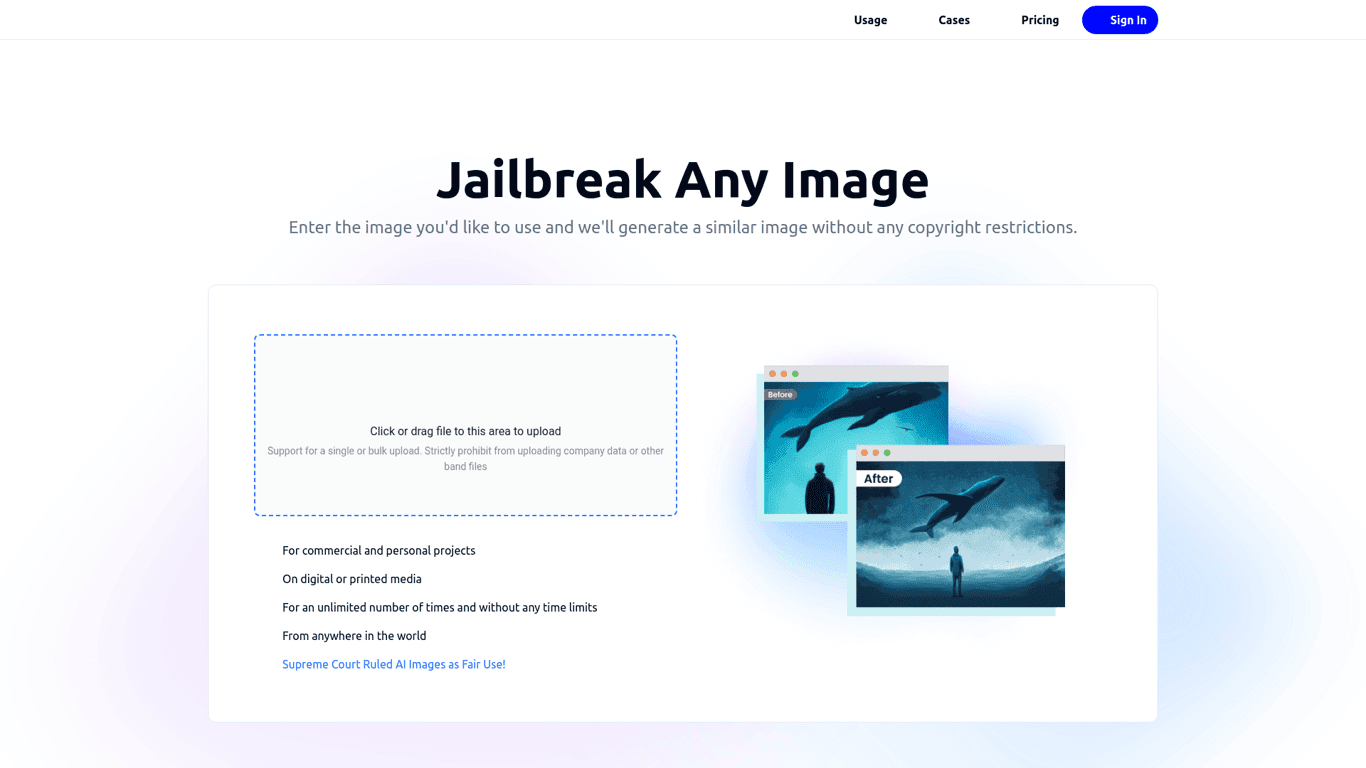
Variart

Convert copyrighted images into copyright-free versions effortlessly with Variart's AI-powered tool....
Prev Project
Next Project