Press for navigation
Swipe for navigation

Video Candy

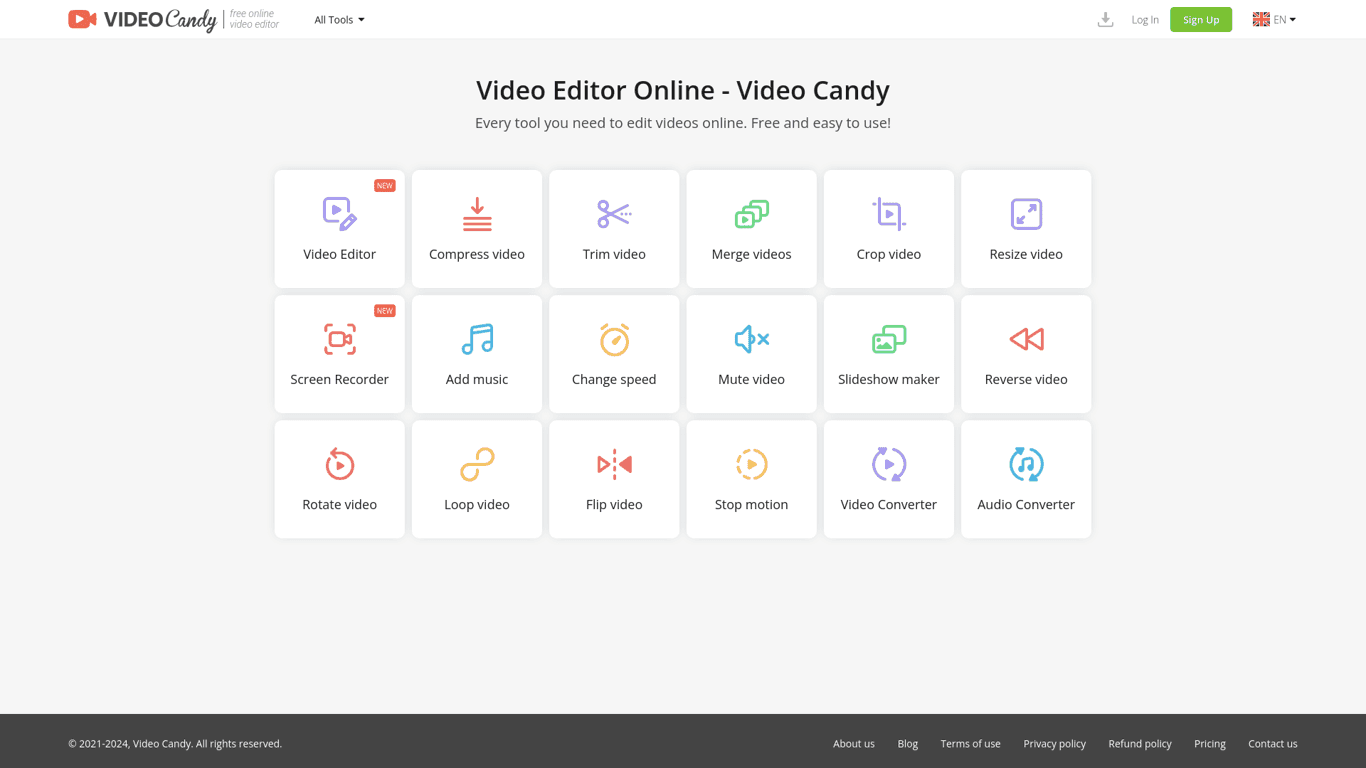
Discover Video Candy, the comprehensive online video editor with various tools. Sign in with ease and enjoy numerous language options.
Video Editing Updated 3 hours ago
Visit Website
Video Candy

Video Candy's Top Features

Video editor
Merge videos
Compress video
Trim video
Crop video
Resize video
Screen recorder
Add music to video
Change video speed
Remove audio from video

Frequently asked questions about Video Candy

You can sign in using your Google, Apple, or email account.

Video Candy supports English, Deutsch, Français, Italiano, Español, and Nederlands.

Video Candy offers a video editor, tools to merge, compress, trim, crop, resize videos, and many more.

To reset your password, enter your email and follow the link sent to you.

Files are available for 120 minutes after the last edit.

Yes, Video Candy is a free online video editor.

Yes, you can add music to your videos using the platform.

Yes, Video Candy includes a screen recorder tool.

Yes, you can change the speed of videos using the change speed tool.

Yes, by using Video Candy, you agree to the Terms of Use and Privacy Policy.

Customer Reviews

Login to leave a review

No reviews yet. Be the first to review!

Top Video Candy Alternatives

Wondershare Presentory

Filmora is a comprehensive video editing tool perfect for creating stunning videos effortlessly.

Klap

Transform long-form videos into engaging clips with Klap’s AI-powered video maker. Try for free!

Vanityai

Vanity AI provides Hollywood with a fast, cost-effective, and trusted solution for high-quality 2D V...

SendFrame

SendFame.com offers AI-generated celebrity videos and music, featuring voices of Elon Musk, Donald T...

VidGenius

Innovative AI tool for creating, editing, and optimizing videos effortlessly. Perfect for beginners...
Qwai AI

Customize subtitles and captions on Qualped Life with various colors, sizes, and fonts for the best...

Prev Project
Next Project