Press for navigation
Swipe for navigation

Unscreen

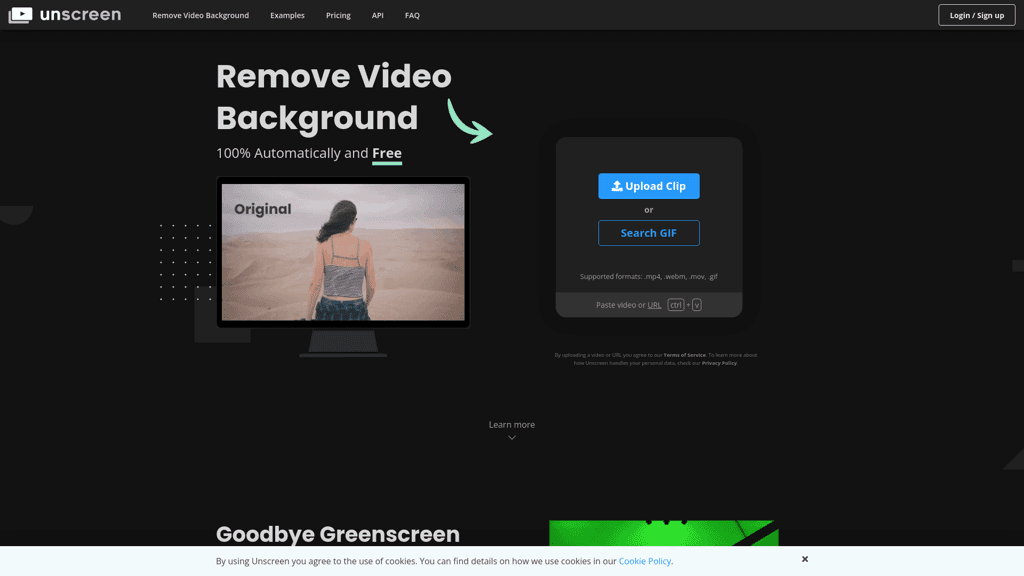
Remove video backgrounds automatically and effortlessly with Unscreen. Supports .mp4, .webm, .mov, and .gif formats. Try Unscreen Pro for advanced features.
Video Editing Updated 1 hour ago
Visit Website
Unscreen

Unscreen's Top Features

Automatic video background removal
Supports multiple formats (.mp4, .webm, .mov, .gif)
High-quality outputs
No need for green screens
Unscreen Pro: Full HD resolution, no watermarks, audio support
Flexible pricing plans with pay-as-you-go options
Pro Bundle for advanced editing
User-friendly interface
API support for integration into other applications
Free version available for basic needs

Frequently asked questions about Unscreen

Yes, Unscreen offers a free version that allows users to remove or change video backgrounds for clips up to 5 seconds long (10 seconds if you sign up).

The free version limits video resolution to 360p, duration to 5 seconds (10 seconds with sign up), and includes an unobtrusive Unscreen watermark.

Unscreen supports multiple formats such as .mp4, .webm, .mov, and .gif, among others. The Pro version offers additional format support and higher file size limits.

Yes, but iPhone videos recorded with the HEVC/H.265 codec need to be converted to a compatible format like .mp4 using services like Zamzar, or upload using Safari which automatically converts to a compatible codec.

Yes, Unscreen Pro preserves the original audio track in MP4 and Pro Bundle output formats.

Unscreen Pro offers Full HD resolution, unlimited video length, no watermark, sound preservation, and multiple output formats like MP4 and Pro Bundle.

You can purchase video processing individually at $4.99 per video minute, with a minimum fee of $2.99. Billing is done per second.

Yes, you can upgrade, downgrade, or cancel your subscription at any time.

The Pro Bundle is a ZIP archive containing the alpha matte and the main video with color corrections, which can be used in editing software for advanced editing and transparency application.

Original audio is not preserved in the free version. Unscreen Pro automatically preserves the audio track in MP4 and Pro Bundle output formats.

Unscreen's pricing

Hobby

$9/monthly

  • 3 min/month = $3.00/min
  • Full HD Resolution
  • No Watermark

Artist

$39/monthly

  • 15 min/month = $2.60/min
  • Full HD Resolution
  • No Watermark

Creator

$89/monthly

  • 45 min/month = $1.98/min
  • Full HD Resolution
  • No Watermark

Customer Reviews

Login to leave a review

No reviews yet. Be the first to review!

Top Unscreen Alternatives

Wondershare Presentory

Filmora is a comprehensive video editing tool perfect for creating stunning videos effortlessly.

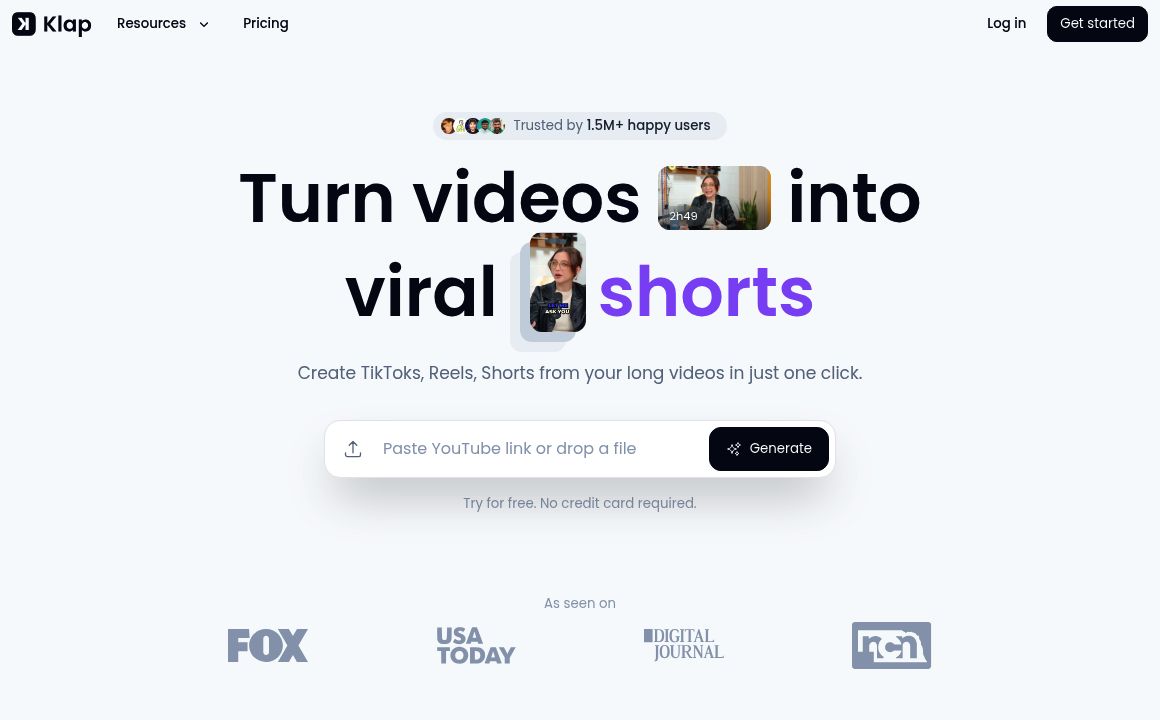
Klap

Transform long-form videos into engaging clips with Klap’s AI-powered video maker. Try for free!

Vanityai

Vanity AI provides Hollywood with a fast, cost-effective, and trusted solution for high-quality 2D V...
SendFrame

SendFame.com offers AI-generated celebrity videos and music, featuring voices of Elon Musk, Donald T...

VidGenius

Innovative AI tool for creating, editing, and optimizing videos effortlessly. Perfect for beginners...
Qwai AI

Customize subtitles and captions on Qualped Life with various colors, sizes, and fonts for the best...

Prev Project
Next Project