Press for navigation
Swipe for navigation

Spikes Studio

Spikes Studio: Transform long-form videos into social media-ready clips with AI-powered editing, auto-captioning, and more.

Video Editing Updated 13 hours ago
Visit Website
Spikes Studio

Spikes Studio's Top Features

AI-powered video clipping
Automated captioning and hashtag generation
Multi-platform compatibility
Real-time face detection and auto-reframing
Multi-language support
Bulk editing capabilities
Customization and effects
Social media scheduling
Analytics
Automatic intro/outro makers

Frequently asked questions about Spikes Studio

Spikes Studio is an AI-powered video editing platform that helps content creators transform long videos into short, engaging clips optimized for social media platforms like YouTube, TikTok, Instagram Reels, and Twitch.

Key features include AI-powered automated clipping, auto-caption generation, social media hashtag and description suggestions, multi-language support, a built-in editor for customization, and integration with various social media platforms.

Spikes Studio offers a freemium model with a basic free plan and paid plans such as Pro+ and Enterprise. Pricing varies depending on the plan and billing cycle.

Spikes Studio supports YouTube, TikTok, Instagram Reels, and Twitch, allowing direct sharing of clips to these platforms.

Yes, Spikes Studio is designed to be user-friendly, particularly for creating short clips. While there may be a learning curve for advanced features, the interface is generally considered easy to navigate.

The AI analyzes uploaded videos to automatically identify and extract key moments suitable for short clips. It also assists with auto-captioning and suggests relevant hashtags and descriptions for social media optimization.

Spikes Studio is primarily designed for creating short-form video content from longer videos or livestreams, excelling at repurposing existing content into engaging clips for social media.

Yes, customer support is available through channels such as Discord. The level of support may vary depending on the subscription plan.

Some limitations include a restricted free plan, occasional AI inaccuracies in clip selection or captioning, and higher-resolution exports being limited to higher-priced plans.

While some sources mention a wide range of audio and SFX options, specific details about using custom audio and SFX are not explicitly provided. Check the official website for definitive information.

Spikes Studio's pricing

Free

$0/monthly

  • 15-30 minutes/month
  • 720p export
  • watermarked videos

Pro+

$12.99/monthly

  • 1080p exports
  • no watermarks
  • animated captions

Pro+

$167.88/annual

  • 1080p exports
  • no watermarks
  • animated captions

Customer Reviews

Login to leave a review

No reviews yet. Be the first to review!

Top Spikes Studio Alternatives

Wondershare Presentory

Filmora is a comprehensive video editing tool perfect for creating stunning videos effortlessly.

Klap

Transform long-form videos into engaging clips with Klap’s AI-powered video maker. Try for free!
Vanityai

Vanity AI provides Hollywood with a fast, cost-effective, and trusted solution for high-quality 2D V...
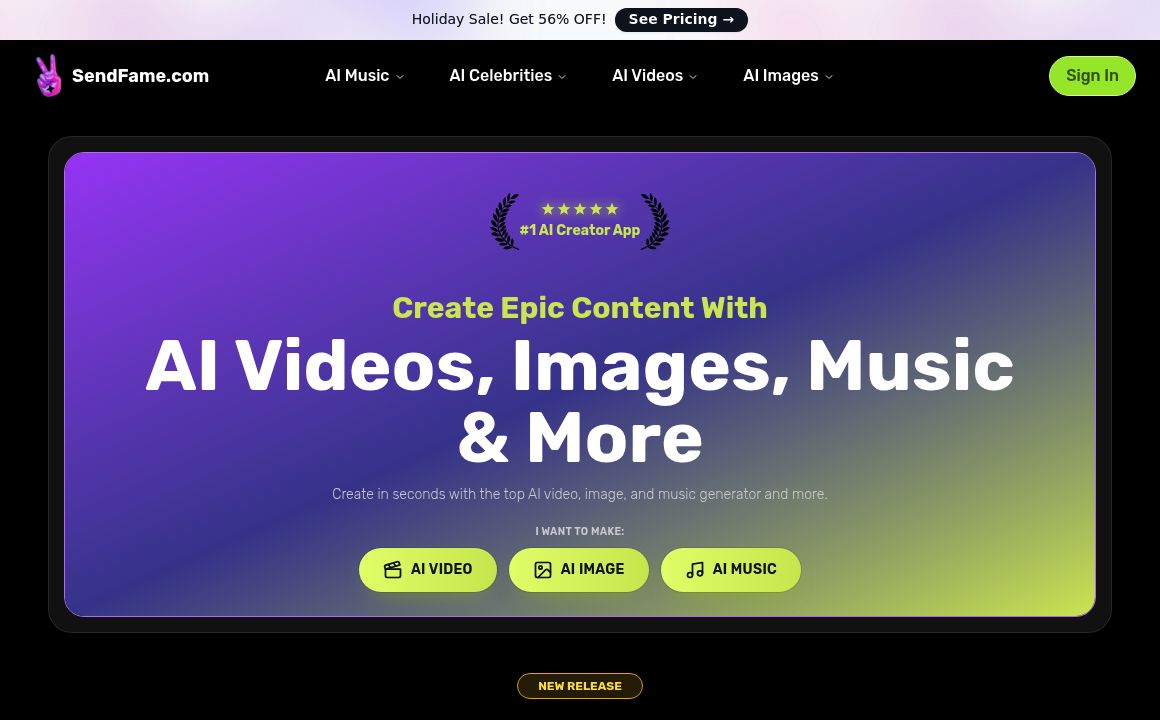
SendFrame

SendFame.com offers AI-generated celebrity videos and music, featuring voices of Elon Musk, Donald T...

VidGenius

Innovative AI tool for creating, editing, and optimizing videos effortlessly. Perfect for beginners...
Qwai AI

Customize subtitles and captions on Qualped Life with various colors, sizes, and fonts for the best...
Prev Project
Next Project