Press for navigation
Swipe for navigation

Runway Videos

Runway is an AI video platform for text-to-video, image-to-video, Aleph editing, VFX, and multi-face lip sync.
Video Editing Updated 2 minutes ago
Visit Website
Runway Videos

Runway Videos's Top Features

Text-to-Video generation
Image-to-Video generation
In-context video editing with Runway Aleph
Video to Video transformations
Consistent character/object generation (Gen-4 References)
Character performance and animation (Act-Two)
Temporal control and keyframing
Photorealistic human generation
Multi-modal creative tools (mood boards, storyboards, virtual staging, try-on, VFX)
Generative video editing (trim, reverse, speed changes)

Frequently asked questions about Runway Videos

Runway provides advanced, AI-powered video tools to generate, transform, and edit videos, including generative models, object manipulation, video-to-video transformations, and multi-angle scene generation.

Runway Aleph is an in-context video model for broad video generation and editing—such as adding/removing objects, changing angles, and modifying lighting—and it’s available to all paid users.

You can trim, change speed, add shake, reverse clips, upscale to 4K, restyle outputs, expand beyond the frame, and lip sync content.

Yes. You can iterate by adjusting prompts, swapping input images, or using refinement tools to explore styles and improve results.

Video to Video transforms uploaded footage based on text prompts, with options to preserve structure, set aspect ratios, and generate results up to 20 seconds long.

Yes. Tools like Runway Aleph can generate new angles and perspectives of existing scenes using simple prompts.

Runway includes a classic timeline interface for sequencing and edits, though it’s no longer actively maintained as focus has shifted to generative AI workflows.

Yes. Runway lets you target subjects, objects, or environments to add VFX, alter lighting, and make precise edits.

Created videos are saved to project-specific asset folders and surfaced in the session or asset manager for quick access and further editing.

For complex, long-form workflows beyond quick edits, Runway recommends using a local NLE, as they are prioritizing generative AI tools over traditional editors.

Runway Videos's pricing

Free

$0/monthly

  • 1 user per workspace
  • 125 credits (one-time)
  • Basic image/video generation (Gen-4 Turbo, Gen-3 Alpha Turbo)

Standard

$15/monthly

  • Up to 5 users per workspace
  • Everything in Free
  • 625 credits per month (~52s Gen-4, ~125s Gen-4 Turbo)

Pro

$36/monthly

  • Up to 10 users per workspace
  • All Standard features
  • 2250 credits per month

Customer Reviews

Login to leave a review

No reviews yet. Be the first to review!

Top Runway Videos Alternatives

Wondershare Presentory

Filmora is a comprehensive video editing tool perfect for creating stunning videos effortlessly.

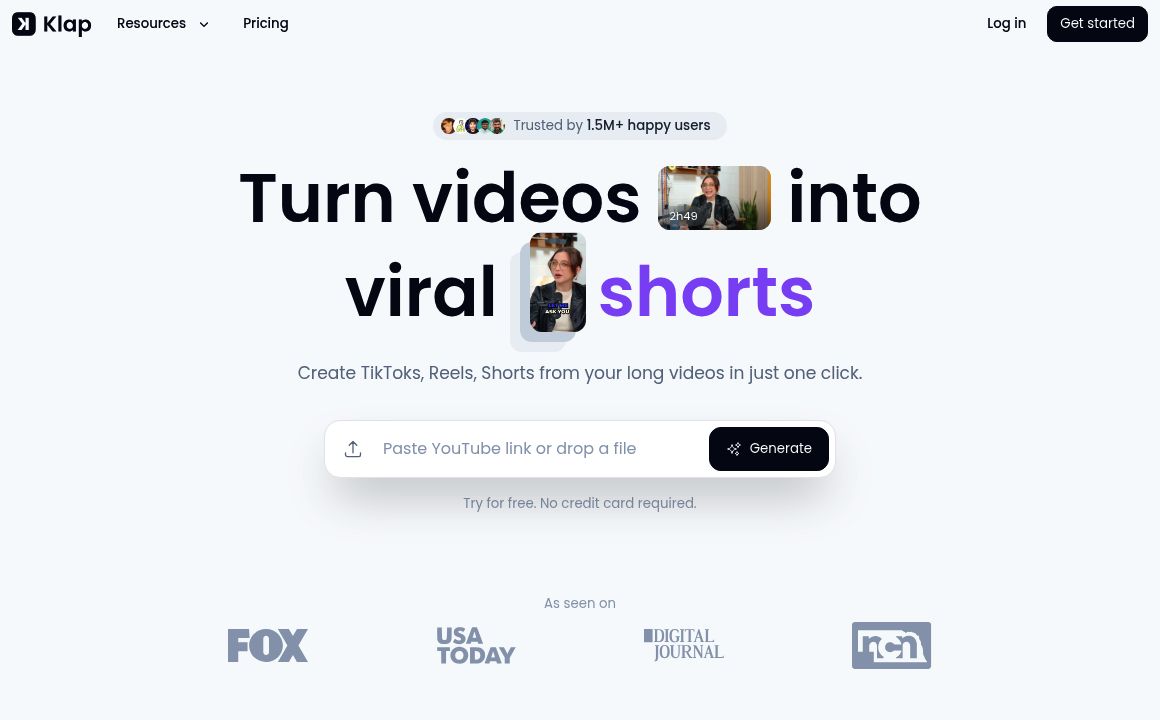
Klap

Transform long-form videos into engaging clips with Klap’s AI-powered video maker. Try for free!
Vanityai

Vanity AI provides Hollywood with a fast, cost-effective, and trusted solution for high-quality 2D V...

SendFrame

SendFame.com offers AI-generated celebrity videos and music, featuring voices of Elon Musk, Donald T...

VidGenius

Innovative AI tool for creating, editing, and optimizing videos effortlessly. Perfect for beginners...
Qwai AI

Customize subtitles and captions on Qualped Life with various colors, sizes, and fonts for the best...

Prev Project
Next Project