Press for navigation
Swipe for navigation

Clips AI

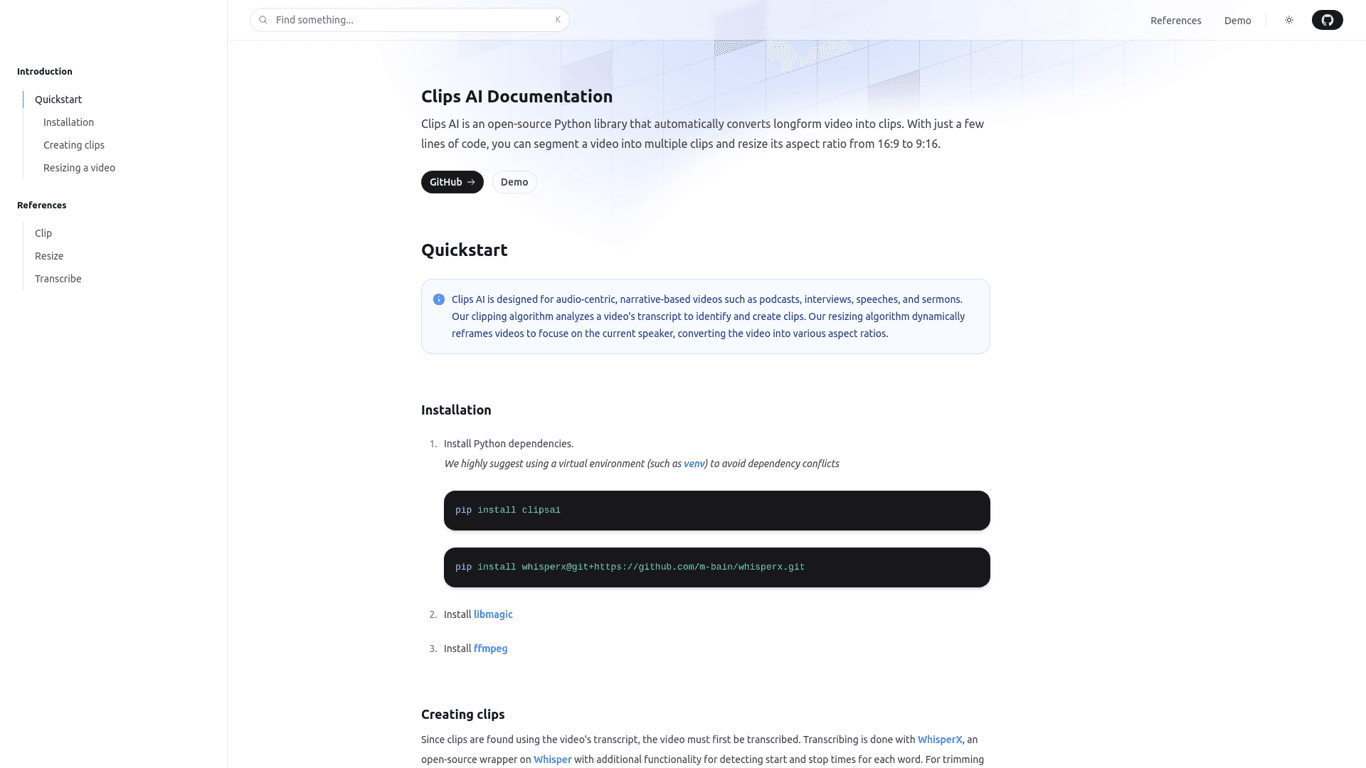
Learn how to use ClipsAI to dynamically resize videos, focusing on speakers. Import the resize function, provide the video path and desired aspect ratio, and create your resized video.
Video Editing Updated 13 hours ago
Visit Website
Clips AI

Clips AI's Top Features

Dynamic resizing
Speaker diarization with Pyannote
Scene change detection with PySceneDetect
Face detection with MTCNN and MediaPipe
Support for various aspect ratios
Video and audio stream handling
Integration with MediaEditor
Customizable cropping segments
Focus on current speaker
Python-based implementation

Frequently asked questions about Clips AI

The resizing feature dynamically adjusts a video to ensure it focuses on the current speaker using advanced tools like Pyannote, PySceneDetect, MTCNN, and MediaPipe.

The resizing process involves speaker diarization with Pyannote, scene change detection with PySceneDetect, and face detection with MTCNN and MediaPipe.

You can import the resize function using 'from clipsai import resize'.

You need to provide the video file path, Pyannote authentication token, and the desired aspect ratio.

Use the MediaEditor class and the appropriate file type (VideoFile or AudioVideoFile) to resize the video using the obtained cropping segments.

Use the AudioVideoFile class when dealing with files that contain both audio and video streams.

Yes, you can specify the desired aspect ratio when using the resize function.

The Pyannote authentication token is required for the resizing feature.

Yes, scene change detection with PySceneDetect is a crucial part of the resizing process.

Use the VideoFile class when dealing with video-only files during the resizing process.

Clips AI's pricing

ClipsAI

$10/monthly

  • Video resizing
  • Speaker diarization
  • Scene change detection

ClipsAI

$20/monthly

  • All Basic features
  • Advanced clipping
  • Enhanced transcript analysis

ClipsAI

$50/monthly

  • All Pro features
  • Custom integrations
  • Dedicated account manager

Customer Reviews

Login to leave a review

No reviews yet. Be the first to review!

Top Clips AI Alternatives

Wondershare Presentory

Filmora is a comprehensive video editing tool perfect for creating stunning videos effortlessly.

Klap

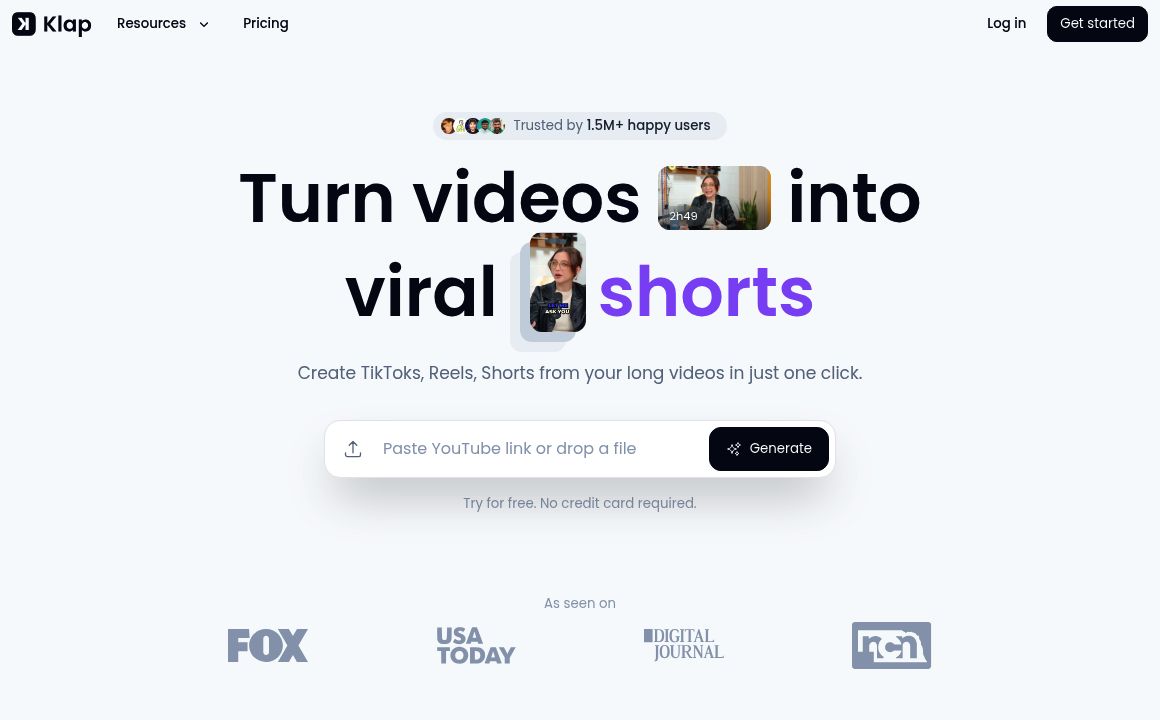
Transform long-form videos into engaging clips with Klap’s AI-powered video maker. Try for free!
Vanityai

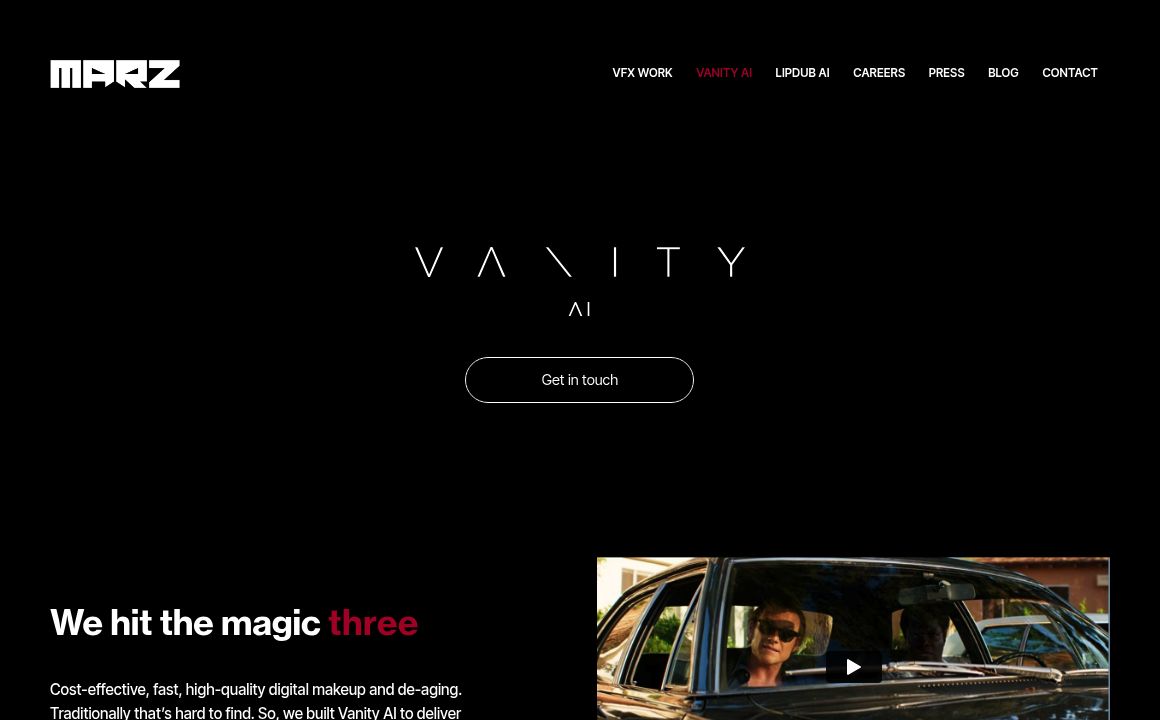
Vanity AI provides Hollywood with a fast, cost-effective, and trusted solution for high-quality 2D V...
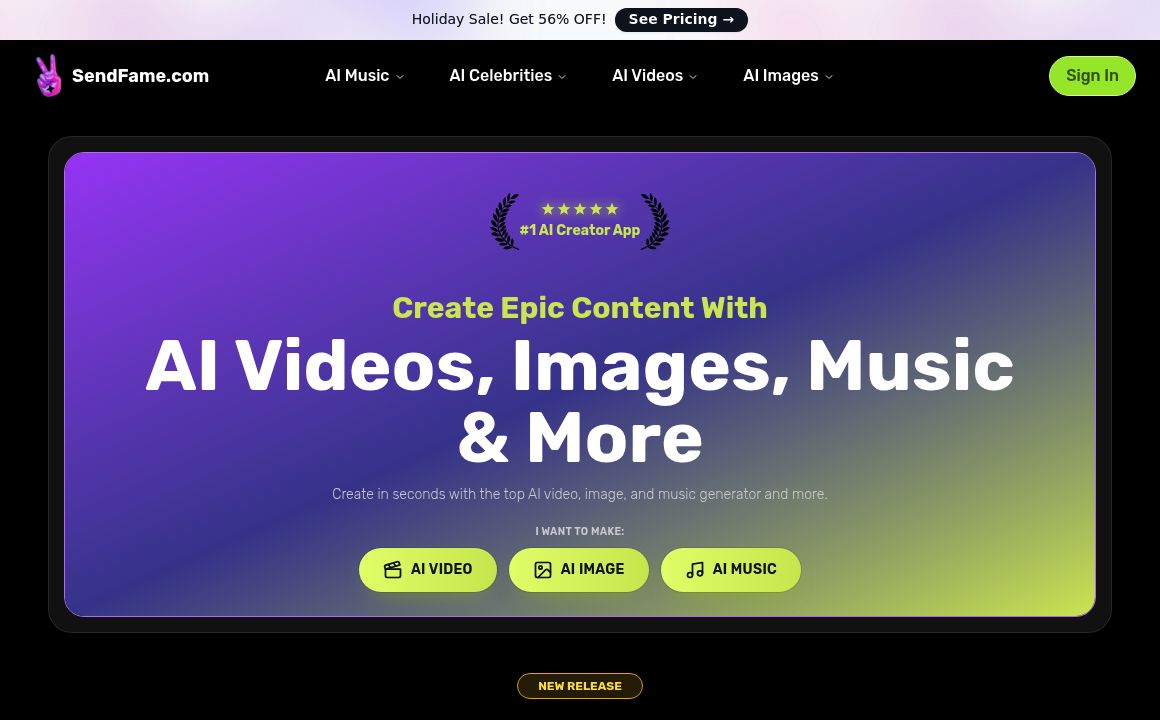
SendFrame

SendFame.com offers AI-generated celebrity videos and music, featuring voices of Elon Musk, Donald T...

VidGenius

Innovative AI tool for creating, editing, and optimizing videos effortlessly. Perfect for beginners...
Qwai AI

Customize subtitles and captions on Qualped Life with various colors, sizes, and fonts for the best...
Prev Project
Next Project