Press for navigation
Swipe for navigation

AutoPod

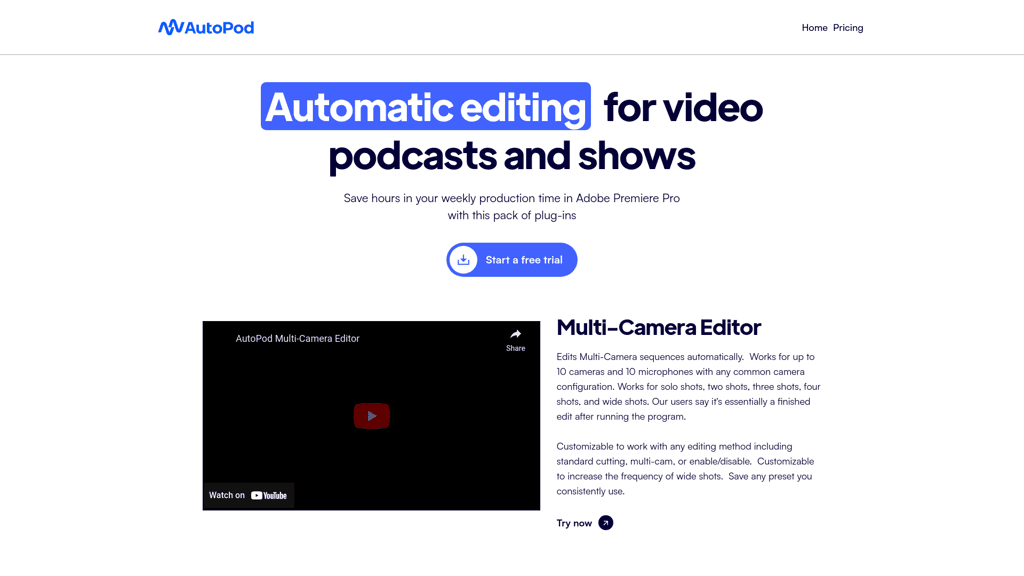
AutoPod offers a suite of Adobe Premiere Pro plug-ins to automate video editing for podcasts and shows. Start with a 30-day free trial.
Video Editing Updated 2 minutes ago
Visit Website
AutoPod

AutoPod's Top Features

Multi-Camera Editor
Social Clip Creator
Jump Cut Editor
30-day free trial for new subscriptions
1 month free per year for annual billing
Compatibility with Adobe Premiere Pro 2023 and later versions
License transferability between computers
Automated sequence settings adjustments for social media clips
Batch export functionality for created clips
Customizable editing methods and presets

Frequently asked questions about AutoPod

If your computer can run Adobe Premiere Pro, it should be compatible with AutoPod. You need Adobe Premiere Pro 2023 or a later version of Premiere 2022.

After downloading the plugin, follow the provided installation steps to integrate AutoPod with Adobe Premiere Pro.

Yes, each AutoPod license is designated for use on a single computer. However, you can switch the active computer through the AutoPod website.

AutoPod Multi-Camera Editor utilizes extensive podcast footage to edit podcasts similarly to a conventional human editor, factoring in speaker identity and camera layout.

Yes, by entering your email and license key on the AutoPod website, you can release the license from your old machine and activate it on a new one.

The Social Clip Creator automatically creates and sizes clips for social media, adding features like auto-reframe, watermarks, and end pages for a seamless experience.

The Jump Cut Editor automatically creates jump cuts in footage based on silence, ideal for engaging social clips.

Switch your active AutoPod subscription by inputting your email and license key on the platform's site to transition between computers seamlessly.

Yes, AutoPod offers a 30-day free trial for new users to explore its features before committing to a subscription.

AutoPod provides a revocable, non-exclusive, non-transferable, limited license tailored for personal, non-commercial use in accordance with its End-User License Agreement.

AutoPod's pricing

Individual

$29/monthly

  • AutoPod Multi-Camera Editor
  • AutoPod Social Clip Creator
  • AutoPod Jump Cut Editor

Individual

$29/annual

  • AutoPod Multi-Camera Editor
  • AutoPod Social Clip Creator
  • AutoPod Jump Cut Editor

Customer Reviews

Login to leave a review

No reviews yet. Be the first to review!

Top AutoPod Alternatives

Wondershare Presentory

Filmora is a comprehensive video editing tool perfect for creating stunning videos effortlessly.

Klap

Transform long-form videos into engaging clips with Klap’s AI-powered video maker. Try for free!
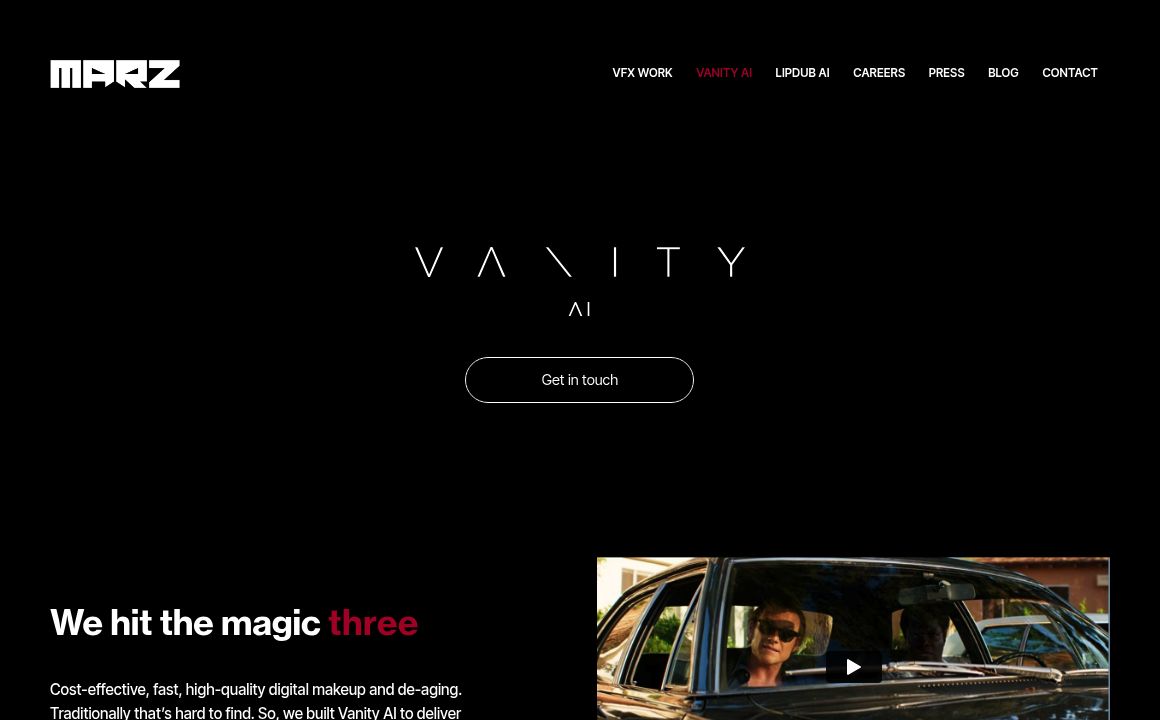
Vanityai

Vanity AI provides Hollywood with a fast, cost-effective, and trusted solution for high-quality 2D V...
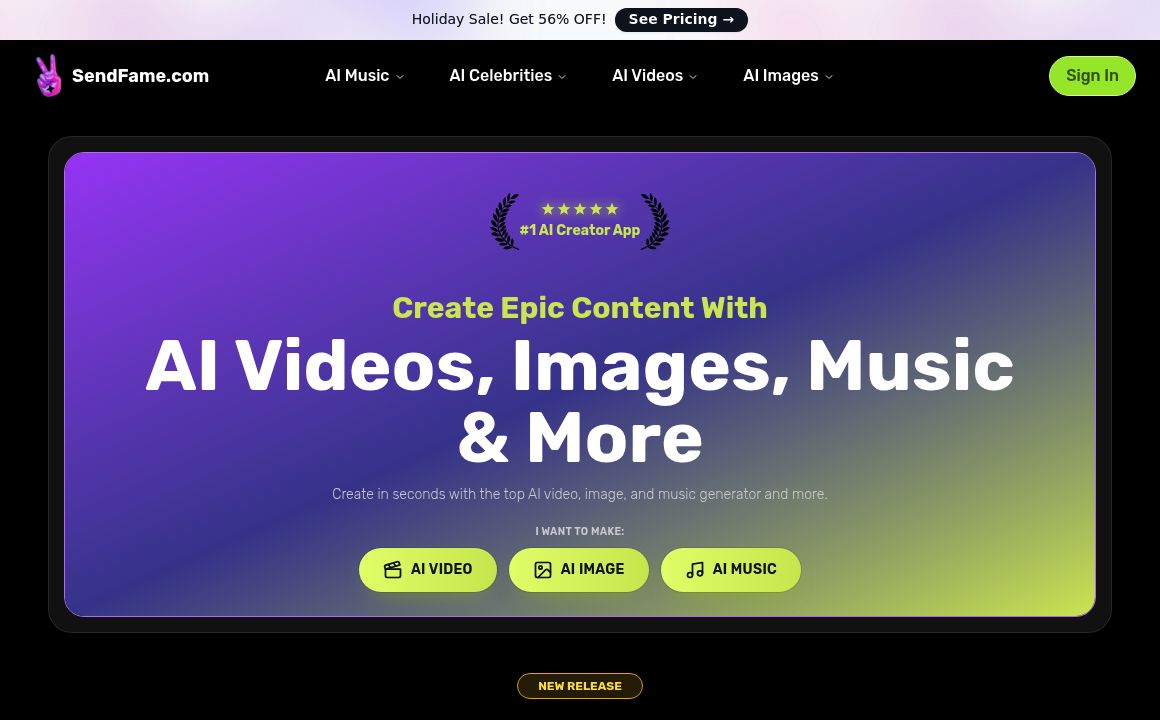
SendFrame

SendFame.com offers AI-generated celebrity videos and music, featuring voices of Elon Musk, Donald T...

VidGenius

Innovative AI tool for creating, editing, and optimizing videos effortlessly. Perfect for beginners...
Qwai AI

Customize subtitles and captions on Qualped Life with various colors, sizes, and fonts for the best...
Prev Project
Next Project