Press for navigation
Swipe for navigation
mobile.dev
AI-assisted UI testing for iOS, Android, and web with Studio, MaestroGPT, visual tests, and cloud scaling.
Technology
Updated 19 minutes ago
mobile.dev's Top Features
Cross-platform UI testing for iOS, Android, and web
Maestro Studio IDE for visual test creation
Element inspector and action recording
AI assistance via MaestroGPT
Visual testing and assertions
CLI for fast local test runs
Run tests free with CLI or Studio Desktop
Cloud scaling with parallel execution
CI integration with notifications and dashboards
Metrics including flow runs and pass rates
Frequently asked questions about mobile.dev
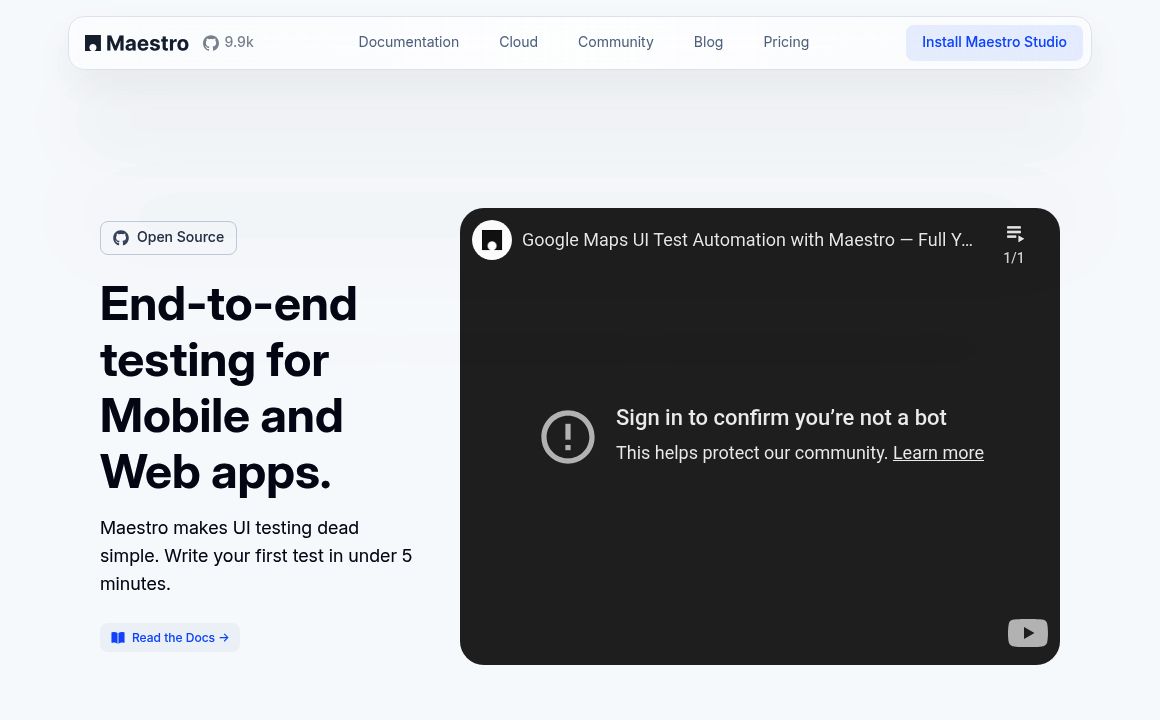
Maestro is an end-to-end UI testing platform for mobile (iOS and Android) and web apps that makes UI testing simple and fast—most users can write their first test in under 5 minutes.
Maestro supports cross-platform UI testing for iOS, Android, and web applications using a single framework regardless of the app’s underlying tech stack.
You can run tests for free using the Maestro CLI or the Maestro Studio Desktop app.
Maestro Studio is an all-in-one IDE that lets developers, testers, and non-technical users visually build reliable tests with an element inspector, action recording, visual testing, and AI assistance.
Yes. Maestro Studio’s visual tools, element inspector, action recording, and MaestroGPT make it easy for non-technical users to create maintainable tests.
MaestroGPT is an AI assistant trained on Maestro that generates commands, helps write tests, and answers Maestro-related questions.
Scale on Maestro Cloud with parallel runs on enterprise-grade infrastructure, integrate into CI for early feedback, receive notifications, and view dashboards with metrics like flow runs and pass rates.
To modernize testing for fast, AI-driven software development and remove quality-control bottlenecks so teams can ship quickly without sacrificing reliability.
Yes. Maestro provides visual testing capabilities and recording tools within Maestro Studio to capture actions and validate UI changes.
Install the CLI or download Maestro Studio, create your first test in minutes, and connect CI or Maestro Cloud to scale and monitor results.
mobile.dev's pricing
Free
$0/
- Run tests locally via CLI or Maestro Studio Desktop
- Visual test authoring/recording
- AI-assisted authoring (MaestroGPT)
Cloud
$0/custom
- Scalable cloud testing with parallel runs
- CI integration
- Notifications
Enterprise
$0/custom
- Enterprise-grade cloud infrastructure
- High reliability and speed for large-scale use
Top mobile.dev Alternatives

Quadient
0Quadient unifies CCM, automation, mailing, and parcel lockers to streamline operations, ensure compl...
Discover the advanced iPhone 13 Pro with exceptional camera, storage, and performance.
Discover TechGiant's new smartphone with cutting-edge features and design.
Prev Project