Press for navigation
Swipe for navigation

Tomat.AI

Tomat AI automates and analyzes Excel and CSV files, offering features like visual data steps, file merging, and dynamic reporting for hassle-free workflows.
Spreadsheet Updated 3 hours ago
Visit Website
Tomat.AI

Tomat.AI's Top Features

No coding required
Import files of any size
Visual data manipulation steps
Merge multiple sheets or files
Automate repetitive tasks
Export cleaned data or build reports
Supports Excel and CSV formats
Instant result previews
Integration with other tools such as dbt and GitHub
Dedicated support for Enterprise plan

Frequently asked questions about Tomat.AI

Tomat AI can open and analyze Excel and CSV files of any size without requiring cloud uploads or ZIP files.

No, Tomat AI is designed to be used without any coding skills. Its intuitive interface allows for step-by-step data manipulation.

Yes, you can easily merge multiple sheets or files into a single table without using formulas.

No, Tomat AI allows you to open files of any size directly in the application.

Once you create steps in Tomat AI, they can be saved and replayed on new data with just a click, eliminating the need for repeated manual work.

You can export cleaned and filtered data back to Excel and CSV files or create dynamic reports with live data.

Tomat AI offers a Solo plan for $20 per month, and custom pricing models are available for Team and Enterprise plans.

Yes, standard support is available for Solo and Team plans, while the Enterprise plan includes dedicated support.

Yes, integrations include dbt, GitHub, and more, particularly for Team and Enterprise plans.

Tomat AI lets you build dynamic reports that can be updated with live data, offering an interactive reporting experience.

Tomat.AI's pricing

Solo

$20/monthly

  • One full access user
  • No read-only users
  • Supports local file data connectors

Team

$0/custom

  • At least 3 full access users
  • Unlimited read-only users
  • Supports local files, warehouses, and custom connectors

Enterprise

$0/custom

  • Dedicated support
  • dbt and GitHub integrations
  • Custom functions

Customer Reviews

Login to leave a review

No reviews yet. Be the first to review!

Top Tomat.AI Alternatives

Rows AI

Boost efficiency with Rows AI, the all-in-one spreadsheet for teams, featuring AI integration for da...
Excel Formula Bot

Transform text instructions into Excel formulas effortlessly with the Free Excel Formula Generator....
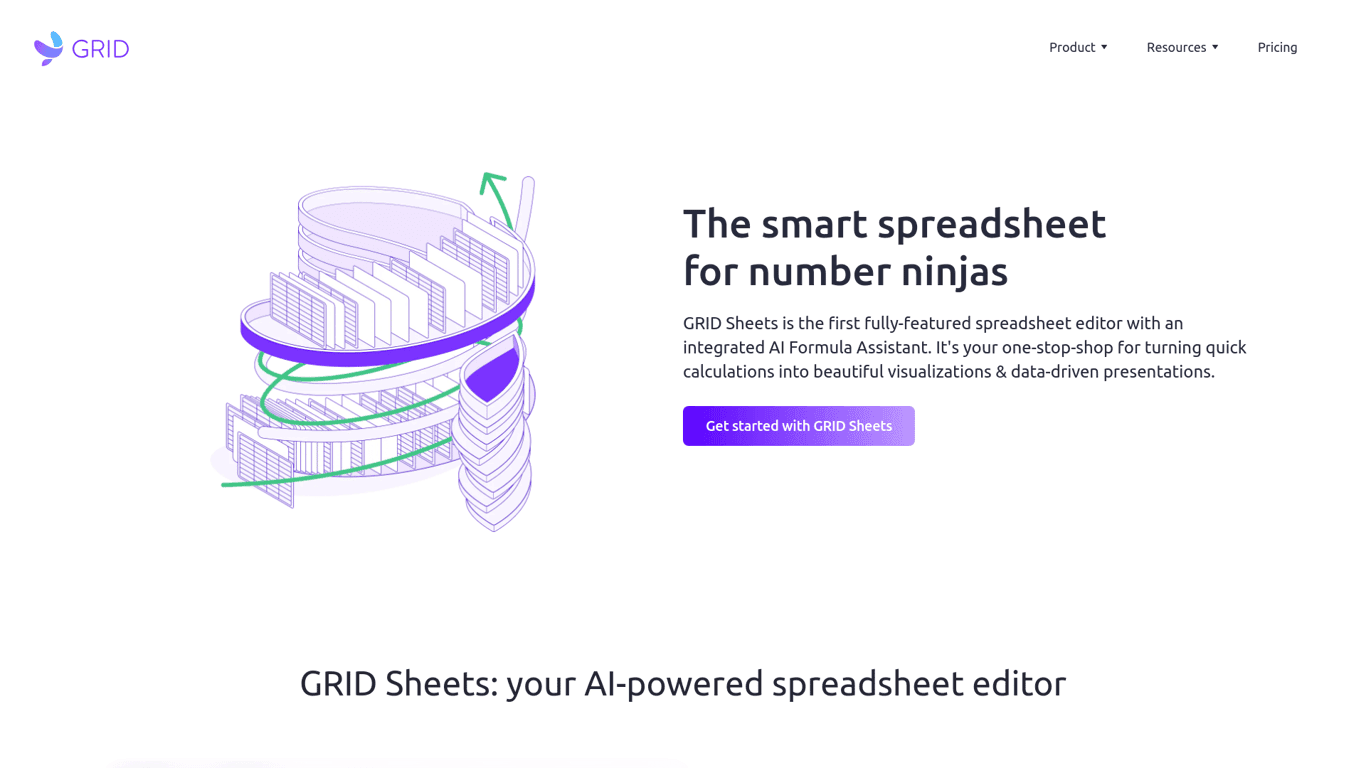
GRID

Discover Grid Sheets by Grid - the ultimate tool for seamless and efficient data management. Create,...

Excel Formularizer

Generate and explain Excel formulas, SQL queries, regular expressions, and VBA scripts with 100 free...

Formularizer

Formularizer offers tools for Excel, Google Sheets, SQL, and more. Sign up and get 100 free credits...

Luminal

Experience AI-driven spreadsheet management. Clean, transform, and analyze data seamlessly with Lumi...

Prev Project
Next Project