Press for navigation
Swipe for navigation

Rows AI

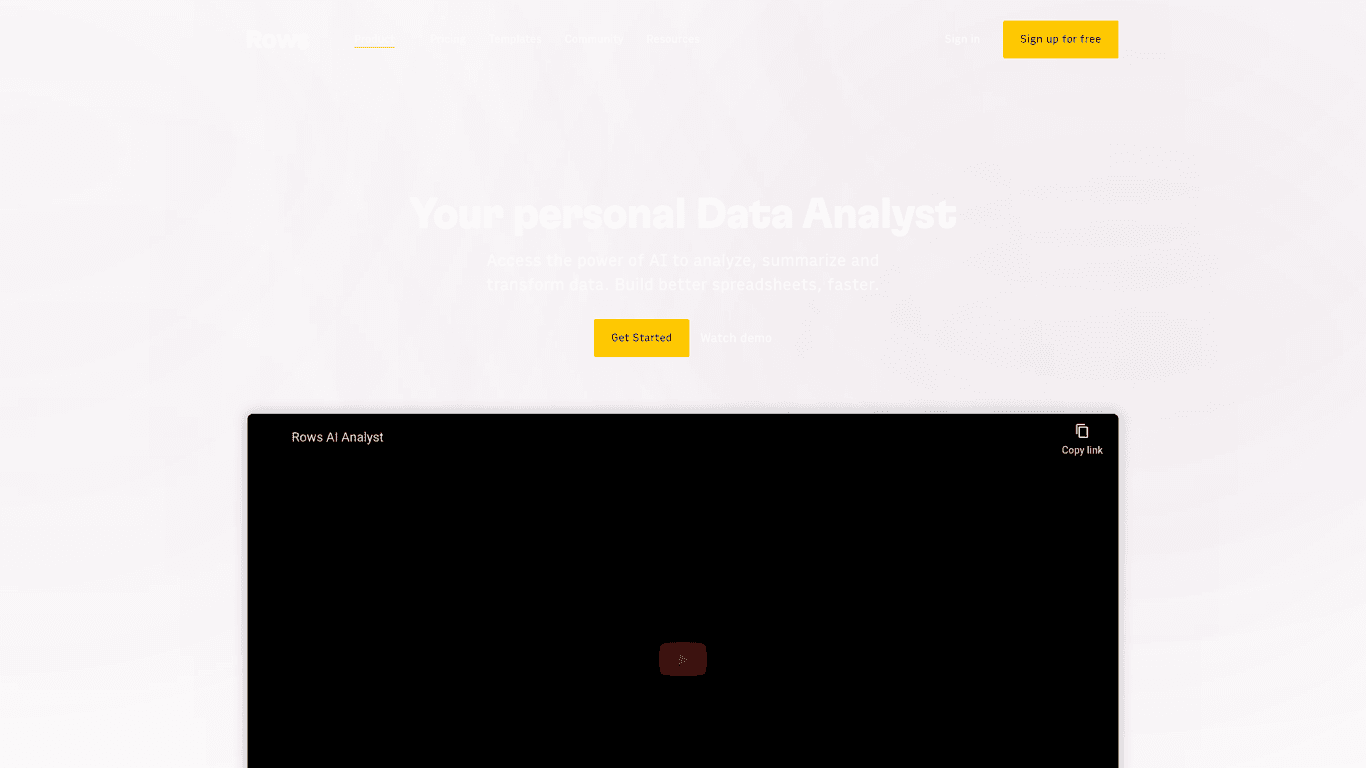
Boost efficiency with Rows AI, the all-in-one spreadsheet for teams, featuring AI integration for data analysis and seamless tool building.
Spreadsheet Updated 3 hours ago
Visit Website
Rows AI

Rows AI's Top Features

All-in-one spreadsheet tool
AI-powered data analysis
Advanced reporting tools
Seamless integrations
Autonomous internal tool building
Text classification and tagging
Marketing campaign execution
Efficient data cleanup
Dynamic AI formulas
Visual and comprehensive reports

Frequently asked questions about Rows AI

The AI Analyst is available to all users. Access it via the ✨ icon next to the filter and settings options of any table. The OpenAI integration is available in the Integrations gallery.

Rows combines a spreadsheet interface with AI capabilities, allowing users to drag automations across cells, combine AI actions with spreadsheet formulas, and ask questions about data using plain language.

The seamless integration of AI within the spreadsheet interface allows for dynamic AI experiences, and the ability to summarize and make sense of data in a unique way.

The AI Analyst is included in the free plan, while the OpenAI integration is a premium feature available in the Plus and Pro workspace subscriptions. The Free plan includes 20 free trial tasks for the integration.

Yes, Rows AI can generate keyword ideas, identify powerful keyword themes, produce blog post titles and outlines, and act as a 24/7 AI writing partner.

Rows AI can analyze various types of data, including social media posts, support tickets, feedback surveys, product reviews, and more. It can also classify and tag text automatically.

Rows AI allows users to create stunning reports in minutes using advanced features and seamless integrations with other tools. The AI can quickly summarize and transform data to produce insightful reports.

Yes, Rows AI can extract zip codes, street names, and more to clean up location data. It can also automate tasks related to lead lists and NPS surveys.

No, Rows AI does not require users to have coding skills. It leverages AI to perform complex tasks without the need for scripts, add-ons, or code.

You can sign up for free on the Rows website and start using Rows AI by accessing the AI features through the table settings or the Integrations gallery.

Customer Reviews

Login to leave a review

No reviews yet. Be the first to review!

Top Rows AI Alternatives

Excel Formula Bot

Transform text instructions into Excel formulas effortlessly with the Free Excel Formula Generator....
GRID

Discover Grid Sheets by Grid - the ultimate tool for seamless and efficient data management. Create,...

Excel Formularizer

Generate and explain Excel formulas, SQL queries, regular expressions, and VBA scripts with 100 free...

Formularizer

Formularizer offers tools for Excel, Google Sheets, SQL, and more. Sign up and get 100 free credits...

Luminal

Experience AI-driven spreadsheet management. Clean, transform, and analyze data seamlessly with Lumi...
Excelmatic

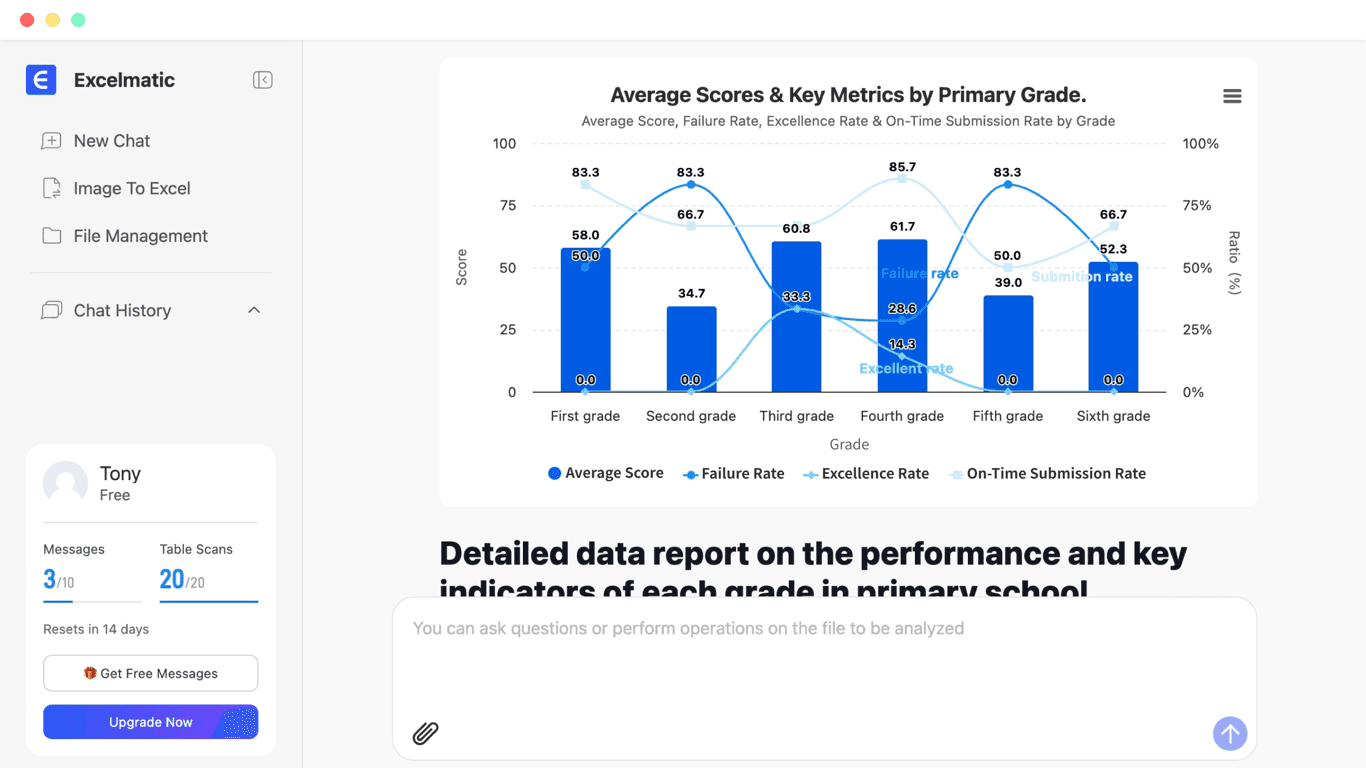
Excelmatic turns plain English into Excel analysis, charts, and dashboards with secure, no‑code auto...

Prev Project
Next Project