Press for navigation
Swipe for navigation

ActiveSheets

Activesheets blends spreadsheets, Python, and AI to plan, analyze, and automate with context-aware models and team collaboration.
Spreadsheet Updated 26 minutes ago
Visit Website
ActiveSheets

ActiveSheets's Top Features

AI-powered spreadsheet assistant embedded in Google Sheets
Context-aware custom AI models that use your spreadsheet’s context
Goal-based workflow planning from a stated objective
Embedded assumptions and constraints that the AI respects
Scenario creation and testing to compare outcomes
Iterative refinement with an AI “thinking partner”
Structured, parameterized AI interactions via spreadsheet inputs
Designed for business planning and knowledge work
Notebook interface that merges spreadsheets, formulas, Python, charts, and text
Live synchronization of data, formulas, code outputs, and visualizations

Frequently asked questions about ActiveSheets

Activesheets is a notebook for spreadsheets that merges Python and formula-based workflows. It lets users write code and formulas directly in spreadsheet cells, interleave code with visualizations, and build notebook-style documents that stay in sync with spreadsheet data.

Unlike traditional spreadsheets, Activesheets is built around a notebook interface that supports both formulas and Python code side by side. It’s designed for complex data workflows, enables deeper customization via code, and supports modern collaboration and automation features.

In Activesheets, a notebook is an interactive document that contains spreadsheet tables, formulas, Python code cells, charts, and text explanations all in one place. Changes to the underlying data propagate through the notebook so analyses and visualizations remain up to date.

Activesheets is aimed at users who work heavily with data in spreadsheets—such as analysts, operations teams, finance, and data-savvy business users—who want more power and flexibility than traditional spreadsheets, without leaving the familiar grid interface.

Yes. Activesheets lets you write Python code directly in cells or code blocks within the notebook. You can call Python functions on spreadsheet data, create custom logic, and generate visualizations programmatically.

Users can build internal tools, reports, dashboards, data transformations, models, and workflows that combine spreadsheet formulas, Python code, and visual elements. These artifacts can be reused, updated, and shared with teammates.

Yes. Activesheets is built for team use, allowing multiple users to work on the same notebook, share analyses, and standardize data workflows across a team or organization.

Data is kept in a central spreadsheet-like structure, and any changes automatically update dependent formulas, Python code outputs, and visualizations throughout the notebook, ensuring that reports and analyses remain in sync.

Activesheets keeps the familiar spreadsheet interface, so users comfortable with spreadsheets can start with formulas and gradually incorporate Python as needed. It’s designed to be approachable for spreadsheet users while still offering advanced capabilities.

Activesheets addresses the limitations of traditional spreadsheets for complex, reusable, and collaborative data work. It aims to provide a more powerful, programmable, and maintainable environment for spreadsheet-based workflows without forcing users to abandon the spreadsheet paradigm.

ActiveSheets's pricing

Custom/Enterprise

$0/custom

  • AI-powered spreadsheet functionality
  • Use AI directly inside spreadsheets
  • Generate and transform data with AI

Customer Reviews

Login to leave a review

No reviews yet. Be the first to review!

Top ActiveSheets Alternatives

Rows AI

Boost efficiency with Rows AI, the all-in-one spreadsheet for teams, featuring AI integration for da...
Excel Formula Bot

Transform text instructions into Excel formulas effortlessly with the Free Excel Formula Generator....
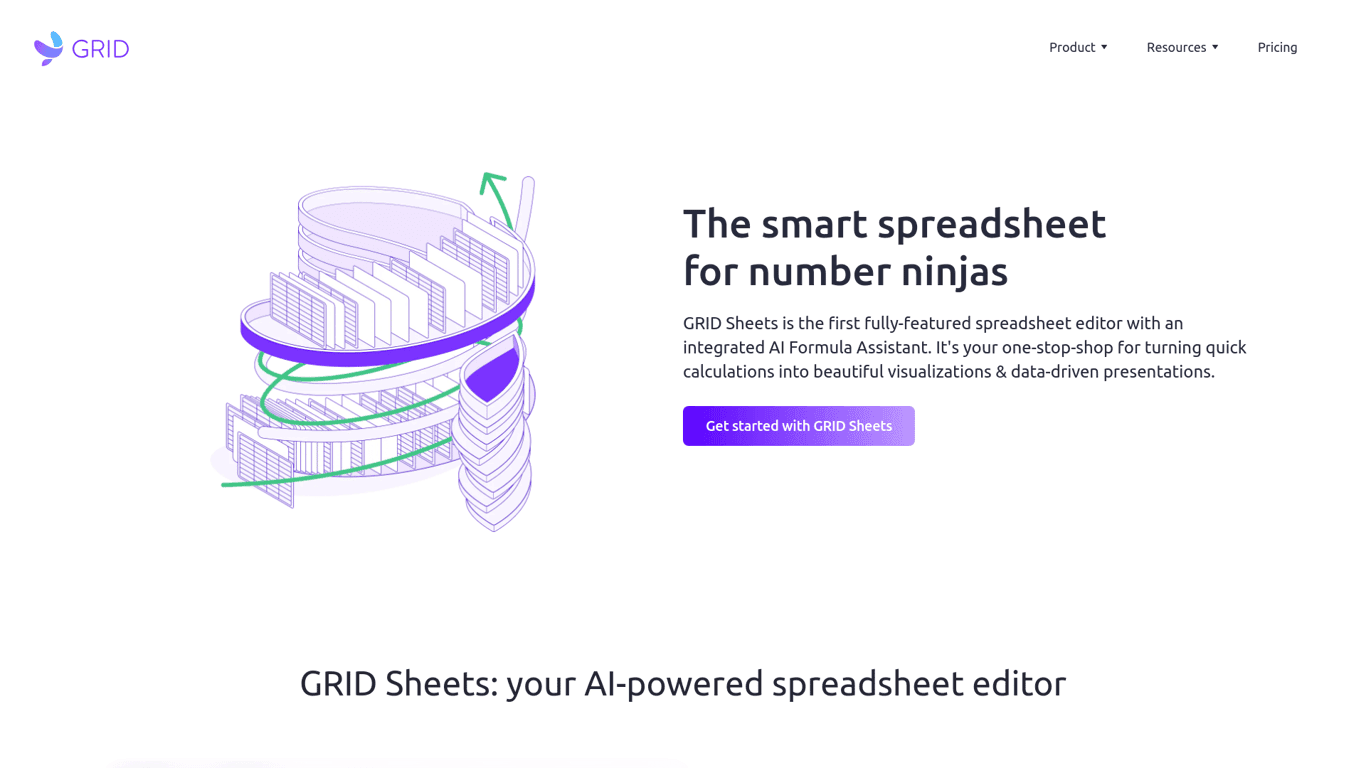
GRID

Discover Grid Sheets by Grid - the ultimate tool for seamless and efficient data management. Create,...

Excel Formularizer

Generate and explain Excel formulas, SQL queries, regular expressions, and VBA scripts with 100 free...

Formularizer

Formularizer offers tools for Excel, Google Sheets, SQL, and more. Sign up and get 100 free credits...

Luminal

Experience AI-driven spreadsheet management. Clean, transform, and analyze data seamlessly with Lumi...

Prev Project
Next Project