Press for navigation
Swipe for navigation

Qoder

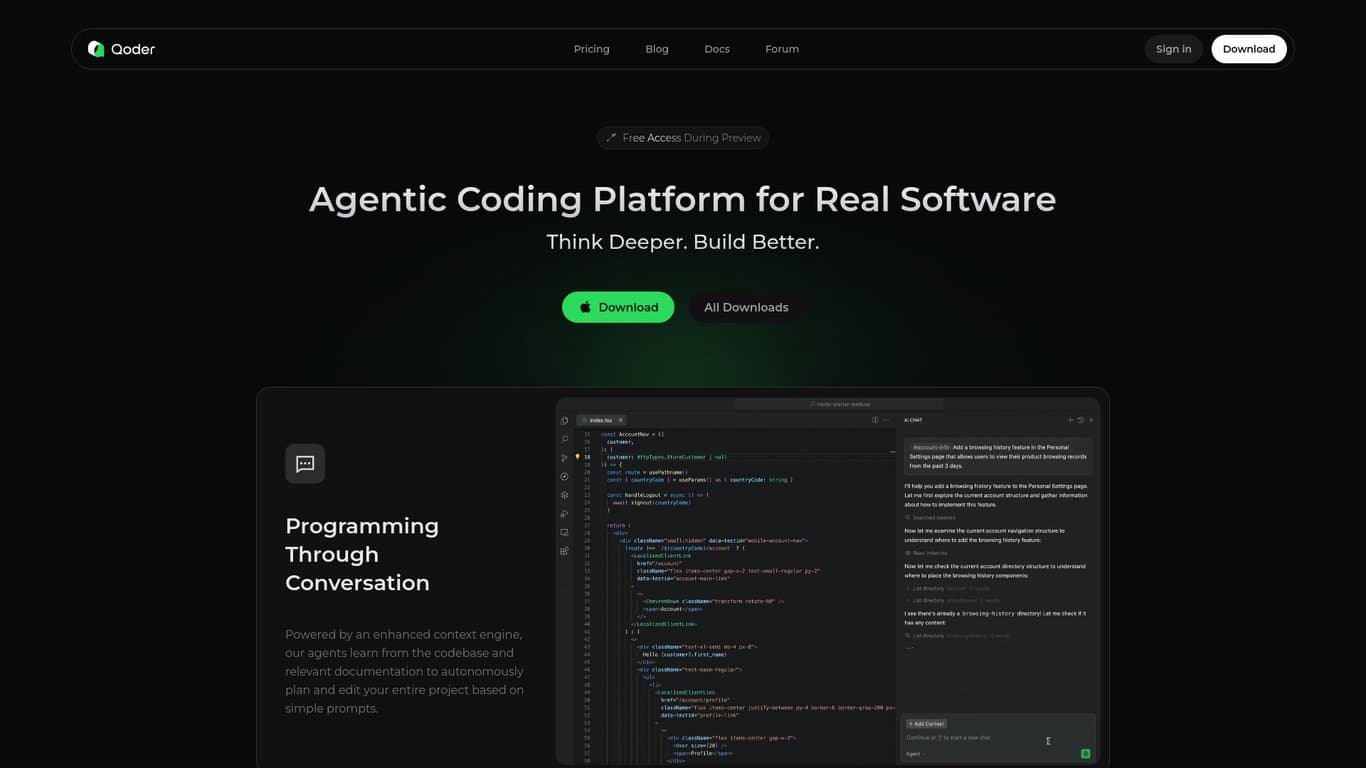
Agentic coding with Quest Mode, Repo Wiki, and Memory for AI-powered, context-aware development.
Productivity Updated 1 hour ago
Visit Website
Qoder

Qoder's Top Features

Agentic Coding Platform: Intelligent AI agents that handle structured development tasks beyond simple code suggestions.
Enhanced Context Engineering: A rich, up-to-date, multi-source understanding of your codebase to guide AI actions and suggestions.
Quest Mode: Delegate complex, asynchronous tasks to AI agents and receive complete results.
Repo Wiki Documentation: Auto-generated, continuously updated in-workspace documentation reflecting the current codebase.
Live Project Context & Memory: Persistent, project-specific context for consistent coding style and reusable guidance across sessions.
Direct AI Access to Repo Wiki: Chat, Agent, and CLI have read/write access to documentation for informed decisions and awareness.
Integrated Git and GitHub Support: Repo Wiki content lives in your repo and can sync with GitHub Wiki; changes sync both ways.
Extensible via Model Context Protocol (MCP): Connect external tools and services to expand Qoder’s capabilities.
Multi-Model AI Engine: Support for Claude, GPT, and Gemini for flexibility and performance.
Cross-Platform Support: Installers for Windows and macOS.

Frequently asked questions about Qoder

Qoder is an agentic coding platform for real software development, combining enhanced context engineering with intelligent agents to understand codebases and automate complex development tasks.

It automates workflows, maintains project context, and enables seamless AI-assisted development so you can delegate intricate tasks to AI agents and focus on higher-level work.

Quest Mode lets you delegate complex, asynchronous development tasks to AI agents, who execute the work and deliver results—streamlining multi-step coding efforts.

Qoder uses advanced context engineering and a persistent Memory system to retain project-specific details, coding style, and reusable guidance across sessions.

Repo Wiki automatically generates and updates structured, in-workspace documentation that reflects the current codebase, aiding comprehension, collaboration, and feature work.

Repo Wiki supports up to 6,000 files per project and Git repositories only. Very frequent incremental commits may lead to generation failures or incomplete data capture.

Yes. Qoder can connect to external tools and services via Model Context Protocol (MCP) servers to extend capabilities.

You can install Qoder and begin coding with AI assistance in minutes by following the Quick Start guide.

Qoder provides installers for multiple platforms and supports Windows and macOS. You can get the latest downloads from the Qoder website.

Visit the Qoder website for user guides, troubleshooting resources, a forum, and documentation for setup, configuration, and issue resolution.

Qoder's pricing

Free

$0/monthly

  • Free access during public preview
  • All currently available features included (pro-level experience during testing)
  • Usage limits apply to ensure fair access

Customer Reviews

Login to leave a review

No reviews yet. Be the first to review!

Top Qoder Alternatives

SaveDay

SaveDay: AI-driven tools to save, search, and summarize content effortlessly. Enhance knowledge mana...
Cognosys

Enhance productivity using Cognosys' AI-driven workflows, integrations, and automations. Choose from...
adam.ai

Discover adam.ai, the intelligent meeting management platform enhancing communication, planning, and...
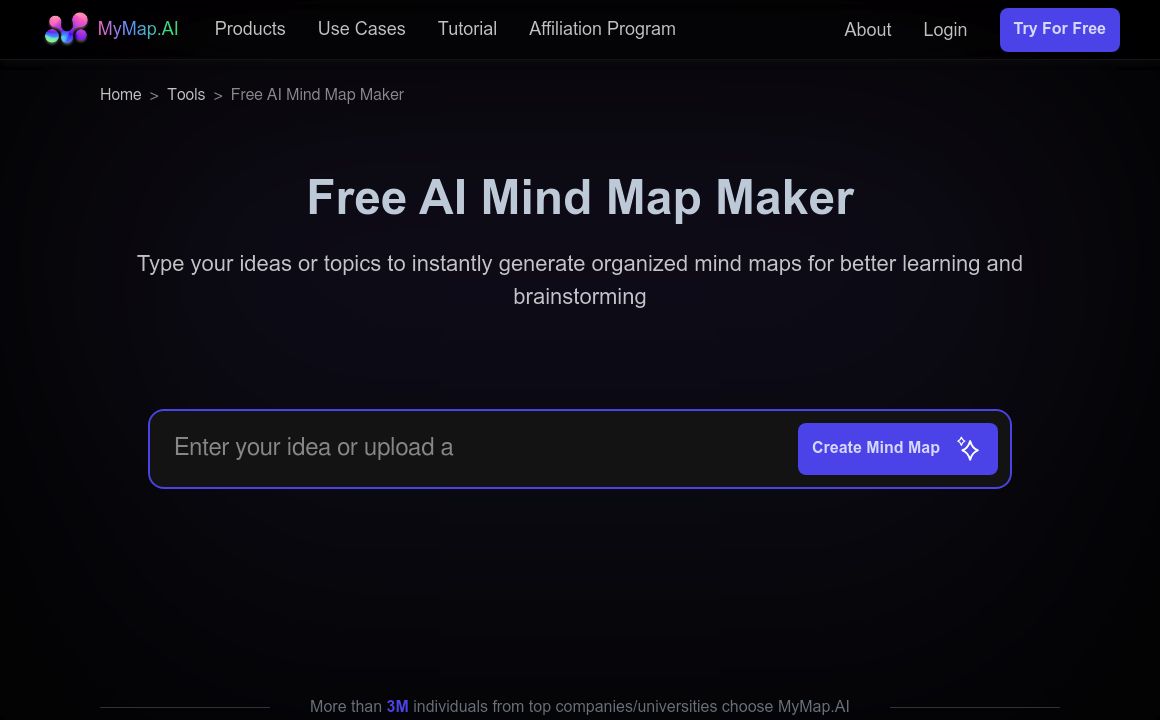
Mindmap

Discover MyMap.AI's suite of AI-driven tools aimed at enhancing productivity and learning for studen...
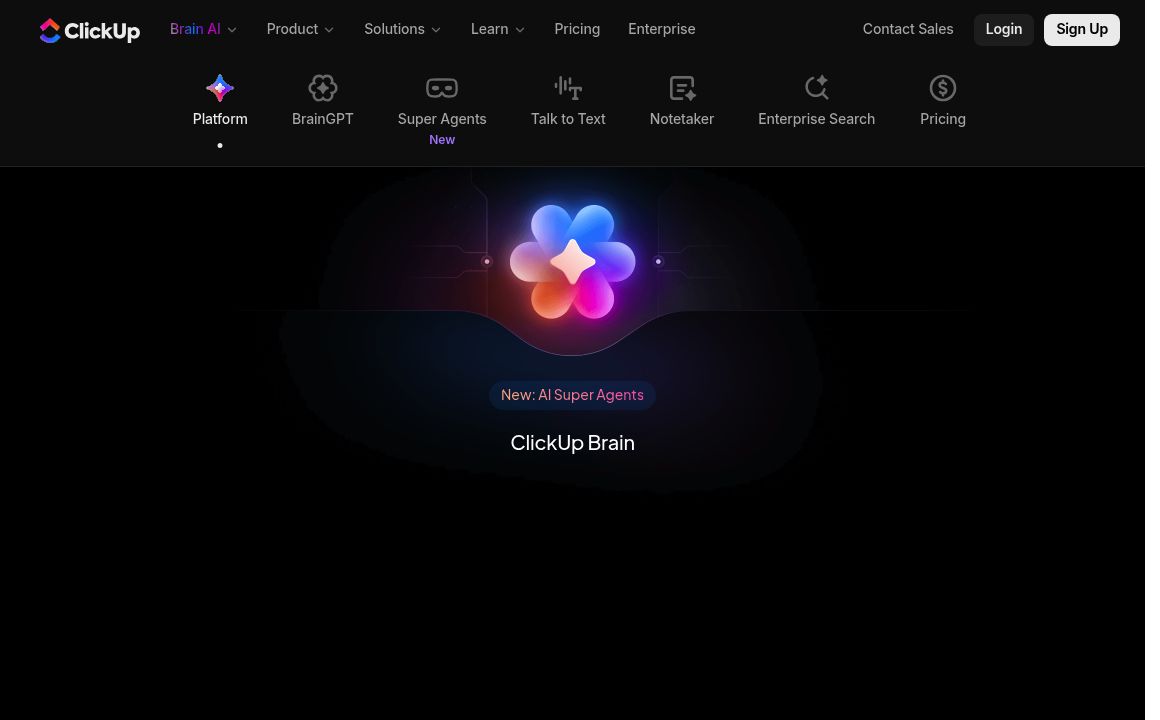
ClickUp AI Writing Assistant

Discover ClickUp AI - the ultimate productivity tool designed to enhance your workflow with features...

Magical AI

Automate tasks with Magical's AI-powered productivity app. Enjoy unlimited text expansions, custom r...

Prev Project
Next Project