Press for navigation
Swipe for navigation

Cmd J – ChatGPT for Chrome

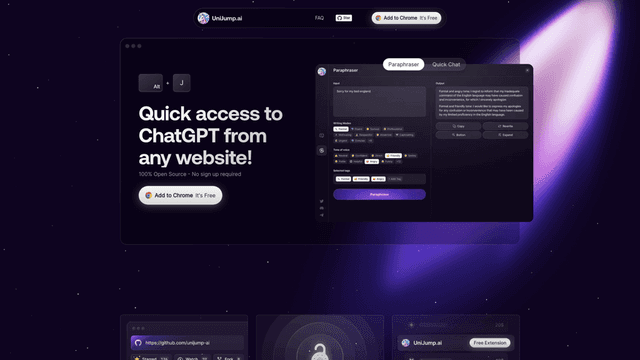
Cmd J: AI Chrome extension with ChatGPT for writing, coding, and more.
Productivity Updated 37 minutes ago
Visit Website
Cmd J – ChatGPT for Chrome

Cmd J – ChatGPT for Chrome's Top Features

Browser-based AI writing assistance with quick keyboard shortcut (Cmd/Alt + J) for instant access
Automated grammar, spelling, and style improvement for selected text through ChatGPT integration
Code explanation and problem-solving capabilities as an alternative to Stack Overflow searches
Content generation for social media posts and blog articles directly in browser
Enhanced search functionality providing concise, human-like answers to queries
Email writing assistance for improved communication and professional correspondence
Available in both free and premium versions with different usage limitations and response times
Secure data handling with no third-party data selling outside approved use cases

Frequently asked questions about Cmd J – ChatGPT for Chrome

Cmd J is a Chrome extension that integrates ChatGPT directly into your browser, allowing instant access to AI capabilities through a simple keyboard shortcut (Cmd/Alt + J). It works seamlessly within your browser without requiring tab switching or text copying.

Key features include: AI-powered writing assistance for emails and documents, code explanation and debugging tools, social media content generation, and enhanced Google search capabilities.

Cmd J offers both free and premium plans. The free plan provides limited usage, while the premium plan includes unlimited use, faster response times, and priority support.

No, Cmd J doesn't require a personal OpenAI API key. The extension uses OpenAI's infrastructure directly, with enhanced access available through the premium version.

After installation, simply use the keyboard shortcut Cmd/Alt + J anywhere in Chrome to activate the extension and access its features.

The extension collects web history, user activity, and website content to provide its services. Details about data collection and usage are available in their privacy policy.

Currently, Cmd J is exclusively available as a Chrome browser extension.

Cmd J is available in both free and premium versions, with different usage limitations and response times.

Cmd J is regularly updated, with the latest documented version being 1.8.1, released on April 11, 2023.

Cmd J's intuitive keyboard shortcut interface and seamless cross-platform integration set it apart, offering a convenient and efficient user experience.

Cmd J – ChatGPT for Chrome's pricing

Free

$0/

  • Basic access to ChatGPT features
  • Subject to OpenAI request limits
  • Occasional login interruptions

Premium

$9/monthly

  • Uninterrupted access
  • Faster response times
  • Priority chat support

Premium

$29/monthly

  • Tier 2/

Customer Reviews

Login to leave a review

No reviews yet. Be the first to review!

Top Cmd J – ChatGPT for Chrome Alternatives
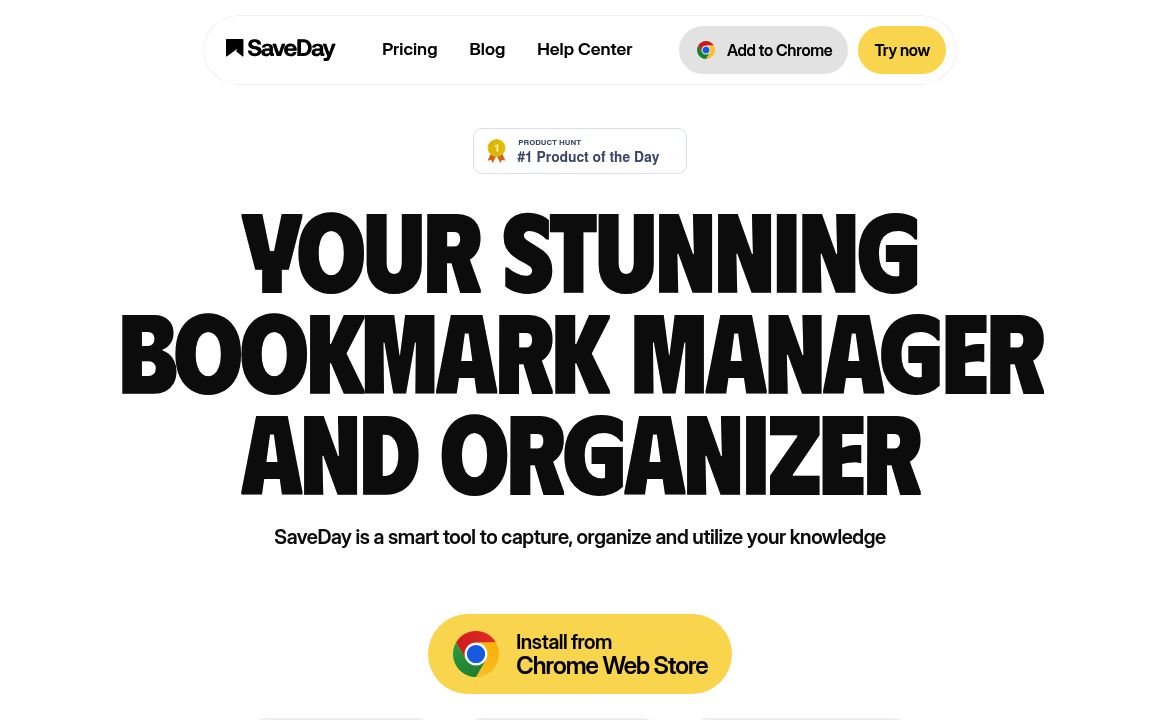
SaveDay

SaveDay: AI-driven tools to save, search, and summarize content effortlessly. Enhance knowledge mana...
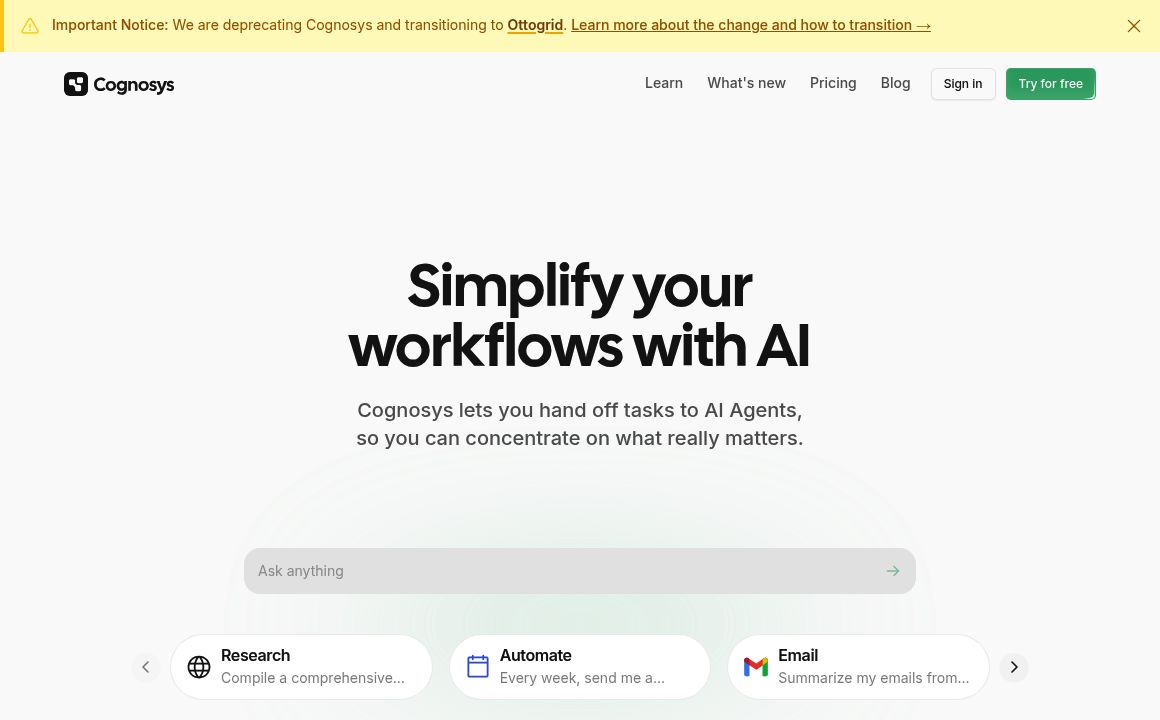
Cognosys

Enhance productivity using Cognosys' AI-driven workflows, integrations, and automations. Choose from...

adam.ai

Discover adam.ai, the intelligent meeting management platform enhancing communication, planning, and...

Mindmap

Discover MyMap.AI's suite of AI-driven tools aimed at enhancing productivity and learning for studen...
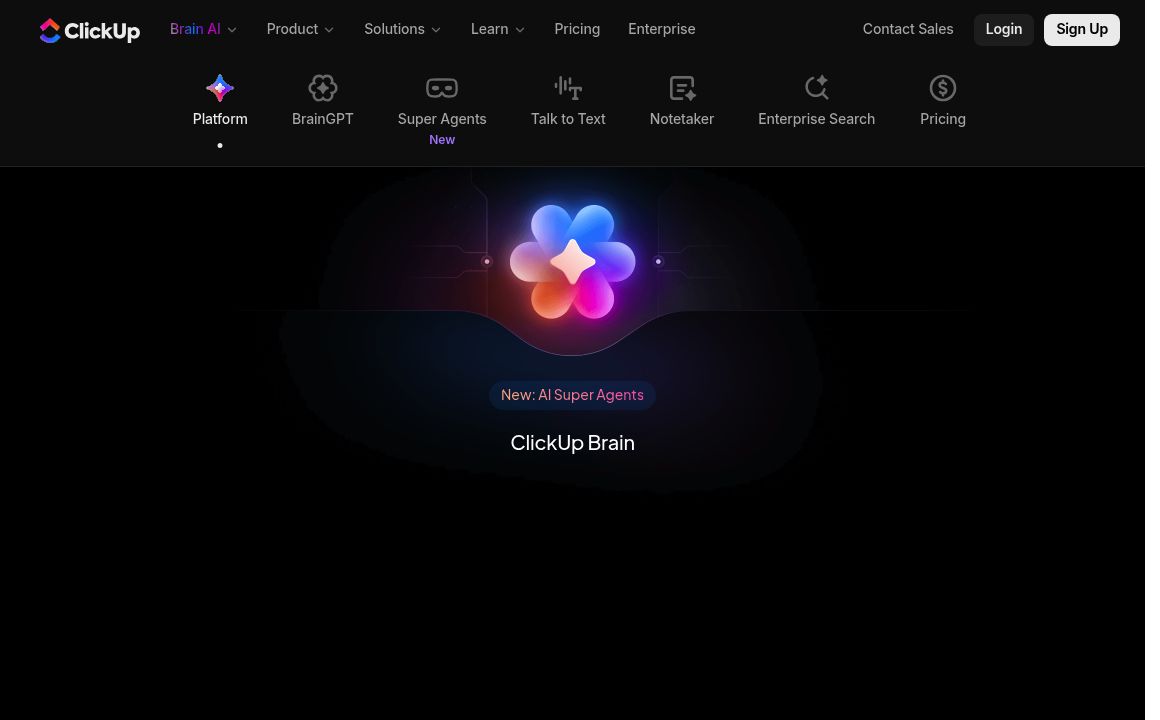
ClickUp AI Writing Assistant

Discover ClickUp AI - the ultimate productivity tool designed to enhance your workflow with features...

Magical AI

Automate tasks with Magical's AI-powered productivity app. Enjoy unlimited text expansions, custom r...

Prev Project
Next Project