Press for navigation
Swipe for navigation

Adobe Podcast

Experience Adobe Podcast Studio (Beta) for professional-grade podcast and voiceover creation with AI-powered tools. Record, edit, and enhance audio seamlessly.
Podcasting Updated 1 hour ago
Visit Website
Adobe Podcast

Adobe Podcast's Top Features

Record, edit, and enhance audio in the browser
Remove noise and echo from voice recordings
Fix microphone issues before recording
Professional-grade recording in 16-bit 48k WAV format
Access pre-edited royalty-free music
AI-powered audio enhancement
Mic Check for optimizing recording setups
Edit audio by cutting, copying, and pasting like text
Integration with Adobe Audio Services APIs
Compatible with modern web browsers

Frequently asked questions about Adobe Podcast

Adobe Podcast Studio (Beta) is a platform that allows users to create high-quality podcasts and voiceovers using AI-powered audio tools. It enables recording, editing, and enhancing audio directly in a web browser.

Yes, Adobe Podcast Studio (Beta) is now available for everyone to try.

Key features include recording, editing, and enhancing audio in the browser, removing noise and echo, fixing microphone issues before recording, and accessing pre-edited royalty-free music.

Adobe Podcast Studio uses AI-powered tools to remove noise and echo from voice recordings and enhance the overall audio quality as if it were recorded in a professional studio.

Yes, using the Mic Check feature, Adobe Podcast Studio can analyze and optimize your microphone and recording environment.

Adobe Podcast Studio supports professional-grade recording with individual tracks in 16-bit 48k WAV format.

Yes, Adobe Podcast Studio transcribes audio using technology from Adobe Premiere Pro, allowing users to edit audio by cutting, copying, and pasting it like text.

Adobe Audio Services APIs offer capabilities for audio enhancement, analysis, and generation, which can be integrated into other applications for advanced audio processing.

Yes, Adobe Podcast Studio provides access to pre-edited royalty-free music, including intros, outros, transitions, and background music.

Adobe Podcast Studio is compatible with modern web browsers, allowing users to access its features without needing to download additional software.

Customer Reviews

Login to leave a review

No reviews yet. Be the first to review!

Top Adobe Podcast Alternatives

SpeakUp

SpeakUp AI transforms written content into podcasts 10x faster using your own voice. Try demos like...
Podstash

Convert YouTube videos into podcasts with PodStash. Stay productive and turn must-read content into...
Snipd

Elon Musk discusses the future of a civilization on Mars, highlighting reusable rockets and governan...
Adobe Speech Enhancer

Adobe Podcast Tools: Record, edit, and enhance podcasts in your browser. Try Adobe Express Premium w...

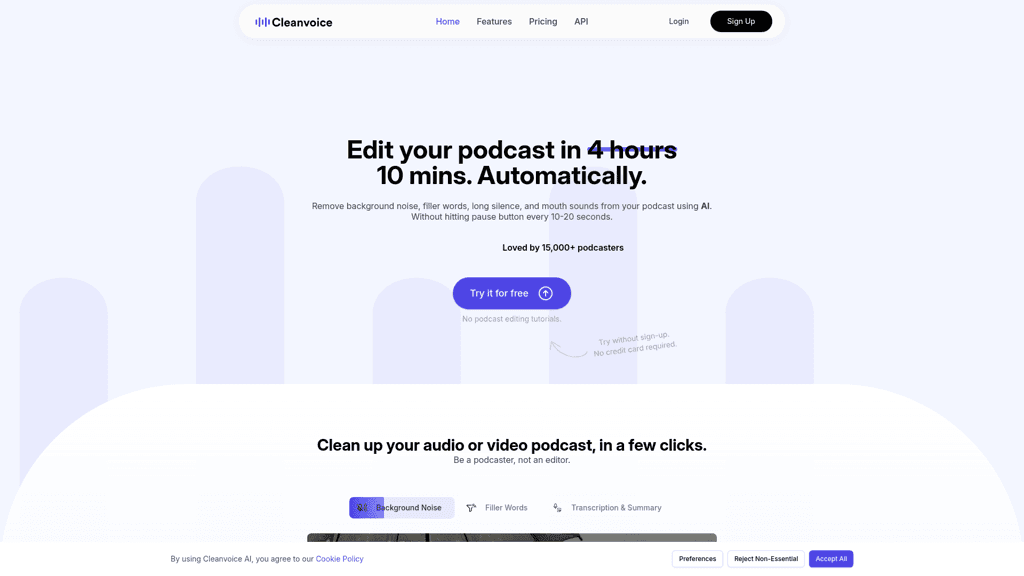
Cleanvoice AI

Cleanvoice AI offers automatic audio editing by removing background noise, filler words, pauses, and...
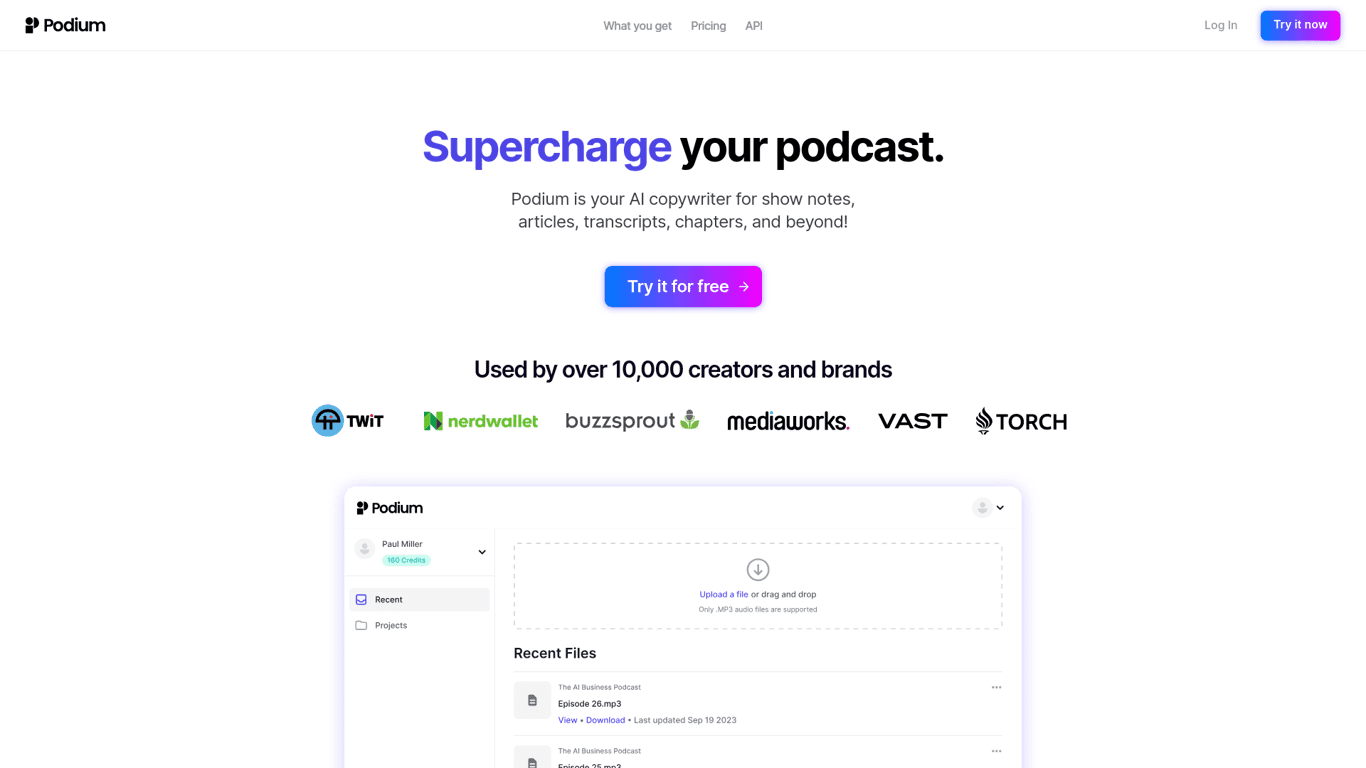
Podium

Save time on podcast creation with Podium's AI-driven features for show notes, chapters, transcripts...
Prev Project
Next Project