Press for navigation
Swipe for navigation

Canva:Text-to-Image

Generate images from text in Canva. Edit with Magic tools, collaborate in real time, and export on web or mobile.
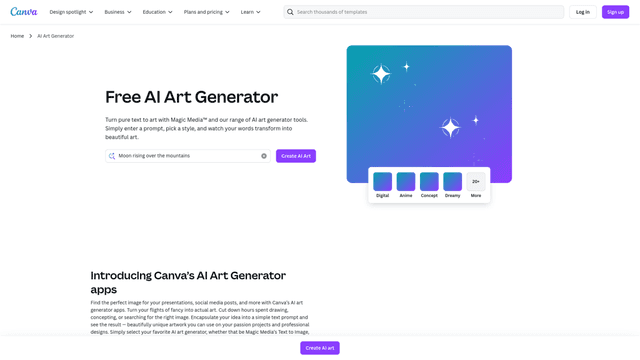
Image Generation Updated 1 hour ago
Visit Website
Canva:Text-to-Image

Canva:Text-to-Image's Top Features

AI text-to-image generation from prompts
Multiple artistic output styles (e.g., Watercolor, Filmic, Neon, Color Pencil, Retrowave)
Magic Edit (Pro) to add, replace, or modify objects via a prompt
Background Removal (Pro) for one-click subject isolation
Magic Eraser (Pro) to remove unwanted elements
Editable text extraction from images to correct or replace copy
Photo editing controls for focus, lighting, and color
Photo effects and adjustable filters
Simple exporting to JPG, PNG, and PDF, plus direct sharing
Access to a large library of images, icons, graphics, audio, and more

Frequently asked questions about Canva:Text-to-Image

It’s an AI-powered feature that turns written descriptions into images, helping you visualize ideas without advanced design skills.

Enter a prompt, choose an art style, and the AI will generate multiple image options you can add to your design.

You can generate images in styles like Watercolor, Filmic, Neon, Color Pencil, Retrowave, and more.

It’s available for free with limited use on Free accounts; Pro unlocks additional usage and advanced features.

Yes. Use tools like Magic Edit and Magic Eraser (Pro), plus photo editing controls for lighting, color, and effects.

Yes. Access Text to Image on web and mobile, with autosave so your designs are available anywhere.

Magic Media is the entry point for prompt-based image generation, while Dream Lab applies new aesthetics to a reference image and lets you refine or upscale results.

Yes. Canva supports real-time collaboration so teams can co-create and edit designs simultaneously.

Yes. Canva includes millions of free images, icons, graphics, and other media to enhance your designs.

Export in JPG, PNG, or PDF, or share directly from Canva via links, email, or social platforms.

Canva:Text-to-Image's pricing

Free

Free/

  • AI Text-to-Image: 20 credits/month
  • Canva AI messages: limited per month
  • Premium content: 4.7M+ assets

Pro

Free/

  • Per individual
  • AI Text-to-Image: 500 credits/month
  • Canva AI messages: 10x Free/month

Teams

Free/

  • Per user; 3-user minimum (min 3 = £270/yr)
  • AI Text-to-Image: 500 credits/month per user
  • Canva AI messages: 10x Free/month per user

Customer Reviews

Login to leave a review

No reviews yet. Be the first to review!

Top Canva:Text-to-Image Alternatives

AI Anime Generator - Pica AI

Effortlessly create stunning anime art and characters with Pica AI Anime Generator. Quick and easy f...
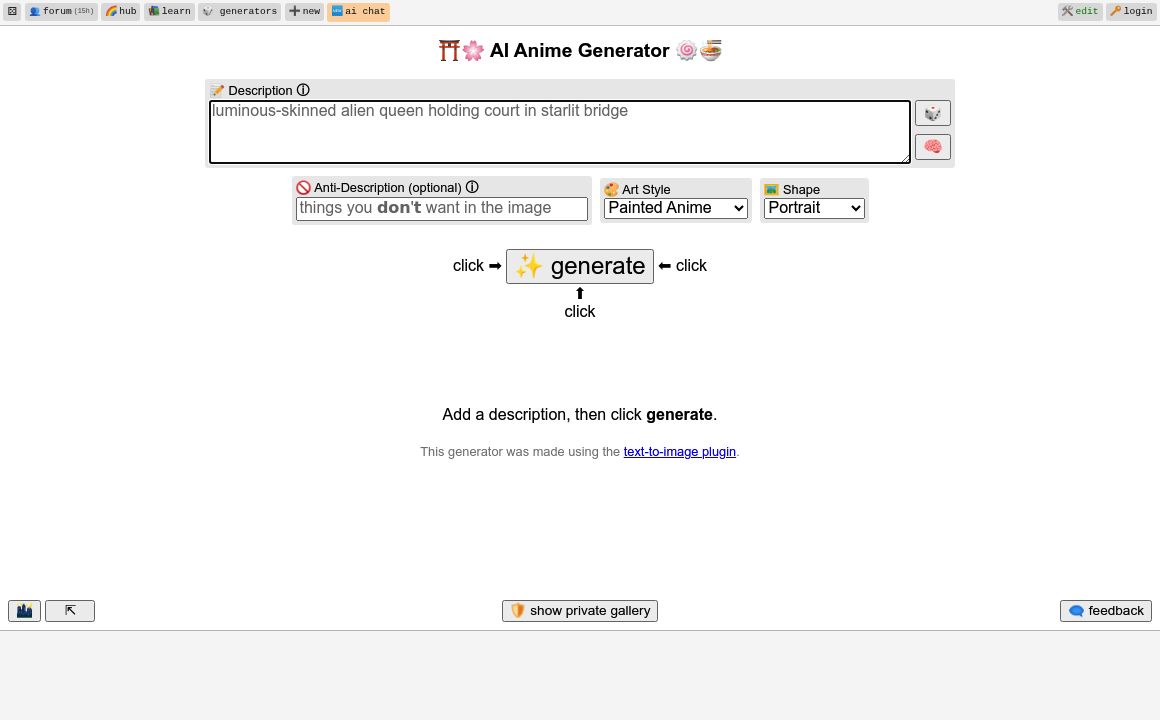
AI Anime Generator By Perchance

Design anime-themed images with customizable settings. Choose art styles, shapes, and batch sizes fo...
Free Profile Picture Maker

Discover PFPmaker, the AI-powered tool that helps you create perfect profile pictures for any platfo...

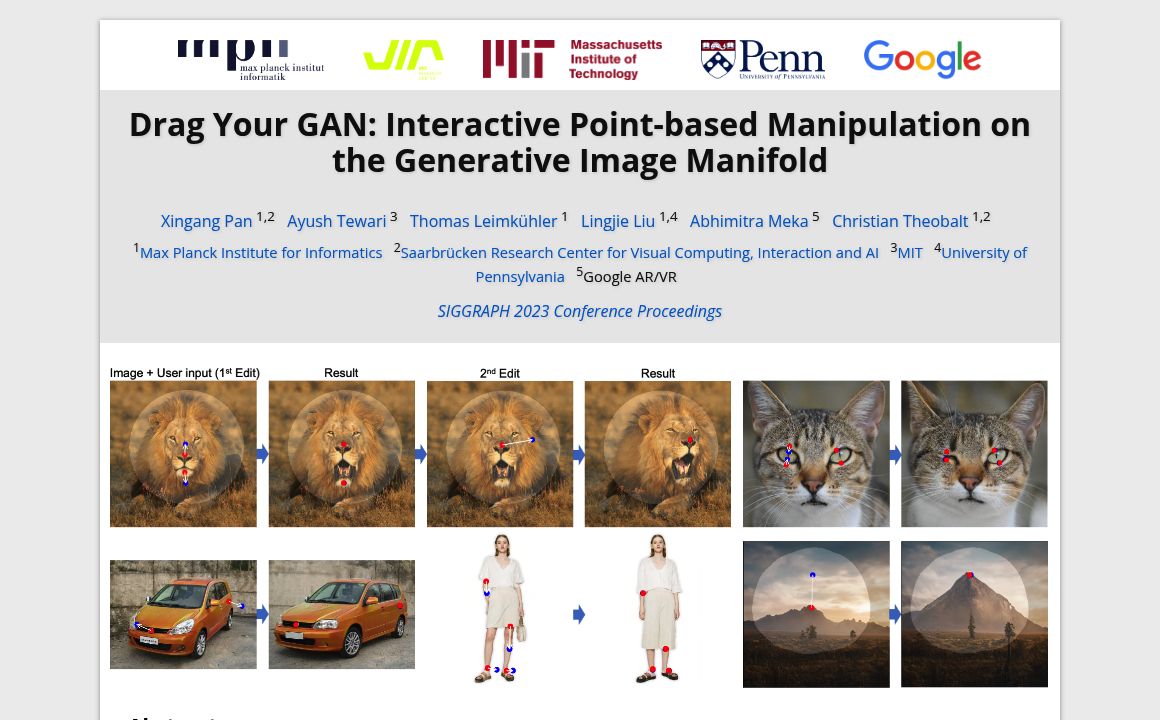
DraGan

DragGAN: an innovative tool for precise image manipulation via interactive point dragging, enabling...
Promptchan

Experience Promptchan's advanced features to create, edit, and chat with AI-generated characters. Jo...
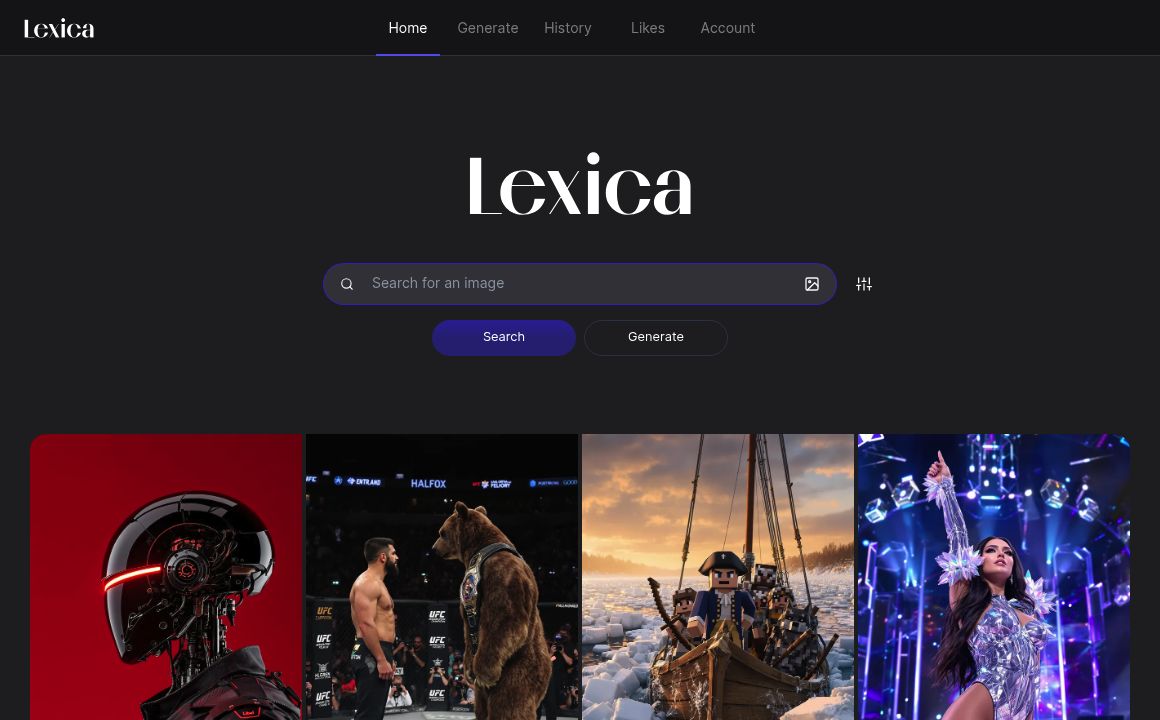
Lexica

Discover Lexica.art, an AI-powered platform for generating unique digital art. Enjoy flexible subscr...
Prev Project
Next Project