Press for navigation
Swipe for navigation

Slazzer

Effortless image background removal with Slazzer's AI tool. Ideal for e-commerce & design.
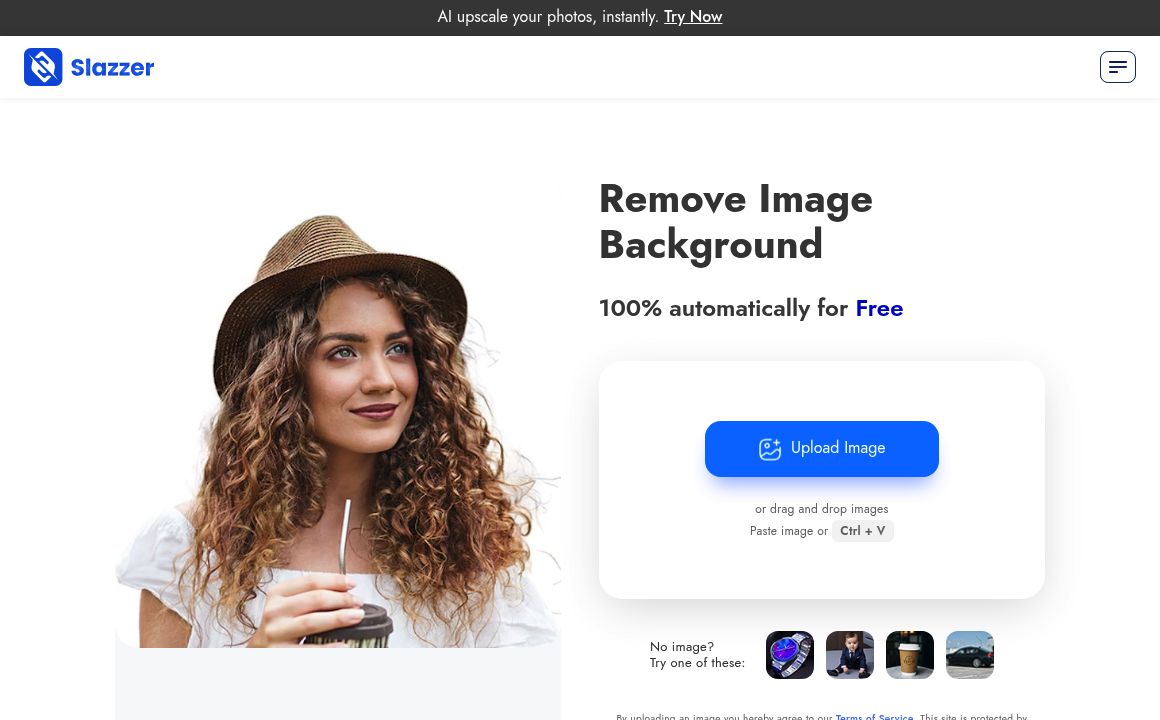
Image Editing Updated 5 minutes ago
Visit Website
Slazzer

Slazzer's Top Features

Automated background removal using AI-powered algorithms ensures precision even with complex subjects like hair or fur.
Maintains high-resolution output, processing images up to 25 megapixels for professional quality.
Bulk processing capabilities via desktop application allow simultaneous handling of thousands of images for large projects.
Robust API integration for seamless incorporation into existing applications or workflows.
Customizable backgrounds and design templates provide creative control for personalized image editing.
Accessibility across multiple platforms, including web, Windows, Mac, Linux, and plugins for software like Photoshop and Figma.
Design Maker feature offers pre-designed templates for quick creation of visually appealing images.
Manual editing tools available for fine-tuning and precise adjustments to cutouts or backgrounds.
Integration with Zapier enables automation with over 2000 other apps, streamlining workflows.
Offers various pricing plans, including both free options and paid subscriptions with additional credits and features.

Frequently asked questions about Slazzer

Slazzer offers various pricing plans, including a free plan with limited credits, subscription plans with more credits at different tiers, and top-up plans for one-time uses. There's also a custom enterprise plan available on request.

Credits are used to access Slazzer’s features; one credit typically equals one full-resolution image. They can be purchased via subscription or top-up options, with unused credits potentially rolling over.

The free plan provides a limited number of credits, while subscription plans offer more credits at lower costs per image. There are API usage limits, which can be increased with higher plans.

Slazzer provides an API for integration into applications or websites, along with plugins for popular tools like Photoshop and Figma, and a desktop application.

Slazzer supports JPG, JPEG, and PNG formats with a maximum resolution of 25 megapixels; larger images will be resized.

Slazzer offers a money-back guarantee, which varies in duration, and quality depends on the image clarity and subject.

Yes, Slazzer is available for commercial use with a paid plan, while the free plan is for personal use only.

Yes, you can add custom backgrounds or solid colors after removing the original background, with options differing by platform.

Usage of images for AI training might occur; it’s best to check Slazzer’s privacy policy for specifics on data usage.

Support is available through a help center, FAQs, and contact options. The response time could vary based on user feedback.

Slazzer's pricing

Freemium

$0/

  • Limited number of free credits
  • Unlimited free previews for testing

100

$11/monthly

  • Fixed number of credits per month
  • Decreasing cost per credit with volume increase

300

$36/monthly

  • Fixed number of credits per month
  • Decreasing cost per credit with volume increase

Customer Reviews

Login to leave a review

No reviews yet. Be the first to review!

Top Slazzer Alternatives

AIGIFs

Discover Glam Graph: Effortlessly create 25 unique looks from a single image in minutes. Perfect for...

Spyne

Discover Spyne's AI-powered solutions for creating and enhancing visual content. Streamline your pro...

IMGN

Experience cutting-edge image editing with IMGN app - no AI knowledge required. Available on Google...
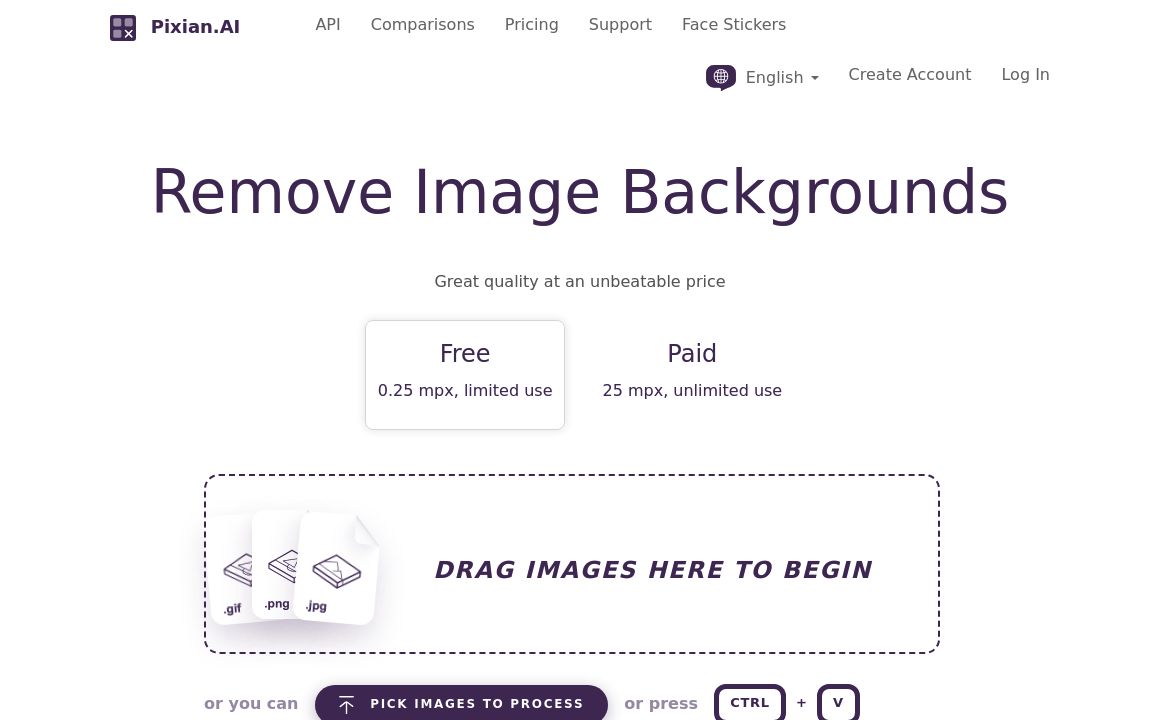
Pixian.AI

Discover Pixian.AI for automated image background removal with best-in-class fidelity. Free and paid...
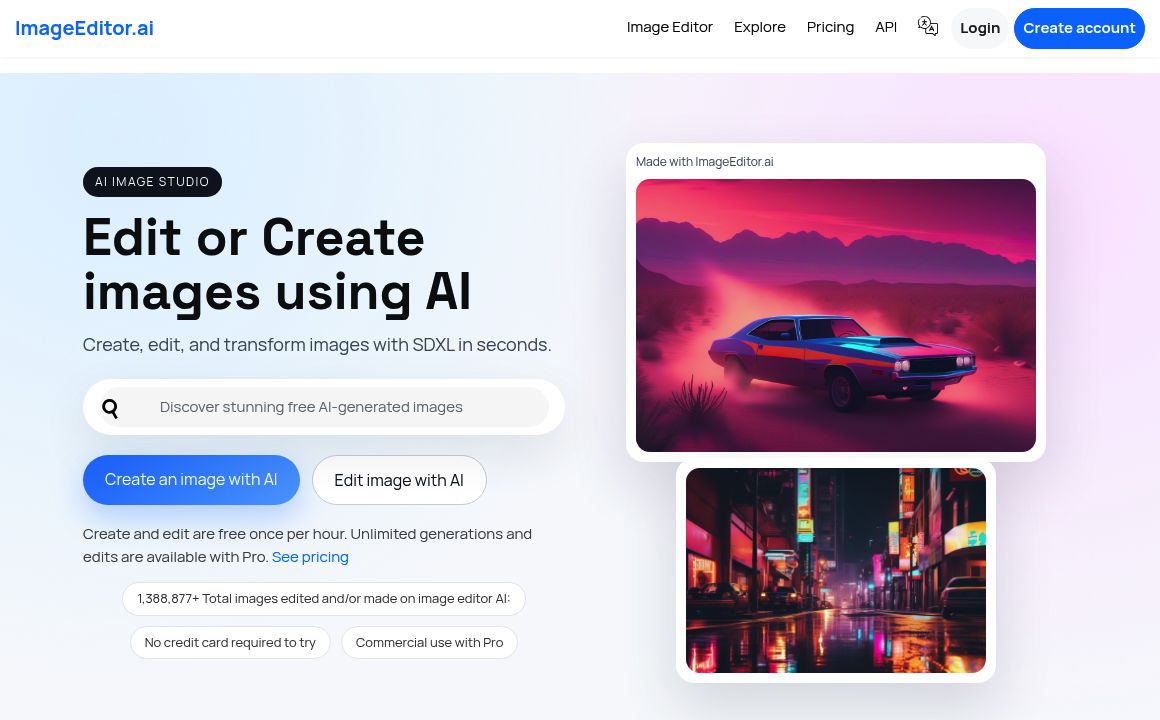
Imageeditor.ai

Discover ImageEditor.ai's suite of AI tools for image and video editing, background removal, interio...
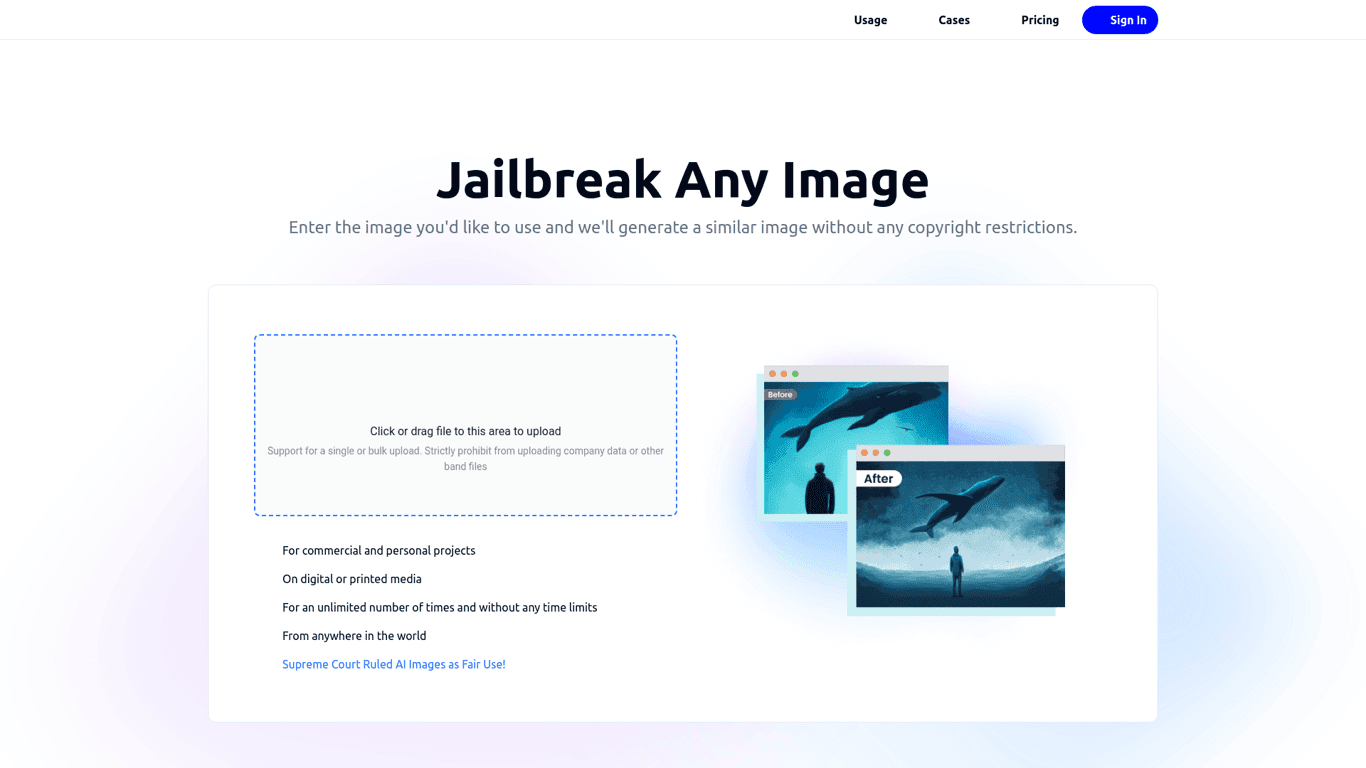
Variart

Convert copyrighted images into copyright-free versions effortlessly with Variart's AI-powered tool....
Prev Project
Next Project