Press for navigation
Swipe for navigation

Openart

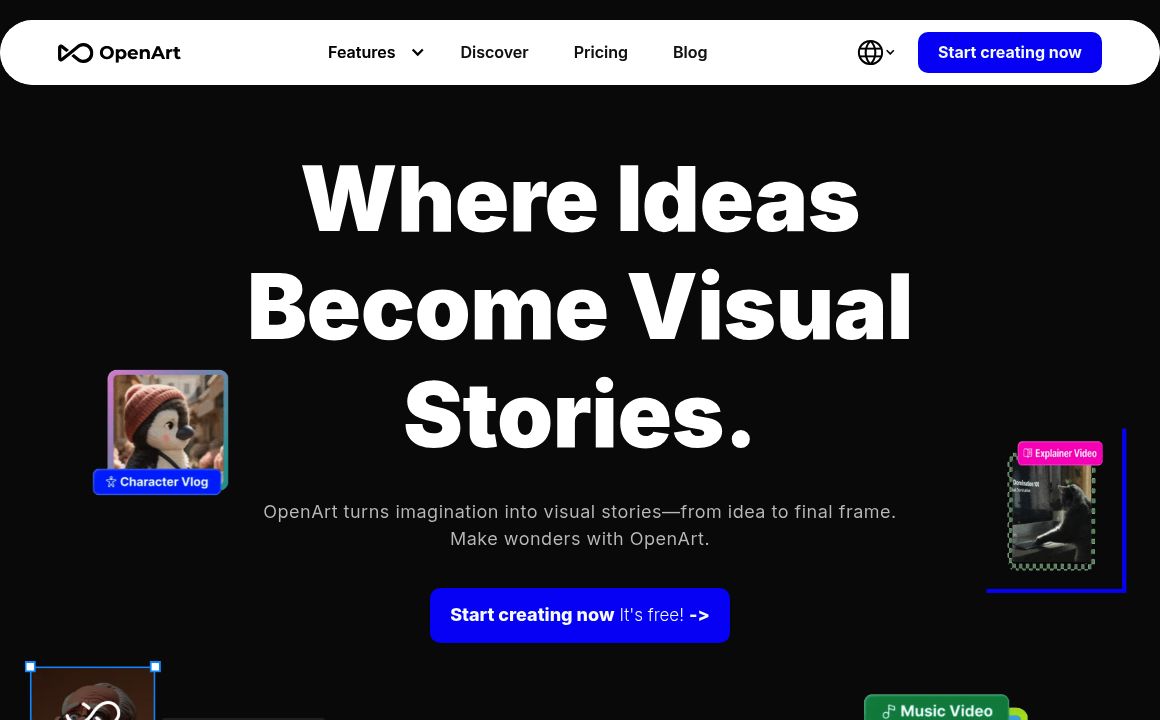
OpenArt.ai: Generate and edit images/videos with AI, upscale to high‑res, and train custom models—easy for all creators.
Generative Art Updated 7 minutes ago
Visit Website
Openart

Openart's Top Features

Text‑to‑image generation across diverse styles (photo‑real, fantasy, product mockups, abstract)
Advanced image editing: inpainting, object removal, and smart enhancements
AI style transfer for bespoke artistic transformations
High‑resolution outputs and upscaling for professional‑grade quality
Video generation and editing from text or images
Voice generation and lip‑sync for realistic performance
Cinematic effects and storytelling tools for video
Support for advanced video models: Veo, Kling, and Minimax
Custom model and character training with 4–128 sample images
Chat‑based editing via Ori (“Chat to Edit”)

Frequently asked questions about Openart

OpenArt is an AI platform for creative visual generation, offering tools to create and edit images and videos, high‑resolution upscaling, style transfer, custom model training, and a collaborative community.

Enter a text prompt and OpenArt’s generative models produce images in styles ranging from realistic photography to fantasy art, product mockups, and more.

Yes. A free tier lets you generate 512×512 images and experiment with different styles; new users receive bonus credits for premium models and tools.

AI-powered inpainting, object removal, enhancements, high‑resolution upscaling (image and video), style transfer, and chat‑based smart editing.

Yes, for personal and commercial projects. Always review copyright and IP considerations, especially when prompts reference existing media or characters.

No. OpenArt is designed for all skill levels with an intuitive interface that handles the heavy lifting.

High‑quality, style‑diverse generation; custom model training; community model sharing; robust learning resources (Prompt Book, Model Training Book, tutorials); and collaborative feedback via Discord.

Yes. Create and edit videos from text or images, add voice and lip‑sync, and apply cinematic effects using advanced models like Veo, Kling, and Minimax.

Most image requests are processed within seconds, with near real‑time feedback; longer or complex video generations may take more time.

Upload 4–128 high‑quality images to train a consistent character or style, then generate new artworks or share your model with the community.

Openart's pricing

Free

$0/

  • No cost; registration required
  • Up to 4 parallel generations
  • Daily free generations

Premium/Upgrade

$0/custom

  • Credit-based access to premium features
  • Access to advanced models
  • Higher-resolution outputs

Event/Promotional

$0/custom

  • Time-limited promotional upgrades during events
  • Example: unlimited video generations for a limited period (e.g., two weeks)
  • Pricing not publicly disclosed; availability varies

Customer Reviews

Login to leave a review

No reviews yet. Be the first to review!

Top Openart Alternatives

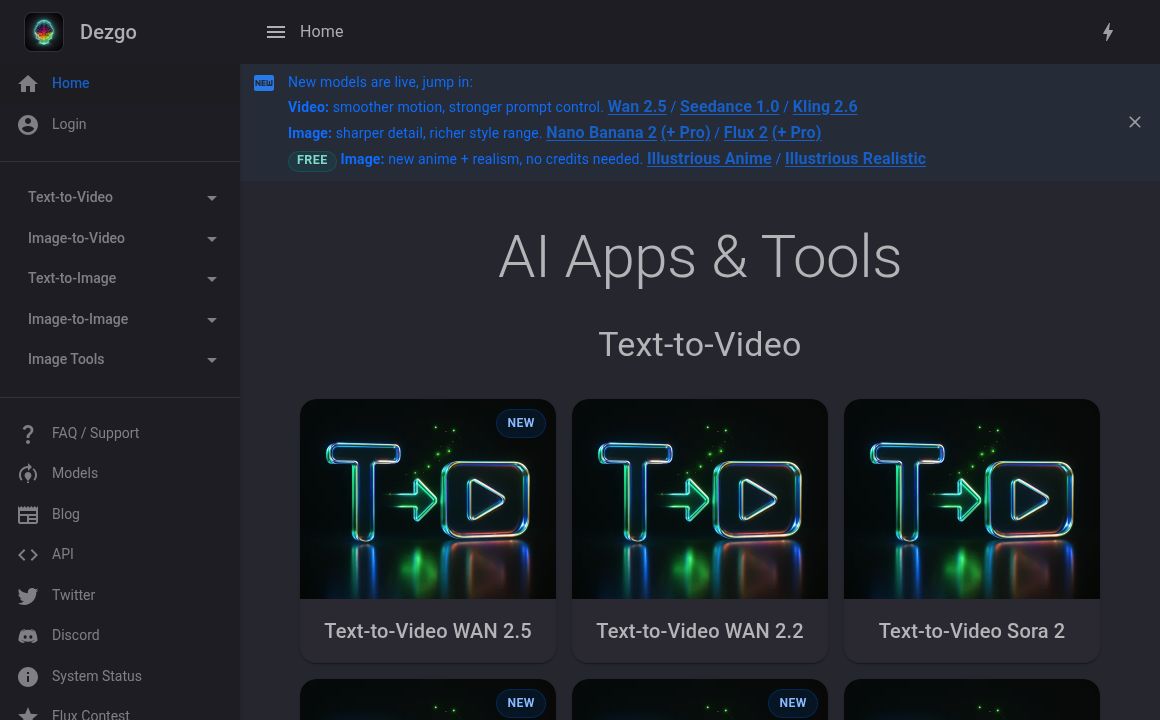
Dezgo

Create stunning images and videos with Dezgo's AI-powered platform, using Stable Diffusion technolog...
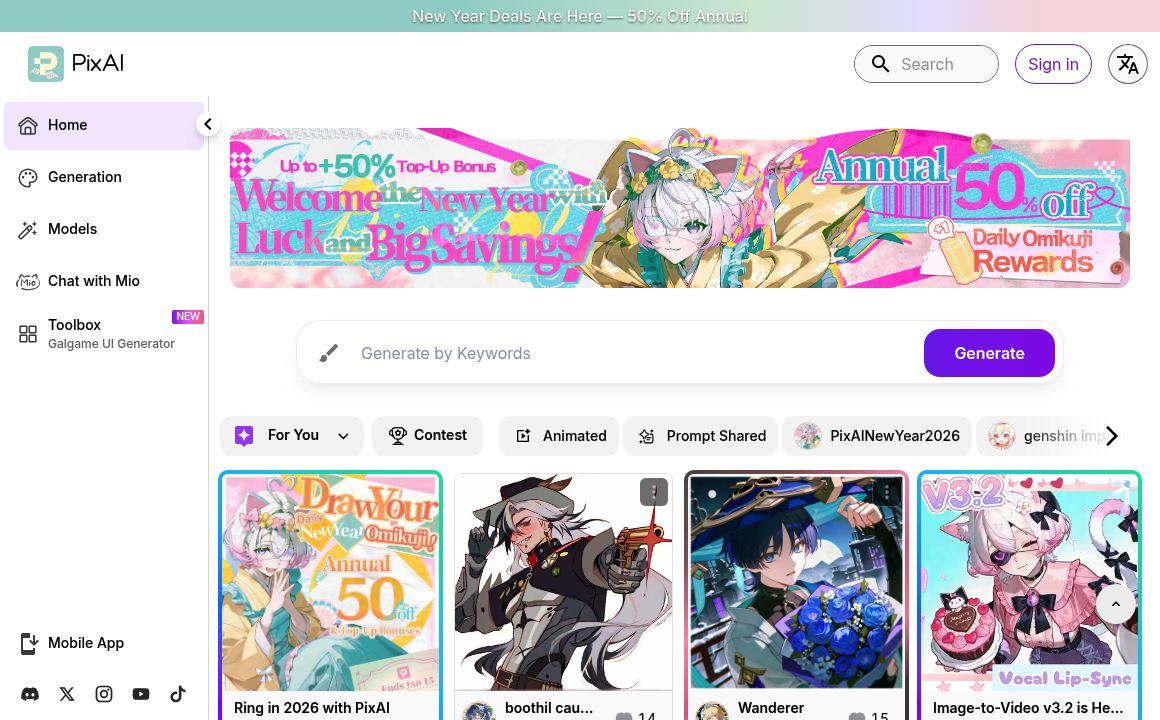
PixAI.Art

Generate high-quality anime-style art seamlessly with PixAI's AI tools. Join a vibrant community of...
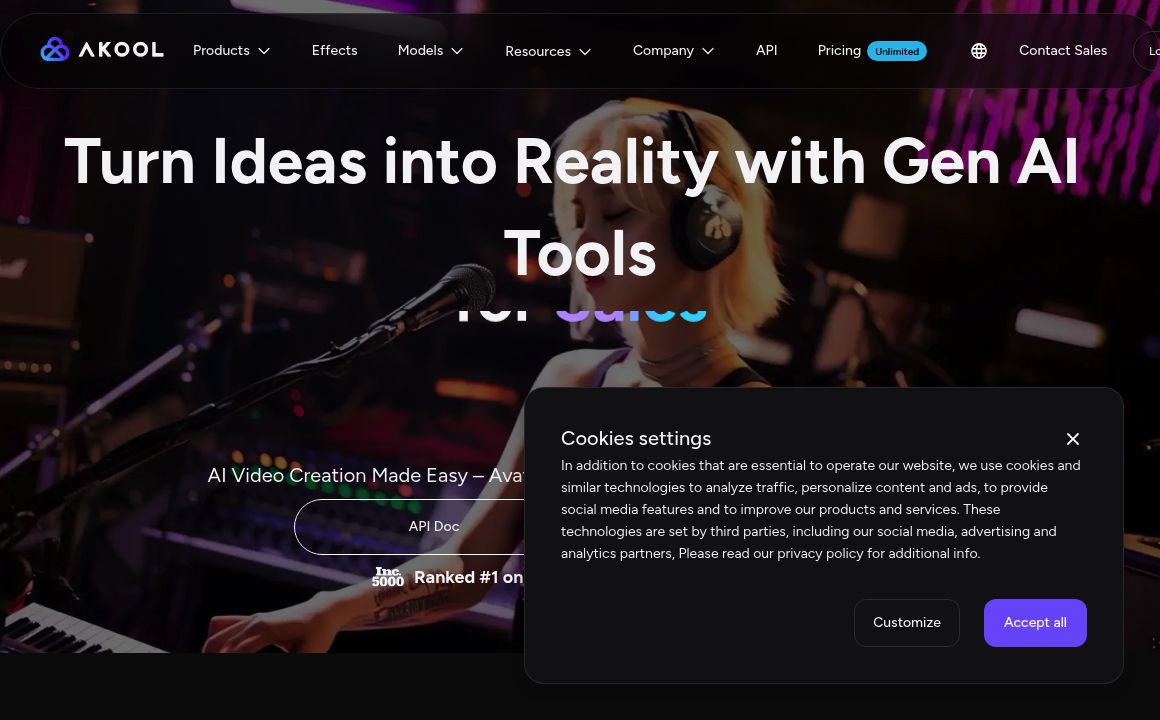
Akool

Explore Akool, the generative AI platform with tools to create, customize, and innovate content quic...
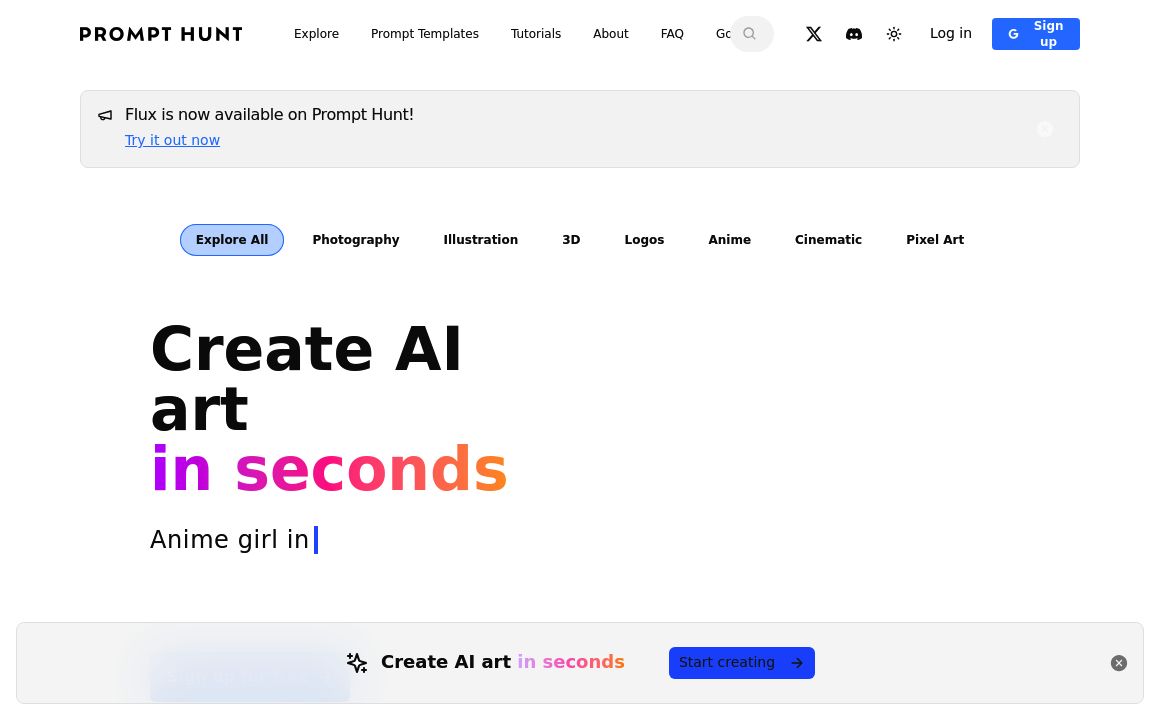
Prompt Hunt

Discover Prompt Hunt's AI art creation platform with Chroma AI. Fast, simple, and private. Multiple...
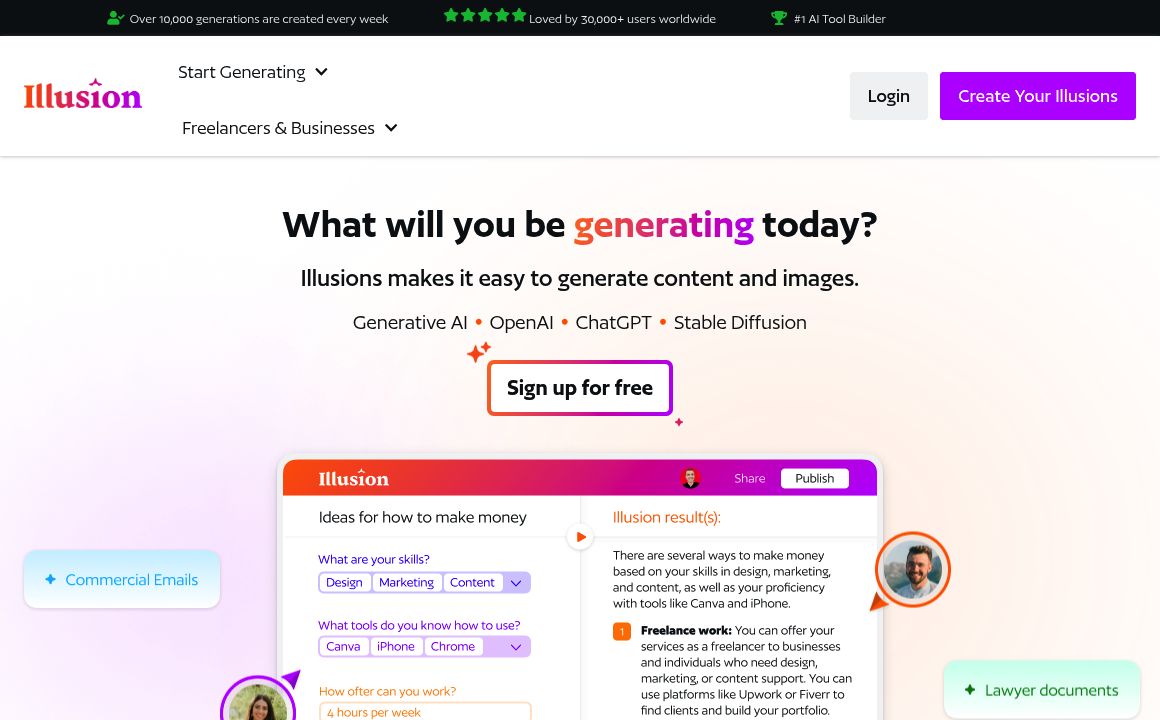
Illusion AI

Illusion.ws offers top AI tool-building services for generating text and images, with over 30,000 sa...
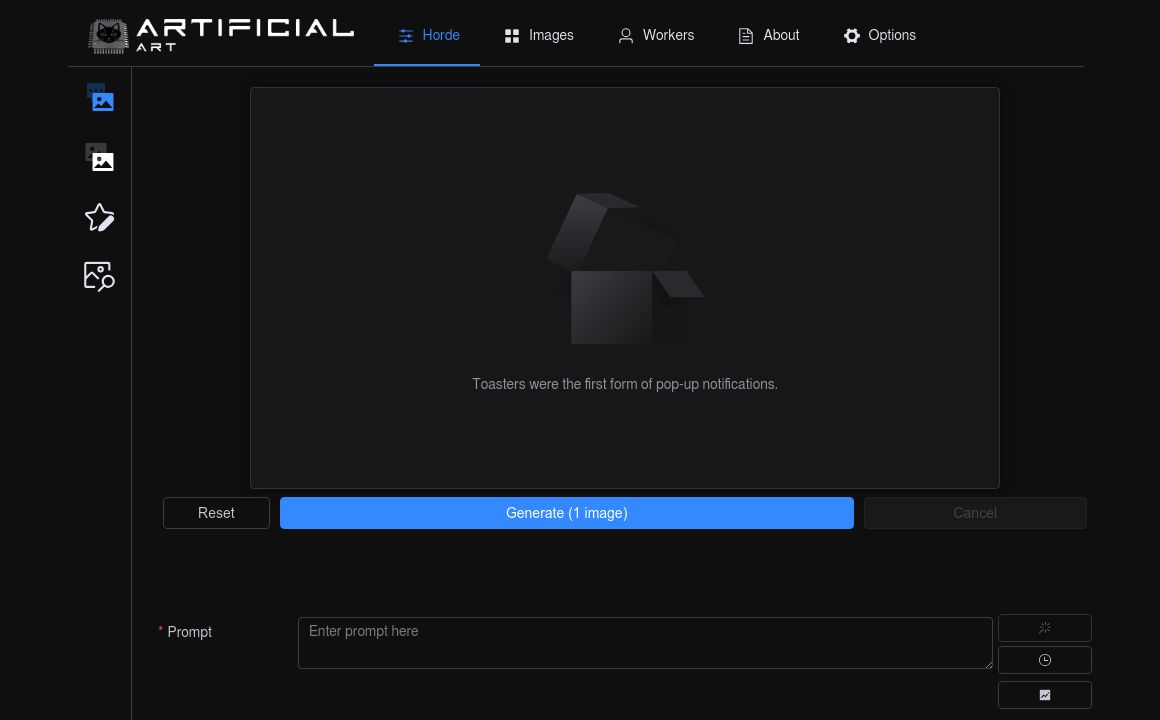
Artificial Art

Discover the power of AI in generating unique digital artworks with Artificial-Art.eu. From surreal...
Prev Project
Next Project