Press for navigation
Swipe for navigation

Pragma

Boost Outlook efficiency with Pragma's smart sidebar. Access business knowledge, organize templates, and reduce platform-switching.
Email Writing Updated 1 hour ago
Visit Website
Pragma

Pragma's Top Features

Smart sidebar for instant access to business knowledge
Integration with multiple platforms (Slack, Gong, Salesforce, HubSpot)
Organize and personalize email snippets and templates
Enhanced search within Outlook
Time-saving by reducing platform-switching
AI-driven unstructured data processing
Quick installation and easy setup
Security-focused and privacy compliant
Improved email response times
Personalized content access

Frequently asked questions about Pragma

The Pragma Outlook Add-in is a smart sidebar integrated into Microsoft Outlook that provides quick access to knowledge and content from various business platforms without leaving your email interface.

By providing instant access to knowledge from multiple platforms directly in your Outlook, the add-in eliminates the need to switch between different applications, saving you valuable time.

Yes, you can build a library of frequently used answers or email templates that can be accessed and inserted into emails with no delays.

The add-in can utilize unstructured data from sources like Slack, Gong, Salesforce, and HubSpot to provide comprehensive answers and content.

Yes, installing the Pragma Outlook Add-in is straightforward and can be done directly from within your Outlook application.

Absolutely, it allows you to search for knowledge or content quickly and efficiently, right from your Outlook sidebar.

Yes, by organizing and providing quick access to frequently used content and answers, the add-in helps improve email response times.

Pragma’s AI-driven technology processes unstructured data from various sources, making it easily searchable and accessible from the Outlook sidebar.

Yes, Pragma emphasizes security and ensures that your data is handled safely and in compliance with privacy regulations.

Yes, you can personalize your searches and snippets for tailored access to the most relevant content and knowledge.

Pragma's pricing

Pay

$0/monthly

  • Covering entire workspace usage
  • 200 Messages
  • 25 Messages: 600

Basic

$0/monthly

  • Try Premium FREE for 7 days
  • No credit card required!
  • Up to 5 users per company

Premium

$19.99/monthly

  • Try Premium FREE for 7 days
  • No credit card required!
  • Up to 100 users per company

Customer Reviews

Login to leave a review

No reviews yet. Be the first to review!

Top Pragma Alternatives

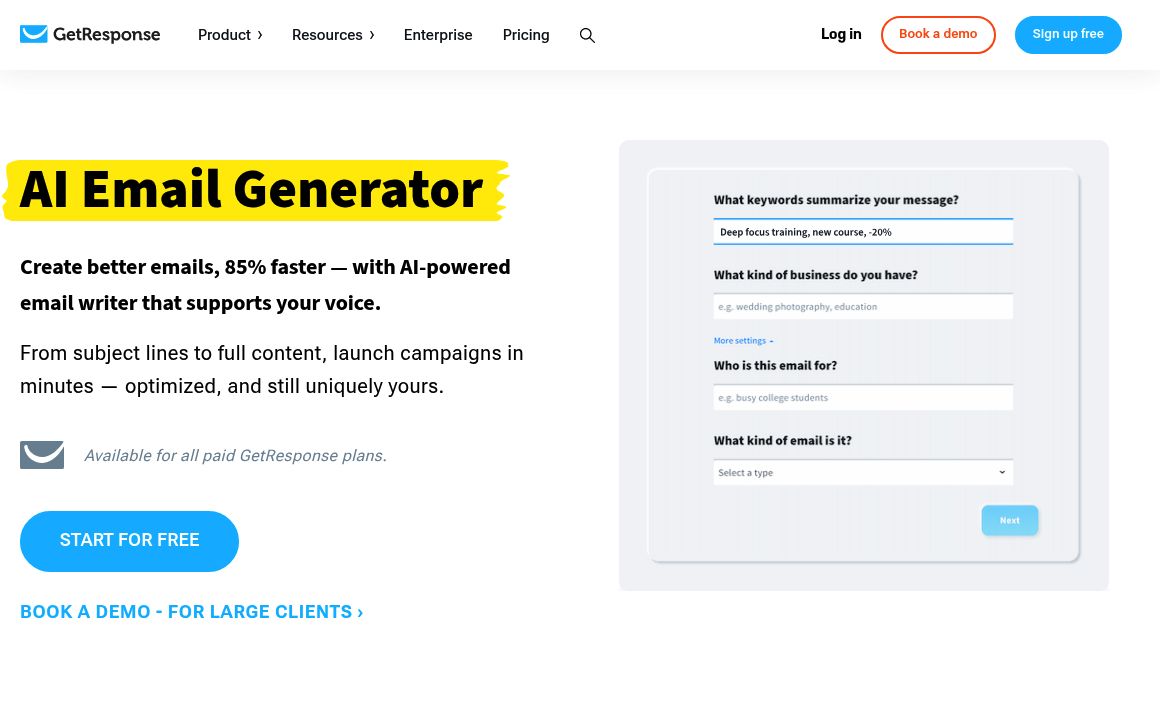
GetResponse Email Generator

Optimize your email marketing with GetResponse's AI Email Generator. Create engaging emails quickly...
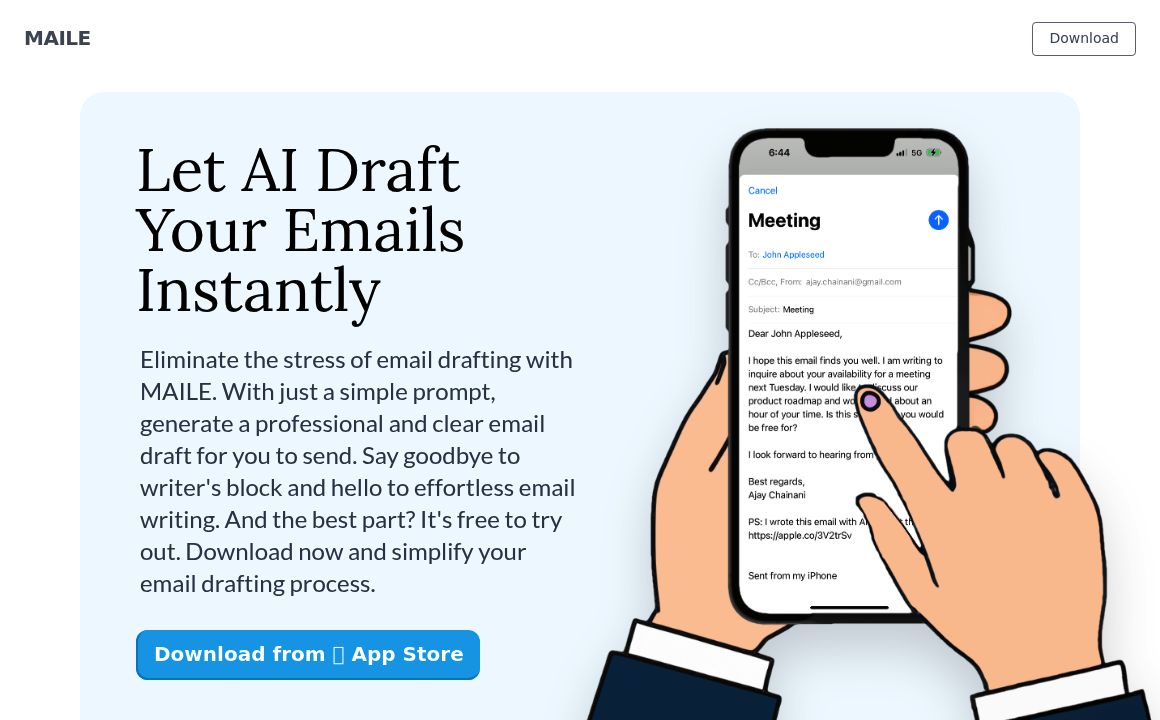
MAILE

Discover MAILE, an AI email writing assistant that simplifies drafting professional emails with just...
AllWrite

Create engaging and professional emails effortlessly with AllWrite's AI tool. Start for free and exp...
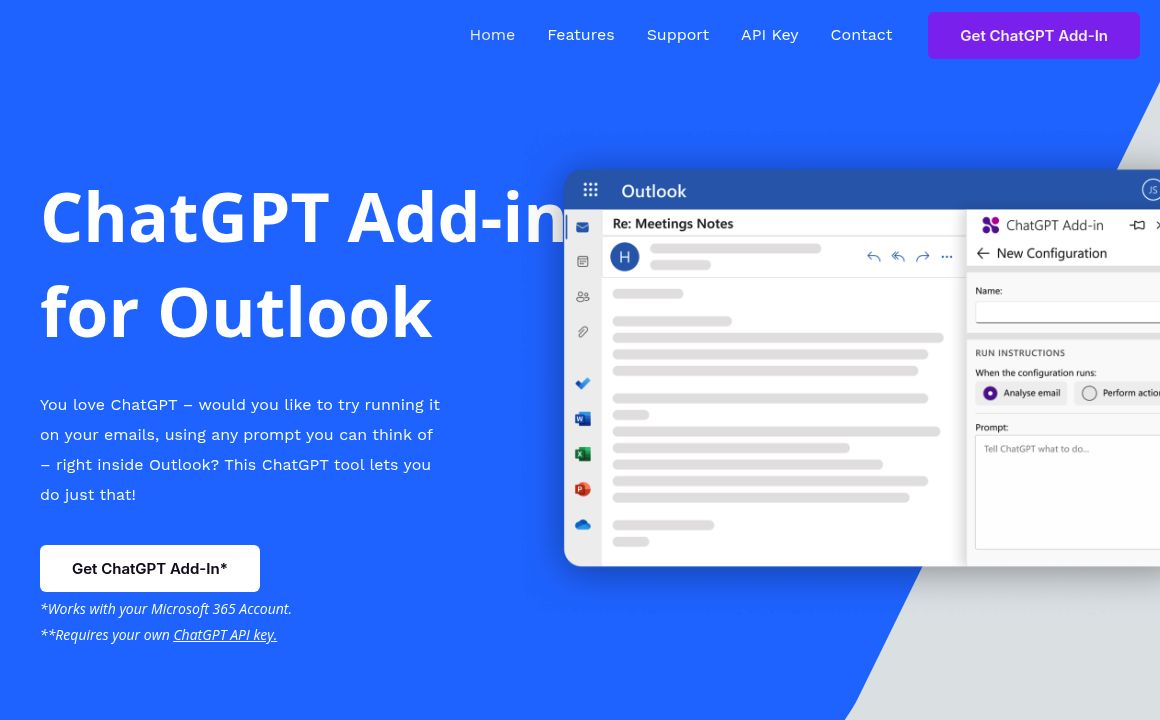
ChatGPT Outlook Plugin

Enhance your Outlook experience with the ChatGPT Add-In. Create custom prompts, process emails, and...
EmailCompser.ai

Create compelling and effective emails quickly with Emailcomposer.ai's GPT-3 powered writing tool. H...

AI Email Writer

Effortless Email Creation with GPT-3: Streamline your email communication with our ChatGPT-powered t...

Prev Project
Next Project