Press for navigation
Swipe for navigation

GitSyncPad

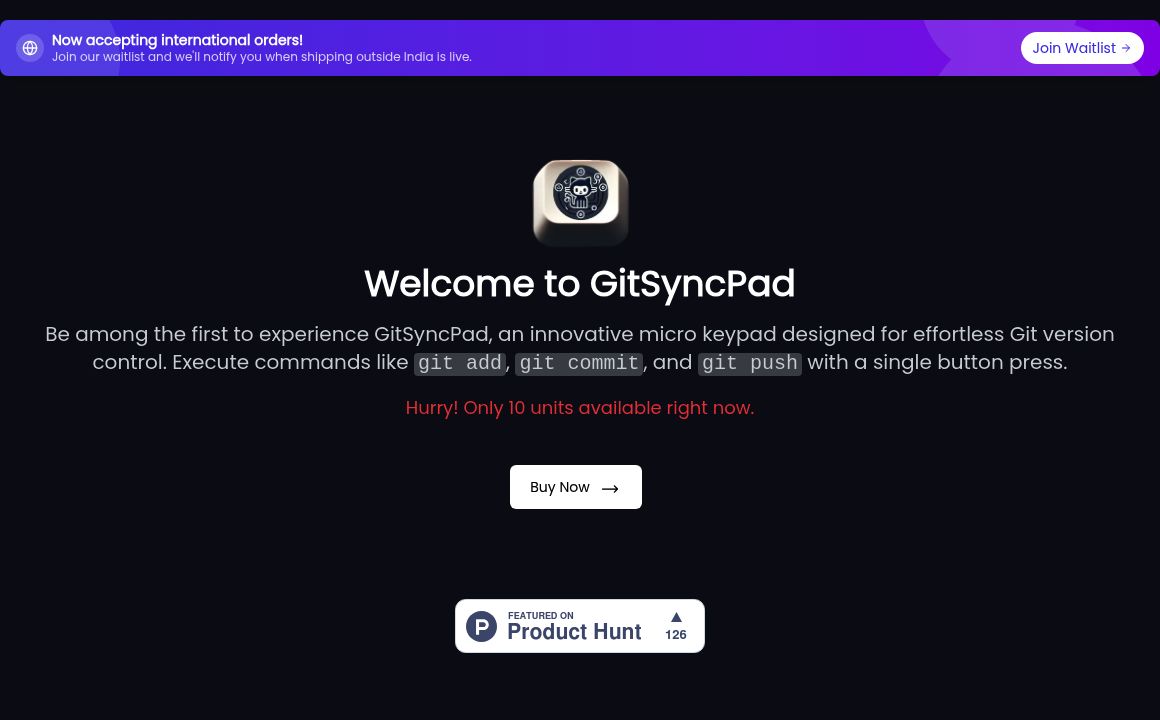
Streamline Git operations with GitSyncPad's one-touch command execution – perfect for boosting developer productivity.
DeveloperApplication Updated 9 hours ago
Visit Website
GitSyncPad

GitSyncPad's Top Features

Streamlined Git Workflow
One-Click Automation
Plug-and-Play Design
Enhanced Productivity
GitSyncPad V1 functionality
GitSyncPad V2 functionality
International Shipping
Ease of Use

Frequently asked questions about GitSyncPad

GitSyncPad is a tool designed to streamline Git workflows by automating common Git actions like `add`, `commit`, and `push` with a single button press.

GitSyncPad uses an Arduino Pro Micro and functions as a keyboard input device. It simplifies code changes by automating repetitive Git tasks.

GitSyncPad V1 automates `git add`, `git commit`, and `git push`. GitSyncPad V2 includes an additional button for `git pull`.

Yes, GitSyncPad is designed with simplicity in mind, making it accessible to developers of all skill levels.

Yes, GitSyncPad now accepts international orders and is expanding its shipping capabilities.

GitSyncPad V1 executes `git add`, `git commit`, and `git push` with a single button, whereas V2 includes an additional button for `git pull`.

GitSyncPad uses an Arduino Pro Micro and is plug-and-play with no additional hardware requirements.

The current information does not specify integration capabilities with specific IDEs or platforms.

It automates repetitive Git tasks, allowing developers to focus more on coding rather than entering commands manually in a terminal.

There is currently no information available on awards or recognition for GitSyncPad.

Customer Reviews

Login to leave a review

No reviews yet. Be the first to review!

Top GitSyncPad Alternatives

Amazon CodeWhisperer

AWS CodeWhisperer: Real-time coding companion for faster, error-free development.
Chatgpt.js

Discover chatgpt.js, a feature-rich and lightweight JavaScript library for integrating ChatGPT seaml...

Dart

Discover ITS DART's versatile templates, featuring overflow control, pointer event regulation, and c...
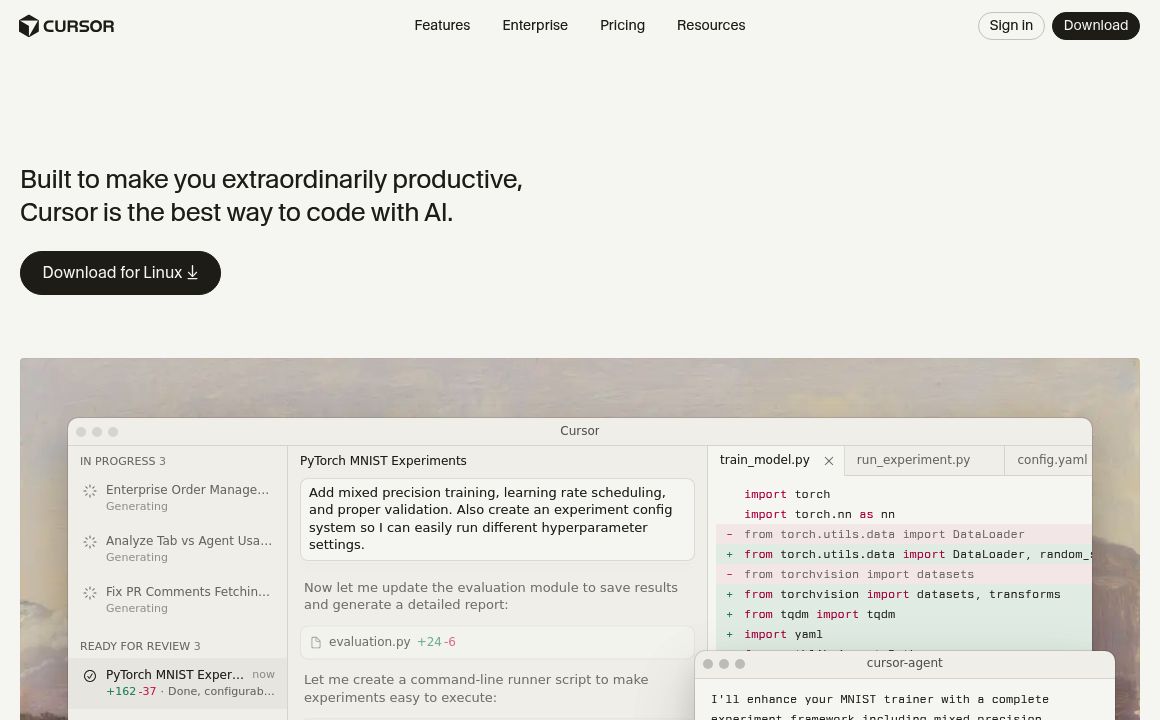
Cursor

Cursor: AI-powered code editor revolutionizing software development with AI models for coding effici...
Code Genius

Enhance your development workflow with Code Genius – featuring AI-powered pair programming, unit tes...
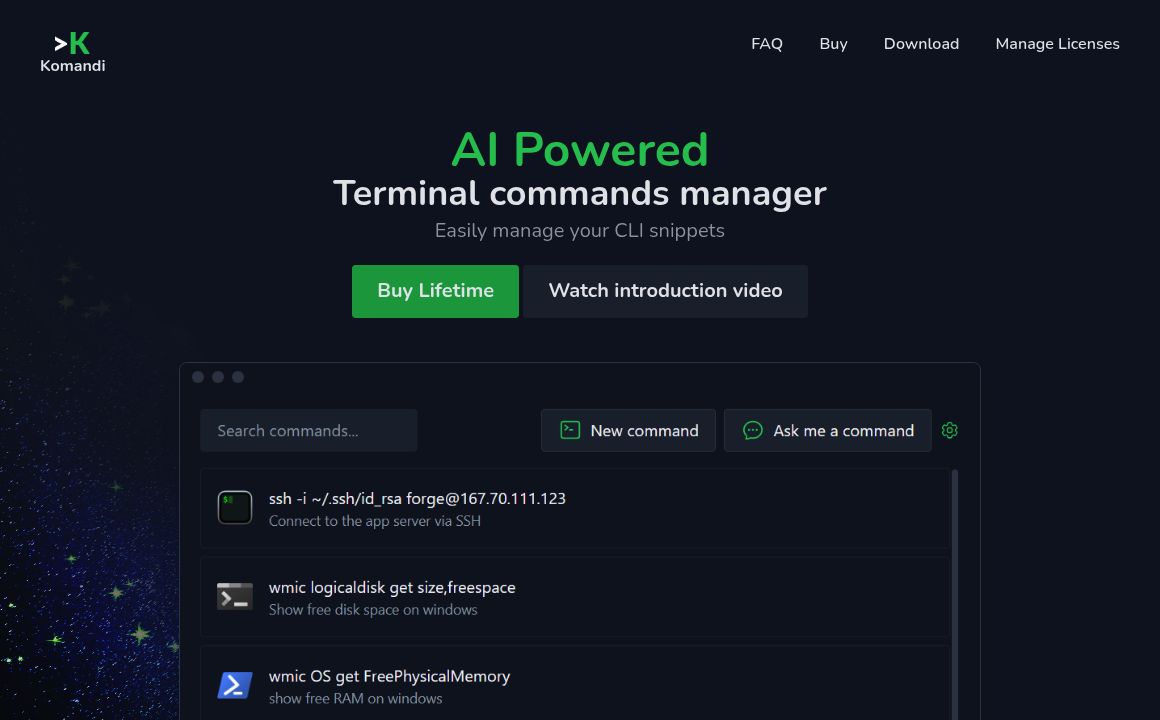
Komandi

Simplify your CLI with Komandi, the AI-powered terminal commands manager for macOS, Windows, and Lin...


Prev Project
Next Project