Press for navigation
Swipe for navigation

Lutra AI

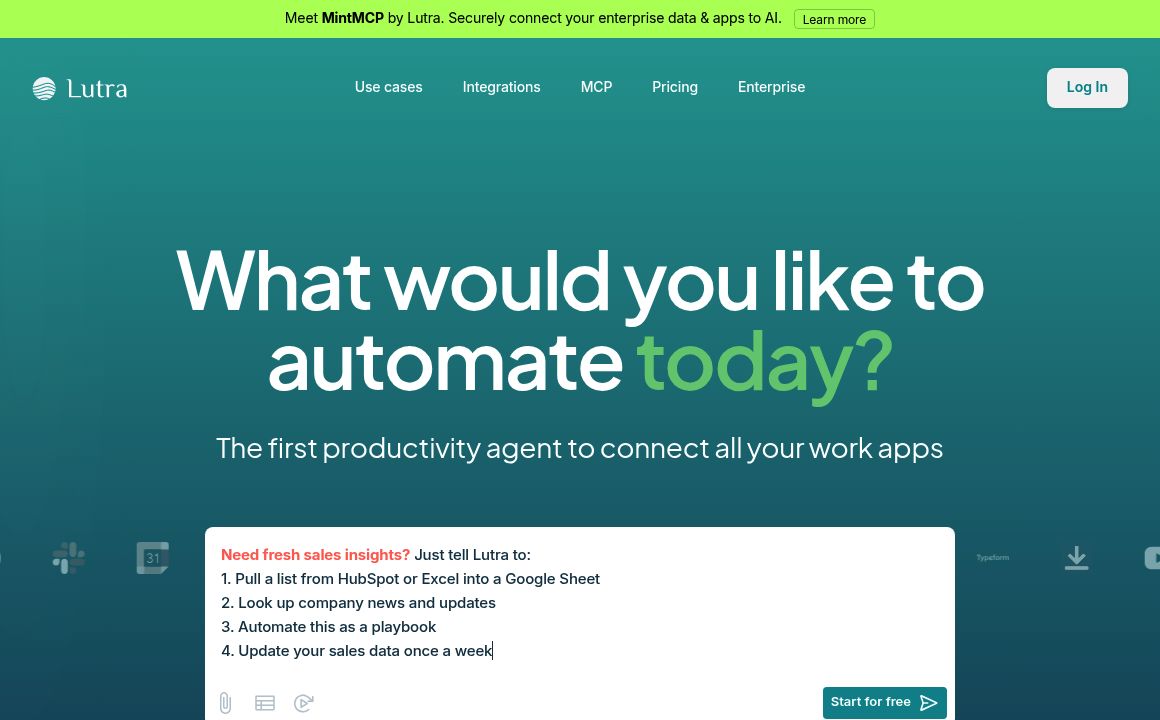
Streamline tasks with Lutra's AI-driven automation. Transform English instructions into code for efficient workflows with top-notch security.
Automation Updated 20 minutes ago
Visit Website
Lutra AI

Lutra AI's Top Features

Transforms English instructions into code
Supports various integrations like Airtable, Slack, Google Workspace, and HubSpot
Automates data extraction, document management, and classification
Ensures secure and reliable workflow execution
Quick deployment of automations
Intuitive natural language interface
Customizable to specific user needs
No engineering required
Conversational AI to understand user goals and fix issues
SOC2 certification in process for high security standards

Frequently asked questions about Lutra AI

Lutra can automate workflows for platforms like Airtable, Slack, Google Workspace, data processing, and Internet research. For instance, it can extract data from a folder of PDF files in Google Drive and create a Google spreadsheet with the extracted information.

Lutra designs its AI workflows based on code, ensuring reliable and secure execution. Data is not retained long-term, with temporary logs kept only for 30 days to help users debug and analyze issues.

Lutra supports integrations with platforms like Airtable, Docs, Drive, GitHub, Gmail, HubSpot, Internet Search, Outlook, People & Company Data, Sheets, and Slack.

Creating workflows with Lutra is effortless, thanks to its intuitive natural language interface that allows users to automate complex processes using simple English instructions – no coding expertise required.

Yes, Lutra is working on more integrations and users can reach out to Lutra to discuss custom integration needs by contacting hello@lutra.ai.

Lutra constructs automations through simple conversations, fixing issues autonomously. It allows non-technical users to easily streamline and accelerate their processes without requiring coding knowledge.

For users on paid plans, data is only used for model training if they opt-in. Free plan users’ chat prompts and generated plans might be used to enhance the services. However, no data processed during workflow runs is used for training.

Lutra can automate manual data tasks like extracting structured data from text, classifying text, drafting documents, and enriching data from sources including the internet, PDFs, and spreadsheets.

Lutra envisions a world where everyone benefits from an AI Developer that can customize workflows to specific needs, evolved through user preferences, making software more adaptable and personal.

Developers can reach out to Lutra at dev@lutra.ai to discuss integrating their apps or obtaining API access to be part of Lutra’s AI workflow ecosystem.

Customer Reviews

Login to leave a review

No reviews yet. Be the first to review!

Top Lutra AI Alternatives

AgentGPT

Unlock the potential of autonomous AI with AgentGPT, your tool for executing complex tasks like trip...
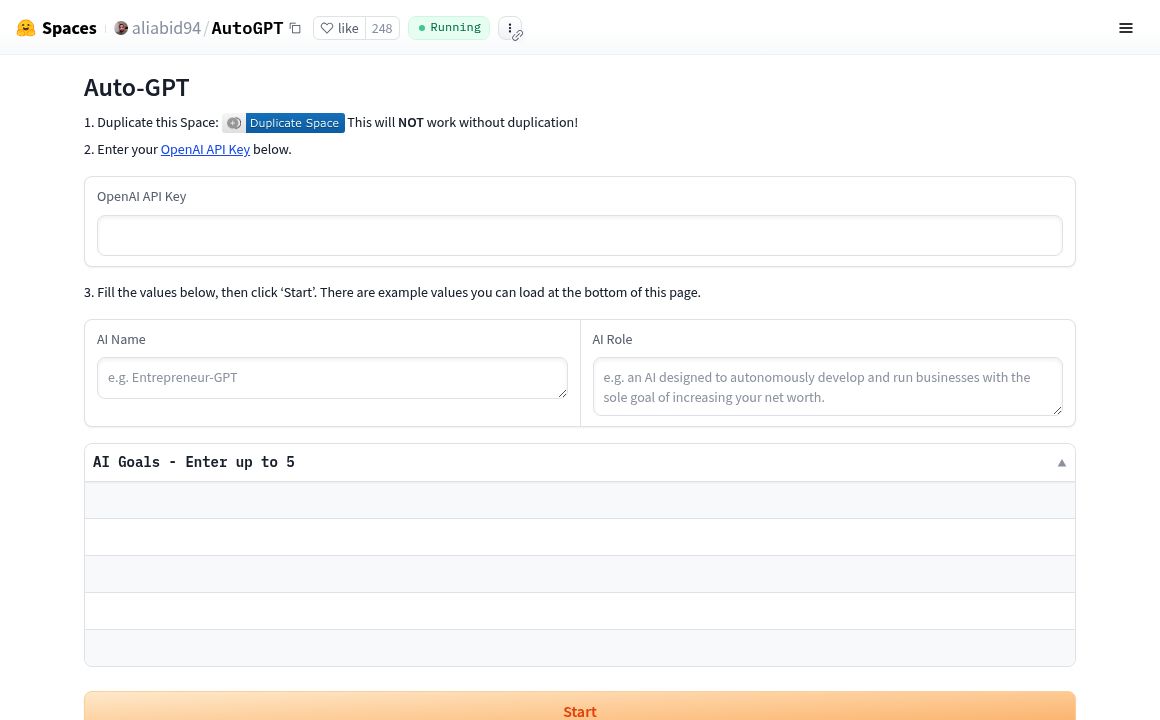
AutoGPT (Hugging Face)

Explore AutoGPT by aliabid94 on Hugging Face - an AI tool for task automation and content generation...

Cheat Layer

Cheat Layer offers advanced business automation using Atlas-1 and GPT-4, simplifying complex tasks w...
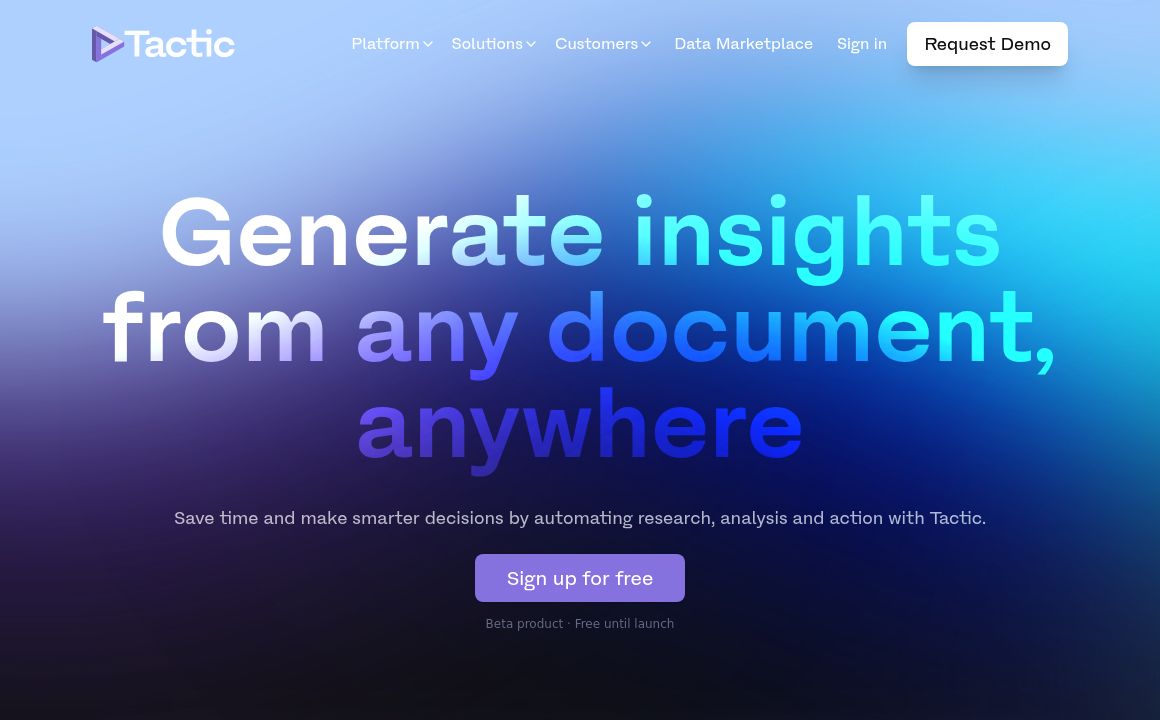
Tactic

Use Tactic to generate insights from any document and automate your research and analysis process.
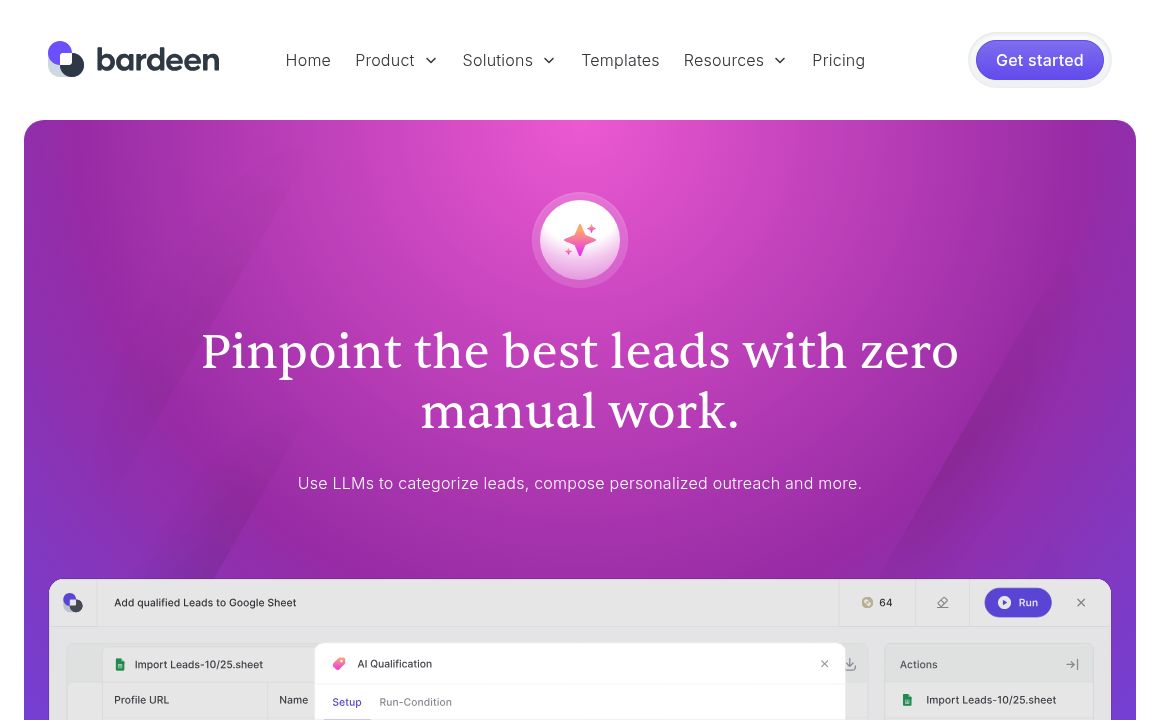
bardeen

Discover Bardeen AI, the free platform to automate tedious tasks and streamline workflows using natu...
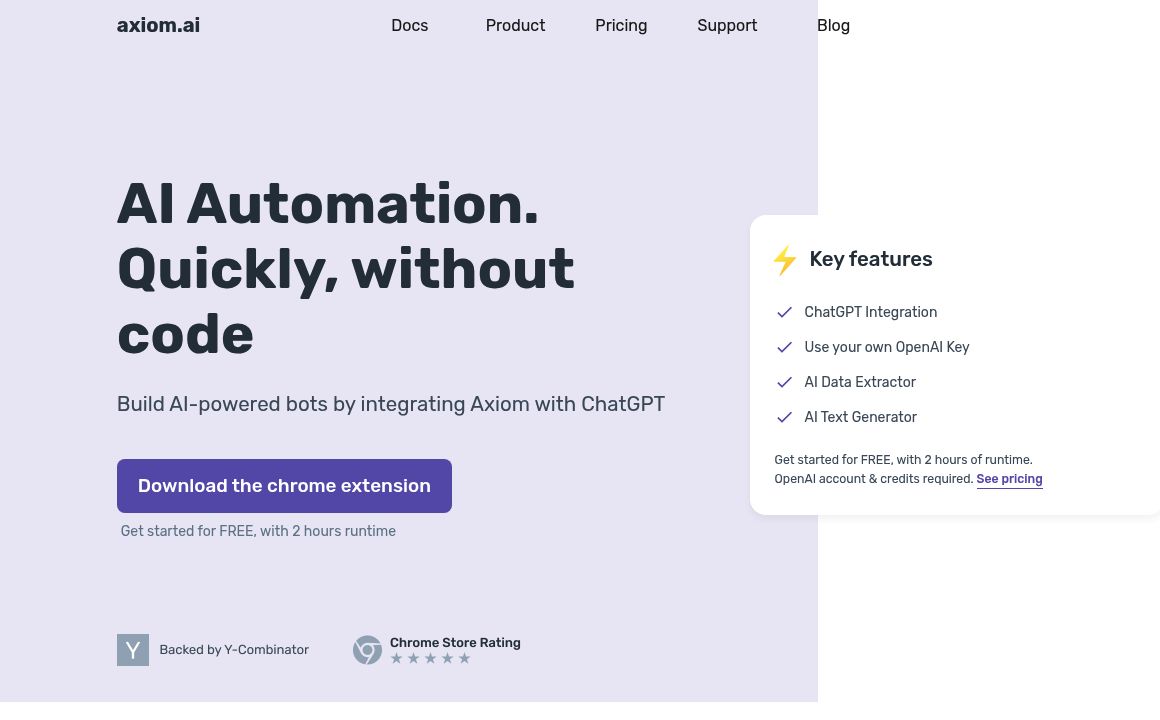
Axiom

Axiom.ai simplifies building AI-powered bots with ChatGPT integration, featuring data extraction, te...
Prev Project
Next Project