Press for navigation
Swipe for navigation

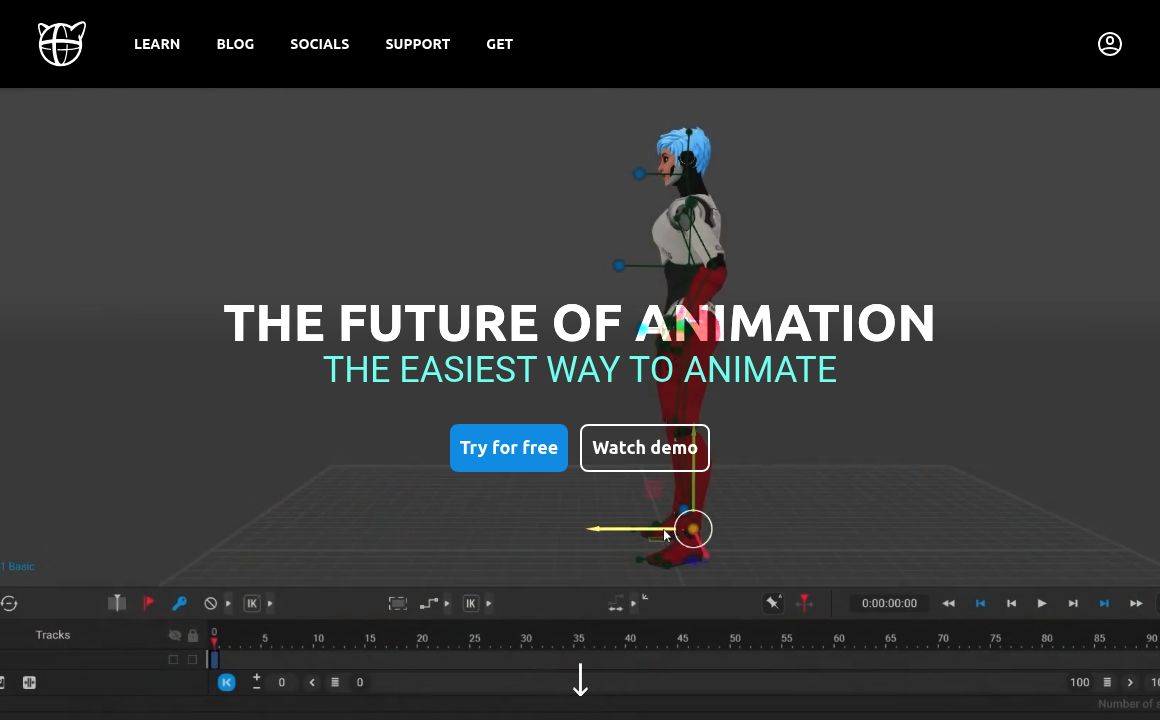
Cascadeur

Learn to create, manage, and import scenes in Cascadeur, including mobile integration.
Animation Updated 7 hours ago
Visit Website
Cascadeur

Cascadeur's Top Features

Basic Scene Creation
Multiple Characters Handling
Scene Import to Cascadeur Mobile
Support for FBX, DAE, and USD Formats
Scene Editing Post-Import
Saving and Exporting Scenes
Managing Multiple Scenes
Using Pre-Built Environments
Scene Syncing Across Devices

Frequently asked questions about Cascadeur

To create a new scene, go to the 'File' menu and select 'New Scene'. Follow the prompts to set up your initial scene parameters.

Yes, you can import scenes into Cascadeur Mobile. Follow the specific guidelines for importing scenes to ensure compatibility.

To add multiple characters to a scene, use the 'Add Character' function from the 'Character' menu. Position and animate each character as needed.

Cascadeur supports importing FBX, DAE, and USD file formats into a scene.

Yes, once a scene is imported, you can edit all elements including characters, cameras, and environments.

To save a scene, go to the 'File' menu and select 'Save Scene'. Choose your desired file format and location.

Yes, Cascadeur allows you to export scenes to other software such as Unreal Engine, Unity, and Daz Studio.

You can manage different scenes within a single project by using the 'Project' menu, which lets you create, organize, and switch between multiple scenes.

Yes, Cascadeur offers a range of pre-built environments that you can import and use in your scenes.

To sync scenes across different devices, use the 'Sync' feature available in the settings menu and ensure that all your devices are connected to the same account.

Cascadeur's pricing

Free

$0/

  • Basic tools
  • Limited export options
  • Community support

Pro

$15/monthly

  • All basic tools
  • Advanced export options
  • Priority support

Pro

$300/annual

  • All Pro Plan features
  • Exclusive tutorials
  • Personalized training sessions

Customer Reviews

Login to leave a review

No reviews yet. Be the first to review!

Top Cascadeur Alternatives

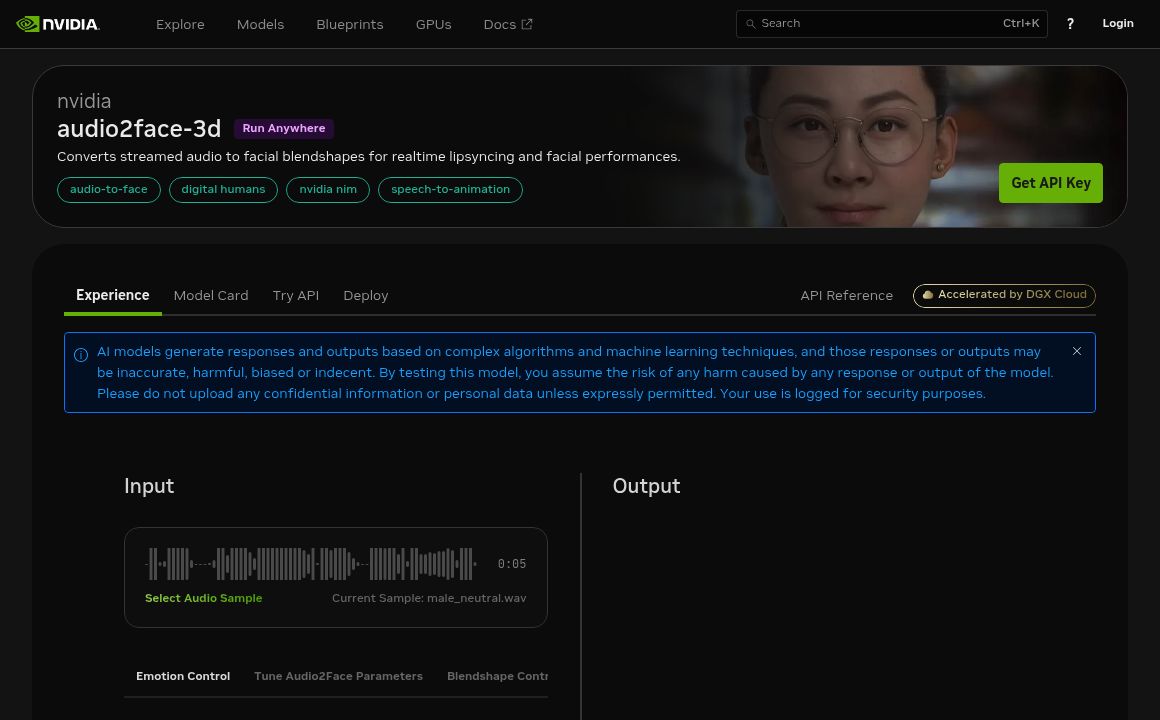
Omniverse Audio2Face

Experience seamless facial animations in 3D with NVIDIA Omniverse Audio2Face, leveraging AI to trans...
Stable Animation

Discover the Stable Animation SDK by Stability AI, designed to simplify the creation of AI-driven an...
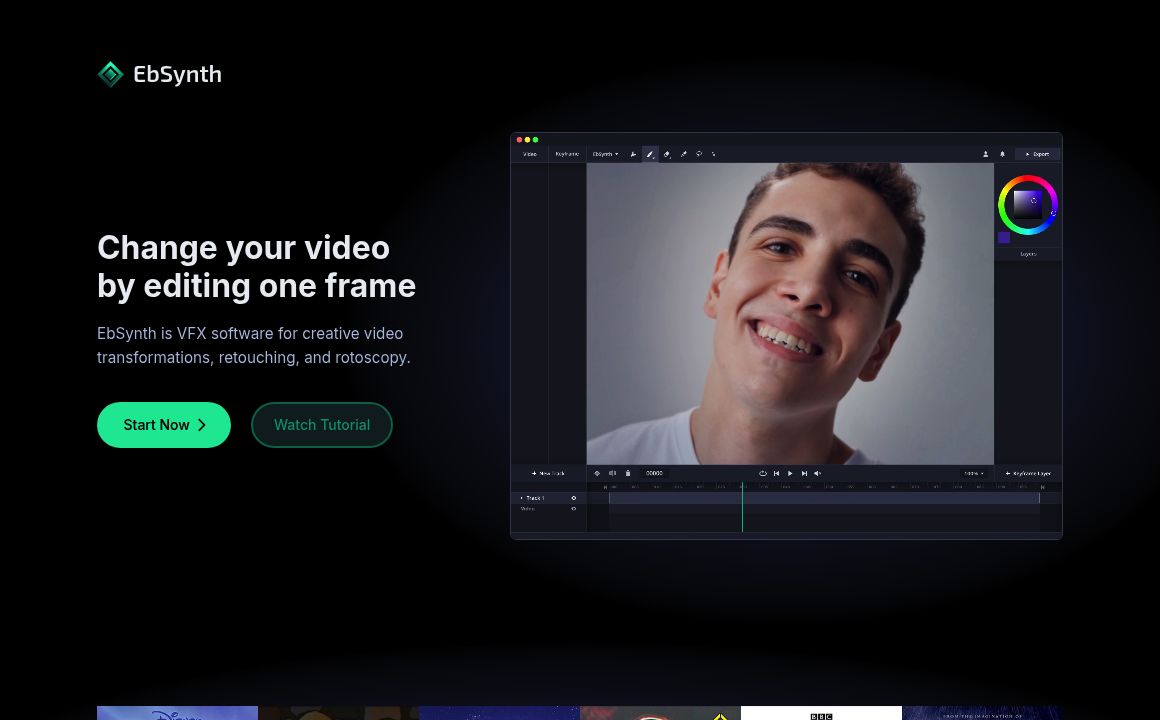
EbSynth

EbSynth allows artists to convert their paintings into animations effortlessly. Experience enhanced...
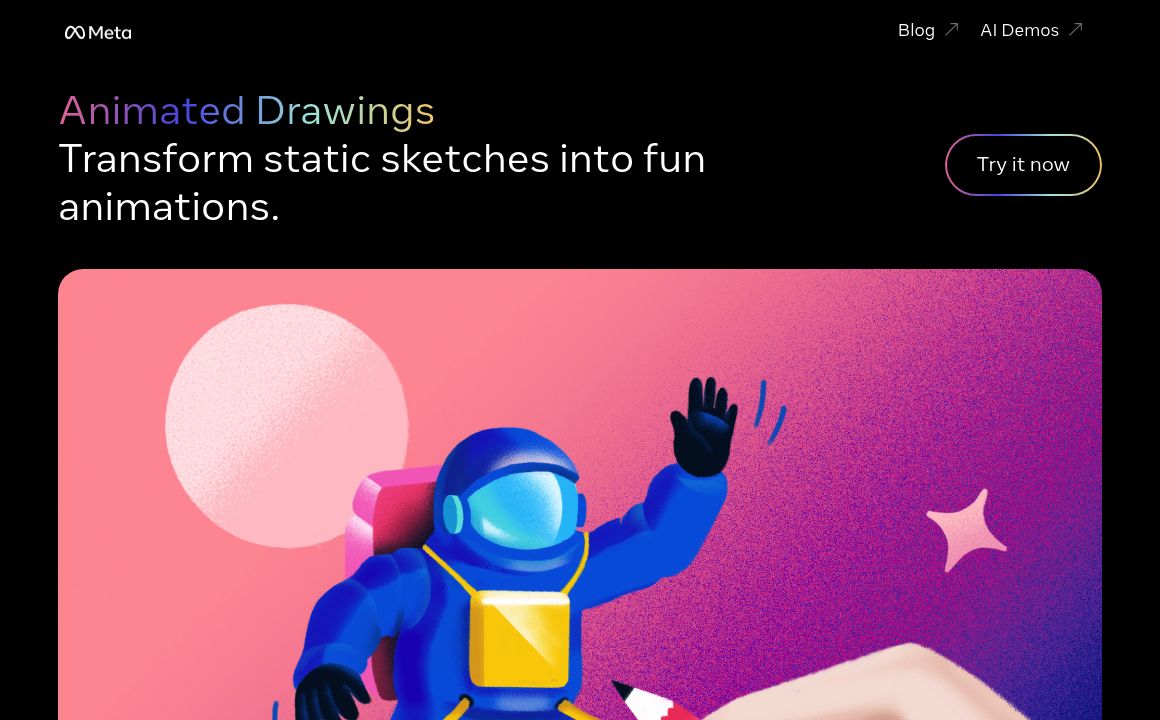
Animated Drawings

Animate children's drawings effortlessly with Animated Drawings by Meta AI Research. Fun, easy, and...
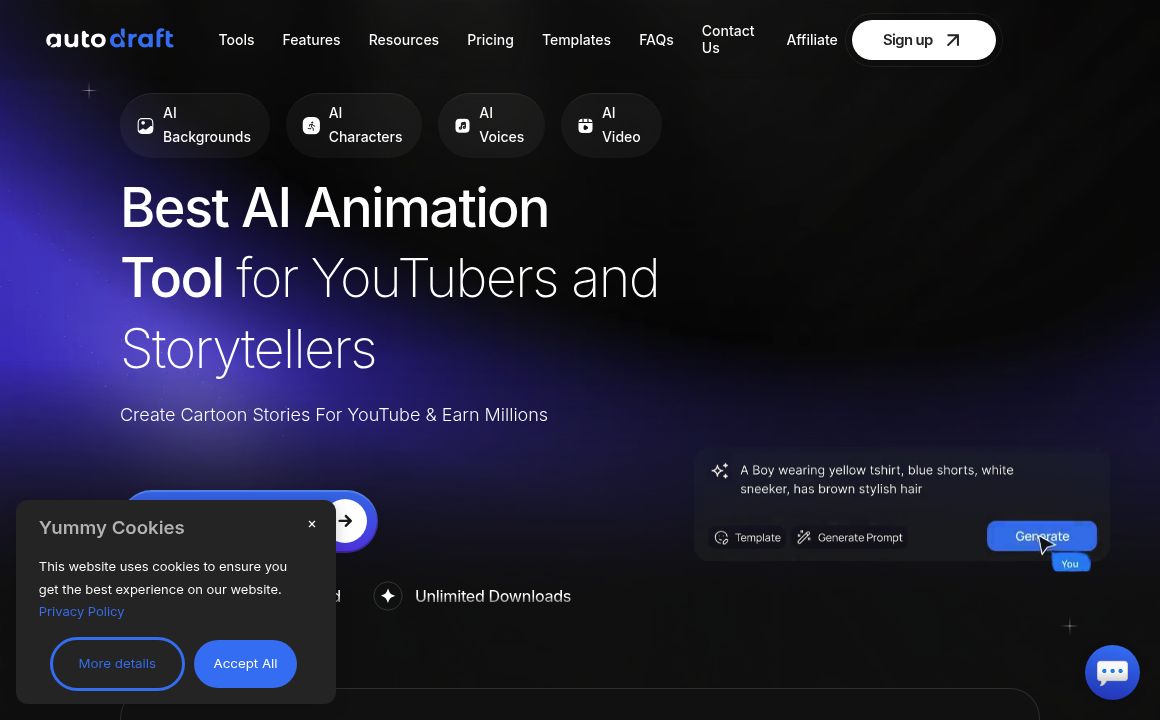
Autodraft

Autodraft: Craft compelling animations with AI. Experience unparalleled style, character consistency...

Mango AI - Mango Animate

Mango Animate: AI avatar, whiteboard, and character animation software for explainer videos, present...

Prev Project
Next Project