Press for navigation
Swipe for navigation

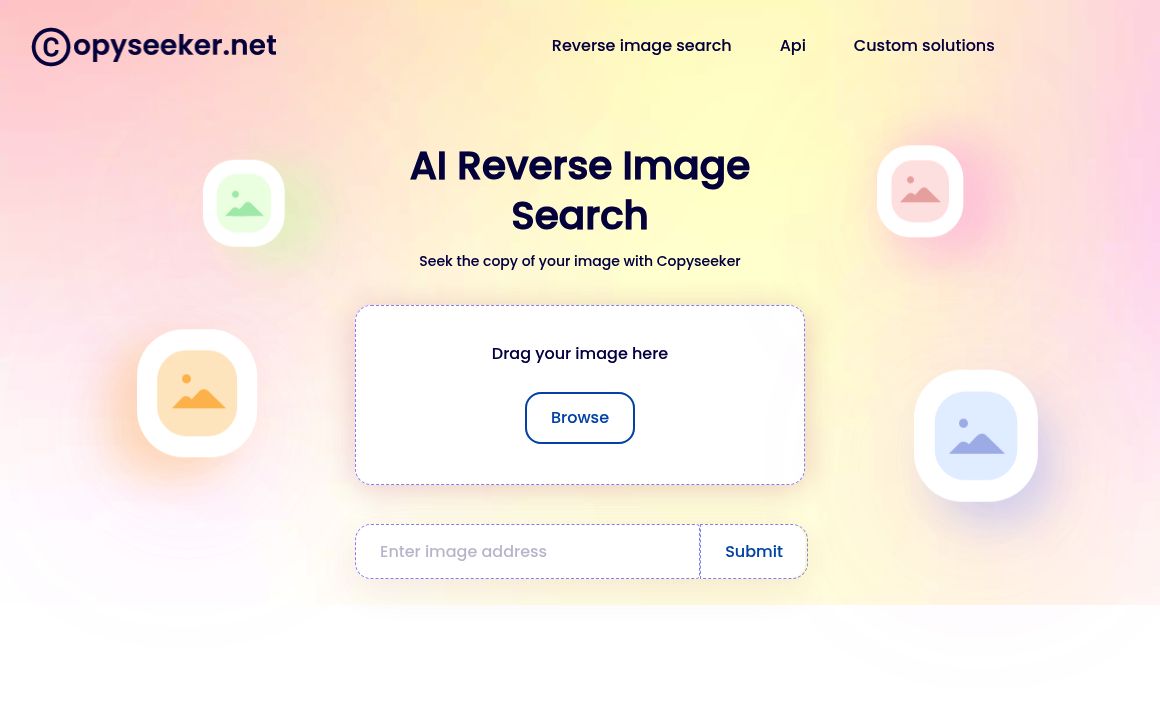
Copyseeker

Copyseeker offers AI-powered reverse image search with seamless browser integration and asset monitoring.
AI Detection Updated 16 minutes ago
Visit Website
Copyseeker

Copyseeker's Top Features

AI-powered reverse image search to find visually similar images online
Chrome extension for seamless browser-based searches
AI-powered text extraction from images, supporting various fonts and languages
Protection of image use rights and detection of copyright infringement
Filtering of low-quality websites from search results
Continuous monitoring and safeguarding of visual assets
Custom GPT model for enhanced search accuracy
User-friendly interface for both beginners and experienced users
Identification of subtle details in images for improved search results
Some mobile functionality available

Frequently asked questions about Copyseeker

Copyseeker is an AI-powered reverse image search tool that helps users find visually similar images, protect their image rights, and ensure content originality.

Copyseeker uses advanced AI algorithms to analyze images at a pixel level, identifying subtle details and comparing them to its vast database of images across the web.

Yes, Copyseeker offers a Chrome extension that integrates directly into your browser, allowing you to perform reverse image searches by right-clicking on any image.

Copyseeker detects potential copyright infringements by identifying instances where your image, or a very similar image, appears elsewhere online, helping you protect your intellectual property.

Yes, Copyseeker filters out low-quality websites from its search results, ensuring you receive only high-quality and reliable information related to your image search.

The continuous monitoring feature regularly scans the web for unauthorized uses of your images, providing proactive protection for your visual assets.

Yes, Copyseeker is designed with a user-friendly interface that's intuitive for both beginners and experienced users.

Yes, Copyseeker's AI identifies subtle details such as color schemes, patterns, and compositions, improving the accuracy and comprehensiveness of its search results.

While Copyseeker's functionality is primarily optimized for desktop use, it does offer some mobile capabilities, though the full range of features may be limited on mobile devices.

Copyseeker works best with high-quality images but can still find results for lower-quality images and screenshots. However, heavily edited or poor-quality images might be more challenging for the reverse image search to process.

Customer Reviews

Login to leave a review

No reviews yet. Be the first to review!

Top Copyseeker Alternatives

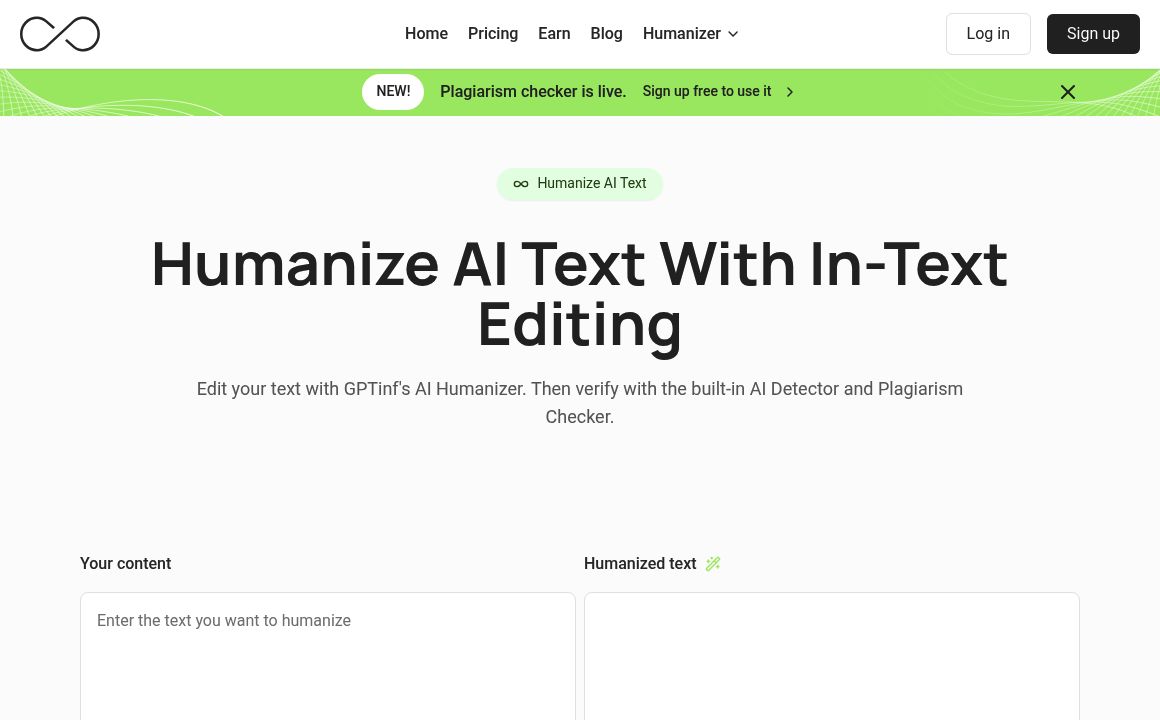
GPTinf

GPTinf is a top-tier tool for bypassing AI content detectors, boasting a 99% success rate and flexib...
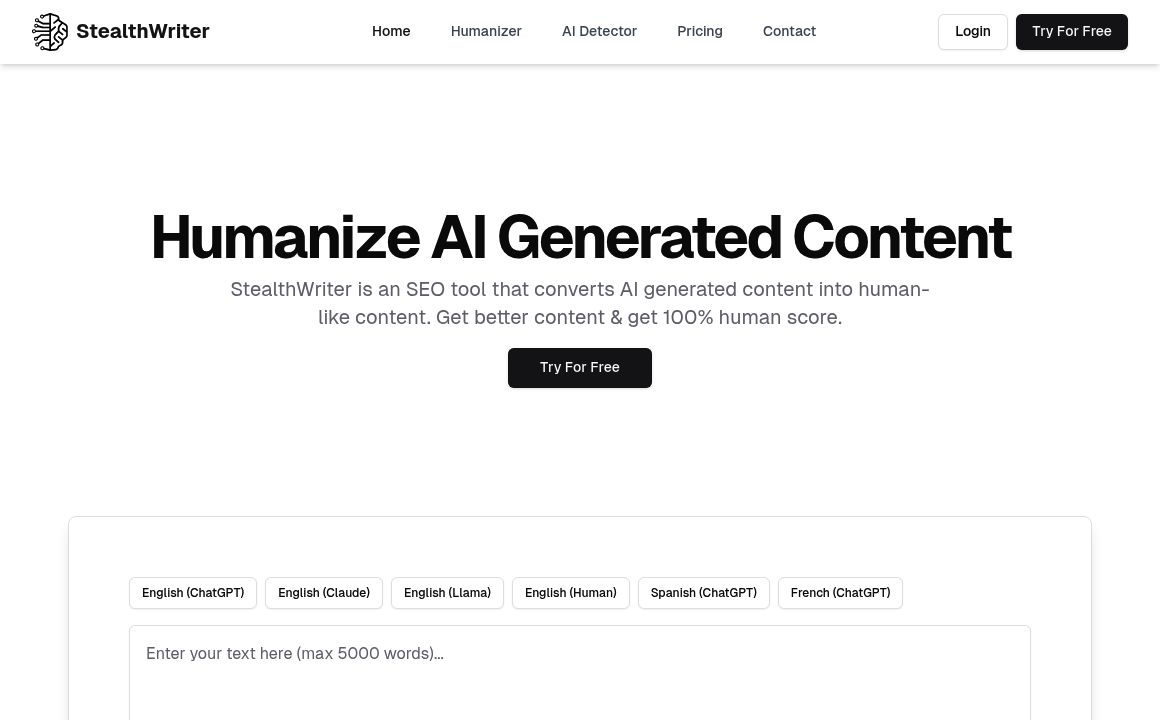
Stealth Writer

StealthWriter refines AI text for readability and AI invisibility, ensuring undetectability and SEO...

AI Plagiarism Checker

Discover the AI Plagiarism Checker, a tool designed for accurate detection of AI-generated content a...
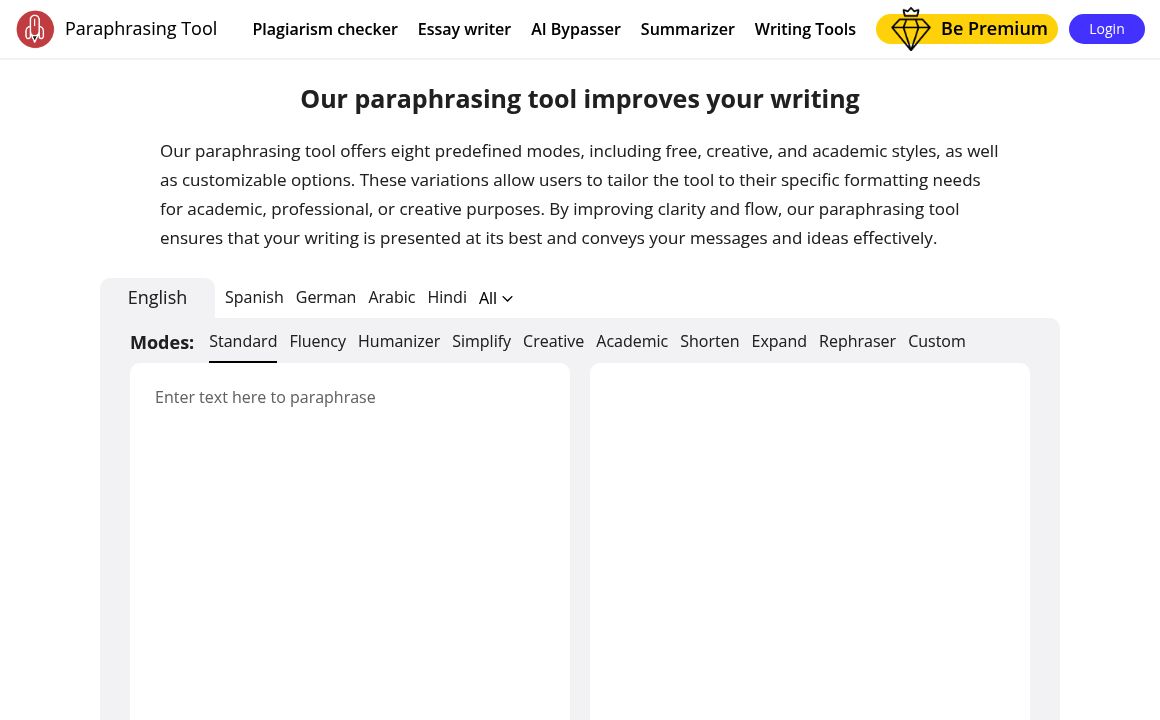
Paraphrasing Tool

Keep your content free from plagiarism with our advanced AI Plagiarism Checker, perfect for students...
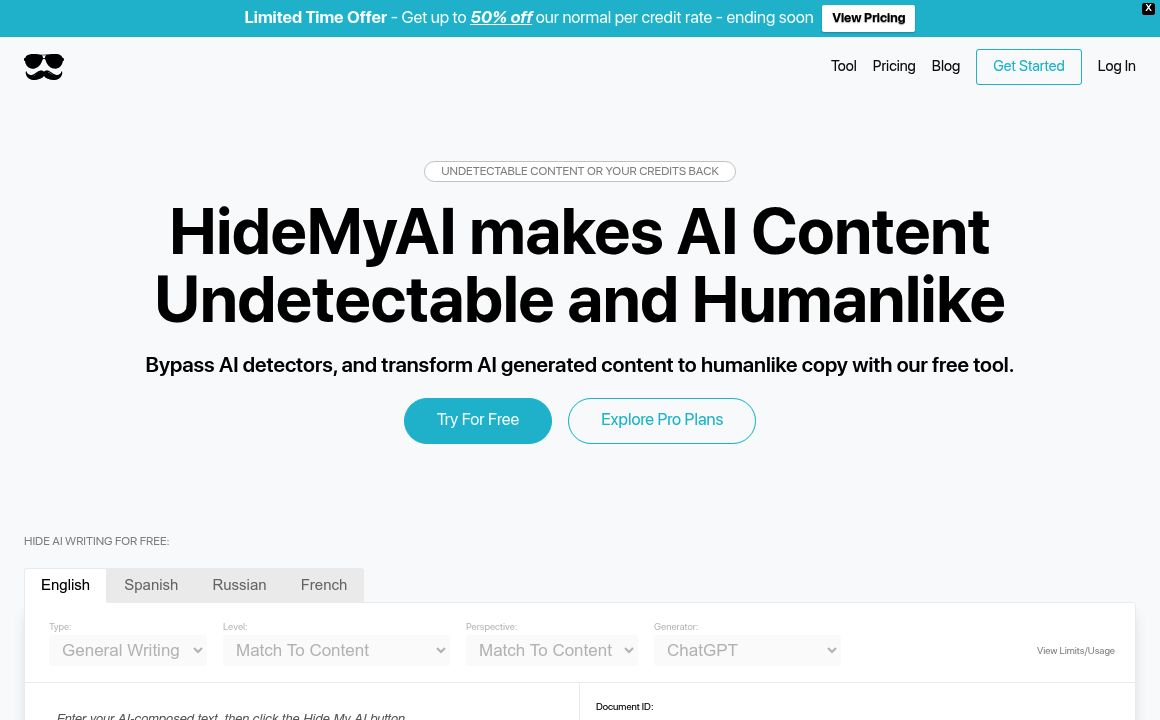
HideMyAI

HideMyAI makes AI content undetectable and human-like. Try for free!

Free AI Detector

Identify AI-generated or human-written content with the Content at Scale AI Content Detector. Start...
Prev Project
Next Project