Press for navigation
Swipe for navigation

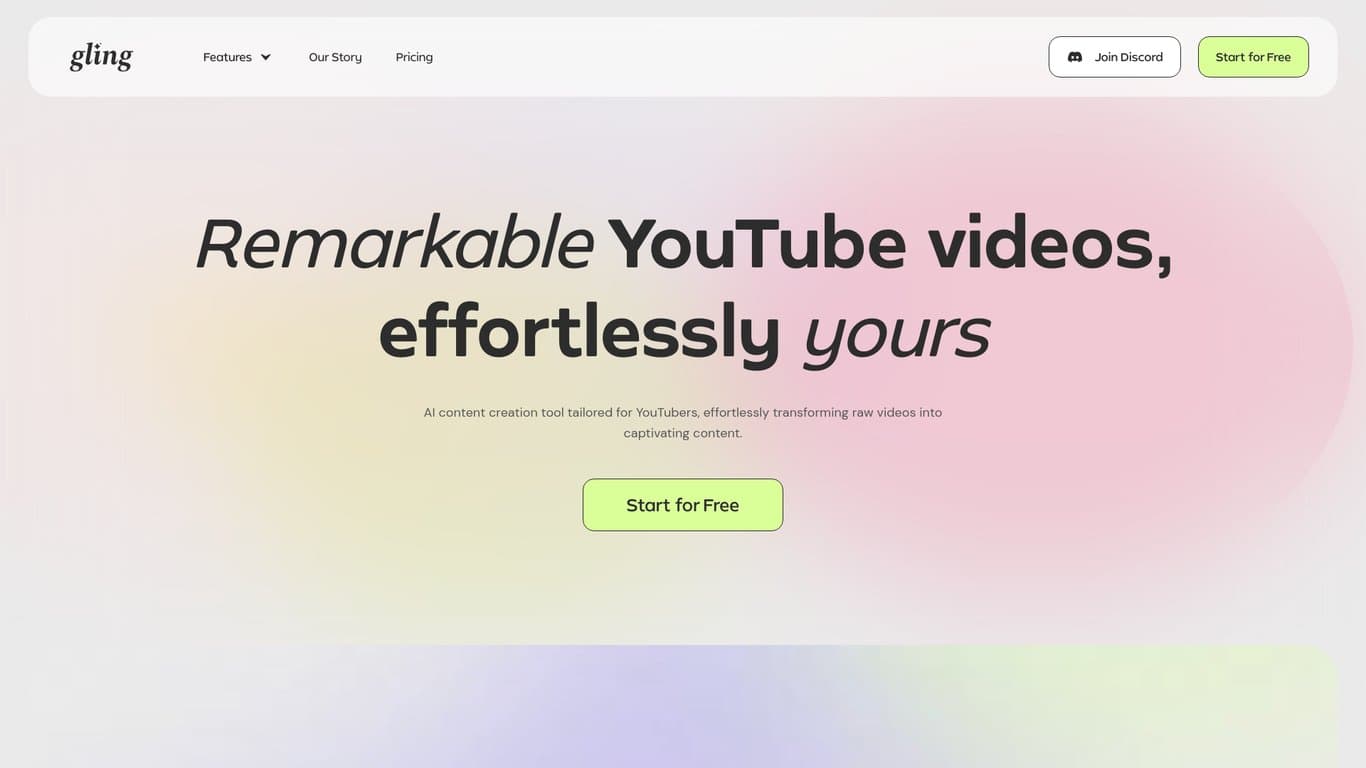
Gling AI

Boost YouTube efficiency with Gling AI's automated video editing, featuring noise reduction, captioning, and SEO tools.
Video Editing Updated 12 hours ago
Visit Website
Gling AI

Gling AI's Top Features

Automated editing to remove unwanted segments, silences, and filler words
AI-generated captions and subtitles in multiple languages
Noise reduction for enhanced audio quality
Automated zoom functionality for dynamic video elements
YouTube optimization tools for titles, chapters, and topic suggestions
Integration with professional video editing software
Text-based editing using automatically generated transcripts
Multicam editing capabilities (Pro plan)
AI-generated B-roll footage (Pro plan)
Speech audio enhancement for improved clarity

Frequently asked questions about Gling AI

Gling AI is an AI-powered video editing tool designed specifically for YouTubers. It automates many editing tasks, including removing bad takes, silences, and filler words, generating captions, and optimizing videos for YouTube performance.

Gling AI analyzes your video's audio, identifying and removing unwanted segments based on your preferences. This includes cutting out silences, filler words, and bad takes. You can manually adjust the edits as needed.

Yes, Gling AI automatically generates captions and subtitles for your videos in multiple languages, including English, Spanish, Portuguese, French, German, Russian, Italian, Dutch, and Hebrew.

Yes, Gling AI includes a noise reduction feature to clean up your audio, making your videos sound more professional and easier to understand.

Yes, Gling AI's auto-framing feature automatically zooms in and out to keep your subject perfectly framed, even if they move around, creating more dynamic videos.

Gling AI offers tools to help your videos perform better on YouTube, including AI-generated titles and chapters designed to attract viewers and improve discoverability. It can even suggest ideas for future videos.

Yes, Gling AI integrates with professional video editing software like Final Cut Pro, DaVinci Resolve, and Adobe Premiere. You can export your Gling-edited projects as XML files for further refinement in these programs.

Gling's text-based trimmer allows you to paste your script into the software, which then syncs it with your video. This makes removing unwanted sections, like pauses and errors, a much faster process.

The Pro plan includes features like multicam editing (for working with footage from multiple cameras simultaneously), AI-generated B-roll footage, and speech audio enhancement.

Yes, Gling AI supports various video formats and allows you to export your edited projects as MP4 or MP3 files, providing flexibility for different publishing needs.

Gling AI's pricing

Free

$0/monthly

  • Limited AI features
  • 1 hour/month processing
  • 1 watermarked export

Plus

$15/monthly

  • Unlimited AI features
  • 10 hours/month processing
  • unlimited exports

Plus

$10/annual

  • Unlimited AI features
  • 10 hours/month processing
  • unlimited exports

Customer Reviews

Login to leave a review

No reviews yet. Be the first to review!

Top Gling AI Alternatives

Wondershare Presentory

Filmora is a comprehensive video editing tool perfect for creating stunning videos effortlessly.
Klap

Transform long-form videos into engaging clips with Klap’s AI-powered video maker. Try for free!
Vanityai

Vanity AI provides Hollywood with a fast, cost-effective, and trusted solution for high-quality 2D V...
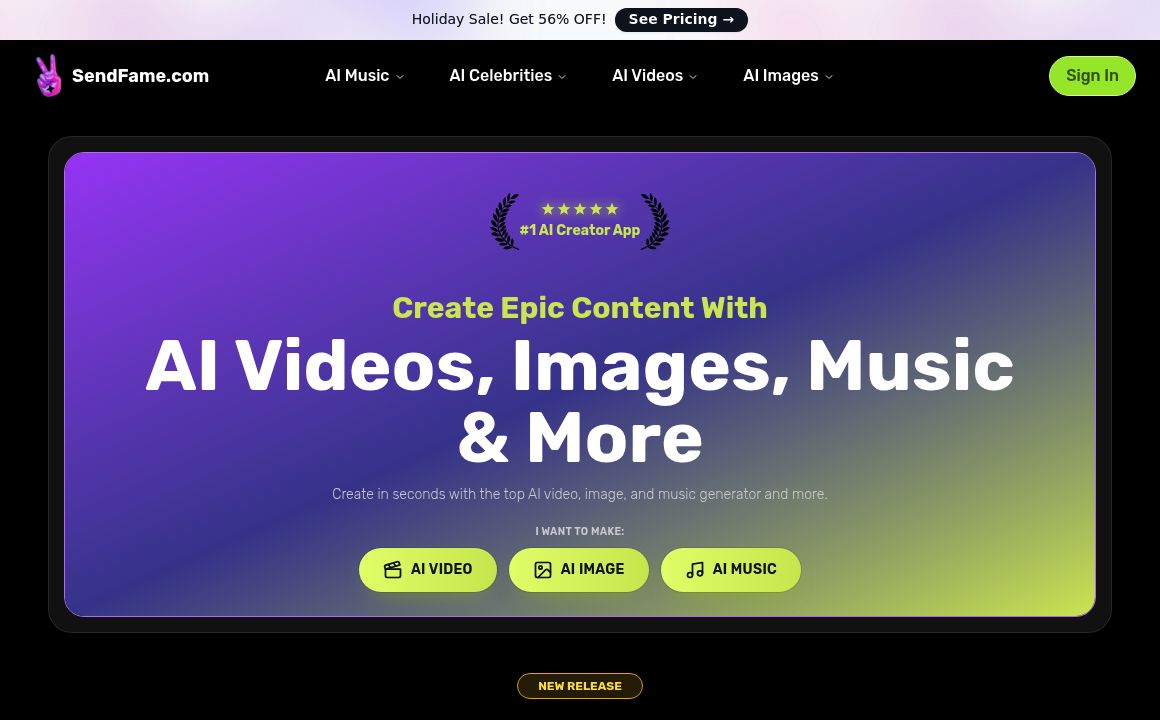
SendFrame

SendFame.com offers AI-generated celebrity videos and music, featuring voices of Elon Musk, Donald T...

VidGenius

Innovative AI tool for creating, editing, and optimizing videos effortlessly. Perfect for beginners...
Qwai AI

Customize subtitles and captions on Qualped Life with various colors, sizes, and fonts for the best...
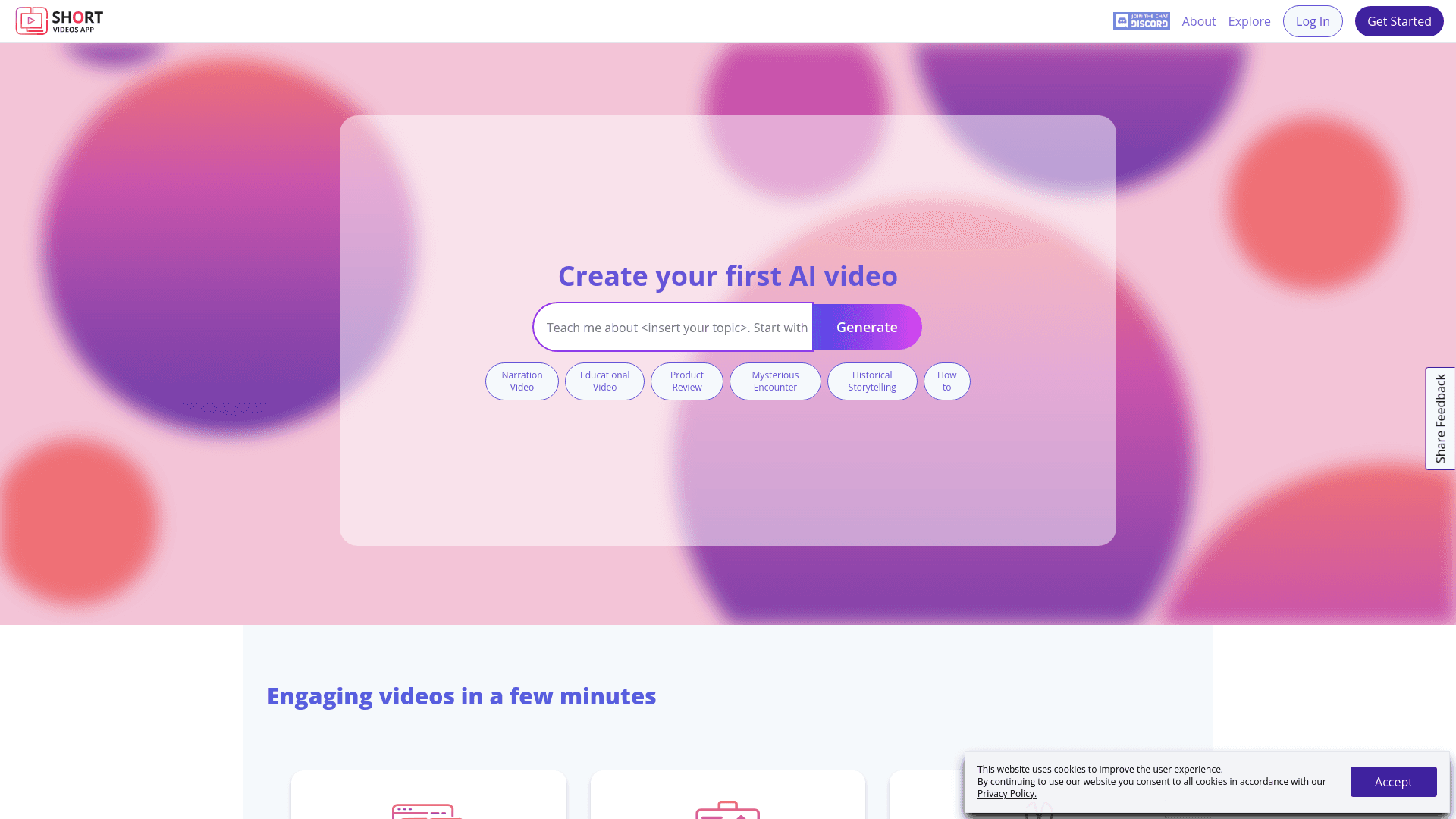
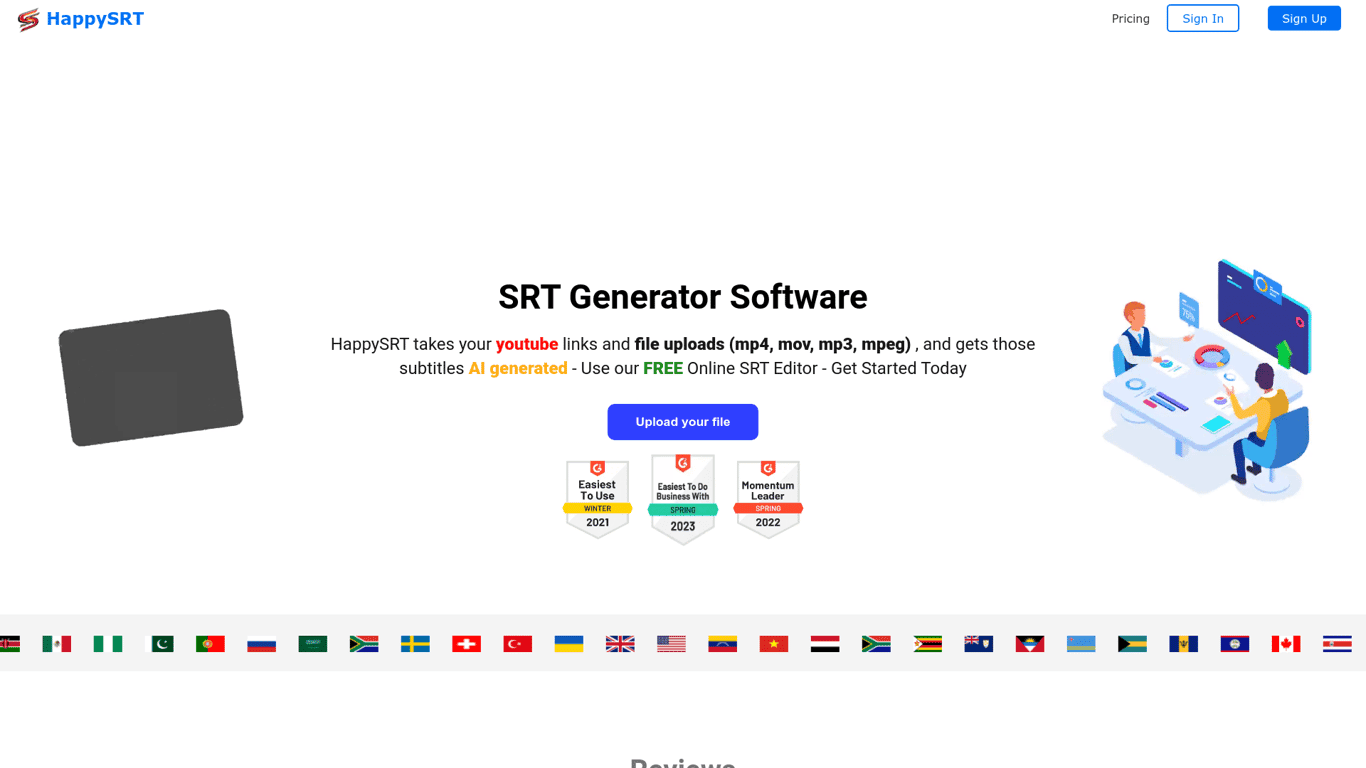
Prev Project
Next Project