Press for navigation
Swipe for navigation
StudentMate
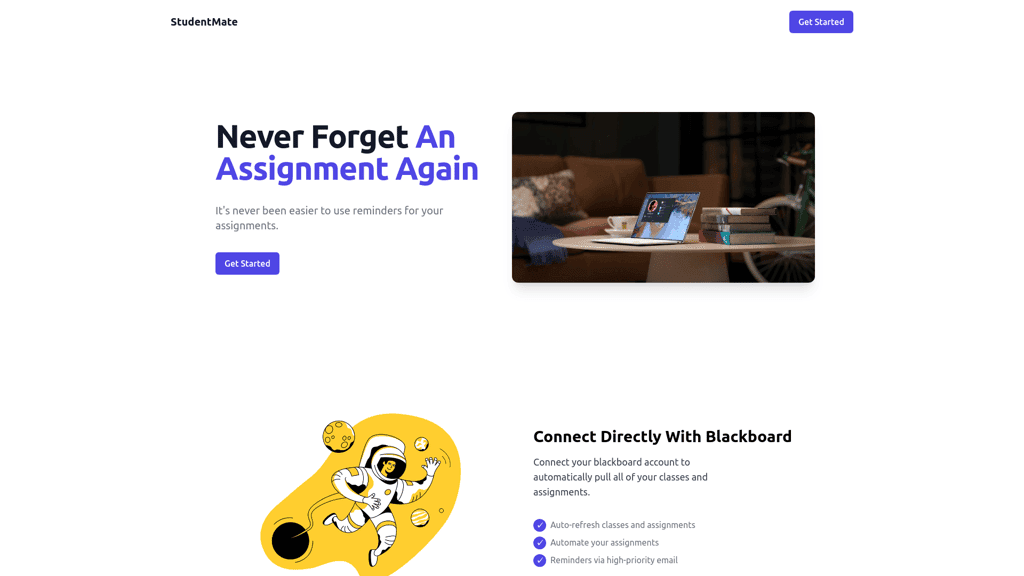
Effortlessly manage assignments with StudentMate. Integrates with Blackboard and Google Classroom. High-priority reminders ensure you're always on track.
Student Organization
Updated 6 hours ago
StudentMate's Top Features
Seamless integration with Blackboard
Automatic fetching of assignments
AI-powered assignment retrieval
High-priority email reminders
No manual input required
Simple, user-friendly interface
Real-time updates of classes and assignments
Effortless academic organization
Designed for North Allegheny students
Support for Google Classroom
Frequently asked questions about StudentMate
StudentMate is an assignment management tool that integrates with Blackboard and Google Classroom to help you keep track of your assignments effortlessly.
StudentMate connects with your Blackboard account to automatically pull all your classes and assignments, keeping them up to date.
Yes, StudentMate also connects with Google Classroom to fetch your assignments and classes automatically.
No, with the power of AI, StudentMate automatically fetches your assignments from teachers' Google Slides agendas without any extra setup.
StudentMate provides high-priority email reminders for your assignments, ensuring you are always on top of your tasks.
Currently, StudentMate is designed for students from North Allegheny, but more options may be available in the future.
No extra setup is required; just connect your LMS and StudentMate will handle the rest.
StudentMate simplifies your academic life by automatically managing your assignments and providing timely reminders, helping you stay organized effortlessly.
Yes, StudentMate offers some awesome integrations with Blackboard and Google Classroom to streamline your workflow.
To get started, sign up on the StudentMate website and connect your LMS. StudentMate will then automatically pull in your assignments and classes.
Prev Project