Press for navigation
Swipe for navigation
QR Code AI Art Generator - Hugging Face
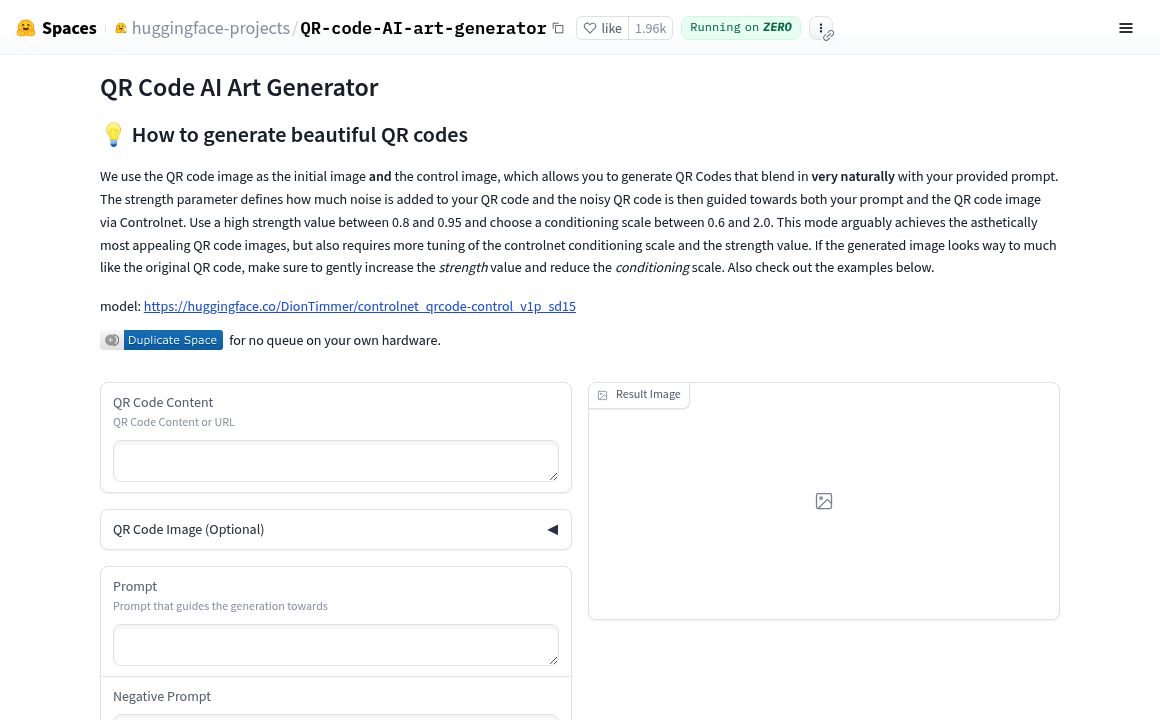
Generate artistic, scannable QR codes blending AI art via Hugging Face's QR Code AI Art Generator.
QR Code Art Generator
Updated 28 minutes ago
QR Code AI Art Generator - Hugging Face's Top Features
Creative QR Code Generation
Prompt-Guided Generation
Controlnet Guidance Scale
Use of Condition Images
Error Correction Level Tuning
Image-to-Image Feature for Refinement
Gray Background Integration
Multiple Outputs for Selection
Blending of QR Codes with AI Art
Interactive Experimentation Encouraged
Frequently asked questions about QR Code AI Art Generator - Hugging Face
It generates creative QR codes that blend QR code functionality with AI-generated art, creating visually artistic QR codes that can still be scanned.
Not all generated QR codes are guaranteed to be fully readable. Some outputs may require tweaking parameters or prompts to enhance scan reliability.
Using a higher error correction level and gray backgrounds can improve integration and readability. Additionally, adjusting the controlnet guidance scale higher and using Image-to-Image features with careful denoising strength adjustments help improve scan results.
Prompts guide the AI in generating the QR code art. The output quality and readability depend heavily on the prompt used—some prompts are more compatible with QR code scanning than others.
Uploading a custom image was possible in an earlier version but currently seems disabled or under discussion for re-enabling as per community discussions.
The ControlNet guidance scale regulates the trade-off between creativity and readability: higher values produce more readable QR codes, while lower values allow more artistic creativity.
QR codes are passed as condition images with a module size of 16 pixels for proper generation.
Yes, it is recommended to generate multiple QR codes with similar parameters to select the most readable and visually compelling code.
Experiment with ControlNet guidance scale and prompts alongside error correction settings for optimal balance.
A gray background is recommended for better visual integration of the QR code with the generated art.
Category
QR Code Art Generator
Prev Project