Press for navigation
Swipe for navigation

Adobe Speech Enhancer

Adobe Podcast Tools: Record, edit, and enhance podcasts in your browser. Try Adobe Express Premium with a 30-day free trial.
Podcasting Updated 13 hours ago
Visit Website
Adobe Speech Enhancer

Adobe Speech Enhancer's Top Features

Record and edit podcasts directly in your browser
Remove noise and echo from voice recordings
Fix microphone issues before recording
Extended Enhance Speech capabilities with Adobe Express Premium
Support for various video formats and bulk uploads with Adobe Express Premium
Access to premium graphics templates
Social post scheduling with Adobe Express Premium
Enhanced recording and editing capacity with Adobe Express Premium
30-day free trial for Adobe Express Premium
Accessible via free signup or sign-in

Frequently asked questions about Adobe Speech Enhancer

Adobe Podcast Tools is a suite of features designed to help users record, edit, and enhance podcasts directly from their browser.

The key features include Studio for recording and editing, Enhance Speech for noise and echo removal, and Mic Check to fix microphone issues before recording.

The basic tools are accessible for free, and there is a 30-day free trial available for Adobe Express Premium, which offers extended features.

Enhance Speech is a feature that removes noise and echoes from voice recordings, making them sound professionally recorded.

Adobe Express Premium includes extended Enhance Speech capabilities, support for various video formats, bulk uploads, premium graphics templates, and social post scheduling.

With Adobe Express Premium, you can enhance up to 4 hours of audio per day, with files up to 2 hours long and 1 GB in size.

Studio allows users to record, edit, and enhance podcasts directly in their browser.

Mic Check is a feature that helps fix microphone issues before you start recording.

You can access the tools by signing up for a free account or signing in if you already have one.

Yes, there is a 30-day free trial available, with a reminder 7 days before the trial ends.

Adobe Speech Enhancer's pricing

Adobe

$0/custom

  • Extended Enhance Speech: Support for video formats like MP4 and MOV, bulk uploads, and the ability to adjust enhancement strength for a natural sound.
  • Increased Capacity: Enhance up to 4 hours a day with files up to 2 hours long and 1 GB in size.
  • Design Tools: Access to premium graphics templates and social post scheduling.

Customer Reviews

Login to leave a review

No reviews yet. Be the first to review!

Top Adobe Speech Enhancer Alternatives

Adobe Podcast

Experience Adobe Podcast Studio (Beta) for professional-grade podcast and voiceover creation with AI...
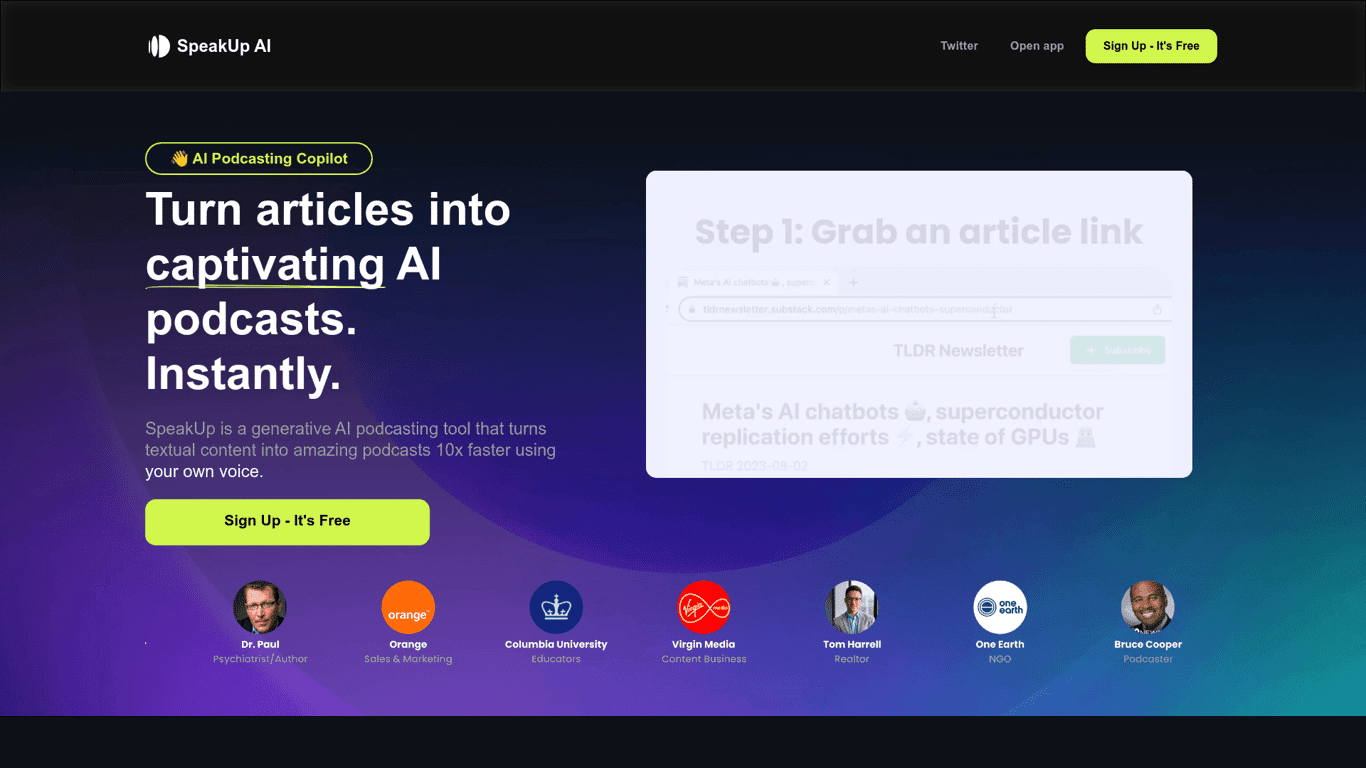
SpeakUp

SpeakUp AI transforms written content into podcasts 10x faster using your own voice. Try demos like...
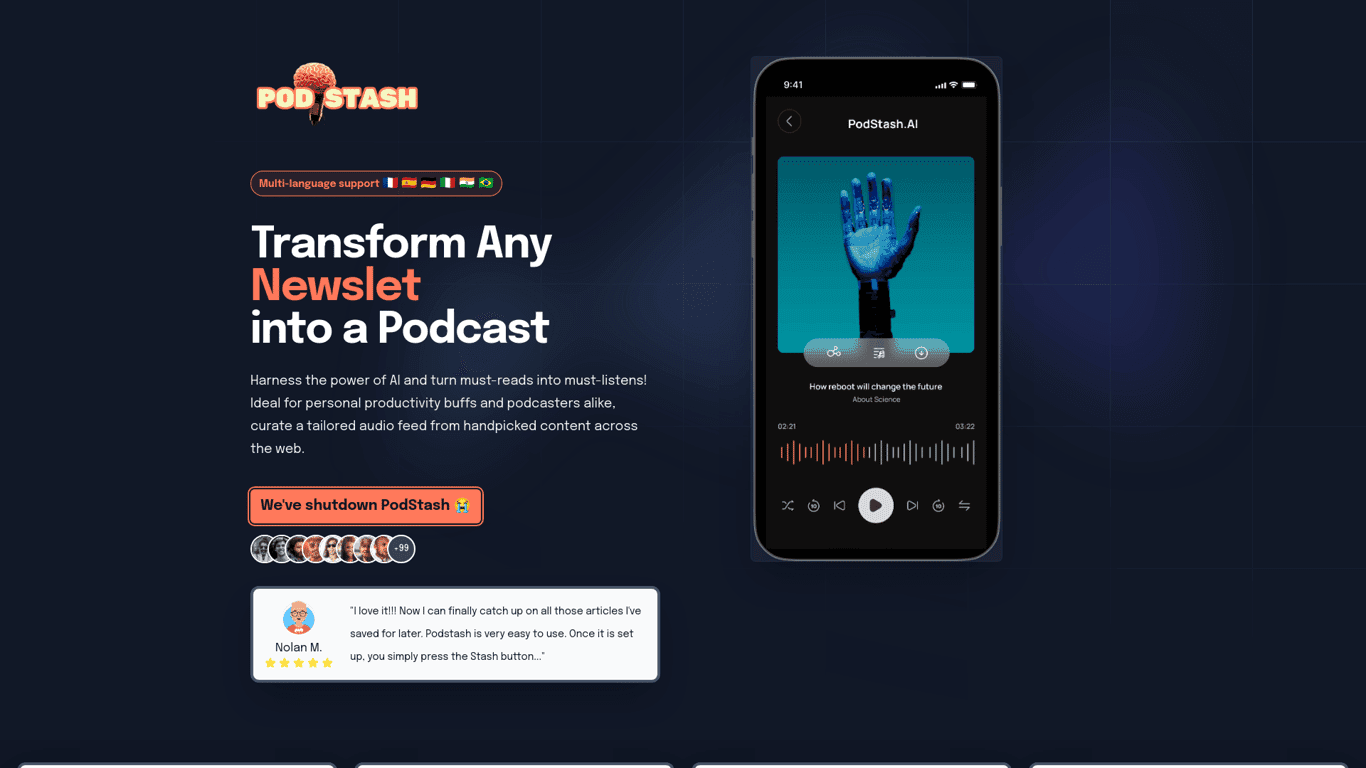
Podstash

Convert YouTube videos into podcasts with PodStash. Stay productive and turn must-read content into...
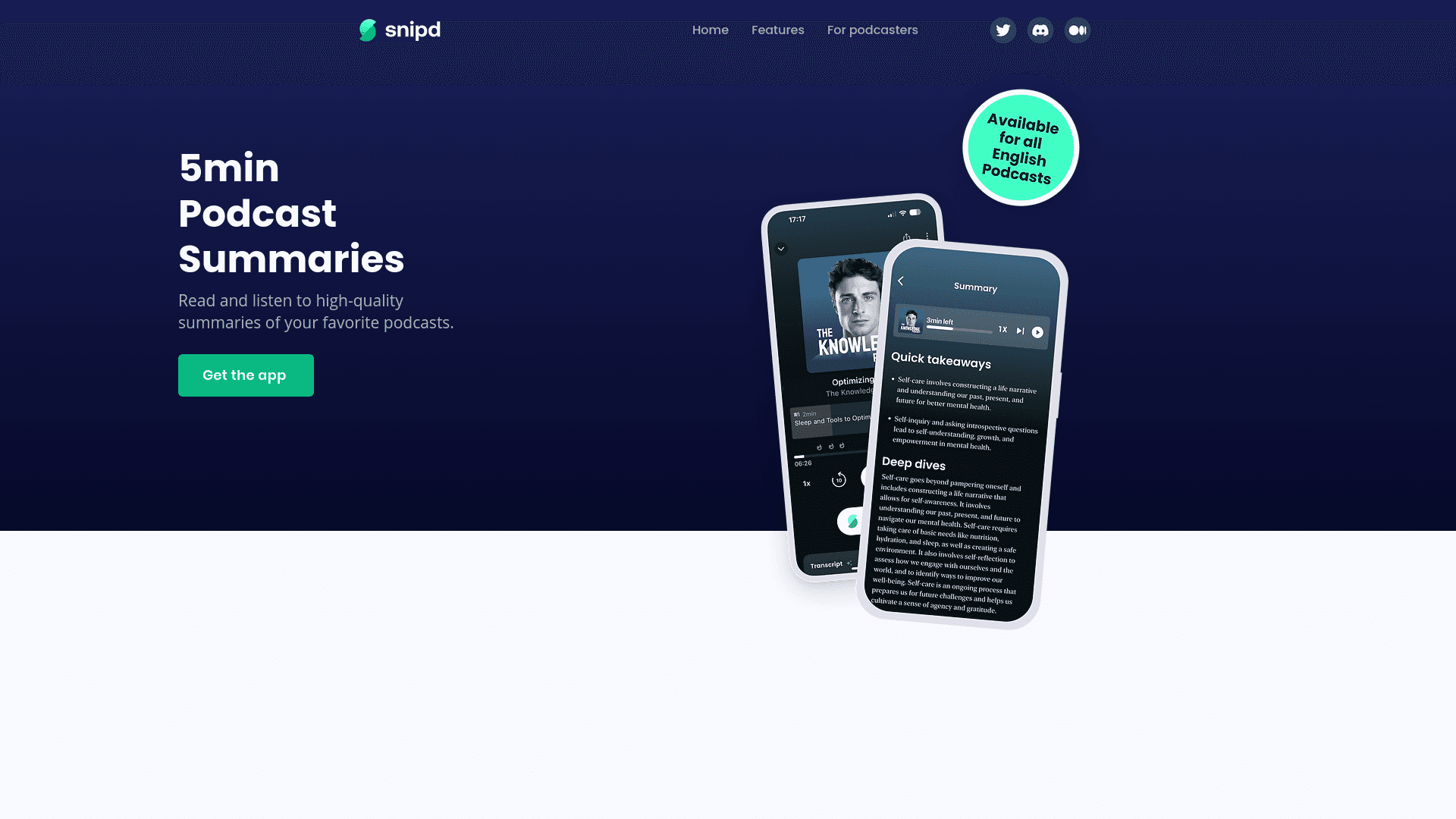
Snipd

Elon Musk discusses the future of a civilization on Mars, highlighting reusable rockets and governan...
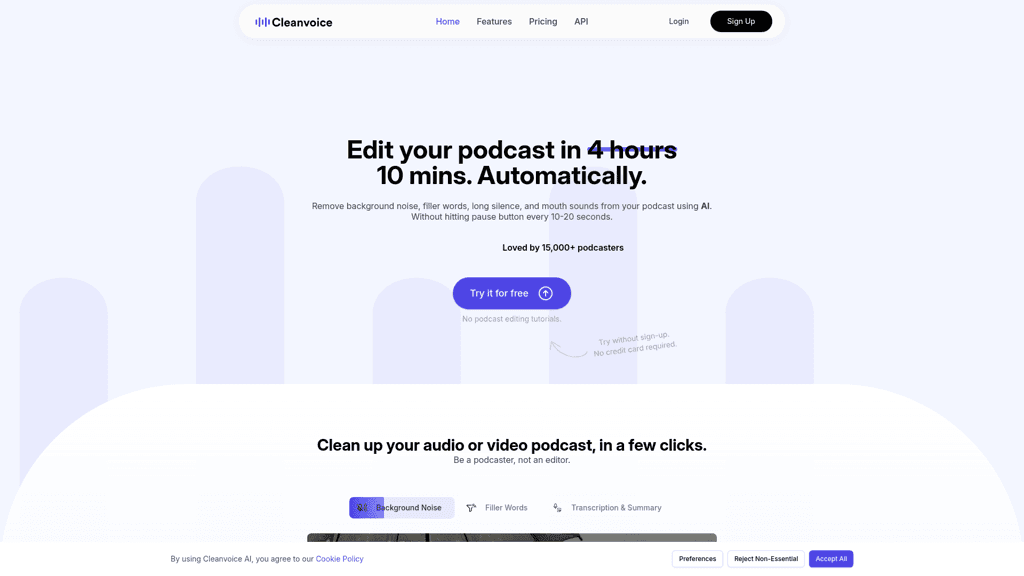
Cleanvoice AI

Cleanvoice AI offers automatic audio editing by removing background noise, filler words, pauses, and...
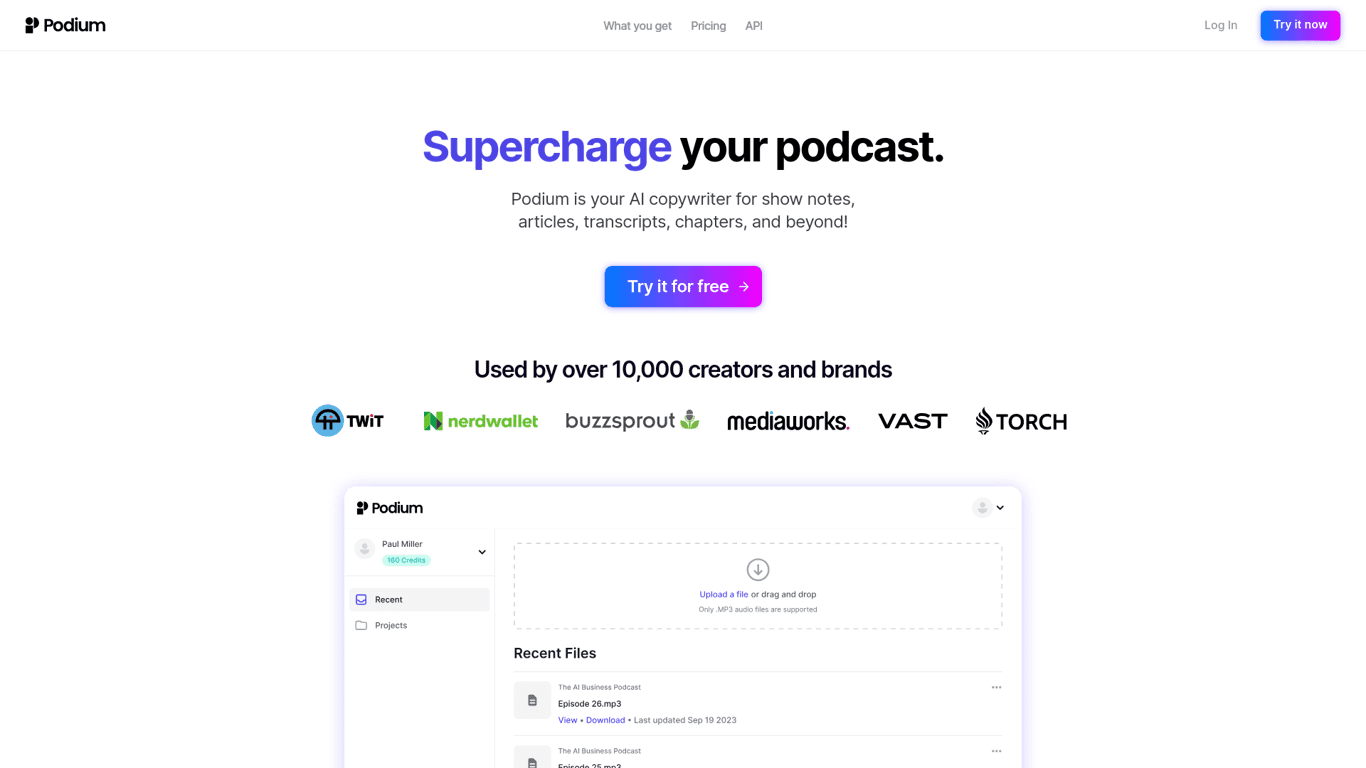
Podium

Save time on podcast creation with Podium's AI-driven features for show notes, chapters, transcripts...

Prev Project
Next Project