Press for navigation
Swipe for navigation

xTuring

Discover xTuring, the open-source AI library for personalizing and fine-tuning Large Language Models with ease and efficiency.

Natural Language Processing Updated 13 minutes ago
Visit Website
xTuring

xTuring's Top Features

Open-source
Easy-to-use interface
Supports LoRA, INT8, INT4 precisions
Efficient compute and memory usage
Customizable AI models
Supports a wide range of LLMs
Community support through Discord and Twitter
Detailed documentation and quick start guides
Editable installation for contributions
Licensed under Apache 2.0

Frequently asked questions about xTuring

Refer to our tutorial on fine-tuning any model of your choice. The list of supported models can be found on our website.

You can follow our guide on how to load any other model of your choice that is not listed in the supported models.

Yes, you can. We have a tutorial that demonstrates how to load the Alpaca Dataset and prepare it for instruction fine-tuning.

To contribute to xTuring, you need to do an editable install of the source code on your machine. The setup steps are available on our website.

xTuring supports LoRA, 8-bit precision, LoRA with 8-bit precision, and LoRA with 4-bit precision techniques for memory-efficient fine-tuning.

Ensure you have Python 3.0+, create a virtual environment, activate it, and run 'pip install xTuring' to install the library.

Yes, create a Conda environment with 'conda create -n venv', activate it, and run 'pip install xTuring' to install the library.

Run the following commands in the terminal: 'python', 'from xturing.models import BaseModel', 'model = BaseModel.create("opt")', 'outputs = model.generate(texts=["Hi How are you?"])', and then print the outputs to see the generated text.

Refer to the installation guide on our website, ensuring you meet all prerequisites such as Python 3.0+ and virtual environment setup.

Join our Discord community and follow us on Twitter @stochasticai for support and updates.

Customer Reviews

Login to leave a review

No reviews yet. Be the first to review!

Top xTuring Alternatives

Text2SQL.AI

Generate SQL queries, Excel formulas, and Regex patterns effortlessly with AI using TEXT2SQL.ai. Sig...

Extracting Comments Insights

Comments Analytics provides services like Sentiment Analysis, Named Entity Recognition, and more to...

Marvin

Marvin is a reliable and scalable toolkit for building natural language interfaces, featuring compre...

Imaginary Programming

Imaginary Programming lets frontend developers leverage AI using OpenAI's GPT, enabling advanced cap...
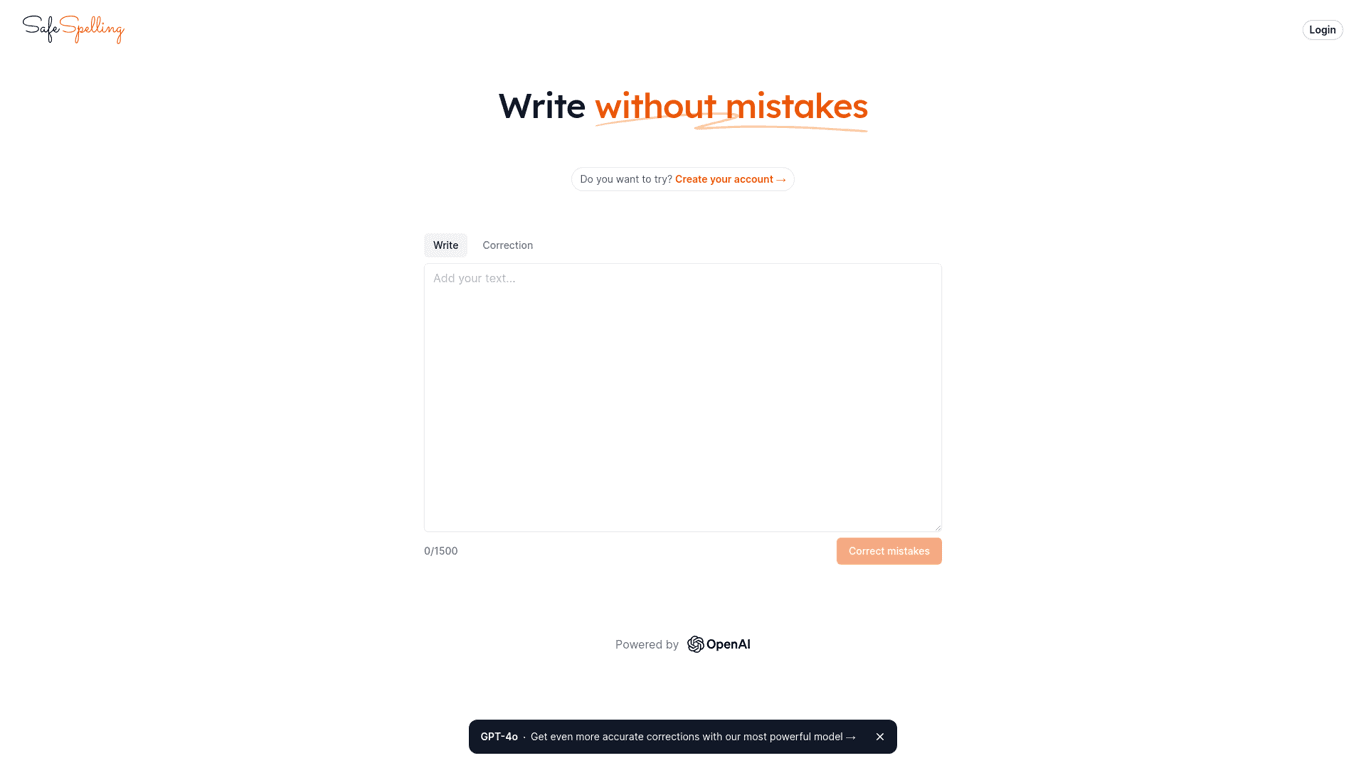
Safespelling

Enhance your writing with SafeSpelling, an AI-powered tool for flawless grammar and spelling correct...
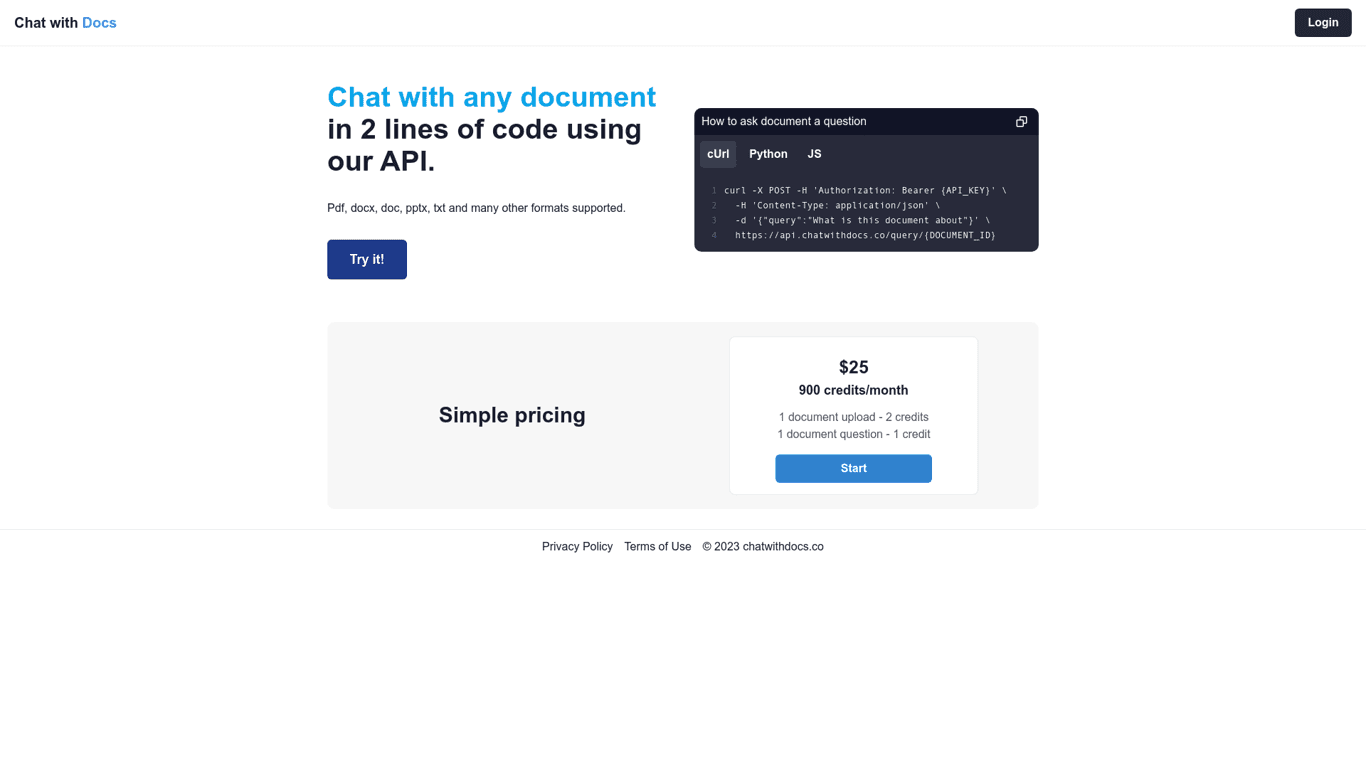
Chat with Docs

Easily interact with PDFs, DOCX, DOC, PPTX, and TXT via Chat with Docs API. Simple integration with...

Prev Project
Next Project