Press for navigation
Swipe for navigation
Bubbles Notetakerv2.95
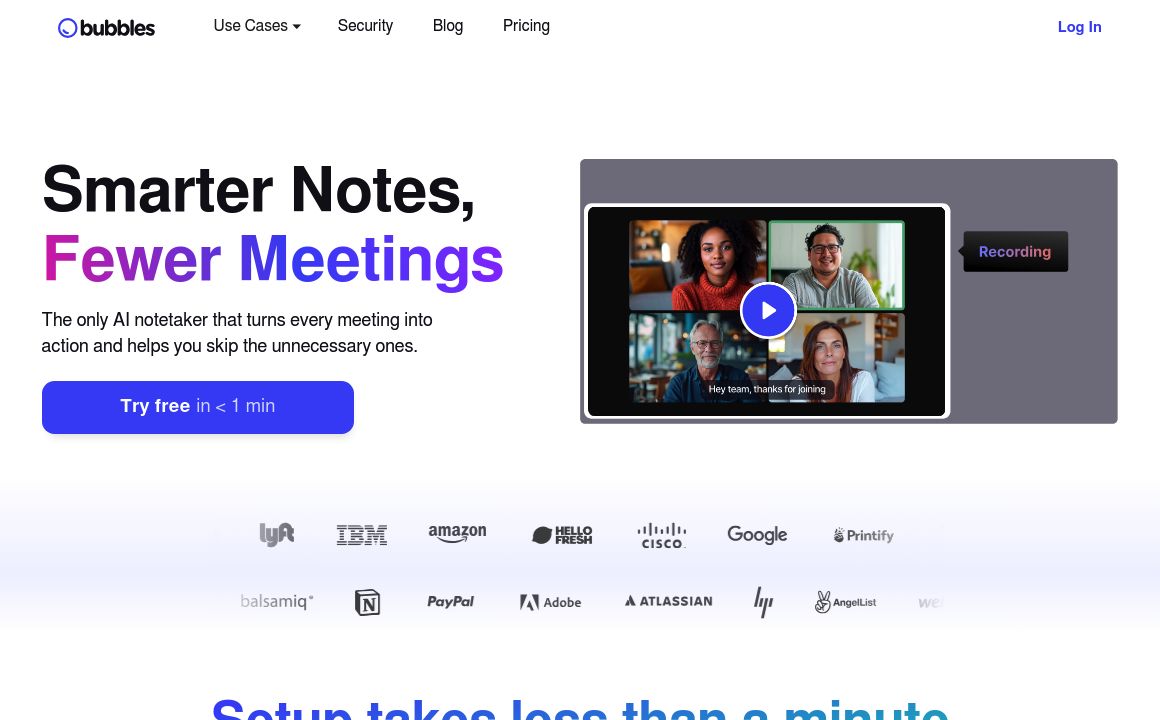
AI-powered tool for enhanced meeting productivity with recording, transcription, and smart reminders.
Meeting Management Application
Updated 20 minutes ago
Bubbles Notetakerv2.95's Top Features
AI-powered meeting summaries and action items generation
Automatic meeting recording and real-time transcription
Asynchronous collaboration through annotations on recorded meetings
Calendar integration with Google and Microsoft Outlook
Smart reminders for keeping participants informed
Customizable AI notetaker name
Cross-platform accessibility for notes and recordings
Easy collaboration with external stakeholders
High-resolution video and webcam recording (up to 1080p)
Chrome browser extension for quick access to recording features
Frequently asked questions about Bubbles Notetakerv2.95
Bubbles Notetaker is an AI-powered tool designed to enhance meeting productivity by automatically recording, transcribing, and summarizing meetings.
Bubbles Notetaker integrates with popular platforms like Zoom, Google Meet, Microsoft Teams, Cisco Webex, and GoTo.
The AI Notetaker joins meetings automatically, records and transcribes the conversation, and generates summaries and action items using artificial intelligence.
Yes, Bubbles Notetaker allows for asynchronous collaboration. Team members can annotate and comment on recordings using text, video, or screen recordings.
Bubbles offers a free Basic plan with limited features, and paid Pro Teams (for 3+ members) and Pro Personal (for 1-2 members) plans with more advanced features.
Yes, every new workspace starts with a 14-day free trial of the Pro plan.
Bubbles employs robust security measures to protect user data and sensitive meeting information.
Bubbles offers 24/7 customer support with responses typically within 24 hours on weekdays. Support is available via email and through their Slack community.
You can get started by connecting your work calendar for automatic recording or manually pasting a meeting link. A Chrome extension is also available for screen recording.
Yes, users can edit and remove action items directly within the platform, allowing for correction of any inaccuracies in the AI-generated content.
Bubbles Notetakerv2.95's pricing
Basic
$0/monthly
- Up to 30 minutes per recording
- Bubbles lock after 2 weeks
- AI summaries and action items
Pro
$12/monthly
- All Basic features
- Unlimited recording length and live meeting recordings
- Bubbles never lock
Pro
$15/monthly
- All Basic features
- Unlimited recording length and live meeting recordings
- Bubbles never lock
Prev Project