Press for navigation
Swipe for navigation
CourseGen
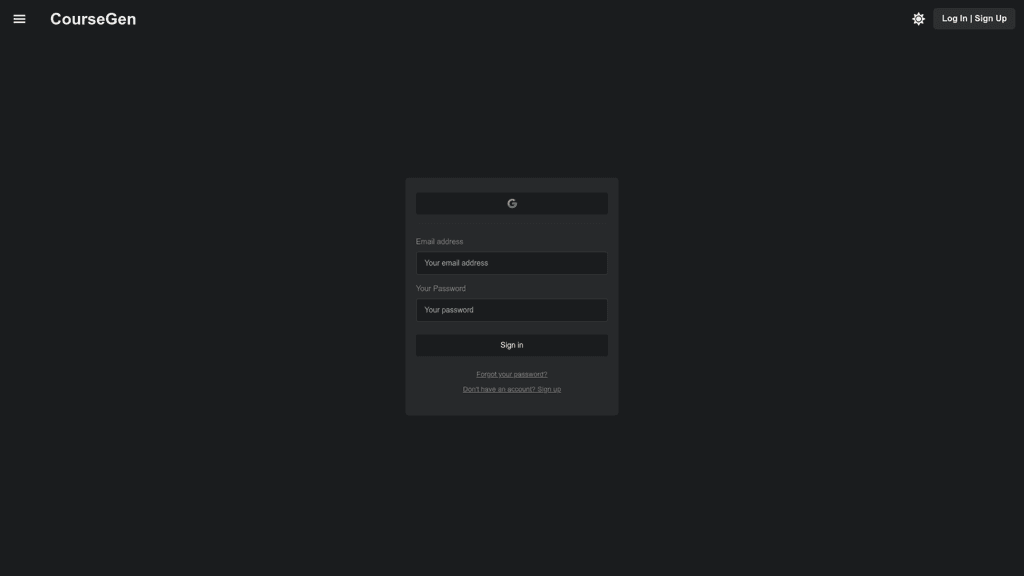
Access your CourseGen account using a simple and secure login form. Options available for password recovery and new user registration.
Login Page Generator
Updated 1 hour ago
CourseGen's Top Features
Secure login process
Password recovery option
New user registration
Dark and light mode preferences
Responsive design
Support for multiple devices
User-friendly interface
Customer support access
Email and password authentication
Option to stay logged in
Frequently asked questions about CourseGen
To log in, enter your email address and password into the provided fields and click 'Sign in'.
If you forget your password, click on the 'Forgot your password?' link to reset it.
Yes, if you don't have an account, you can click on the 'Sign up' link to create a new account.
CourseGen automatically toggles between 'dark' and 'light' modes based on your system settings or saved preferences.
Yes, CourseGen ensures a secure login process to protect your account information.
You can log in to CourseGen from any device with internet access, including computers, tablets, and smartphones.
Make sure to use a strong, unique password for your CourseGen account and avoid sharing it with others.
Yes, you can contact CourseGen's customer support for assistance if you encounter any issues while logging in.
CourseGen may offer an option to keep you logged in on trusted devices to save you time on future visits.
To change your email address or password, you will need to access your account settings after logging in.
Category
Login Page Generator
Prev Project