Press for navigation
Swipe for navigation

UnblurImage AI

Unblurimage AI unblurs, denoises, and upscales photos to 4K for free—fast, private, and easy with batch processing and no sign-up.
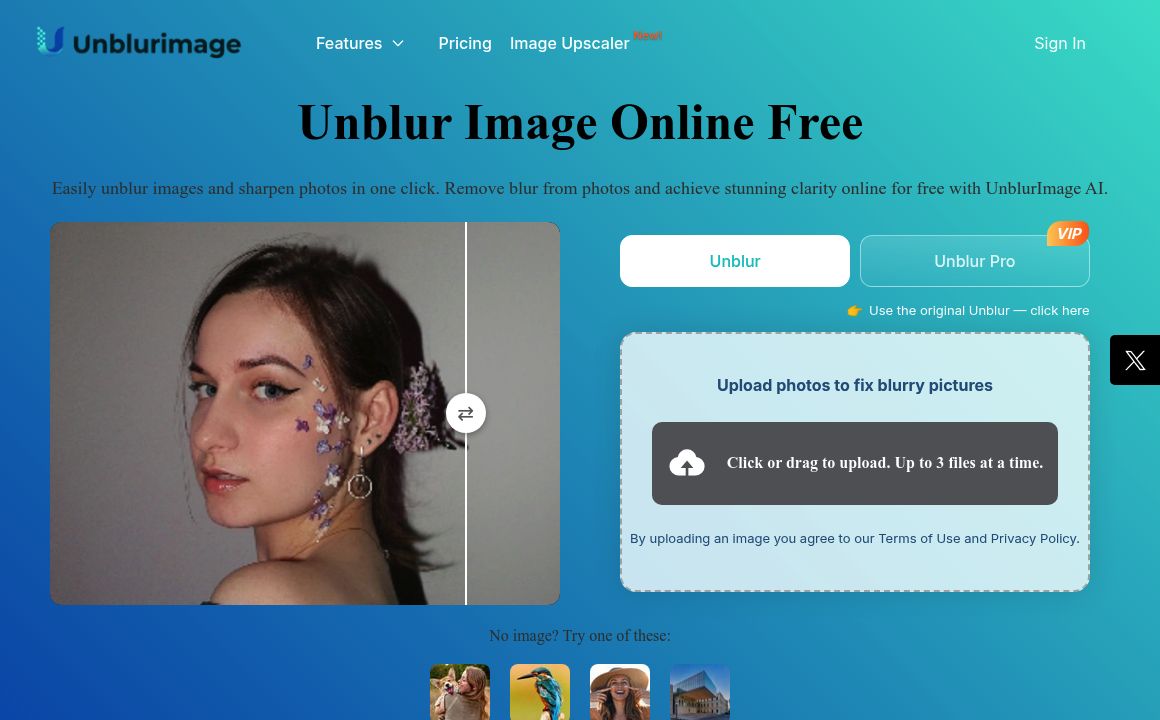
Image Improvement Updated 1 hour ago
Visit Website
UnblurImage AI

UnblurImage AI's Top Features

No sign-up required for core features
Optional registration increases batch size (3 images for guests, 5 for registered users)
Unlimited usage with privacy-first processing (no tracking or image storage)
AI-powered enhancement using deep-learning models (e.g., CNNs)
High-quality denoising while preserving detail and color
2x and 4x upscaling up to 4K output resolution
Fast, one-click processing in seconds
Supports JPG, PNG, WEBP, BMP, and HEIC formats
Simple, browser-based interface—no downloads needed
Works across desktop, laptop, tablet, and mobile devices

Frequently asked questions about UnblurImage AI

Unblurimage AI is an online AI tool that removes blur, reduces noise, and upscales low-quality images to clear, high-resolution photos with one click.

Yes. It’s completely free to use with no hidden fees, and core features are available without charge.

No. Just upload your image in the browser and the AI will automatically enhance it—no special skills or software required.

It supports JPG, PNG, WEBP, BMP, and HEIC formats, covering most smartphone, camera, and scanned photos.

No registration is required for basic use. Unregistered users can process up to 3 images at once; registered users can process up to 5 at a time.

No. The tool preserves quality—avoiding compression artifacts and oversharpening—while enhancing clarity up to 4K resolution.

Yes. It improves sharpness, color, and detail in old, faded, or blurry images to make them look refreshed and clearer.

Yes. Batch processing supports up to 3 images simultaneously for guests and up to 5 for registered users.

Yes. It’s optimized for modern desktop and mobile browsers, working smoothly on phones, tablets, and PCs.

Enhancements typically complete within seconds, though very large or high-resolution files may take slightly longer.

UnblurImage AI's pricing

Free

$0/

  • All features included; no paid, pro, or enterprise tiers
  • HD and 4K upscaling (2x and 4x)
  • Process up to 30 images per day

Customer Reviews

Login to leave a review

No reviews yet. Be the first to review!

Top UnblurImage AI Alternatives

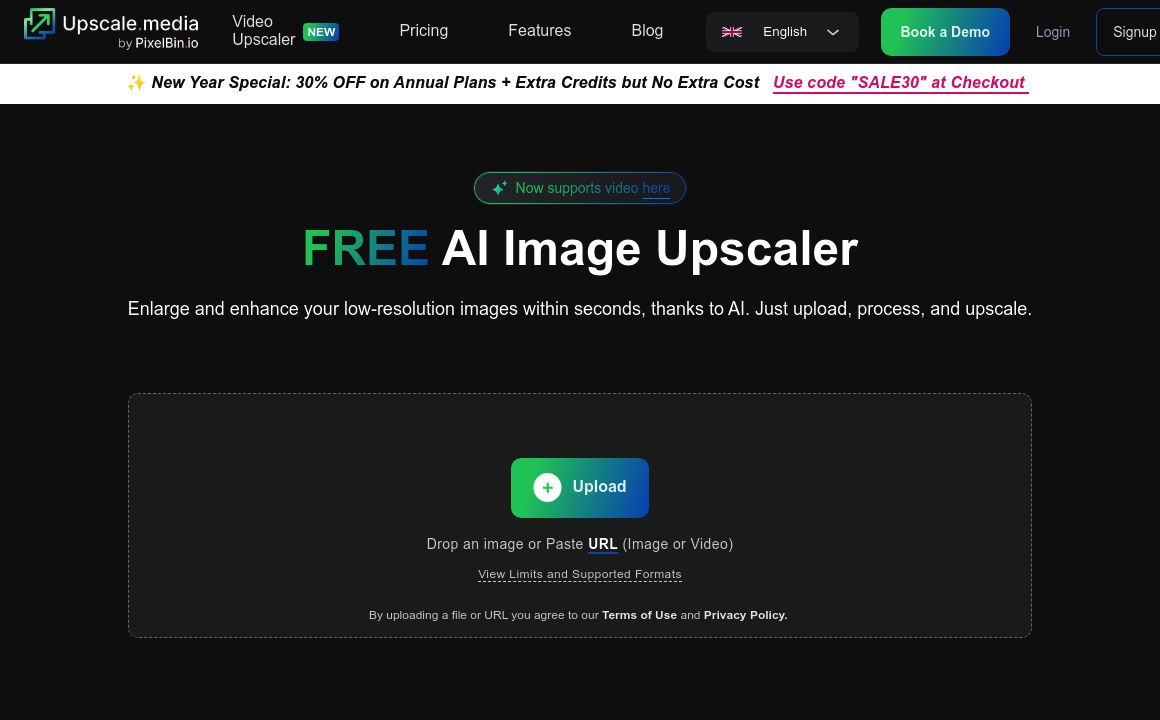
AI Image Upscaler

Discover Upscale.media, the leading AI tool for superior image upscaling and enhancement. Boost prod...
imagetocaption

Create custom captions for Facebook, Instagram, TikTok, Shopify, and more with imagetocaption.ai's A...

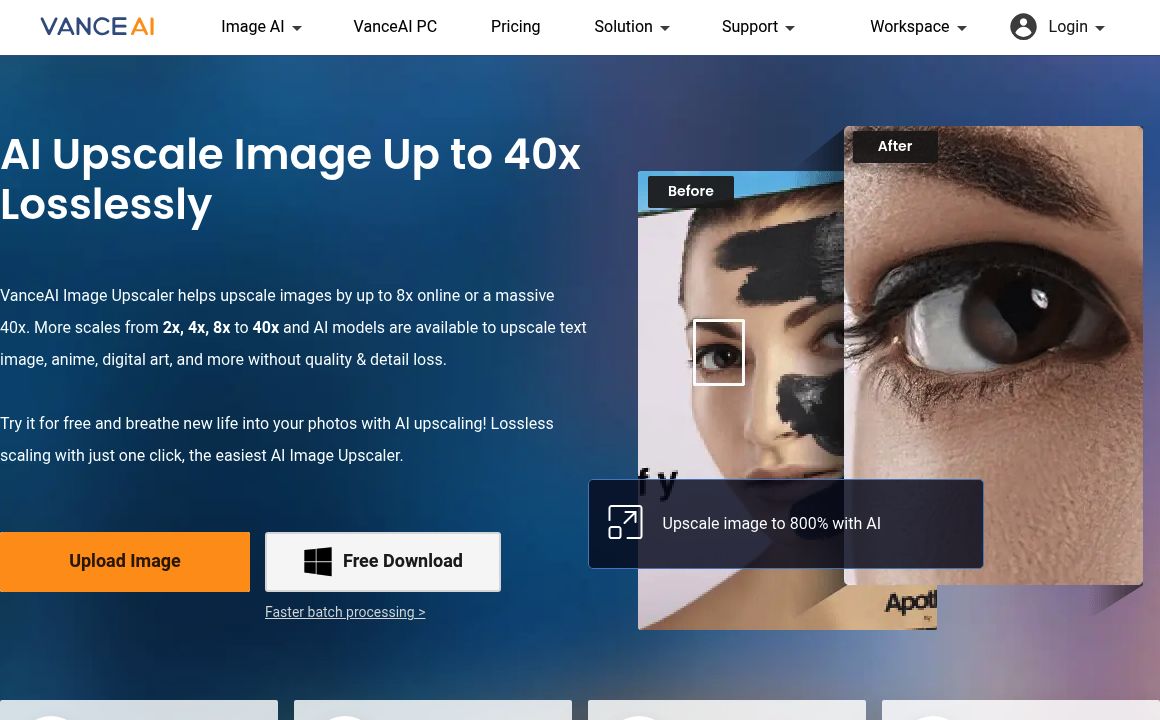
VanceAI Image Upscaler

Enhance and upscale images up to 40x without quality loss using VanceAI's advanced AI tools. Try Van...
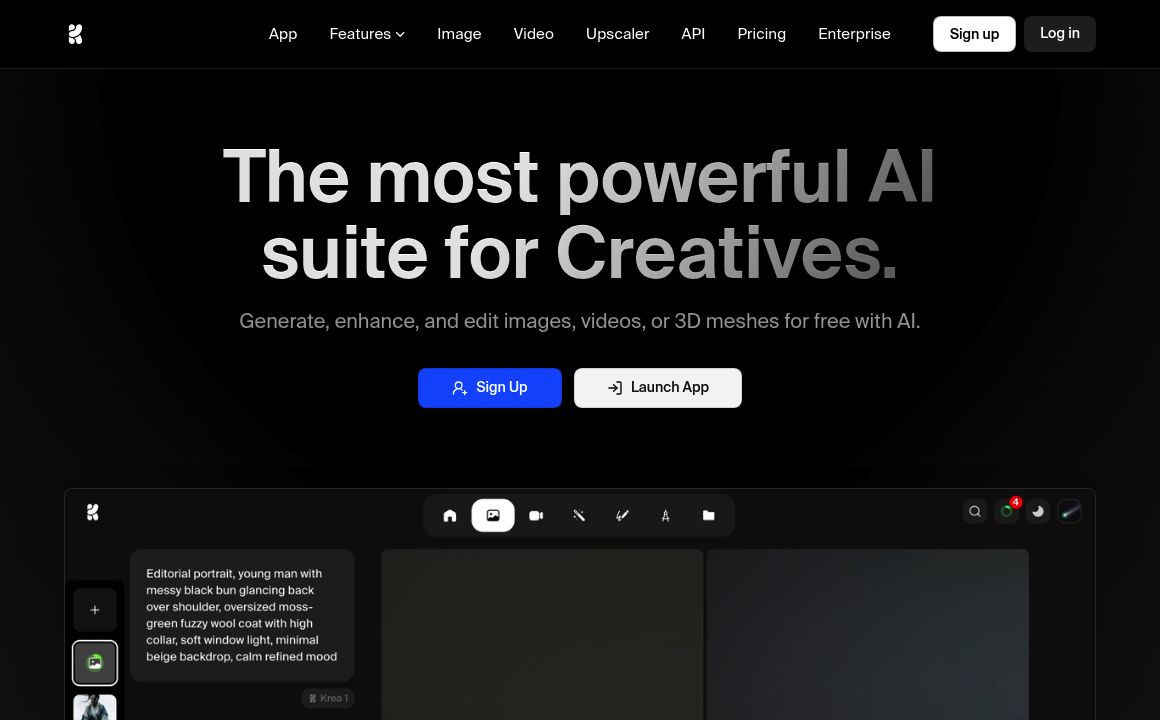
KREA

Generate and upscale images and videos effortlessly with KREA's AI tools. Get started today!
Scribble Diffusion

Turn your sketches into refined images effortlessly with Scribble Diffusion, an open-source project...
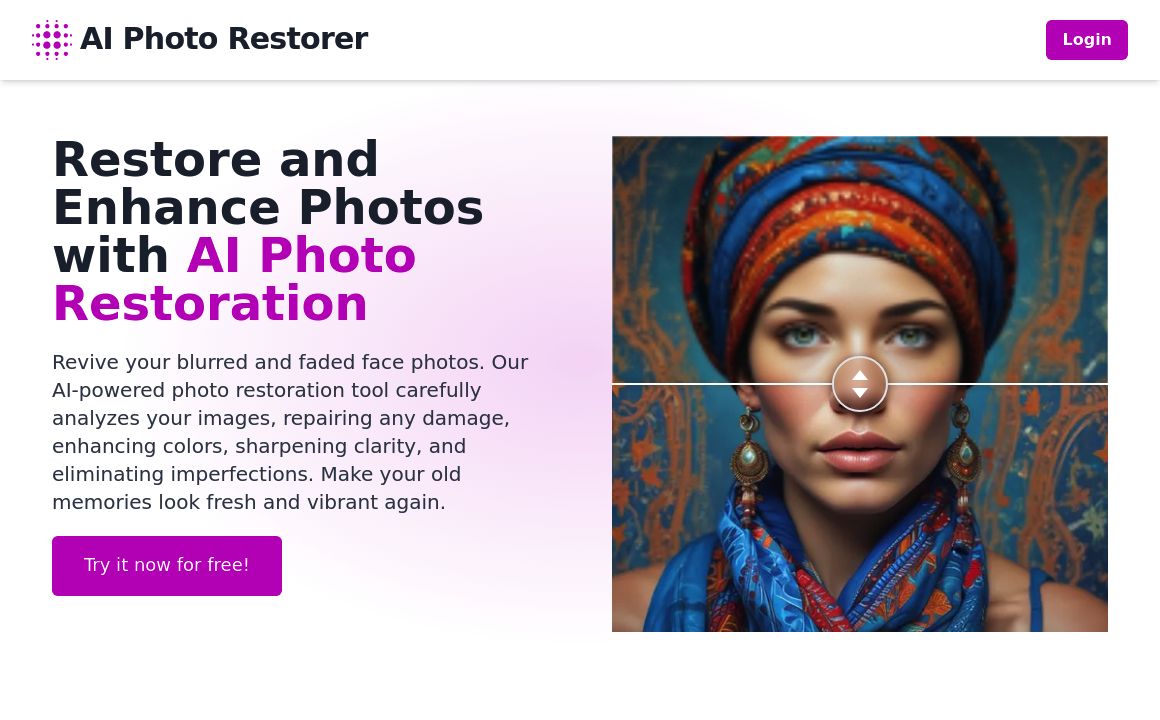
AI Photo Restorer

Revitalize old photos with AI Photo Restorer. Repair, enhance, and upscale your cherished images wit...
Prev Project
Next Project