Press for navigation
Swipe for navigation

Phosus

Explore Phosus's AI-driven image enhancement tools like inpainting, style transfer, and super resolution for top-notch image quality.
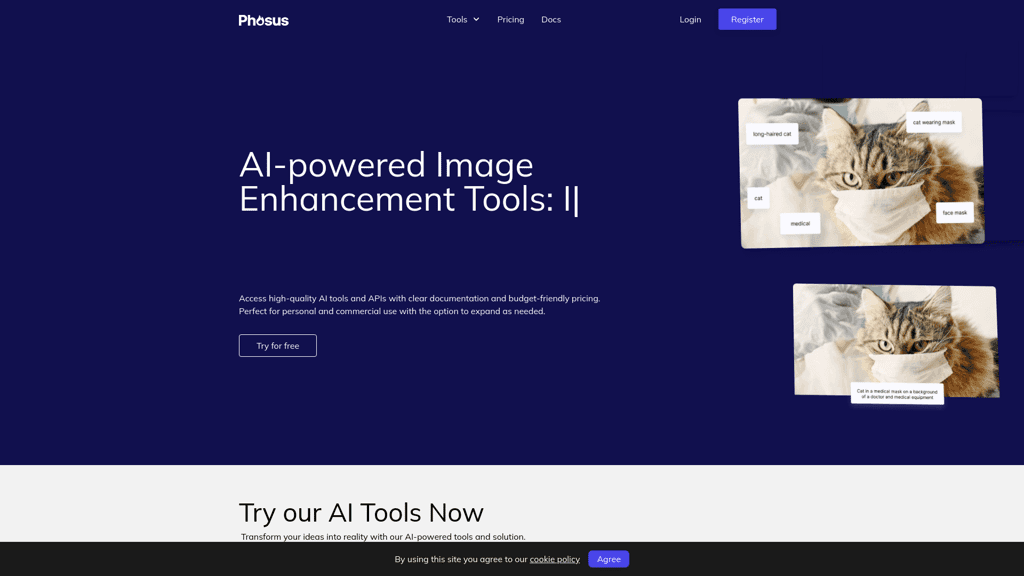
Image Improvement Updated 12 hours ago
Visit Website
Phosus

Phosus's Top Features

Inpainting for repairing and enhancing images
Style transfer for applying artistic styles
Low light enhancement for better visibility
Background removal with zero clicks
Auto fixing for automated image enhancement
Super resolution for magnifying images without quality loss
Auto image captioning for generating descriptions
Auto image tagging for metadata assignment
AI-driven tools for improved image quality and creativity
Easy integration with applications via API

Frequently asked questions about Phosus

Image inpainting refers to the process of repairing and enhancing digital images by filling in missing parts, removing unwanted elements, and correcting imperfections using advanced algorithms and techniques.

Style transfer allows the application of the style of one image to another, preserving the content of the target image while blending with the style of the reference image, often using neural networks.

Low light enhancement uses AI to improve the visibility of images taken in poor lighting conditions, retaining the natural appearance and overcoming hardware limitations.

Yes, all Phosus tools, including style transfer and super resolution, can be used for commercial purposes such as advertising, design, art, and photography.

Auto fixing uses AI to automate the process of image enhancement, optimizing various aspects like color, contrast, and sharpness to produce high-quality photography results.

Super resolution is a feature that allows the magnification of images without pixelation or blurriness, thanks to intelligent algorithms that enhance image details.

Yes, it is possible to apply multiple styles to a single image using style transfer, although the complexity of the process may result in artifacts or slight imperfections.

Phosus supports JPG and PNG image formats up to 10 megabytes, with a maximum resolution of 25 megapixels.

Auto image captioning generates natural-language descriptions for images, making it easier to manage and categorize large image libraries accurately and quickly.

Auto image tagging uses AI to automatically assign metadata to images, aiding in quick and accurate image organization and retrieval.

Phosus's pricing

Free

$0/

  • 5 free credits
  • No credit card needed

Tier

$2.99/monthly

  • 50 credits
  • $0.06 per image

Tier

$4.99/monthly

  • 100 credits
  • $0.05 per image

Customer Reviews

Login to leave a review

No reviews yet. Be the first to review!

Top Phosus Alternatives

AI Image Upscaler

Discover Upscale.media, the leading AI tool for superior image upscaling and enhancement. Boost prod...
imagetocaption

Create custom captions for Facebook, Instagram, TikTok, Shopify, and more with imagetocaption.ai's A...

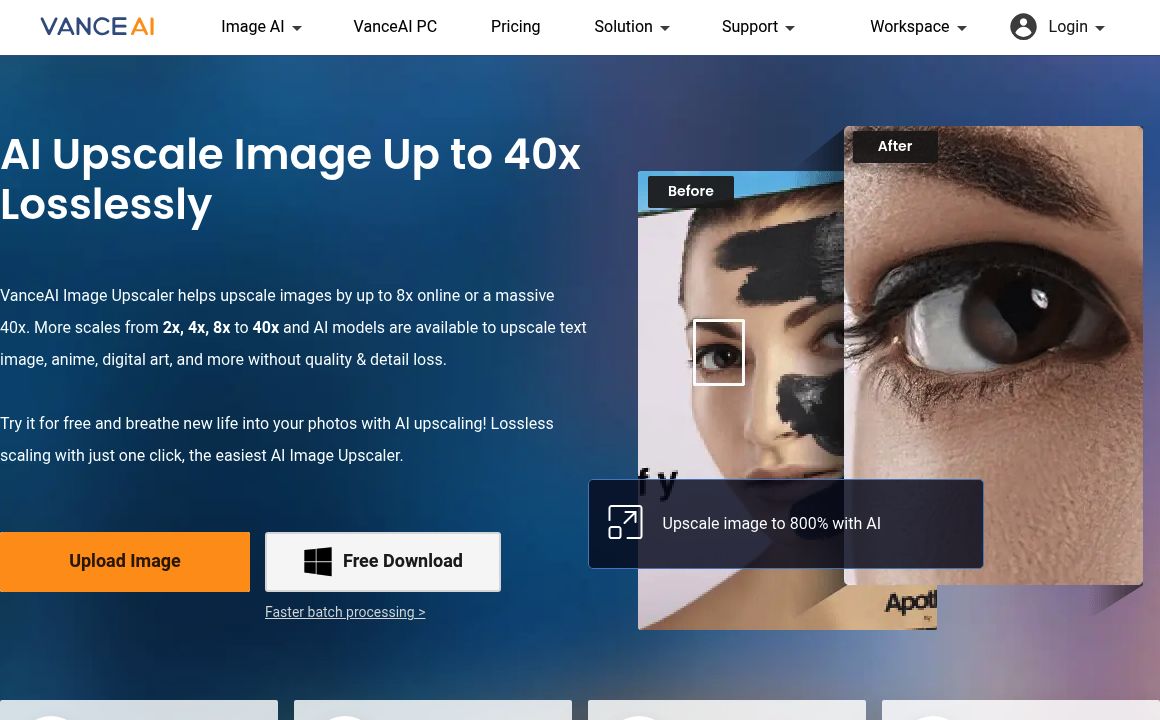
VanceAI Image Upscaler

Enhance and upscale images up to 40x without quality loss using VanceAI's advanced AI tools. Try Van...
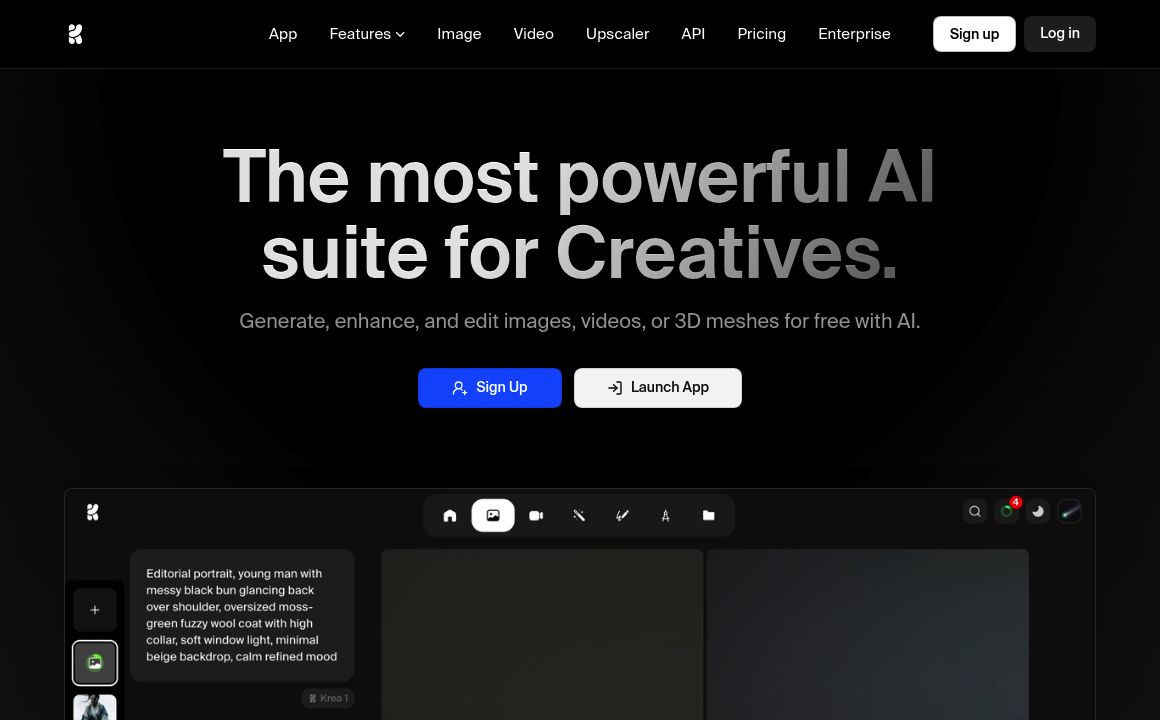
KREA

Generate and upscale images and videos effortlessly with KREA's AI tools. Get started today!
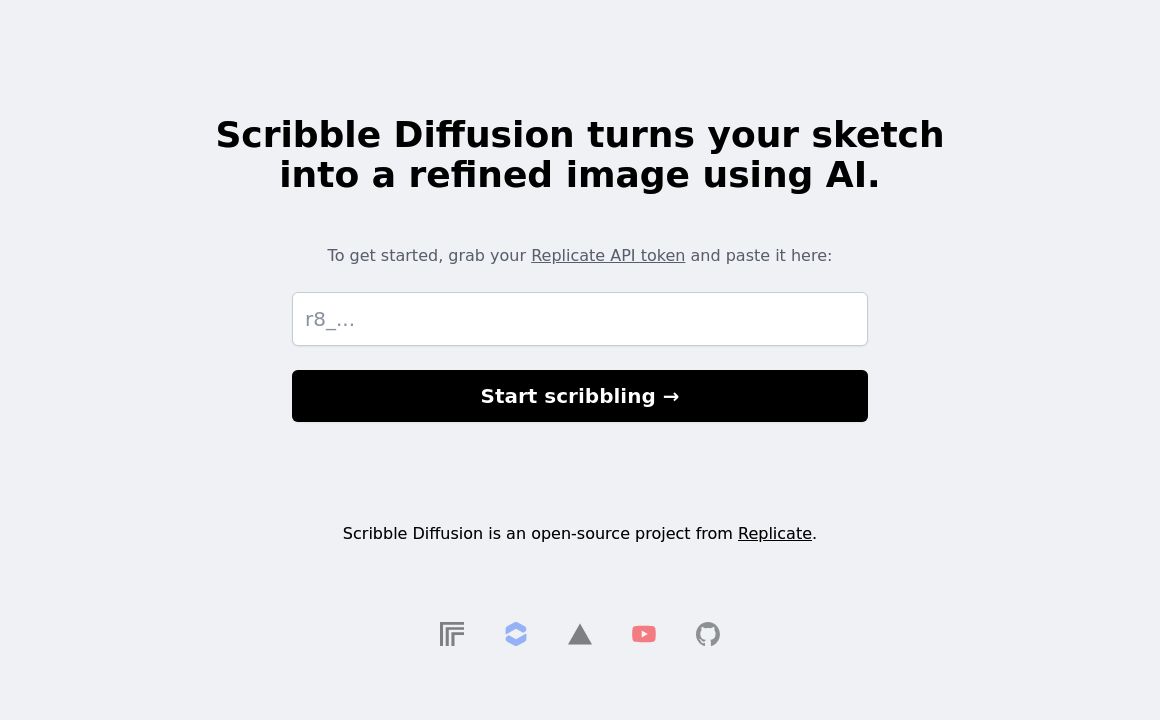
Scribble Diffusion

Turn your sketches into refined images effortlessly with Scribble Diffusion, an open-source project...
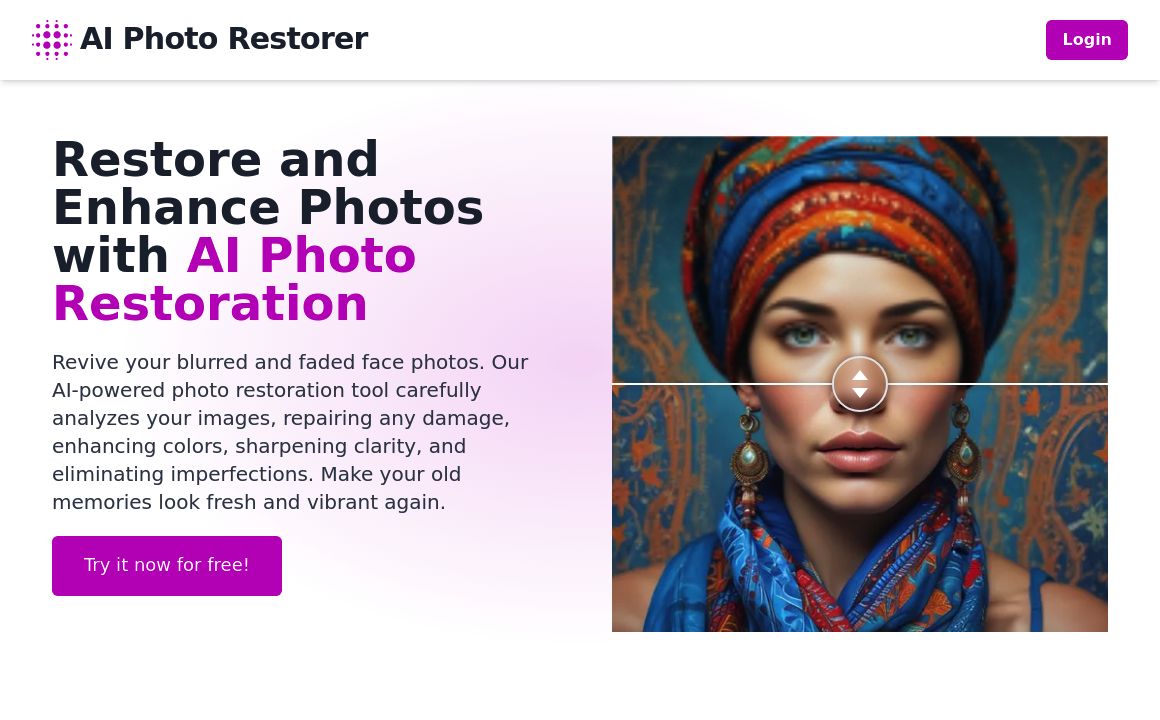
AI Photo Restorer

Revitalize old photos with AI Photo Restorer. Repair, enhance, and upscale your cherished images wit...

Prev Project
Next Project