Press for navigation
Swipe for navigation

Remaker

Experience top-tier AI-driven image and video editing with Remaker AI's versatile, cross-platform tools.
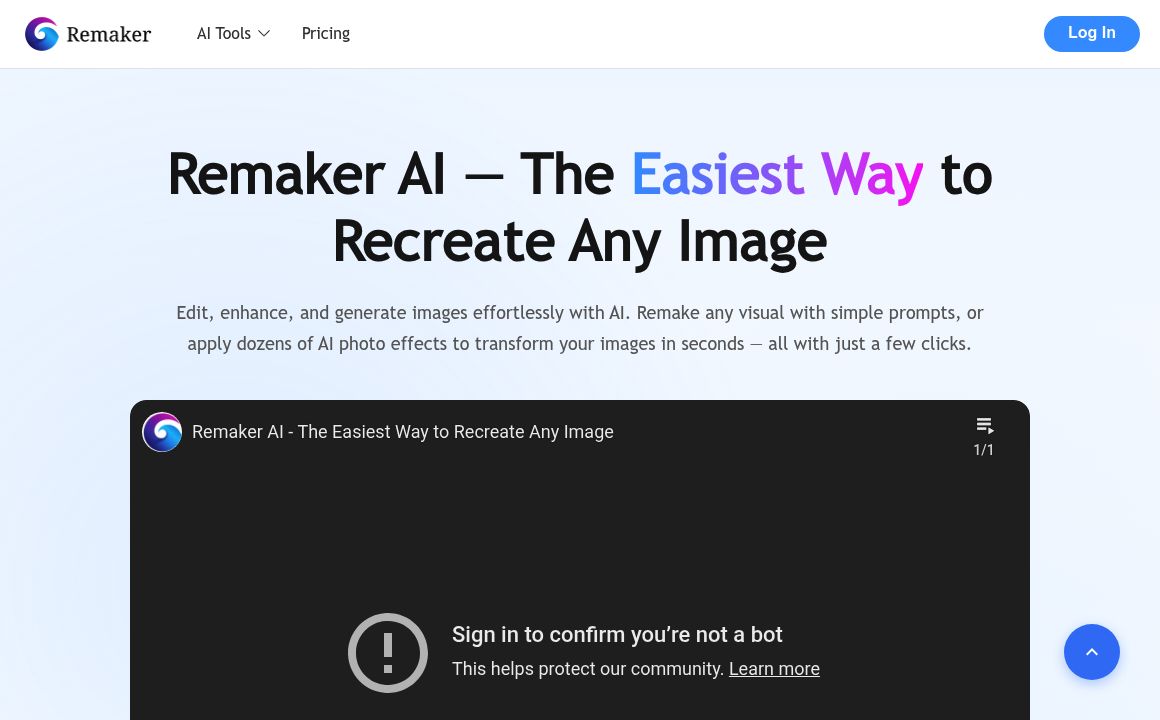
Image Editing Updated 1 hour ago
Visit Website
Remaker

Remaker's Top Features

AI Face Swap: Supports multiple face swaps per image/video with watermark-free results.
Image to Video Generation: Create videos from single images using AI animation techniques.
AI Anime Generator: Converts text or images into anime-style visuals.
Studio Ghibli AI Generator: Transforms photos into Studio Ghibli styled images.
AI Headshot Generator: Produces professional headshots with customizable templates.
AI Background Removal: Quick background removal for clean, transparent images.
Batch Processing: Process multiple media files simultaneously to enhance productivity.
Cross-Platform Accessibility: Use on Windows, Mac, iOS, and Android.
Fast Processing: Swift image and video generation compared to competitors.
Public Domain AI Content: AI-generated content has no copyright restrictions under content policy.

Frequently asked questions about Remaker

Remaker AI provides a comprehensive suite of AI tools including an AI Headshot Generator, AI Anime Generator, Studio Ghibli AI Generator, AI Background Removal, AI Image Upscaler, AI Photo Enhancer, and an Image to Video converter.

Users upload 1 to 4 clear, frontal selfies and customize attributes like age, hairstyle, and background to generate professional-level headshots available for 24 hours.

Yes, Remaker enables users to create anime images from text prompts and transform photos using a Studio Ghibli style filter.

The AI Photo Enhancer refines image quality by enhancing brightness, contrast, sharpness, reducing noise, and improving resolution using deep learning models.

It detects blur in photos and sharpens them while optimizing overall image quality, including contrast and brightness.

Yes, it features an AI Background Removal tool which removes backgrounds with one click for clean, transparent images.

Remaker AI is accessible on Windows, Mac, iOS, and Android, allowing image editing across various devices.

Payments are securely processed via Stripe, ensuring bank-level security standards. Remaker AI does not store card information.

Remaker AI allows easy transformation of still images into dynamic videos using advanced animation techniques and templates.

AI-generated content is considered public domain, provided users adhere to content policies.

Remaker's pricing

Free

$0/

  • 30 to 125 free credits depending on tool
  • Watermark-free output
  • Commercial usage rights

Standard

$15/monthly

  • General AI video generation
  • More credits for higher volume usage
  • Access to high-resolution 4K video generation

Tattoo

$5.99/

  • 200 credits for tattoo AI generator

Customer Reviews

Login to leave a review

No reviews yet. Be the first to review!

Top Remaker Alternatives

AIGIFs

Discover Glam Graph: Effortlessly create 25 unique looks from a single image in minutes. Perfect for...
Spyne

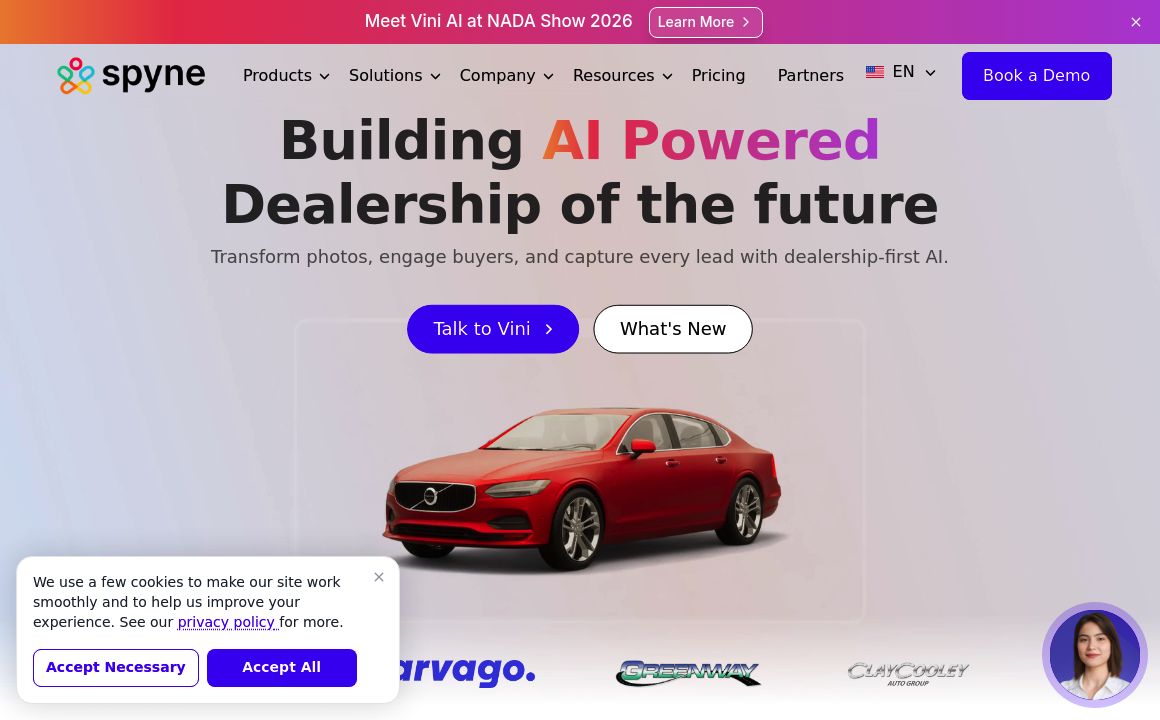
Discover Spyne's AI-powered solutions for creating and enhancing visual content. Streamline your pro...
IMGN

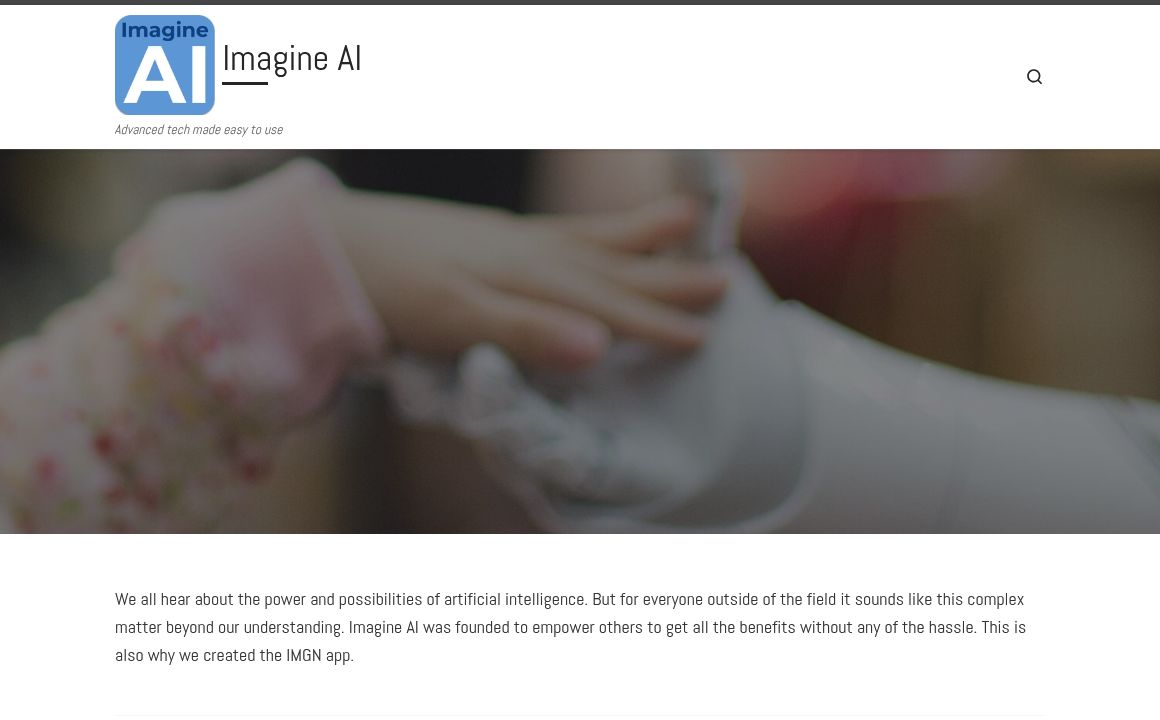
Experience cutting-edge image editing with IMGN app - no AI knowledge required. Available on Google...
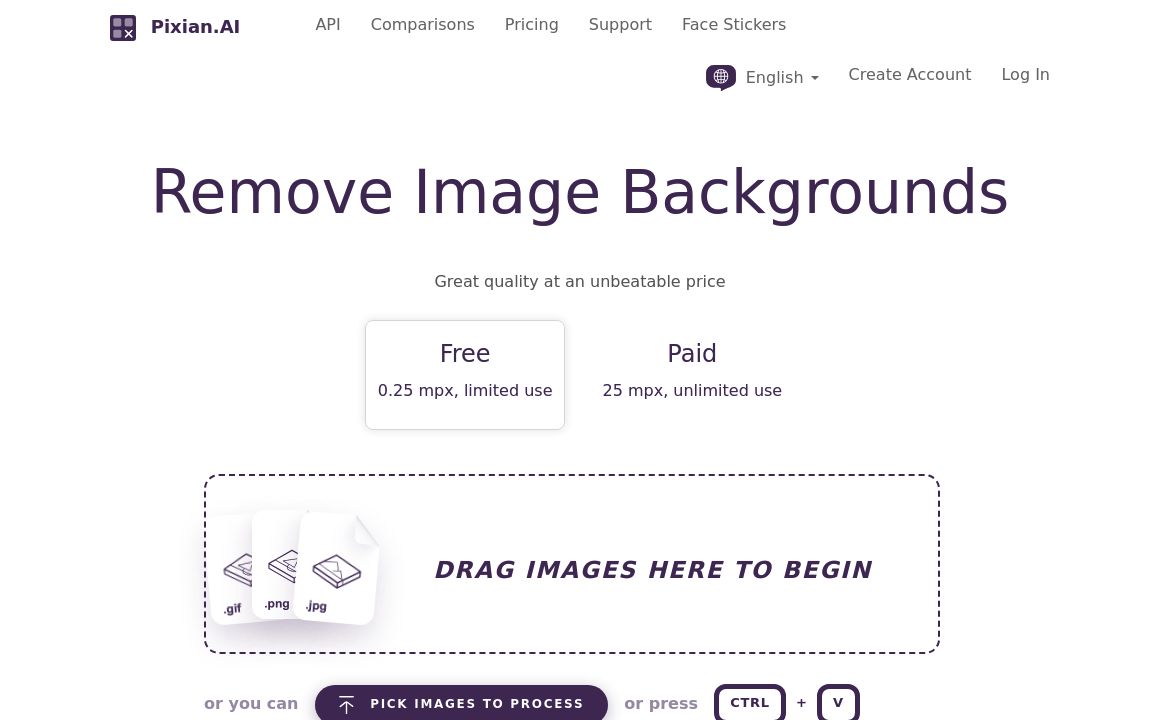
Pixian.AI

Discover Pixian.AI for automated image background removal with best-in-class fidelity. Free and paid...
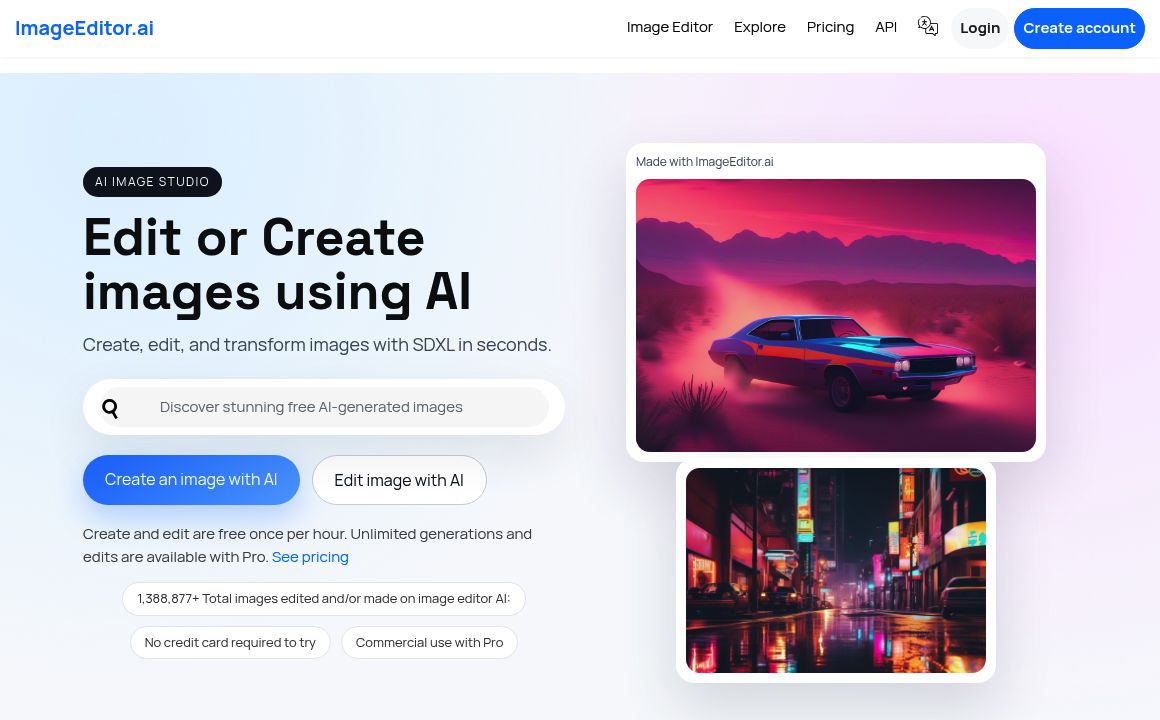
Imageeditor.ai

Discover ImageEditor.ai's suite of AI tools for image and video editing, background removal, interio...
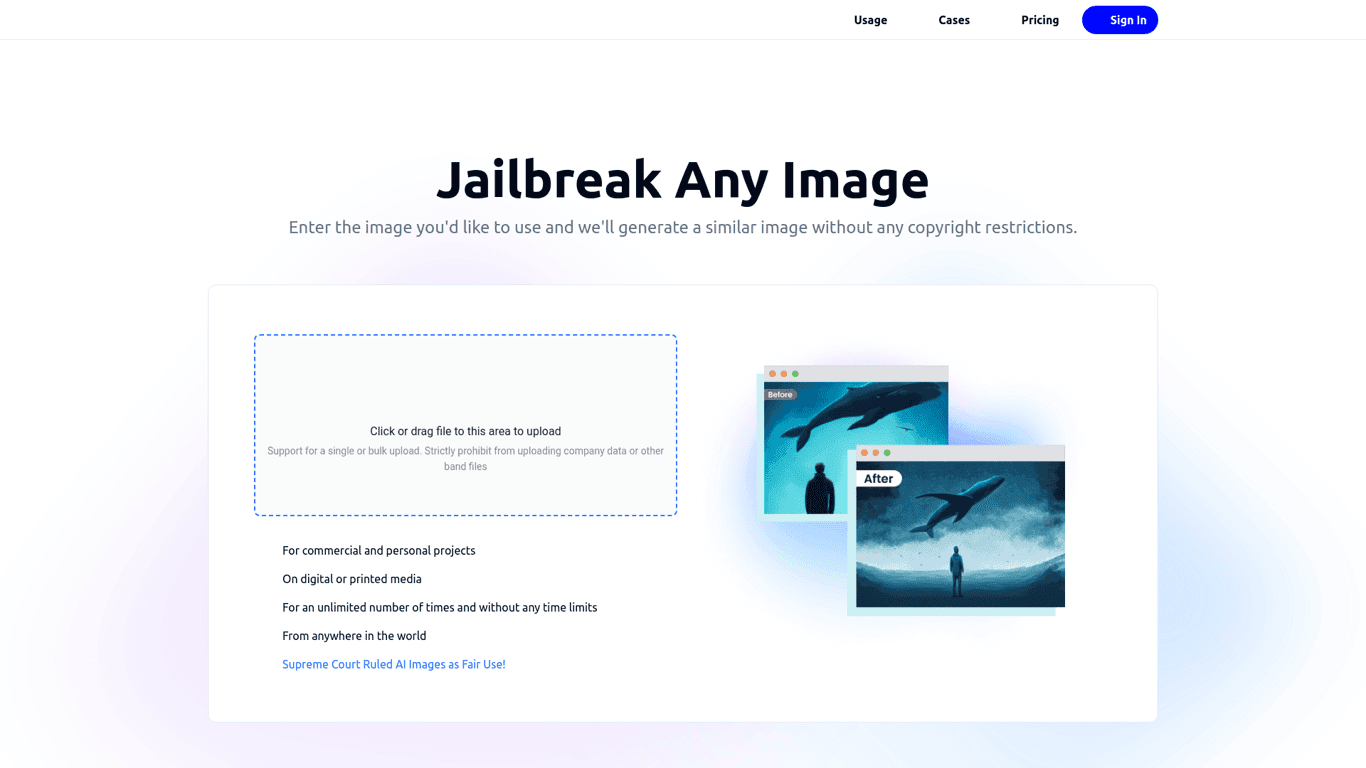
Variart

Convert copyrighted images into copyright-free versions effortlessly with Variart's AI-powered tool....
Prev Project
Next Project