Press for navigation
Swipe for navigation

Pixelate

Convert detailed images into pixel art for game asset creation with Pixelate.
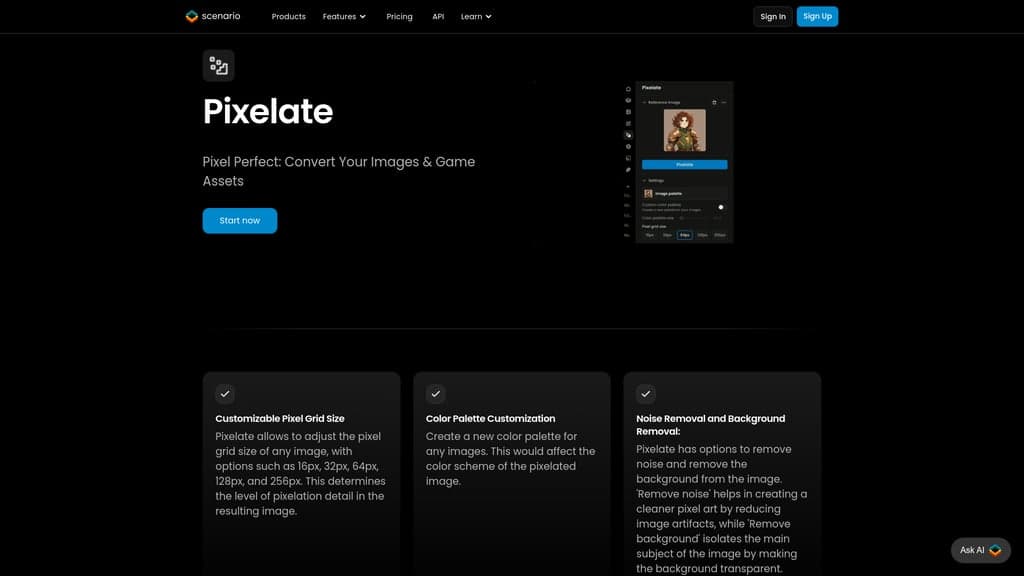
Image Editing Updated 1 hour ago
Visit Website
Pixelate

Pixelate's Top Features

Customizable pixel grid size (16px, 32px, 64px, 128px, 256px)
Color palette customization
Noise removal option for cleaner pixel art
Background removal feature for isolating main subjects
Transforms detailed images into pixel art
Suitable for creating game assets
Ideal for prototyping art styles in game design
Useful for retro game development
Optimized for mobile game development with performance-friendly pixel art
Streamlines the process of transforming high-res images into pixelated graphics

Frequently asked questions about Pixelate

Scenario's Pixelate tool transforms detailed images into stylized pixel art, ideal for creating game assets suitable for pixel-based gaming environments. It allows for adjustments to pixel grid size and color palettes, as well as noise and background removal.

The tool offers options for adjusting the pixel grid size to 16px, 32px, 64px, 128px, and 256px, determining the level of pixelation detail in the output image.

Yes, you can use either the default color palette generated from your image or create a custom palette by adding colors manually or using hex codes. You can also save your custom palettes for later use.

Yes, the tool offers options to remove noise from your image to create cleaner pixel art and to remove the background, making the main subject transparent.

The tool is useful for art and design prototyping, creating retro game assets, and developing mobile games with pixel art styles. It allows for efficient prototyping of art styles and asset designs without extensive hand-drawing.

Yes, the tool is specifically designed to help game studios create assets that emulate the visual style of classic 8-bit or 16-bit games.

You can access the Pixelate tool either via the 'Edit' tab's right-hand info bar, the left-hand navigation bar, or by loading an image directly from your computer, clipboard, or Scenario library.

Scenario provides help documentation and tutorials on their help website detailing the Pixelate feature and other image editing functionalities.

Specific technical requirements for Pixelate have not been detailed in the provided information.

There is no information provided regarding awards or recognition for Pixelate.

Customer Reviews

Login to leave a review

No reviews yet. Be the first to review!

Top Pixelate Alternatives

AIGIFs

Discover Glam Graph: Effortlessly create 25 unique looks from a single image in minutes. Perfect for...

Spyne

Discover Spyne's AI-powered solutions for creating and enhancing visual content. Streamline your pro...

IMGN

Experience cutting-edge image editing with IMGN app - no AI knowledge required. Available on Google...
Pixian.AI

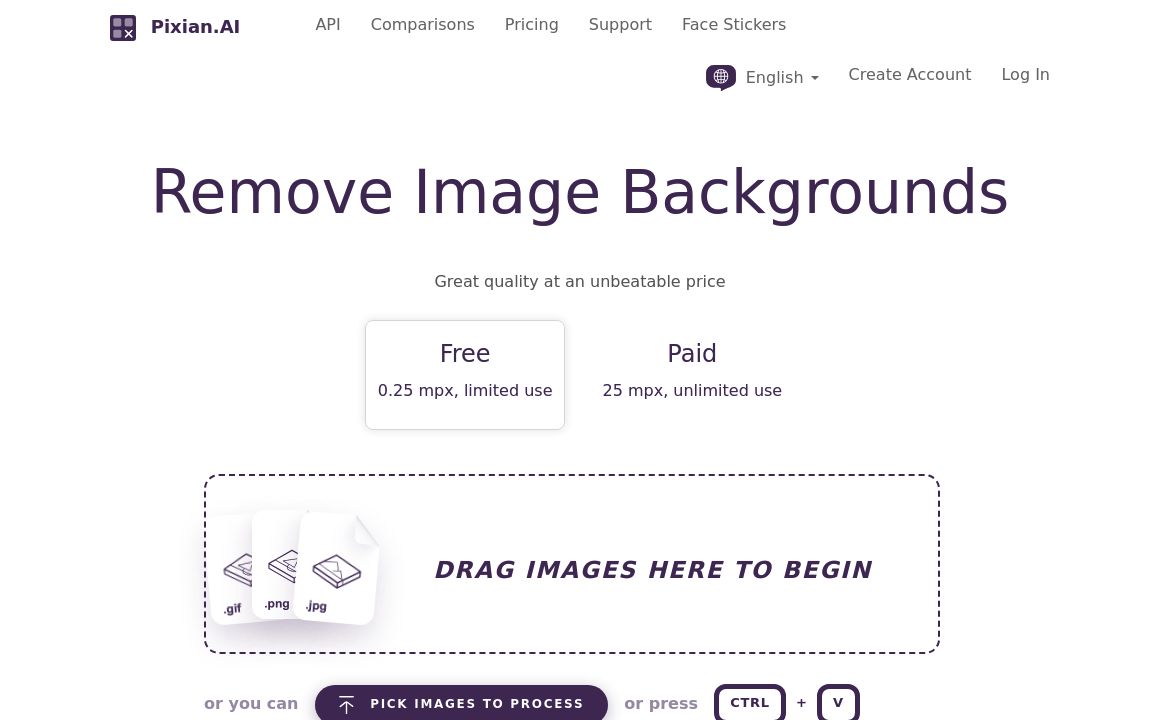
Discover Pixian.AI for automated image background removal with best-in-class fidelity. Free and paid...
Imageeditor.ai

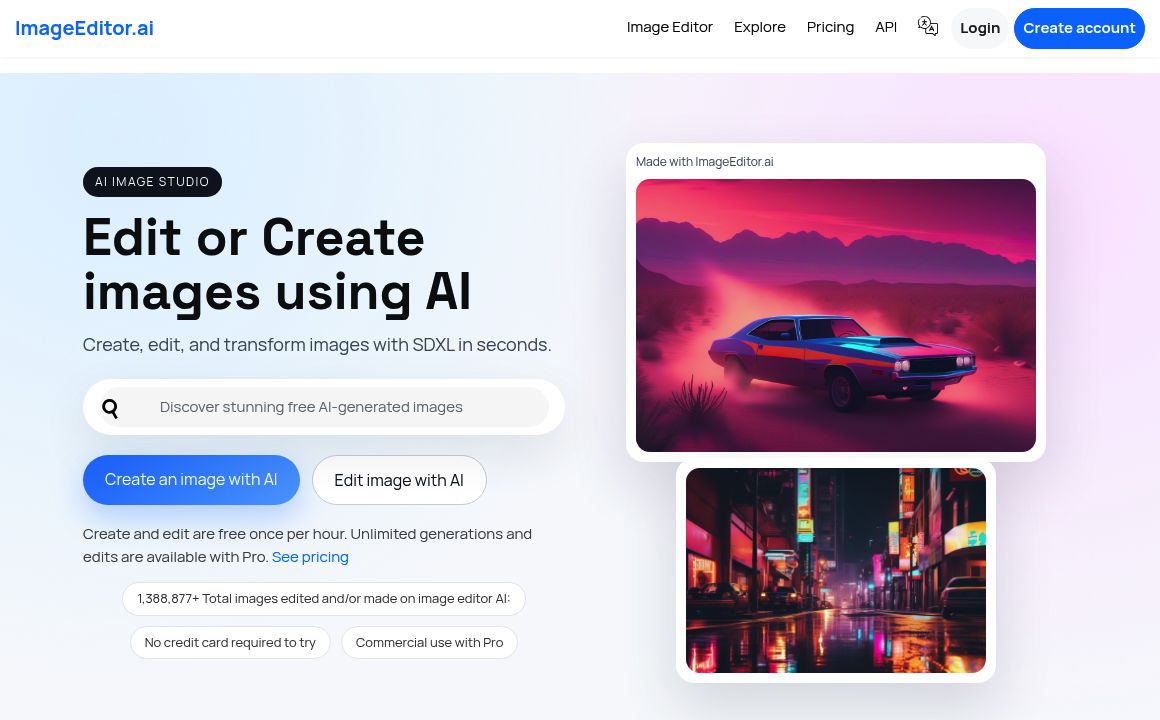
Discover ImageEditor.ai's suite of AI tools for image and video editing, background removal, interio...
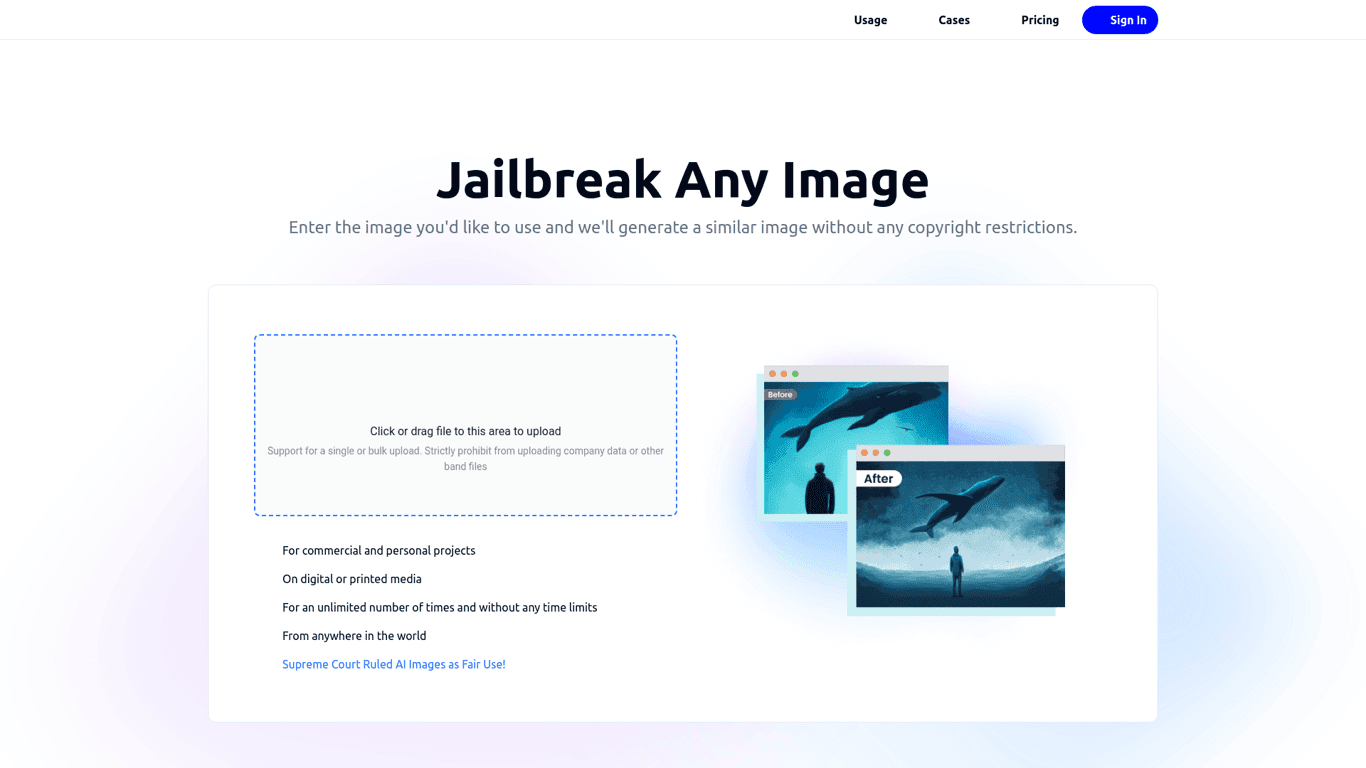
Variart

Convert copyrighted images into copyright-free versions effortlessly with Variart's AI-powered tool....
Prev Project
Next Project