Press for navigation
Swipe for navigation

Picsman

Picsman.ai is an AI photo editor for background removal, object replace, virtual try-on, upscaling, anime styles, and ID photos.
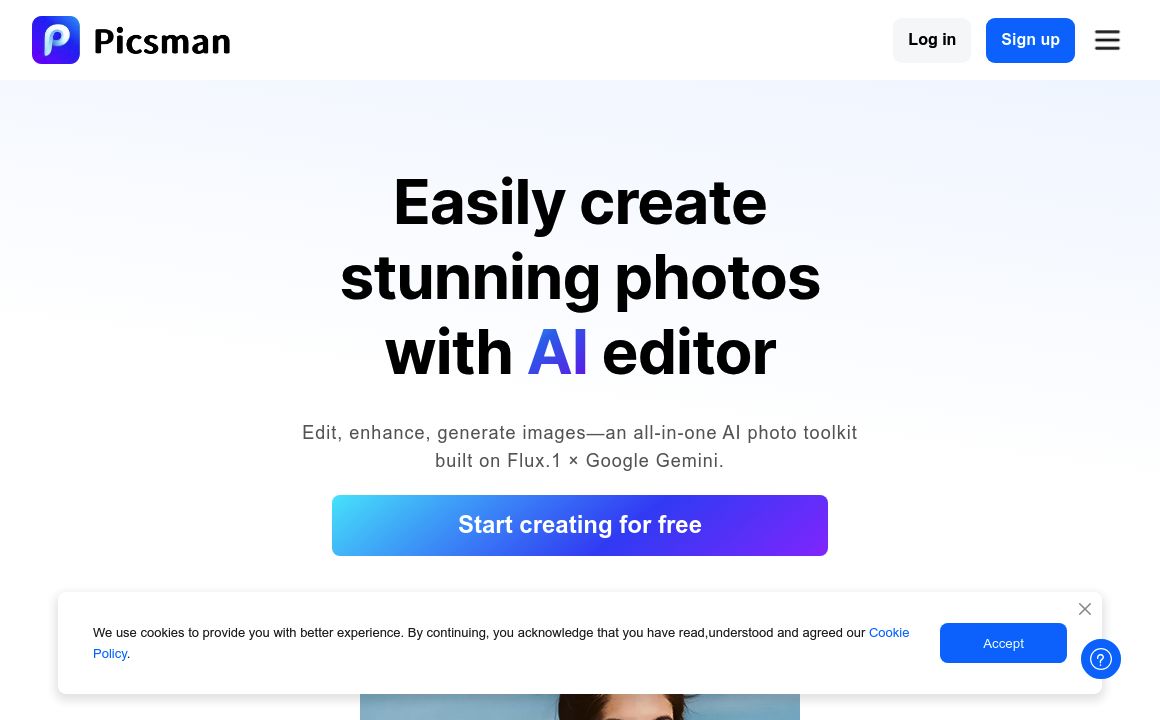
Image Editing Updated 5 minutes ago
Visit Website
Picsman

Picsman's Top Features

AI Background Removal
Magic Eraser (object/people removal)
AI Photo Enhancer & Upscaler
AI Clothes Changer (virtual try-on)
Prompt Image Editor (text-based edits)
AI Image Generator (text-to-image and image-to-image)
AI Image Extender (outpainting)
Passport & ID Photo Maker (60+ countries)
Artistic & Style Filters (including anime/Studio Ghibli-inspired)
Watermark Remover

Frequently asked questions about Picsman

Picsman.ai is an AI-powered photo editing platform with tools for object replacement, background swaps, face alteration, watermark removal, photo enhancement, and converting photos to anime styles.

Upload an image, brush the area to change, describe the edit (or upload a reference), and Picsman.ai generates a realistic replacement that blends seamlessly into the photo.

You can replace or remove objects, change backgrounds, swap faces, try on clothes virtually, enhance product shots, erase watermarks, retouch portraits, and convert photos to anime or cartoon avatars.

It’s built for both. The interface is beginner-friendly while still providing advanced, pro-grade AI editing capabilities.

Yes. Use the Photo to Anime Converter to transform selfies and portraits into a variety of anime or cartoon styles for social media and personal projects.

The Passport & ID Photo Maker automatically crops, centers, and formats photos to meet official requirements for passports, visas, and IDs across many countries.

Yes. The AI Watermark Remover can remove watermarks or unwanted elements while preserving image quality.

Absolutely. You can upload your own images to use as replacement objects or backgrounds for more personalized edits.

Most edits—like object replacement/removal, watermark erasing, and anime conversion—are generated within seconds after you set your brush area and prompt.

Yes. Picsman.ai provides free tools and a 3-day free trial for advanced features so new users can try the platform at no cost.

Picsman's pricing

Free

$0/monthly

  • Access to most AI editing features
  • 3 edits per day limit
  • Subscription-based plan

Pro

$9.99/monthly

  • Unlimited access to all premium features
  • Unlimited edits and HD downloads
  • Virtual try-on for clothes and hair

Pro

$4.99/annual

  • Unlimited access to all premium features
  • Unlimited edits and HD downloads
  • Virtual try-on for clothes and hair

Customer Reviews

Login to leave a review

No reviews yet. Be the first to review!

Top Picsman Alternatives

AIGIFs

Discover Glam Graph: Effortlessly create 25 unique looks from a single image in minutes. Perfect for...

Spyne

Discover Spyne's AI-powered solutions for creating and enhancing visual content. Streamline your pro...
IMGN

Experience cutting-edge image editing with IMGN app - no AI knowledge required. Available on Google...
Pixian.AI

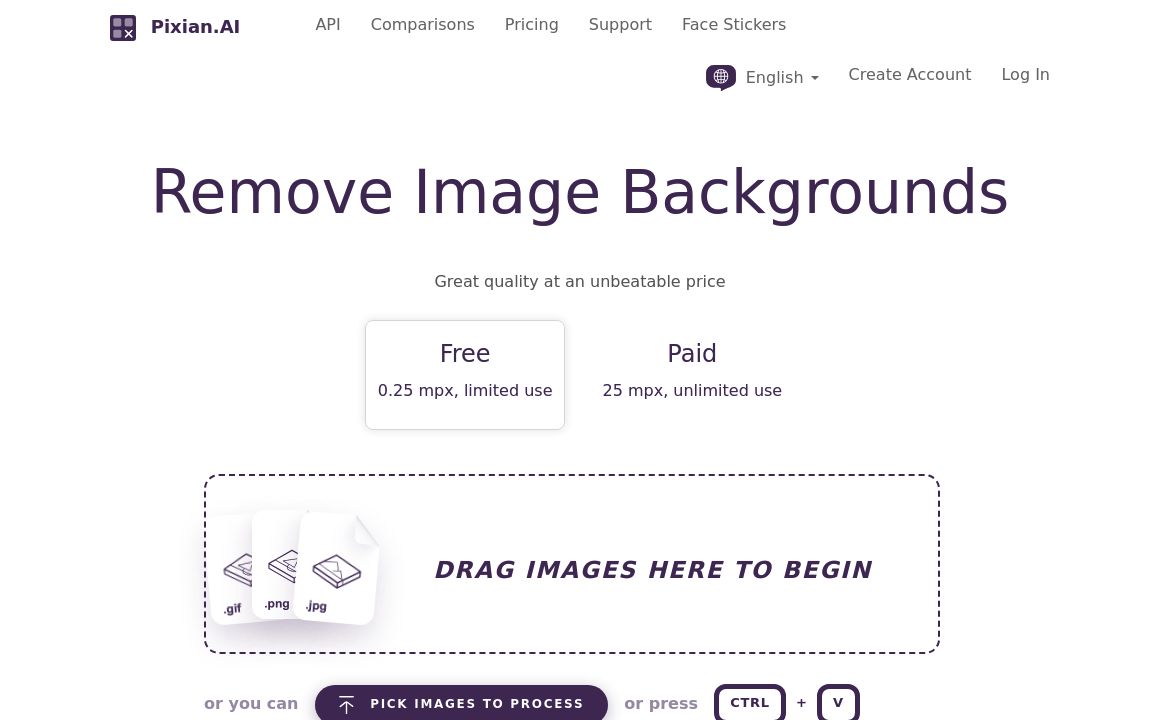
Discover Pixian.AI for automated image background removal with best-in-class fidelity. Free and paid...
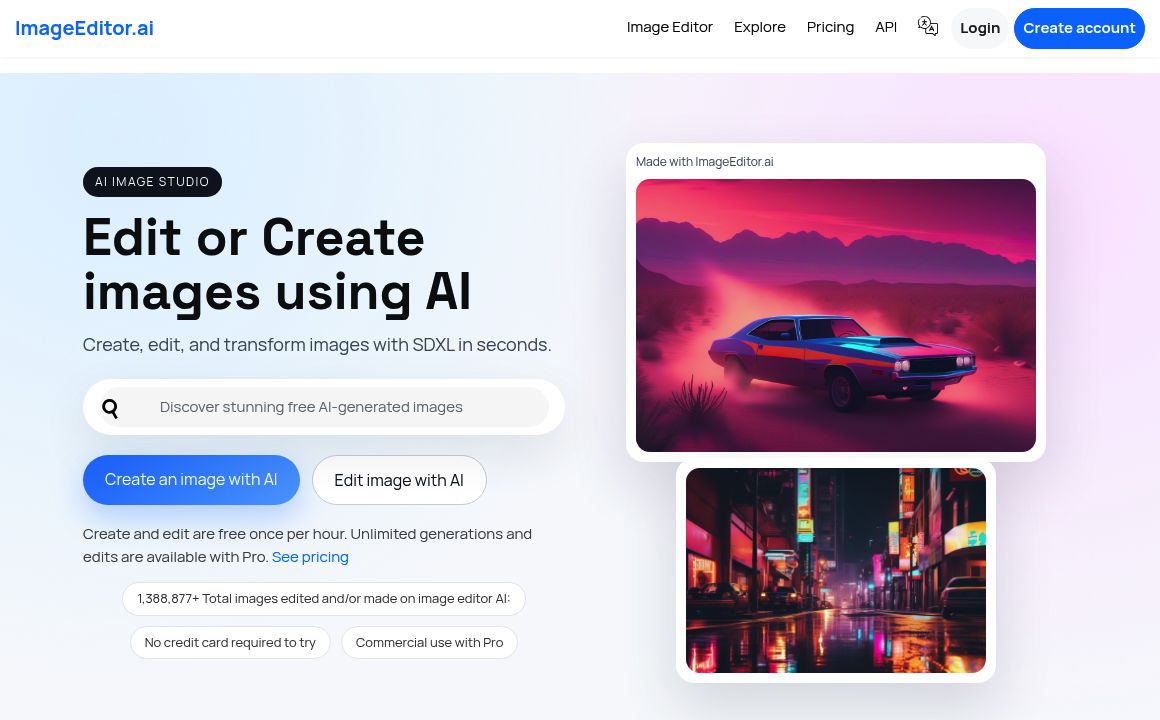
Imageeditor.ai

Discover ImageEditor.ai's suite of AI tools for image and video editing, background removal, interio...
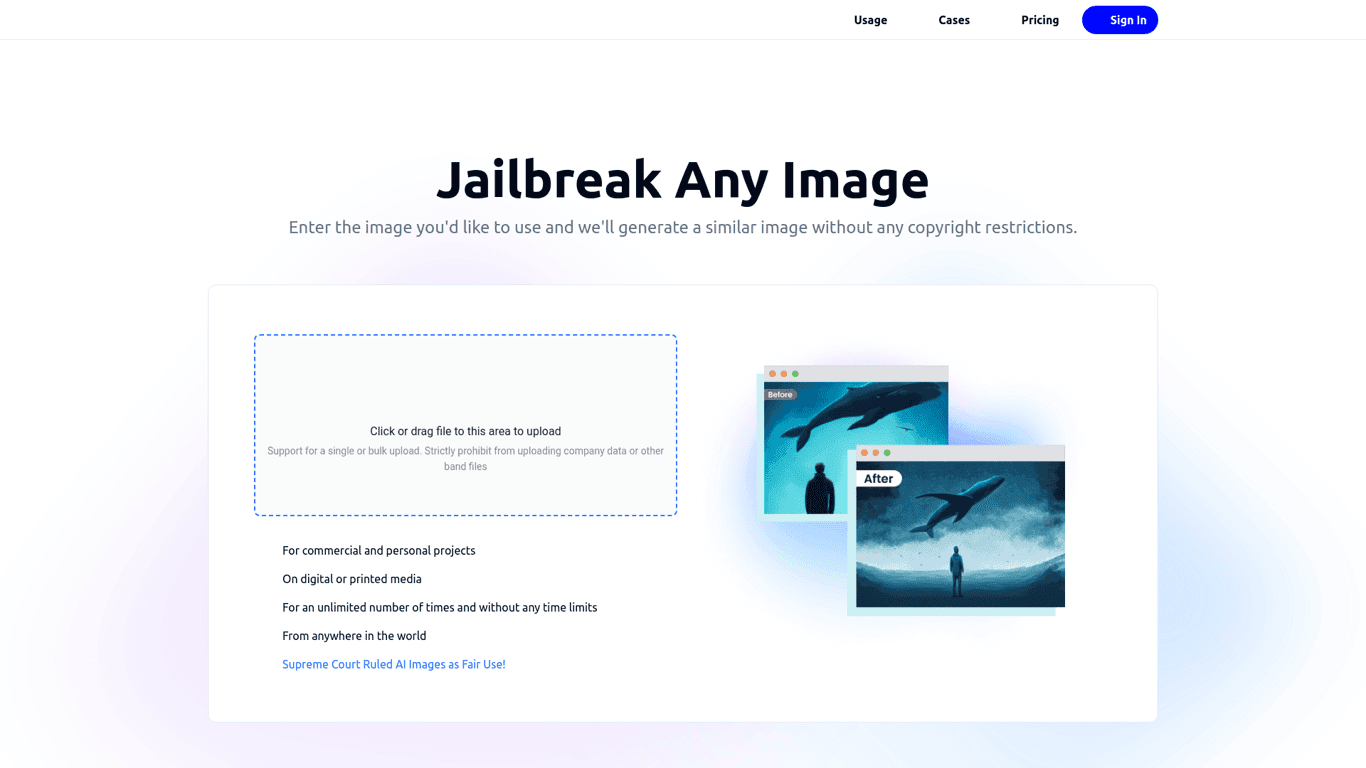
Variart

Convert copyrighted images into copyright-free versions effortlessly with Variart's AI-powered tool....
Prev Project
Next Project