Press for navigation
Swipe for navigation

PhotoStyleAI

Enhance your photos and videos with PhotoStyleAI's AI-driven style transfer and filters for stunning visual content.
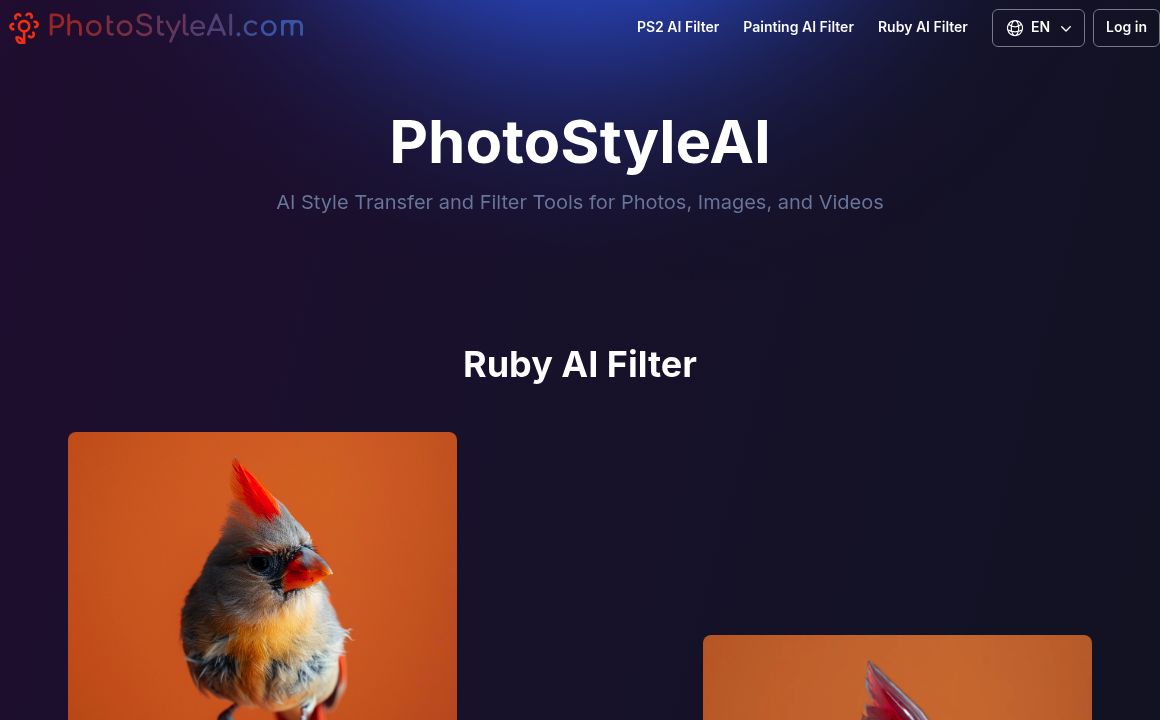
Image Editing Updated 1 minute ago
Visit Website
PhotoStyleAI

PhotoStyleAI's Top Features

AI Style Transfer: Applies artistic styles from famous artworks to photos or videos.
Customizable Filters: Adjusts brightness, contrast, and saturation for creative outputs.
AI Video Enhancement: Includes stabilization and intelligent cropping to enhance video quality.
PS2 AI Filter: Simulates the retro graphics style of PlayStation 2 games.
Ruby AI Filter: Offers unique visual enhancements for images.
Painting Transformations: Converts photos to resemble renowned painters' artwork.
User-Friendly Interface: Accessible for users of any technical expertise.
Time and Resource Efficiency: Eliminates complex manual editing needs.
High-Quality Results: Delivers professional, effortless edits.
Real-Time Editing: Provides instant feedback on applied changes.

Frequently asked questions about PhotoStyleAI

PhotoStyleAI is a platform providing AI style transfer and filter tools to enhance and transform visual content, including photos and videos.

PhotoStyleAI uses advanced AI technology to apply artistic styles from famous artworks to your photos and videos, blending styles seamlessly.

PhotoStyleAI offers a vast array of styles and filters, ranging from artistic to realistic enhancements.

Yes, PhotoStyleAI can enhance videos using AI, including features like automatic stabilization and intelligent cropping.

PhotoStyleAI features a user-friendly interface, accessible to all skill levels, allowing easy upload, style selection, customization, preview, and download.

PhotoStyleAI supports file formats including JPG, PNG, and MP4.

PhotoStyleAI offers free and premium packages, with the free version having some usage limitations.

Yes, PhotoStyleAI offers tutorials and guides to assist users.

Yes, PhotoStyleAI can be utilized for both personal and commercial projects.

Processing time varies but generally takes from a few seconds to a minute, depending on the complexity and file size.

PhotoStyleAI's pricing

Essential

$9.9/

  • Includes 20 image generations
  • $0.50 for each additional generation
  • Option to keep results private

Growth

$19.9/

  • Includes 50 image generations
  • $0.40 per additional generation
  • Option to keep results private

Growth

$29.9/

  • Includes 150 image generations
  • $0.20 for each additional generation
  • Option to keep results private

Customer Reviews

Login to leave a review

No reviews yet. Be the first to review!

Top PhotoStyleAI Alternatives

AIGIFs

Discover Glam Graph: Effortlessly create 25 unique looks from a single image in minutes. Perfect for...

Spyne

Discover Spyne's AI-powered solutions for creating and enhancing visual content. Streamline your pro...

IMGN

Experience cutting-edge image editing with IMGN app - no AI knowledge required. Available on Google...
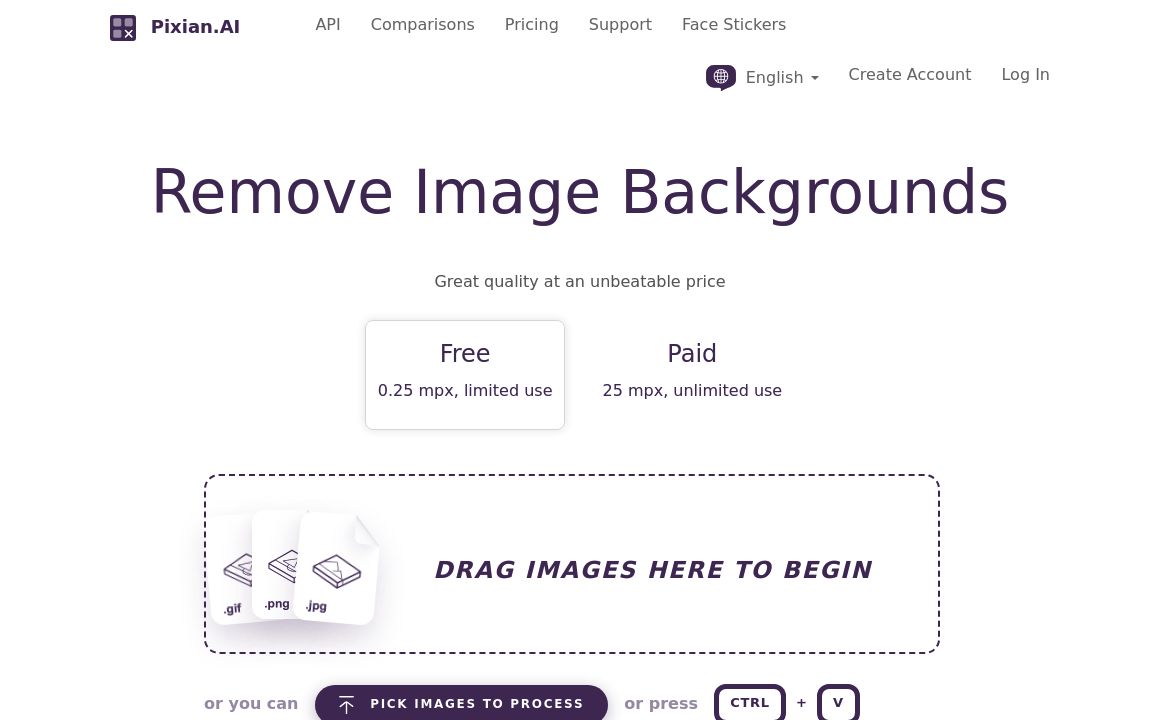
Pixian.AI

Discover Pixian.AI for automated image background removal with best-in-class fidelity. Free and paid...
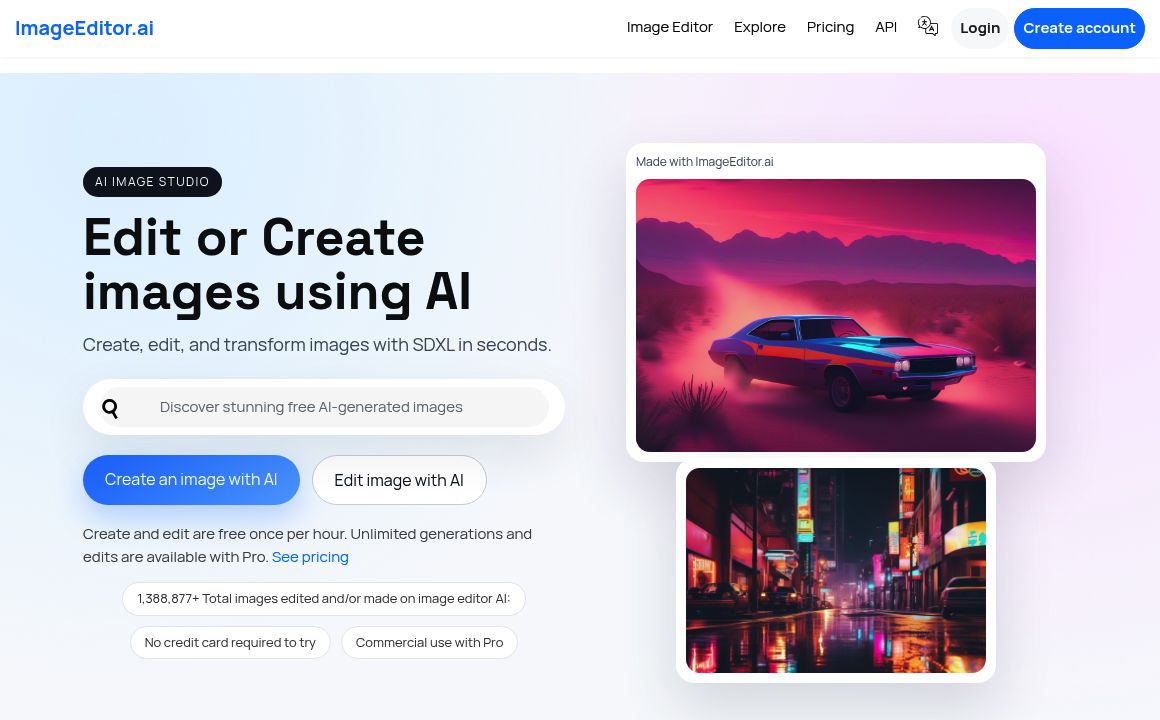
Imageeditor.ai

Discover ImageEditor.ai's suite of AI tools for image and video editing, background removal, interio...
Variart

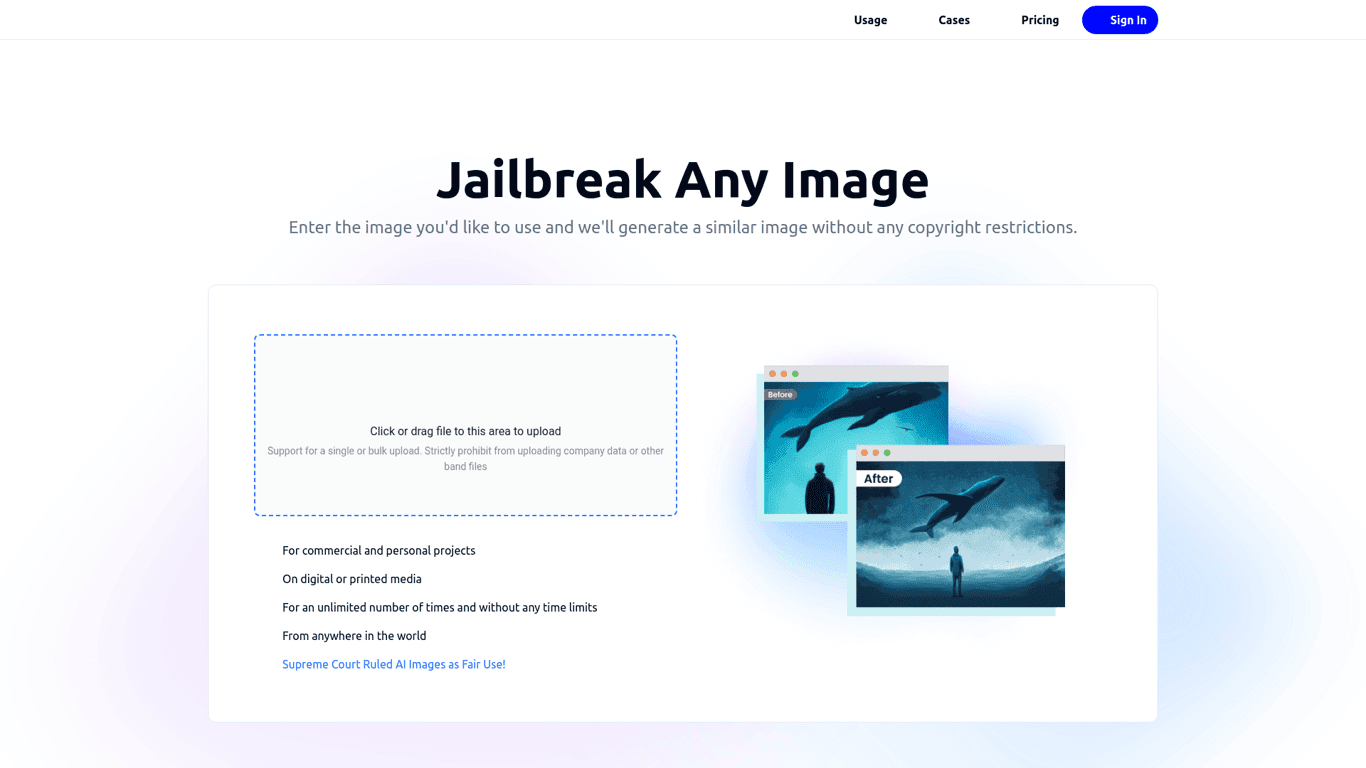
Convert copyrighted images into copyright-free versions effortlessly with Variart's AI-powered tool....
Prev Project
Next Project