Press for navigation
Swipe for navigation

Clipfly.ai

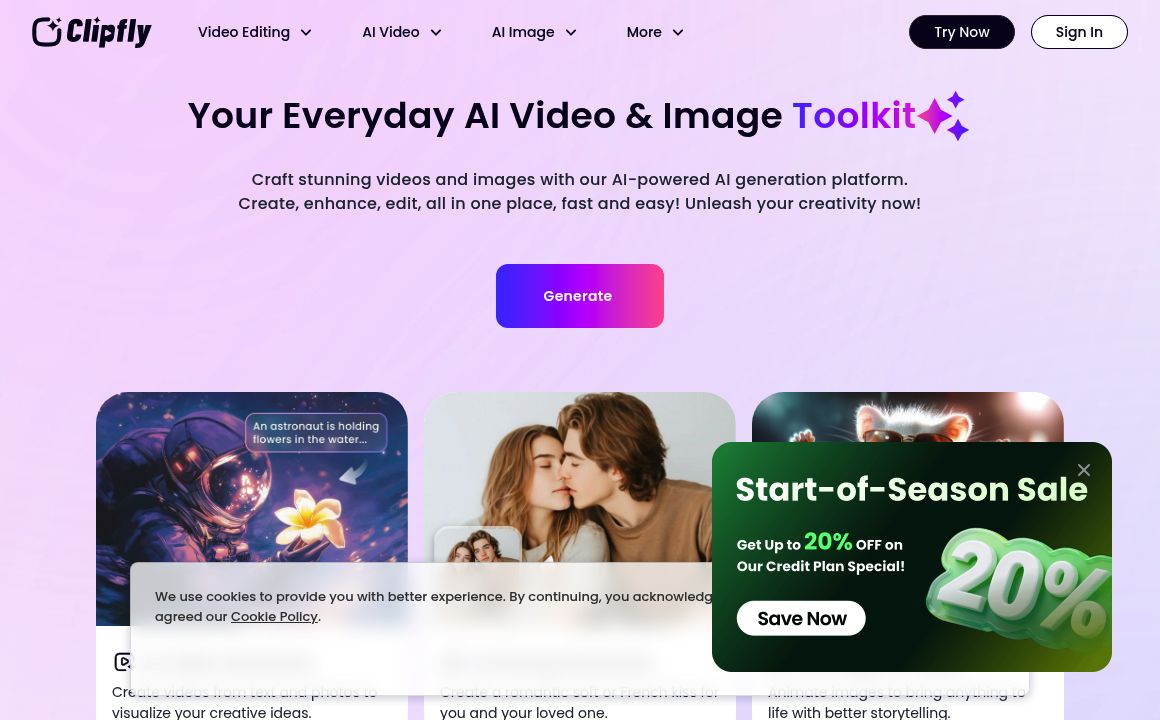
Create AI videos, images, and music with Clipfly—free credits, no watermarks, full editor, and mobile apps.
Generative Video Updated 1 hour ago
Visit Website
Clipfly.ai

Clipfly.ai's Top Features

AI text-to-video generation
AI image-to-video animation (single or multiple images)
Multiple AI models: Veo 3, Flux, Wan 2.5, Seedance, Kling
Online video editor: trim, split, resize, rotate
Add background music, voiceovers, and sound effects
Automatic subtitle generation with SRT upload and sync
AI talking avatars with lip-sync and text-to-speech
Rich style templates and filters: cinematic, realistic, anime, sci-fi, 3D cartoon
Action, character interaction, hair change, dance, and cosplay effects
Free credits and watermark-free downloads

Frequently asked questions about Clipfly.ai

Clipfly is an AI-powered creative platform to generate videos, images, and music quickly and easily, without requiring editing skills or expensive software.

Use Clipfly’s free AI Video Generator to turn text prompts, images, or ideas into videos in seconds, choosing from advanced models like Veo 3, Flux, Wan 2.5, Seedance, and Kling for different visual styles and effects.

No. Videos generated with Clipfly are free and do not include watermarks, and you receive free credits to create and download content.

You control video style, camera angle, movement, background music, resolution, generation speed, and more. You can also merge, cut, resize, add BGM, voiceovers, subtitles, effects, and other elements.

Yes. With Clipfly’s AI Image to Video Generator, you can animate a single photo or combine multiple images into a cohesive video, with AI filling in motion and consistency.

Yes. Clipfly features an intuitive interface that’s accessible for all ages and skill levels—no special video editing experience required.

Yes. Clipfly includes free AI audio tools to generate or edit soundtracks in various genres and to improve or create audio for videos, no prior experience needed.

Yes. Clipfly offers mobile apps for iOS and Android to generate videos from images and use AI tools on the go.

Yes. Upload a photo and script to generate digital avatars with AI-synthesized, lip-synced talking videos in multiple languages—ideal for faceless or virtual presentations.

Yes. You retain full commercial rights to all content you create with Clipfly.

Clipfly.ai's pricing

Free

$0/

  • Access to AI image-to-video generator with customization (cinematic motion, style transfer, action guidance)
  • AI image generation (Seedream and Realistic models): text-to-image, image-to-image, batch processing, high-res outputs up to 4K, multiple styles, character consistency
  • AI spokesperson video generator: text/photo to presenter videos with lip-sync; includes Google Veo 3 model support

Customer Reviews

Login to leave a review

No reviews yet. Be the first to review!

Top Clipfly.ai Alternatives

Magic Hour

Magic Hour is an AI-powered video creation platform offering powerful tools and templates for effort...
Pix2Pix Video

Create videos from images using AI! Discover Pix2Pix-Video on Hugging Face for the ultimate creative...
QuickVideo

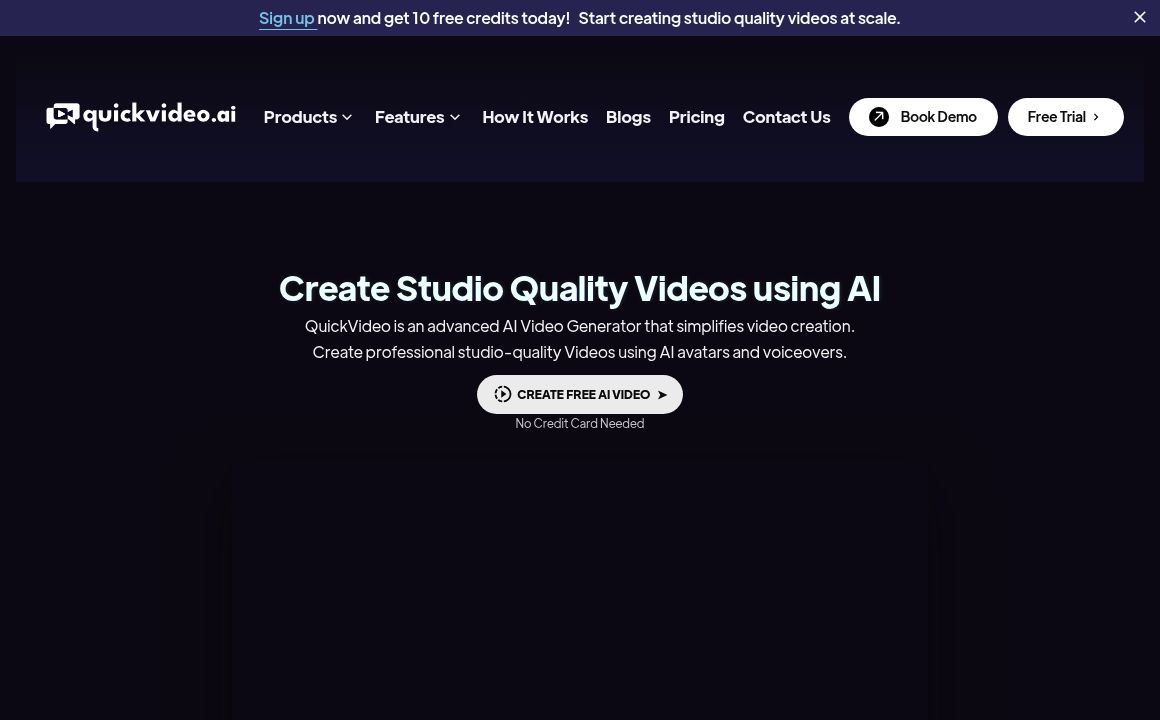
Explore QuickVideo.ai for simplified, professional AI video creation with advanced text-to-video, pe...
Steve AI

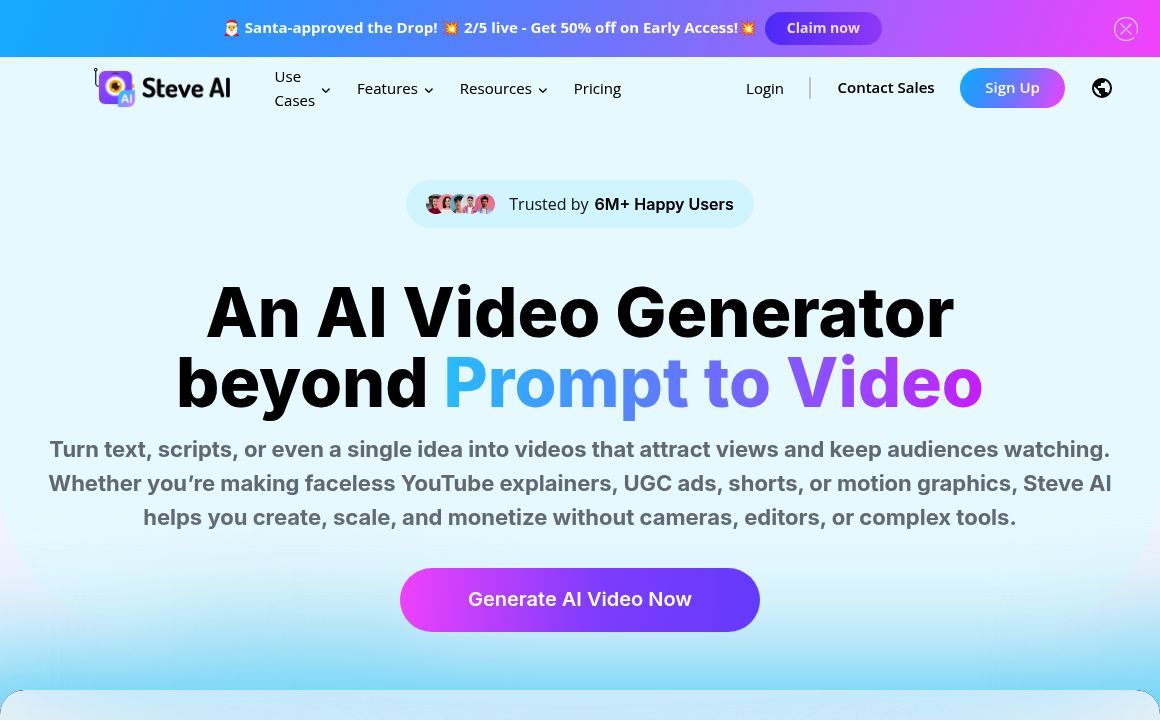
Discover Steve.ai for AI-powered video creation. Perfect for social media, business, and education v...

VideoMyListing

Transform your listing into a compelling video effortlessly with VideoMyListing's AI service. Perfec...
GliaCloud

Leverage AI to turn news, social, sports, and data into videos in minutes with GliaCloud's News Vide...
Prev Project
Next Project