Press for navigation
Swipe for navigation

Befront

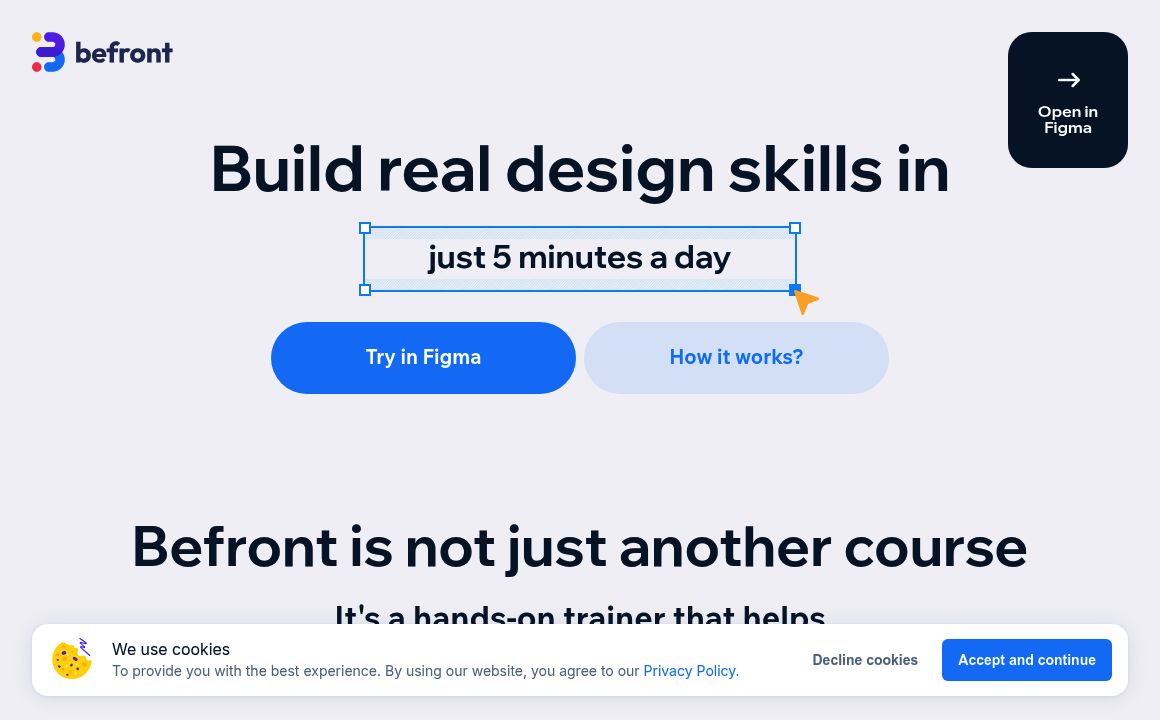
Elevate your UX/UI skills with Befront's Figma Basics course. Engage in practical design tasks, learn from the pros, and enhance your creativity through our interactive plugin.
Figma Plugin Updated 8 hours ago
Visit Website
Befront

Befront's Top Features

'Learn by doing' approach
Interactive Figma plugin exercises
Instant feedback on designs
Real-life tasks and practical tasks in Figma
Comprehensive theory by world-renowned professionals
Interactive quizzes
Eye-training exercises based on market best practices
Step-by-step guided experience
Suitable for a wide range of audiences
Free start with no credit card required

Frequently asked questions about Befront

The course is aimed at a broad audience, including new career seekers in UX/UI design, seasoned designers looking to refine their skills, and product teams wanting to improve their Figma abilities and foundational design knowledge.

Its 'learn by doing' approach, with interactive exercises in a Figma Plugin, providing instant feedback, sets it apart. The course focuses on mastering UX/UI skills through weekly design practice and eye-training exercises based on market best practices.

It offers real-life tasks in Figma for bite-sized design exercises with instant feedback, comprehensive theory via structured, step-by-step tutorials by professionals, interactive quizzes, and eye-training exercises based on best market practices.

No, you can start learning for free with the Figma Basics course, with no credit card required.

Absolutely. Even experienced UX/UI designers can advance their skill set, with the course's focus on practical application and eye-training exercises aimed at improving design decision-making skills.

Key features include engaging in real-life Figma tasks, comprehensive structured theory, interactive quizzes, and eye-training exercises to improve design decision-making skills.

The course content is regularly updated to reflect the latest in UX/UI design practices and market trends.

Yes, many past students, including Kathryn Leslie from Nook Calendar, have praised the course for its practical, bite-sized design tasks and comprehensive learning path.

Students are expected to become confident in their design skills, with a deep understanding of UX/UI principles and the practical ability to apply these skills in real-life scenarios.

Yes, the course's quizzes and exercises are designed to reflect real-life situations, making the learning experience highly applicable and practical.

Customer Reviews

Login to leave a review

No reviews yet. Be the first to review!

Top Befront Alternatives

Genie - Figma

Boost your Figma design workflow with AI-powered content creation, grammar correction, and image gen...
GPT Stylist

Discover GPT Stylist, an AI plugin for Figma and FigJam that generates unique color palettes based o...
Supademo

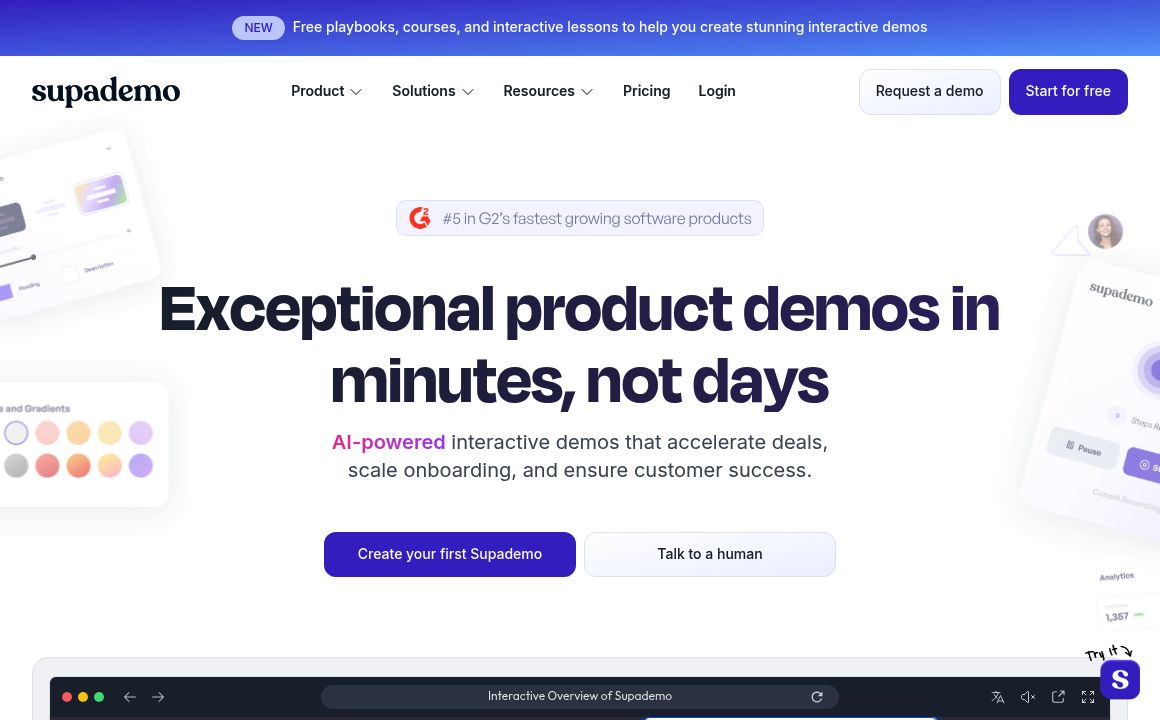
Upload your Figma frames to Supademo and create interactive prototypes effortlessly. Validate new fe...
Genius

Discover Genius, your ultimate AI design companion, designed to enhance productivity and creativity...

Vivid

Sync Figma designs with codebase effortlessly. Generate, update UI code automatically, and focus on...
Bifrost

Use Bifrost to convert Figma designs into clean React code automatically, enhancing productivity for...

Prev Project
Next Project