Press for navigation
Swipe for navigation

Smart Email Assistant By Mailbutler

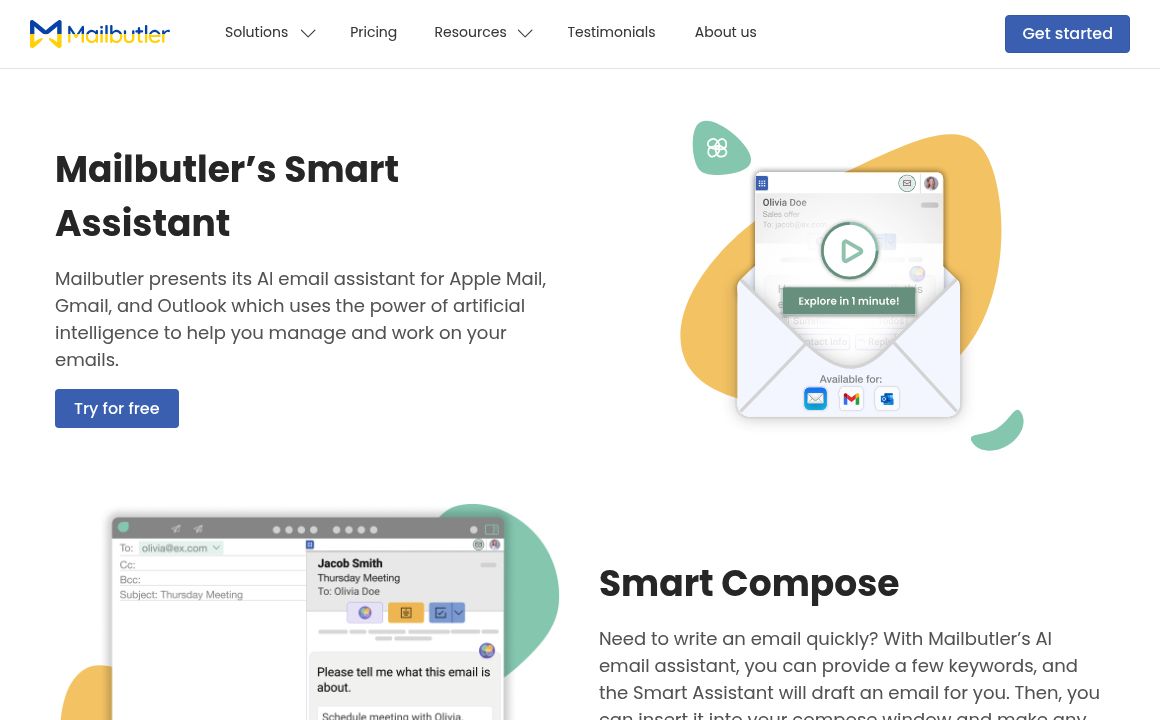
Mailbutler's Smart Assistant transforms email management with AI-driven automation. Compatible with Apple Mail, Gmail, Outlook.
Email Management Updated 2 hours ago
Visit Website
Smart Email Assistant By Mailbutler

Smart Email Assistant By Mailbutler's Top Features

Smart Compose: Generates complete emails from brief descriptions.
Smart Respond: Provides AI-generated email responses.
Smart Summarize: Creates concise summaries of long emails.
Smart Improve: Suggests improvements for spelling, grammar, and writing quality.
Contact Finder: Automatically extracts contact information from emails.
Task Finder: Identifies and manages action items from emails.
Customization Options: Adjusts tone, style, and length of generated content.
Multilingual Support: Enables communication across different languages.
Integration with Apple Mail, Gmail, Outlook.
Privacy-focused using anonymization techniques for data protection.

Frequently asked questions about Smart Email Assistant By Mailbutler

Mailbutler's Smart Assistant is an AI-powered email management tool integrated into their email extension. It can compose and respond to emails, summarize messages, find tasks and contact information, and improve spelling and grammar, all powered by OpenAI's GPT-4o model.

The Smart Assistant is compatible with Apple Mail, Microsoft Outlook, and Gmail.

No, the Smart Assistant requires a Smart or Business plan subscription after a 14-day free trial period.

Key features include Smart Compose (drafting emails), Smart Respond (generating replies), Smart Summarize (creating email summaries), Smart Improve (enhancing grammar and spelling), Contact Finder (extracting contact details), and Task Finder (identifying to-dos).

You can access all features, including the Smart Assistant, during Mailbutler's 14-day free trial. After the trial, a paid plan is required to continue using it.

Yes, Mailbutler ensures 100% GDPR compliance and never shares user data with third parties. Their servers are located in the EU, aligning with strict privacy and security regulations.

Open the Mailbutler Sidebar, click the three dots, then Account & Preferences. Select Privacy under Preferences and tick 'Allow access to email content'.

Simple, clear, and concise instructions are most effective. For example, use 'thank Emily for her help' instead of 'write an email to Emily to thank her for her help'.

Contact Finder automatically extracts and adds contact information to Mailbutler's contact list directly from emails.

Yes, it provides customization for tone, style, and length of the generated content.

Smart Email Assistant By Mailbutler's pricing

Tracking

$4.95/monthly

  • Email and link tracking
  • No Smart Assistant

Tracking

$49.5/annual

  • Email and link tracking
  • No Smart Assistant

Professional

$8.95/monthly

  • All Tracking features
  • Contact management
  • No Smart Assistant

Customer Reviews

Login to leave a review

No reviews yet. Be the first to review!

Top Smart Email Assistant By Mailbutler Alternatives
TextCraftAI

Effortlessly manage your emails with TextCraft AI. Try features like smart drafts, quick replies, an...
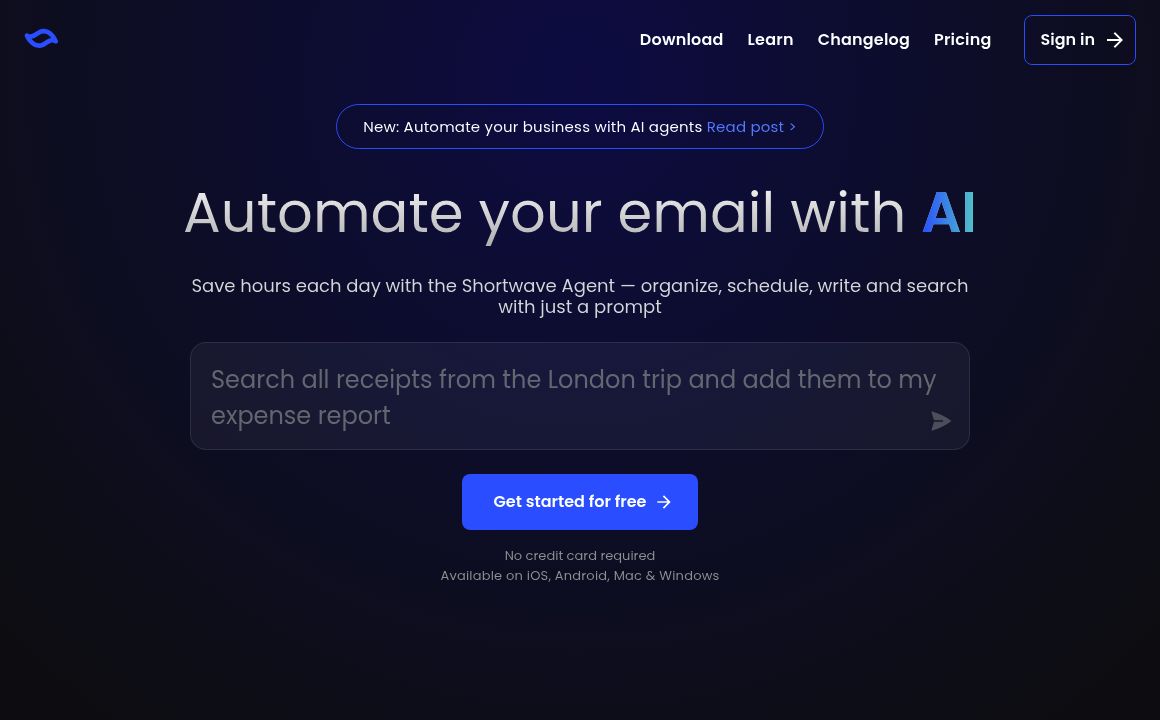
Shortwave

Shortwave brings cutting-edge AI to email, helping users get organized, understand emails, and make...

Levity

Automate freight email handling, save time, and focus on customer relationships with Levity. Integra...
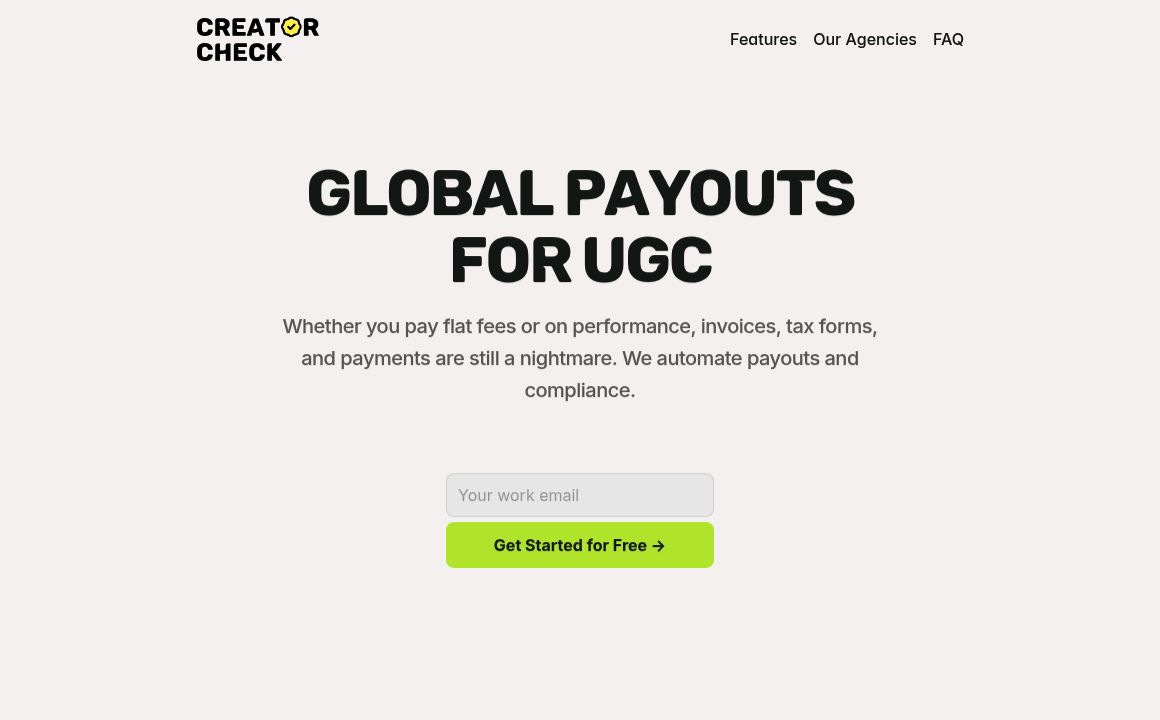
Creator Check

Optimize influencer agency operations with Creator Check's unified email platform, AI tools, and mor...
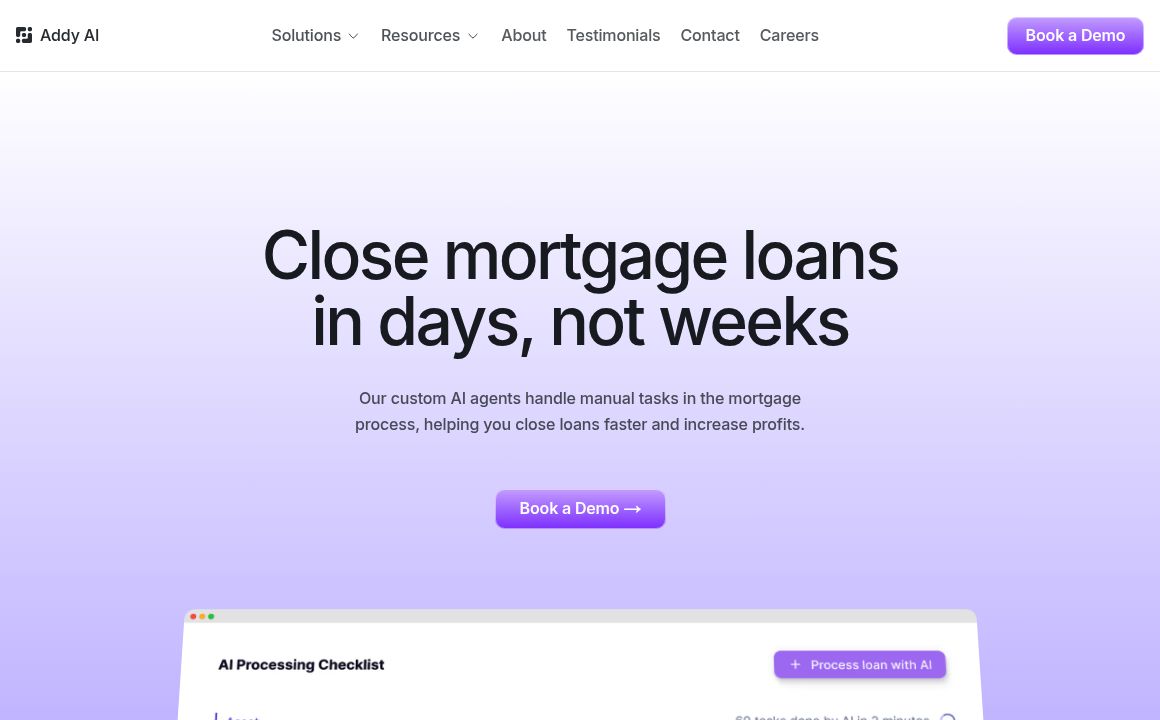
Addy AI

Discover how Addy AI's Chrome Extension helps you save time on email management by offering smart, p...
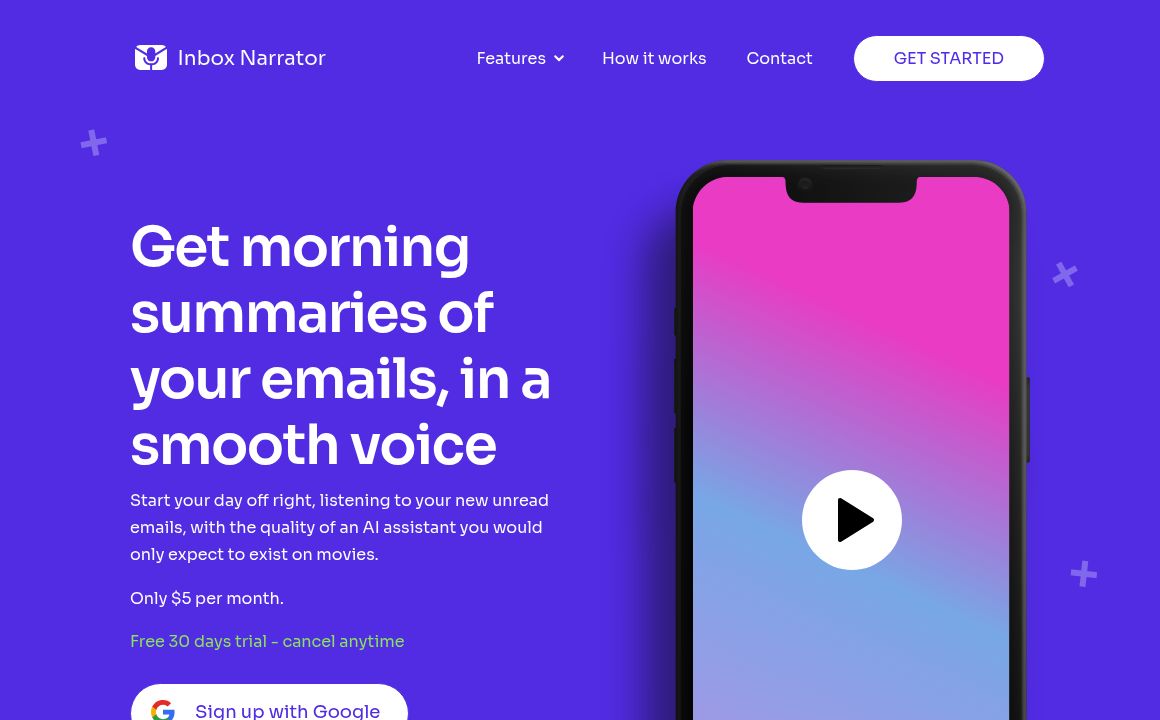
Inbox Narrator

Inbox Narrator: Convert emails to podcasts, get daily summaries, and use AI email chat for $5/month....

Prev Project
Next Project