Press for navigation
Swipe for navigation
Muse AI
Enhance your educational videos with muse.ai's powerful tools and AI technology.
E-learning
Updated 56 minutes ago
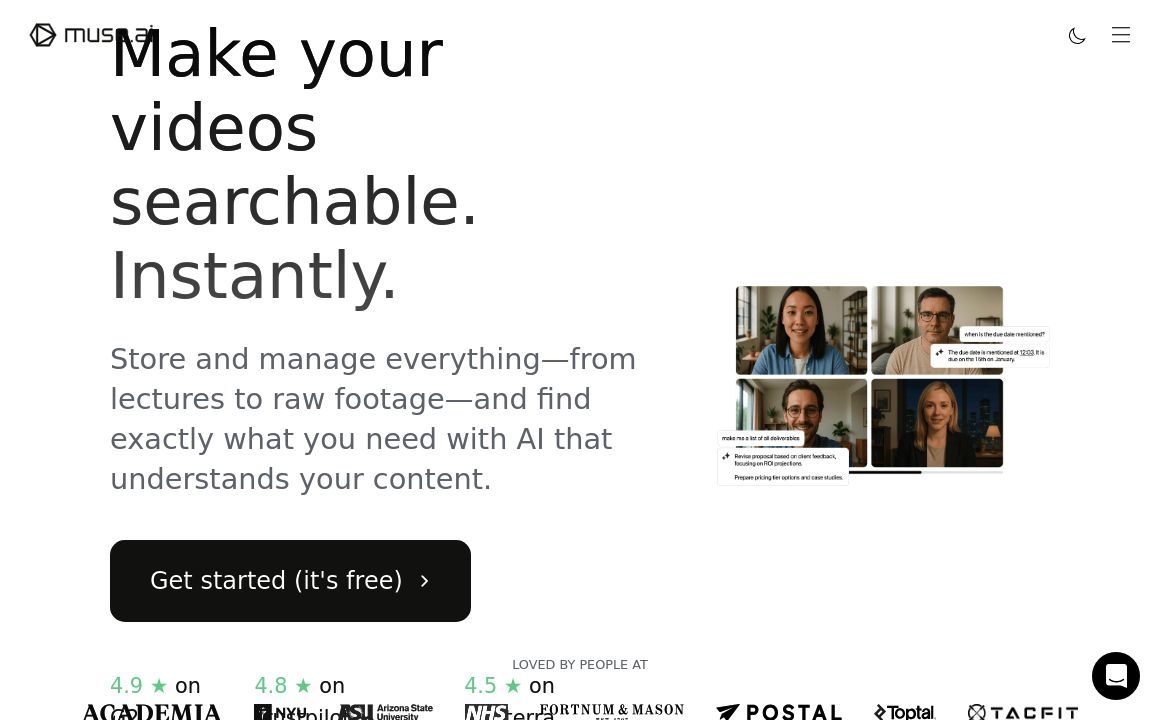
Muse AI's Top Features
Screen and camera recording without downloads
Video clipping
Automatic video transcriptions
Labeling and editing tools
Player customization
Content monetization with ads
Perceptual AI analysis
API for advanced interactions
Blog with tips and resources
Auto-transcripts for podcasts
Frequently asked questions about Muse AI
muse.ai offers tools like screen and camera recording, video clipping, automatic transcriptions, labeling and editing, and player customization.
Yes, muse.ai provides the option to monetize your videos with ads.
muse.ai's AI provides perceptual analysis and detailed insights into your educational videos, helping to enhance the learning experience.
Yes, muse.ai offers an API to programmatically interact with their technology and tools.
Absolutely, muse.ai allows you to customize the player with your logo, call-to-actions, colors, and more.
Yes, muse.ai provides a blog with useful tips and resources on how to maximize the use of their platform for your videos.
Yes, all videos on muse.ai are automatically transcribed, and you can edit and download these transcripts at any time.
muse.ai offers automatic analysis which you can edit, and also allows you to add custom labels to your videos.
Yes, muse.ai offers free screen and camera recording without the need for any downloads or extensions.
Yes, muse.ai provides auto-transcripts for podcasts and tools to empower your audience to dive deeper with search capabilities.
Prev Project