Press for navigation
Swipe for navigation
LightPDF
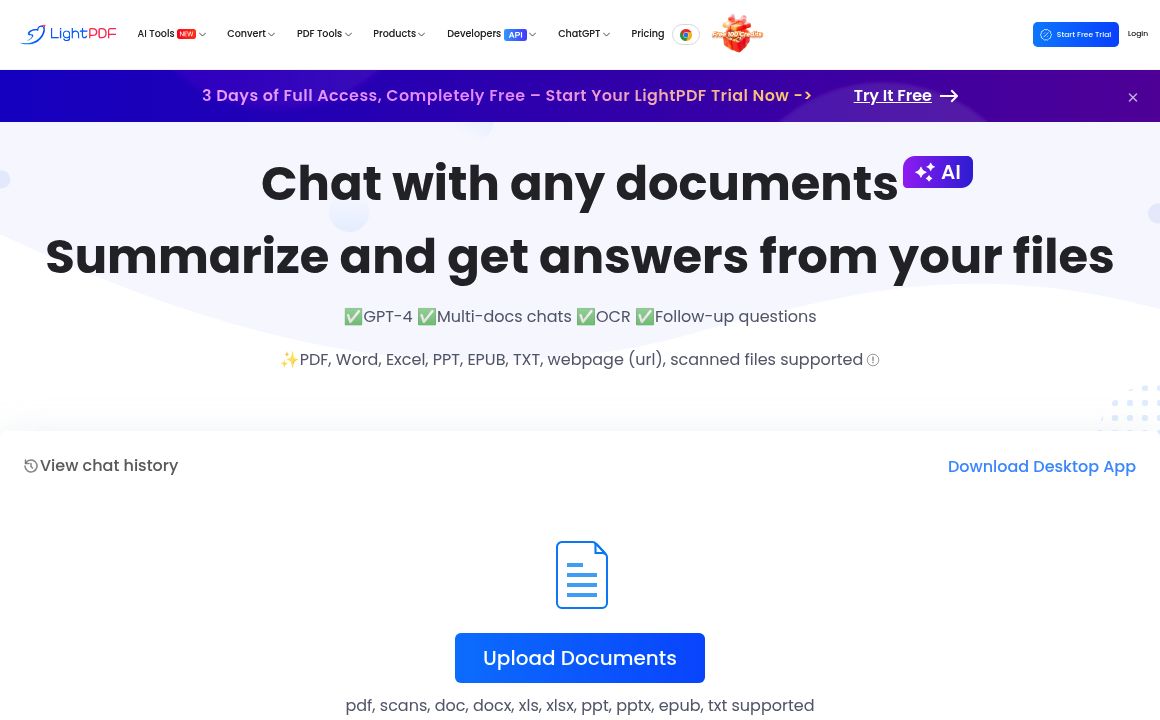
Engage, summarize, and get answers from your documents with LightPDF's ChatDoc. Supports PDFs, Word, Excel, PPT, and more.
Document Conversation
Updated 51 minutes ago
LightPDF's Top Features
Chat with documents
Summarize content
Answer questions from files
Supports multiple file formats
Handles scanned files
Free interaction up to 100 pages
Upgrade options for more pages
Mobile app available
Enhances productivity
Additional PDF and document management tools
Frequently asked questions about LightPDF
LightPDF's ChatDoc is an AI-powered tool for interacting with documents, allowing users to chat, summarize content, and get answers from files such as PDFs, Word, Excel, PPT, and more.
ChatDoc supports a wide array of file types including PDF, Word, Excel, PPT, EPUB, TXT, webpages (URL), and scanned files.
LightPDF's ChatDoc allows up to 100 pages of free interaction, with options to upgrade for more pages.
Yes, ChatDoc can summarize the content of your documents to help you quickly grasp the main points.
Yes, if you need more than 100 pages of interaction, there are upgrade options available.
Yes, ChatDoc supports and can interact with scanned files, making it versatile for various document types.
Yes, it supports various formats including PDFs, Word, Excel, PowerPoint, EPUB, and more.
By allowing you to chat, summarize, and get answers from your documents quickly, ChatDoc streamlines document management and enhances productivity.
Yes, LightPDF also offers a mobile app that includes the ChatDoc feature for on-the-go document interaction.
LightPDF offers additional features such as converting between various document types, editing PDFs, adding watermarks, OCR, and more.
Category
Document Conversation
Prev Project