Press for navigation
Swipe for navigation

TestFlight

Distribute and test Apple platform betas with updates, feedback, and crash reporting via TestFlight.
Developer Tools Updated 1 minute ago
Visit Website
TestFlight

TestFlight's Top Features

Official Apple beta testing platform for apps and App Clips
Distribute beta builds via email invitations or public links
Beta builds available for up to 90 days with visible countdown
Automatic update controls globally (Settings/Preferences) and per app
App Clip testing with the ability to switch between app and App Clip
Feedback submission and crash reporting via TestFlight or screenshots
Notifications when new builds are available with developer test notes
Device and OS eligibility checks with Learn More requirements
Multi‑platform support: iOS, iPadOS, macOS, tvOS, and visionOS
Public link testers can choose not to share personal information

Frequently asked questions about TestFlight

Each build is available to test for up to 90 days from the day the developer uploads it. You can see the remaining days under the app name in TestFlight.

After accepting an email or public link invitation, you’ll see the App Clip option in TestFlight. You can install either the full app or the App Clip (not both simultaneously) and switch between them; installing the App Clip replaces the app and may cause some data loss.

Open TestFlight, tap Settings (top right), tap Automatic Updates for New Apps, then tap On or Off. This controls new beta app builds and does not override per‑app settings.

Open TestFlight, go to the app’s page, and under App Information, turn Automatic Updates On or Off for that app.

Send feedback through the TestFlight app or directly from the beta app/App Clip by taking a screenshot, and report crashes after they occur. Apple receives all feedback tied to your Apple Account.

No. If you join via a public link, you can choose not to provide your email address or other personal information to the developer.

TestFlight notifies you each time a new build is available and may include the developer’s testing instructions. With TestFlight 3 or later, automatic updates can install the latest beta builds automatically.

Open TestFlight, choose Preferences from the TestFlight menu, and under General, select Automatic Updates for New Apps for all new apps. You can also open an app’s page and select Automatic Updates to manage it individually.

Accept an invitation sent to your email address or tap a public link provided by the developer to add the app to TestFlight and start testing.

TestFlight supports testing on iPhone, iPad, Mac, Apple TV, and visionOS devices.

Customer Reviews

Login to leave a review

No reviews yet. Be the first to review!

Top TestFlight Alternatives

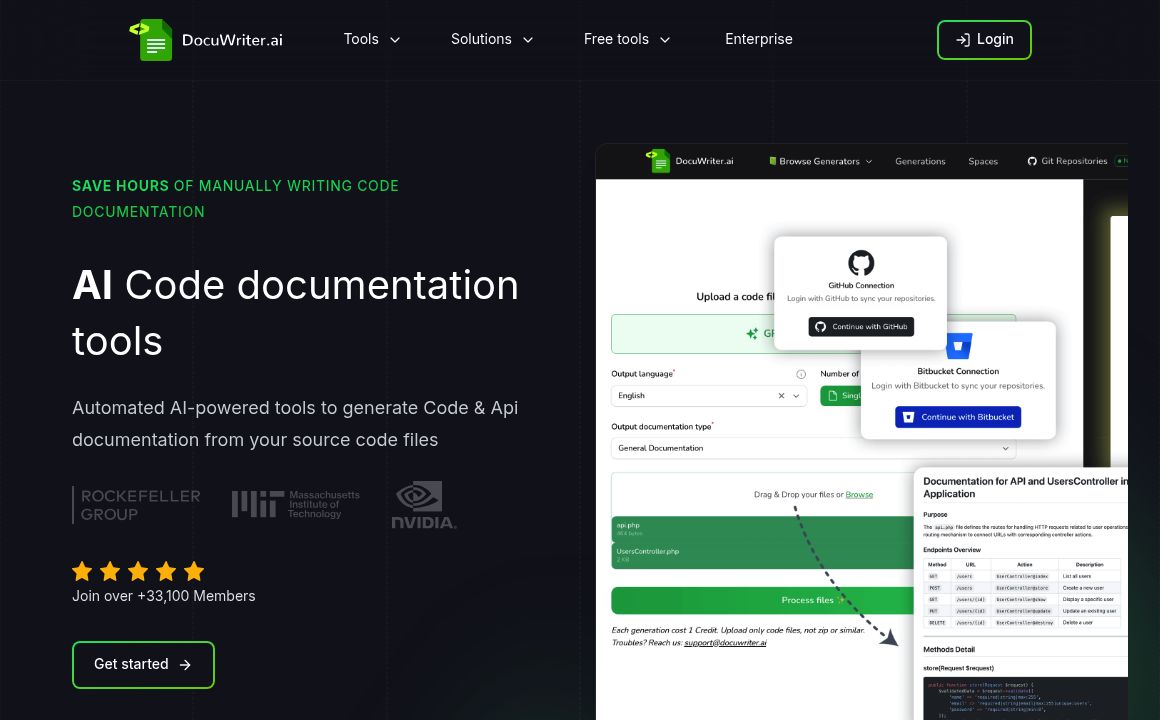
DocuWriter.ai

DocuWriter AI simplifies code documentation, refactoring, and testing with automatic tools. Boost yo...

JetBrains

Explore JetBrains' range of IDEs, including IntelliJ IDEA, PyCharm, WebStorm, and more, tailored for...

Gitlab code suggestions

Enhance coding efficiency with GitLab Duo Code Suggestions, offering AI-driven, privacy-first code c...
Codebuff

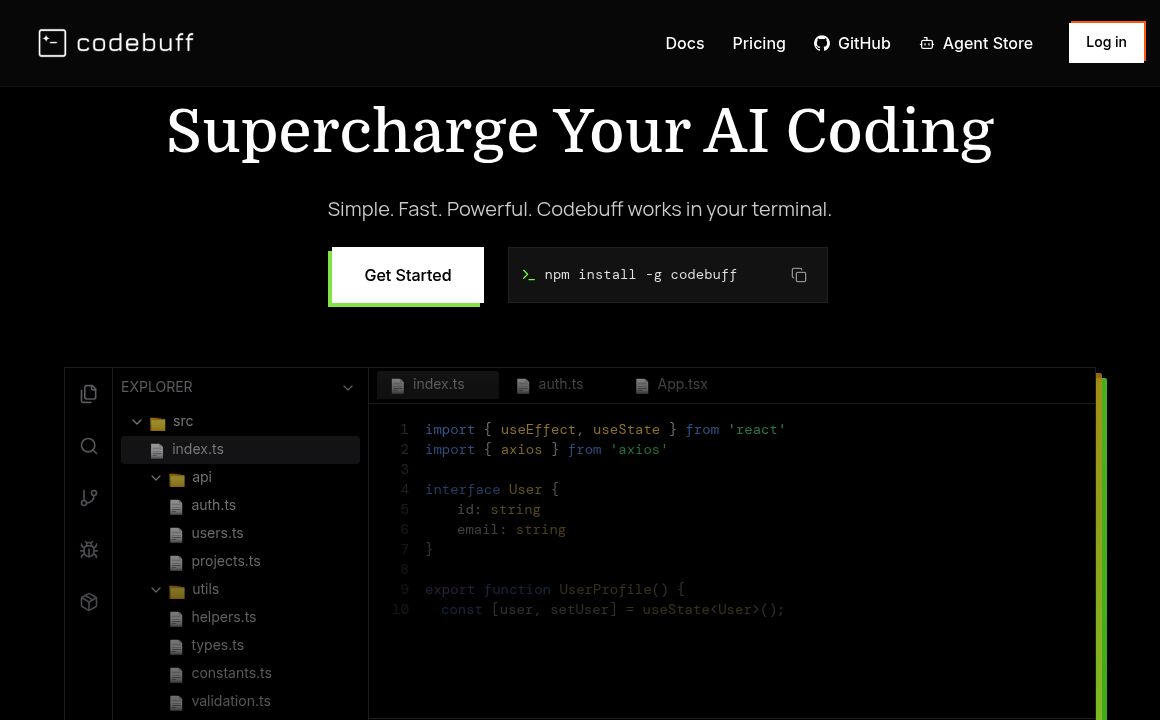
Codebuff is a terminal-based AI coding agent that maps your codebase and executes precise, style-saf...
marimo

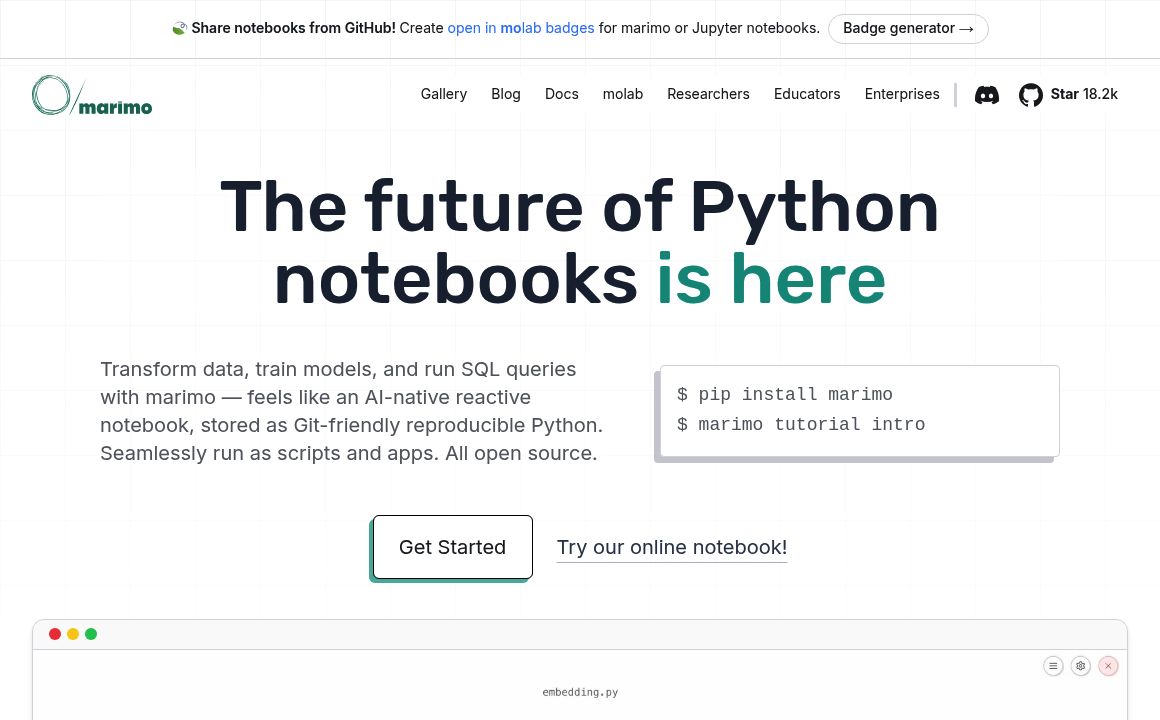
marimo is an open-source, AI-native reactive Python notebook for reproducible data and AI workflows,...
Refact

Refact.ai is an autonomous AI coding assistant with RAG, IDE chat, autocompletion, and secure enterp...

Prev Project
Next Project