Press for navigation
Swipe for navigation
Microsoft Copilot+ PC
Copilot+ PCs fuse CPU, GPU, and NPU for fast on‑device AI, long battery life, and built‑in Windows 11 security with native Arm64 apps.
Computing Devices
Updated 1 hour ago
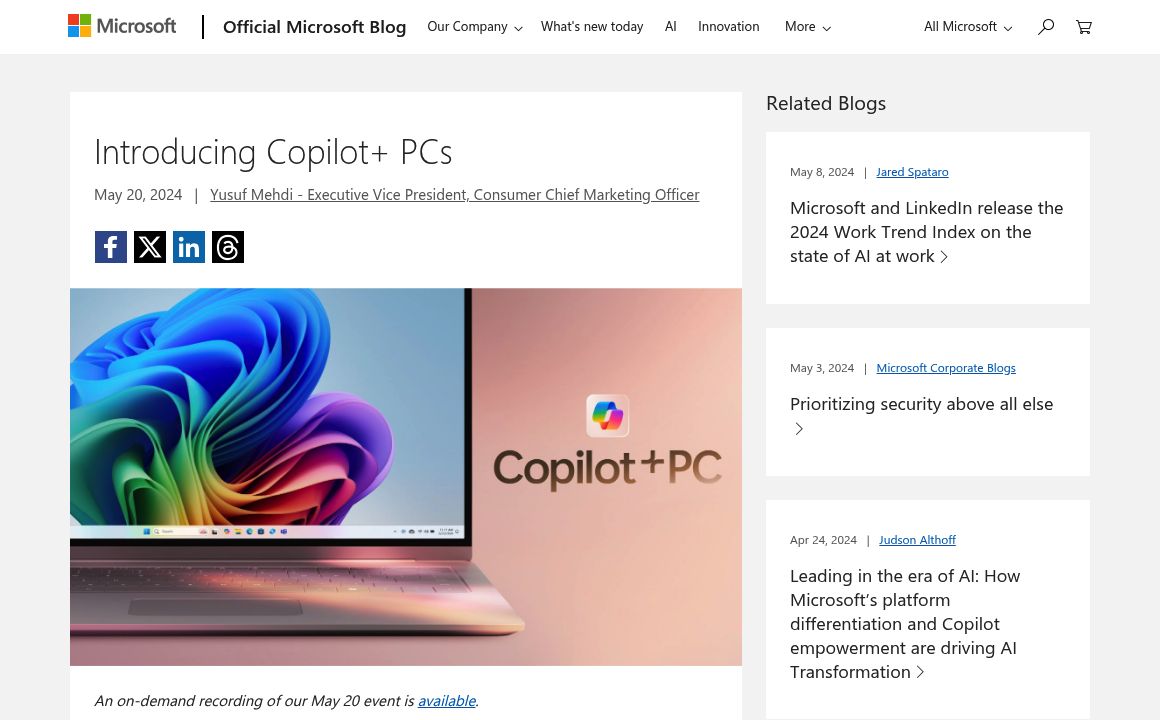
Microsoft Copilot+ PC's Top Features
Unified CPU‑GPU‑NPU architecture for on‑device AI acceleration
High‑efficiency AI performance (up to 20x more powerful and up to 100x more efficient for AI workloads vs. prior systems)
All‑day battery life with up to 22 hours local video playback or 15 hours web browsing
Sustained multithreaded performance that outpaces comparable ultraportables
Snapdragon X Elite and X Plus processors with leading performance per watt
Native Arm64 Windows 11 experience with broad app support
Prism emulator for high‑compatibility performance with non‑native apps
Recall feature (preview) for context‑aware retrieval of past activities
Dedicated Copilot key for instant access to a personal AI assistant
Access to cutting‑edge AI models, including GPT‑4o for natural voice
Frequently asked questions about Microsoft Copilot+ PC
They use an all‑new system architecture that unifies CPU, GPU, and a high‑performance NPU to accelerate on‑device AI, delivering major gains in performance and efficiency along with long battery life.
Copilot+ PCs are designed to deliver stronger sustained multithreaded performance while maintaining all‑day battery life, including longer local video playback in many scenarios.
Recall helps you quickly find things you’ve seen or done on your PC by organizing information around your personal context and associations. It began rolling out in preview and will expand over time.
Initial Copilot+ PCs feature Snapdragon X Elite and Snapdragon X Plus chips, known for leading performance per watt and built‑in NPUs for AI acceleration.
Every device ships with the Microsoft Pluton security processor enabled by default, plus new Windows 11 security features and personalized privacy controls to help protect your data.
Microsoft 365 apps (Teams, PowerPoint, Outlook, Word, Excel, OneDrive, OneNote) run natively on Arm64, as do popular apps like Chrome, Spotify, Zoom, WhatsApp, Adobe Photoshop and Lightroom, Blender, Affinity, and DaVinci Resolve. Non‑native apps can run via the Prism emulator.
Quick Settings include Portrait Light, new creative filters (illustrated, animated, watercolor), Eye Contact teleprompter, and improved voice focus and portrait blur to help you look and sound your best.
A dedicated Copilot key launches your personal AI agent for a full, streamlined app experience. Support for the latest models, including GPT‑4o for natural voice, is rolling out after launch.
Many popular apps already have Arm64 versions. For apps without native Arm support, the new Prism emulator enables broad compatibility and strong performance in most everyday workflows.
Yes. They’re secured by default with Pluton and Windows 11 security enhancements and are designed to fit into standard Windows management and deployment practices. Admins should validate app and driver readiness for Arm64.
Microsoft Copilot+ PC's pricing
Copilot+
$999/
- Advanced on-device AI with Snapdragon X Elite/X Plus (40+ TOPS)
- Recall (AI-powered search of device activity)
- Cocreator (near real-time AI image generation/refinement)
Top Microsoft Copilot+ PC Alternatives
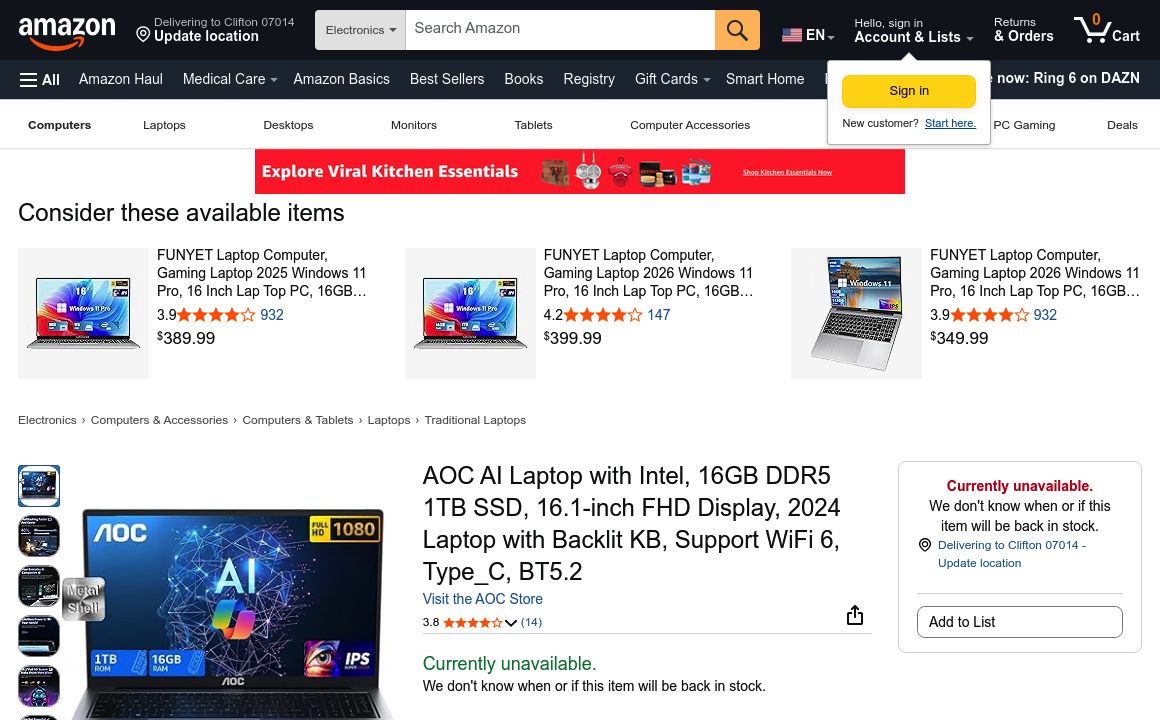
Mid-range AOC Gaming Laptop with Intel Core Ultra5, 16GB RAM, and AI capabilities for productivity a...
Prev Project