Press for navigation
Swipe for navigation
Stacks
Download Stacks for Phones to enjoy intelligent read-later and bookmarking capabilities. Available on Play Store and App Store.
Bookmarking App
Updated 4 hours ago
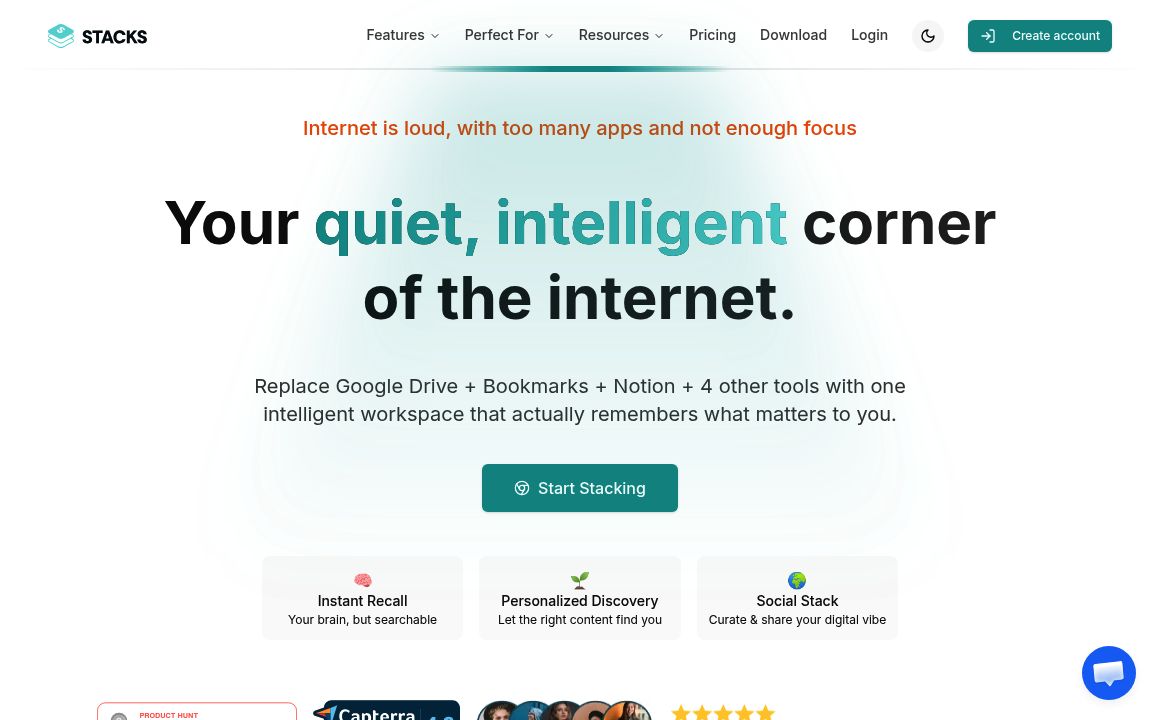
Stacks's Top Features
Intelligent read-later functionality
Seamless synchronization across devices
Annotation and organization tools
Offline access
Smart tagging and collections
Sharing capabilities
Unlimited bookmarks
Web extension integration
High-level security
Frequently asked questions about Stacks
Yes, Stacks for Phones is available for free download on the Play Store and App Store.
Absolutely, Stacks allows you to sync your account across all your devices seamlessly.
You can save web articles, videos, social media posts, and more, with options to annotate and organize them.
Simply download the app from the Play Store or App Store and sign in with your Stacks account to begin saving content.
Yes, you can access and view your saved content even when you are offline.
Stacks uses smart tagging and collections to keep your saved content organized and easily accessible.
Yes, you can share your saved content and bookmarks with others directly from the app.
Stacks offers unlimited bookmarks so you can save as much content as you need.
Yes, there is a web extension available for integrating your bookmarks across different devices.
Stacks ensures top-notch security to protect your data and personal information.
Stacks's pricing
Personal
$0/
- 1 Personal Workspace
- Import and search Twitter bookmarks and LinkedIn posts
- Invite guests for free
Be
$29/annual
- Every feature you need
- 1 Personal Workspace
- 3 Additional Workspaces
Be
$100/annual
- Every feature we offer, plus...
- Unlimited Shared Workspaces
- Connect Google Drive and Notion
Category
Bookmarking App
Prev Project